
Are you wondering why your iPhone isn’t tracking your sleep? Many users encounter this frustrating issue, especially when they rely on their device to help optimize their rest. Sleep is crucial for overall health, impacting everything from mood to productivity. Without accurate tracking, you might miss valuable insights into your sleep patterns, making it harder to reach your health goals. This article will guide you through essential settings checks and troubleshooting tips that can help you unlock your iPhone’s sleep tracking capabilities. With the right adjustments, you can gain the sleep insights you need to improve your nightly rest. Let’s dive in and ensure your device is set up correctly!
Why Sleep Tracking Isn’t Working for You
Sleep tracking can be a helpful tool in understanding your overall health and well-being. However, if you’re not seeing the data you expect from your iPhone’s sleep tracking feature, it can be frustrating. Several common issues might be preventing your device from accurately tracking your sleep.
First, ensure that the sleep tracking feature is enabled. On your iPhone, open the Health app, navigate to the Sleep section, and check your settings. In recent versions of iOS, Apple has emphasized using the Apple Watch for sleep tracking rather than the iPhone alone, so if you’re solely relying on your iPhone, certain functionalities, like the Time in Bed tracking, may not function correctly or may be disabled altogether [1[1].
Another critical aspect is the proper configuration of your sleep schedule. If your sleep hours aren’t set correctly in the Sleep settings, your iPhone may not detect when you’re asleep. To enhance accuracy, confirm that your bedtime and wake-up time align with your actual sleep routine. Consider utilizing the Sleep Focus feature, which reduces distractions by simplifying your Lock Screen and enables sleep tracking more effectively at your scheduled bedtime [2[2].
Moreover, external factors can interfere with tracking. Keeping your iPhone nearby but using it late into the night may disrupt its ability to detect your sleep accurately. Additionally, if your device’s battery is low, it may turn off certain tracking features, and if there’s a lack of motion detected, the app might inaccurately record periods of wakefulness instead of sleep.
In summary, correct configuration of settings, ensuring the right device usage, and being mindful of external influences are key to optimizing your iPhone’s sleep tracking capabilities. If these adjustments still don’t yield results, exploring third-party sleep tracking apps may offer an alternative solution for more detailed insights into your sleep patterns.
Checking Your iPhone Sleep Tracking Settings
To ensure your iPhone accurately tracks your sleep, it’s essential to check that the necessary settings are correctly configured. Many users overlook this step, which can lead to missing data and frustrating experiences.
Start by launching the Health app on your iPhone and navigating to the Sleep section. Here, you’ll want to confirm that sleep tracking is turned on. If sleep tracking is enabled but you’re still not seeing the expected results, it’s likely that your sleep schedule isn’t set up properly. Make sure your bedtime and wake-up time reflect your actual sleeping habits. This alignment is crucial for the iPhone to understand when to start and stop tracking your sleep.
Additionally, consider activating the Sleep Focus mode. This feature minimizes distractions by dimming your screen and disabling notifications, allowing for easier sleep tracking during your designated sleep hours. Keeping your phone nearby is indeed helpful, but don’t use it right before bed; the blue light emitted can disrupt your natural sleep cycle, leading your device to misinterpret your sleep patterns.
Should you find that your settings appear correctly configured, but you still face issues, other factors such as a low battery or outdated software could be affecting functionality. Regularly update your device and keep an eye on battery life to ensure all features are operational. If these adjustments fail to improve your sleep tracking, it may be time to explore third-party sleep tracking applications that might offer more detailed insights.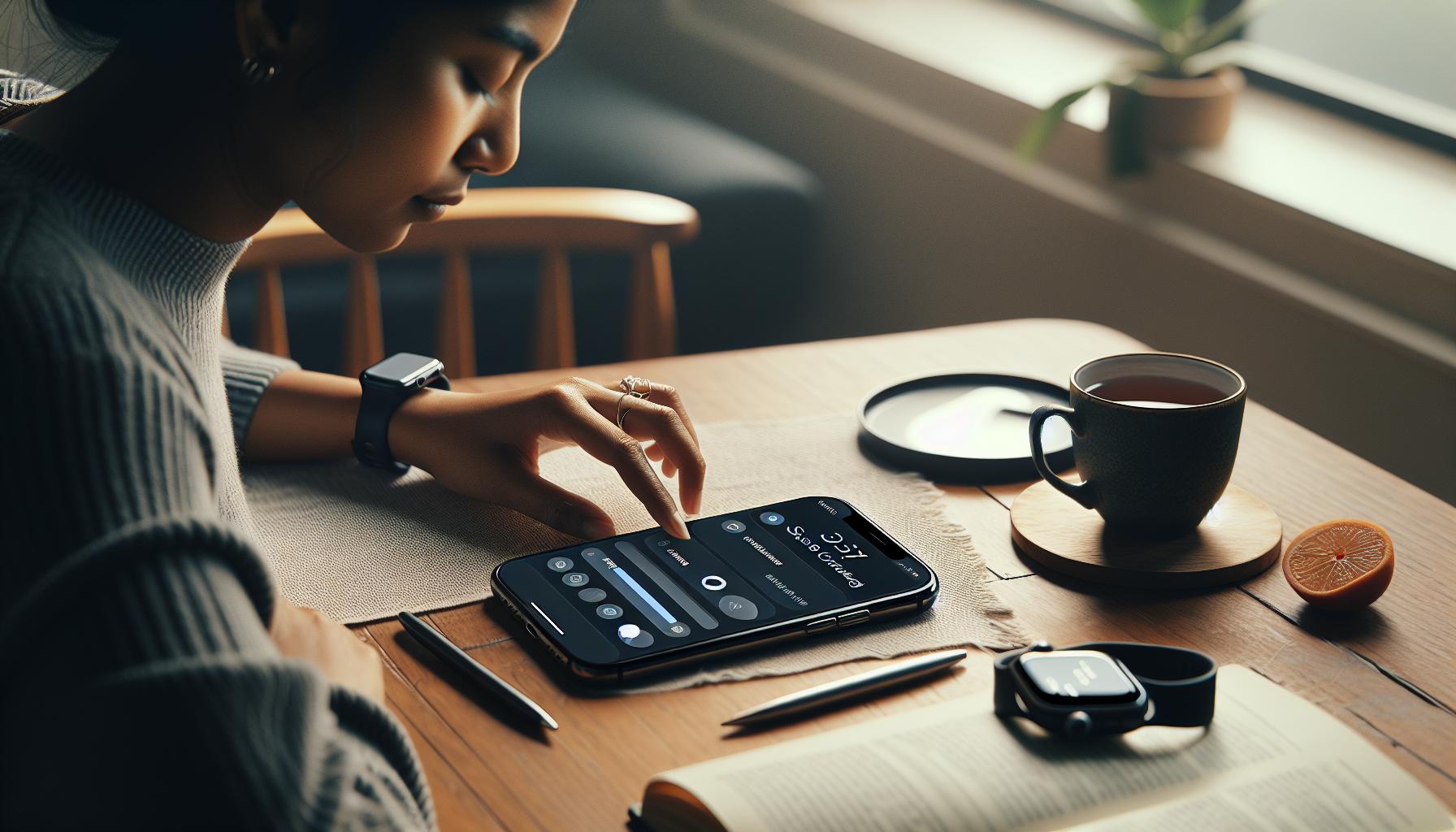
Understanding Your Sleep Analysis Data
is crucial for making informed decisions about your sleep health. When you view your sleep patterns on your iPhone, you’re presented with various metrics that can help you understand how well you’re sleeping. However, interpreting these metrics can sometimes feel overwhelming. It’s essential to know what each component means so you can make necessary adjustments to improve your sleep quality.
The analysis typically includes metrics such as Time Asleep, Sleep Duration, Sleep Stages, and Sleep Rating. Time Asleep simply indicates how many hours you were asleep, while Sleep Duration often factors in minutes of wakefulness during the night. Your Sleep Rating is a consolidated score that gives you a quick snapshot of your sleep quality based on these various inputs, helping you identify trends over time.
Understanding Sleep Stages is particularly important. Your sleep cycle consists of multiple stages, including Light Sleep, Deep Sleep, and REM Sleep. Each of these stages serves different functions that are crucial for your health. For example, Deep Sleep is essential for physical recovery, while REM Sleep is important for cognitive functions like memory and learning. Being aware of how much time you spend in each stage can help you recognize patterns or disturbances in your sleep that might warrant further examination or even a conversation with a healthcare provider.
To gain deeper insights, engage with your data over time. Track changes in your sleep metrics against external factors, like your daily activity level or stress levels. If you notice that your sleep quality drops during periods of high stress or poor dietary choices, it offers a clear path for improvement. Don’t hesitate to experiment with sleep patterns or environmental adjustments, such as a calming bedtime routine or a tech-free wind-down period. Ultimately, this data offers a powerful tool for fostering healthier sleep habits.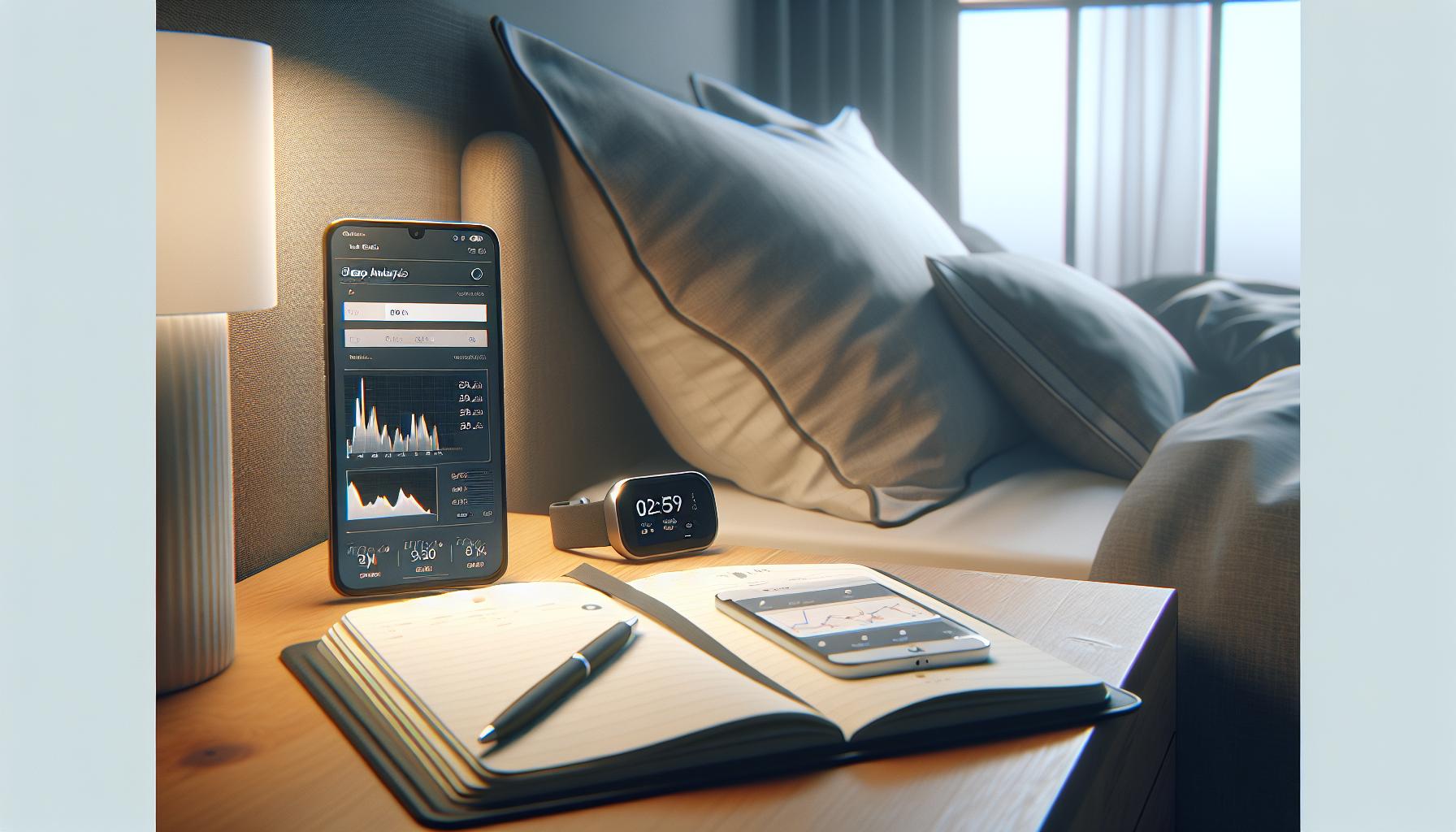
Common iPhone Sleep Tracking Issues
Common issues can arise when using your iPhone for sleep tracking, and identifying these can significantly improve your experience and the accuracy of the data collected. Surprisingly, many users overlook simple adjustments that can lead to missed sleep tracking altogether. For instance, ensure that your sleep schedule is properly configured in the Health app. If your sleep goals are not set correctly, your iPhone might not track your sleep patterns as expected. Verify that you have enabled “Sleep Tracking” under the “Sleep” settings in the Health app, as this is crucial for it to function effectively.
Another common issue is related to device wearability. If your Apple Watch or iPhone isn’t worn during sleep or if the battery is low, sleep tracking may not occur. It’s recommended to wear your Apple Watch snugly but comfortably during the night. If you tend to take your phone out of the bedroom or charge it elsewhere while you sleep, your data may not be recorded accurately. Always keep your phone nearby and charged to avoid losing valuable sleep metrics.
Intermittent sync problems can also lead to discrepancies in the data. If your iPhone is not syncing properly with the Health app, it may miss sleep data altogether. Troubleshooting this issue may involve restarting both your iPhone and Apple Watch, ensuring they are connected, and checking the settings for any restrictions on data sharing. If you use third-party apps for sleep tracking, compatibility issues may arise, complicating data accuracy.
Lastly, consider environmental factors that may disrupt sleep tracking. Noisy environments, inconsistent sleeping arrangements, or varying hours can lead to fluctuating results in your sleep data. To get the most accurate tracking, try to maintain a consistent bedtime and sleep in a quiet, dark room. Addressing these common issues can empower you to achieve better sleep tracking outcomes, leading to a more nuanced understanding of your sleep health.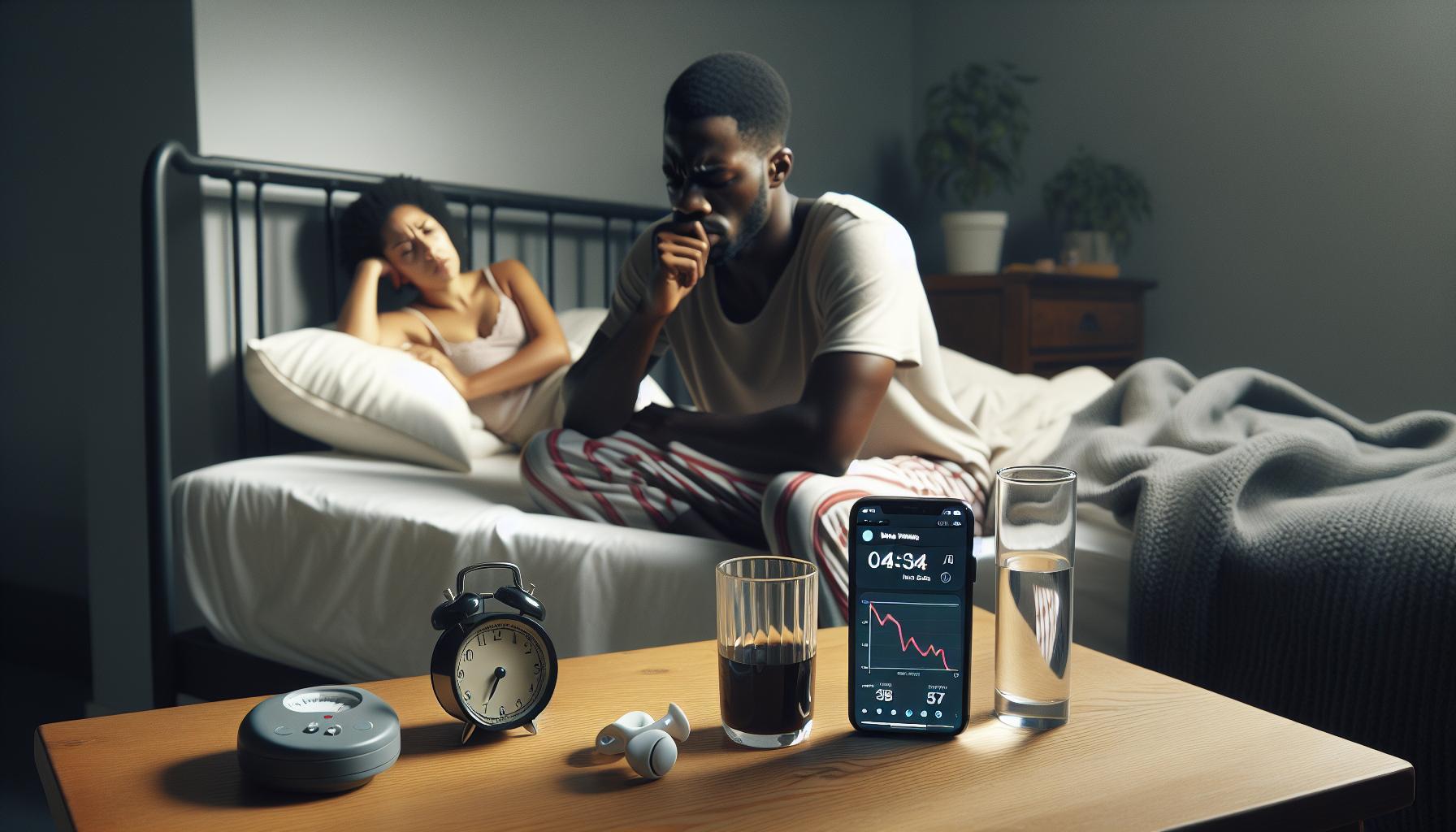
Troubleshooting Apple Health App Sync Problems
If your iPhone seems to be neglecting its sleep tracking duties, one of the primary culprits could be sync problems between your Apple device and the Health app. These hiccups can lead to frustrating gaps in your sleep data, preventing you from gaining honest insights into your rest patterns. Luckily, there are several troubleshooting steps you can take to smooth out these sync issues and ensure your health data flows seamlessly.
Start by verifying that both your iPhone and Apple Watch are correctly paired and connected. To do this, navigate to the Apple Watch app on your iPhone and check the connection status. If they seem disconnected, try unpairing and then pairing them again. Next, make sure that both devices are running the latest version of their respective software; an outdated operating system can often result in undesirable sync issues. Head over to Settings on your iPhone and navigate to General > Software Update to check for any available updates.
Another key aspect to consider is ensuring that your Health app permissions are correctly configured. Go to Settings > Privacy > Health, and ensure that data sharing is enabled between your devices. Similarly, check the settings within the Health app itself to confirm that the necessary toggles for sleep tracking are activated. Disabling and re-enabling the sleep tracking feature can also give it a fresh start.
If you’ve gone through these steps and the problem persists, a classic remedy is to restart both the iPhone and Apple Watch. This simple action refreshes system processes and often resolves minor glitches. To restart, press and hold the side button on your devices until you see the power off slider.
Lastly, don’t forget to consider your environment when troubleshooting. Interferences from other connected devices, Wi-Fi disruptions, or even software conflicts with third-party apps can disrupt the sync process. Regularly mistreating your equipment, such as charging your phone away from your bedtime destination or leaving it on low battery, can complicate your data collection. If you’re using other sleep-tracking applications, ensure they don’t conflict with Apple’s Health app settings, as sometimes these can inadvertently block proper data transmission.
By addressing these sync issues, you can regain control over your sleep data collection, leading to more accurate and meaningful insights into your sleep patterns.
How to Enable Sleep Tracking on iPhone
To maximize the tracking capabilities of your iPhone, it’s essential to start by enabling sleep tracking correctly. This feature can help you gather valuable insights about your sleep patterns, ensuring you optimize your rest for better health. Fortunately, the setup process is straightforward, and with a few simple steps, you’ll have it up and running in no time.
Begin by opening the Health app on your iPhone. Navigate to the Browse tab at the bottom of the screen, then tap on Sleep. From there, you’ll see an option to set up your sleep schedule if you haven’t done so already. Tap on Full Schedule & Options to configure your ideal bedtime, wake time, and desired sleep duration. This setup allows your iPhone to better understand when you plan to sleep, providing you with more accurate tracking data.
Next, ensure that Sleep Focus is enabled. This feature reduces distractions during your designated sleep time and is vital for accurate sleep data collection. You can activate it by going to Settings > Focus > Sleep. Here, you can customize the settings to suit your preferences, ensuring that disturbances from notifications are minimized while you sleep.
Don’t forget to check your Privacy settings to ensure the Health app can record your sleep data. Go to Settings > Privacy > Health and make sure that the app has permission to receive and store this data. If you’re using an Apple Watch, ensure that it is synced correctly with your iPhone. This wearable device greatly enhances sleep tracking accuracy, providing data on sleep stages, heart rate, and more. Regularly updating both your Apple Watch and iPhone software via Settings > General > Software Update guarantees that you’re utilizing the latest features and improvements for sleep tracking.
In summary, enabling sleep tracking on your iPhone is a simple process revolving around correct settings configuration and permissions. Once you’ve established a regular schedule, activated Sleep Focus, and checked your privacy settings, you’ll be well on your way to understanding your sleep better. This knowledge empowers you to make informed choices to enhance your rest and overall health.
Choosing the Right Sleep Schedule for Better Tracking
Establishing a consistent sleep schedule is crucial for effective sleep tracking, as it provides your iPhone with the necessary patterns to monitor and analyze your rest accurately. Most adults benefit from seven to nine hours of sleep each night. One captivating fact to consider is that sleep quality can often be more important than quantity; erratic sleeping habits can lead to a range of issues like fatigue, irritability, and reduced productivity. Here’s how you can tailor your sleep schedule for optimal tracking and health benefits.
Start by setting a regular bedtime and wake-up time, aiming for the same hours every day, even on weekends. By doing this, you can signal to your body when it’s time to wind down and when it’s time to rise. When configuring your sleep schedule in the Health app, ensure your desired sleep duration aligns with your lifestyle. For example, if you need to wake up at 6 AM, consider going to bed between 10 PM and midnight, supporting your body’s natural rhythms.
Another element to consider is your pre-sleep routine. Engaging in calming activities before bed, like reading or meditative practices, can enhance your ability to fall asleep faster and improve sleep quality. Moreover, using the Sleep Focus feature on your iPhone during designated sleep hours can help eliminate distractions from notifications and other interruptions, allowing for a more peaceful rest environment.
Additionally, be mindful of external factors that might interfere with your sleep schedule. For example, excessive screen time before bed or consuming caffeine too late in the day can impact your ability to fall asleep. By creating an ideal sleep environment-keeping your bedroom dark, quiet, and cool-you can bolster your efforts to stick to your schedule, making it easier for your iPhone to collect accurate sleep data over time.
In summary, a consistent sleep schedule not only helps your iPhone’s sleep tracking capabilities but also enhances your overall well-being. By giving your body the rhythm it craves, you’ll benefit from improved sleep quality, making the most out of your tracking efforts and ultimately leading to better health outcomes.
Understanding Sleep Stages and Their Importance
Understanding sleep stages is crucial for interpreting the data your iPhone collects during sleep tracking. Sleep is not a uniform experience but is divided into several distinct stages, each serving a unique purpose and playing a critical role in your overall health.
During a typical night, you cycle through four main stages of sleep: light sleep, deep sleep, REM (rapid eye movement) sleep, and the transitional states between these stages. Each cycle lasts about 90 minutes, and you might experience four to six cycles in a single night. Achieving sufficient time in each stage is essential; for example, deep sleep is vital for physical recovery, while REM sleep supports memory and emotional well-being.
To maximize the effectiveness of your iPhone’s sleep tracking, it’s beneficial to understand how these stages impact your sleep quality. Your device likely analyzes movement patterns, heart rate, and sometimes even breathing, to estimate which sleep stage you are in. If sleep tracking is not functioning as intended, check the settings to ensure that all sensors are active and that your device is worn properly. Often, disruptive factors such as environmental noise or an uncomfortable mattress might prevent you from achieving the restorative deep and REM sleep you need.
For more precise analysis, consider pairing your sleep tracking with practical solutions tailored to your unique sleep profile. Implementing a calming nighttime routine, maintaining a consistent sleep schedule, and optimizing your sleep environment can help enhance the quality of your sleep. Over time, you’ll gain insights into how much time you spend in each sleep stage, allowing you to make informed adjustments to both your habits and your expectations. Remember, the goal is not just to accumulate hours of sleep but to ensure that you are cycling through the necessary stages for optimal health and well-being.
Exploring Third-Party Sleep Tracking Apps
Many users find themselves frustrated when their iPhone isn’t reliably tracking their sleep. While Apple’s built-in sleep tracking feature is useful, can provide enhanced insights that the default system may not cover. These apps often utilize sophisticated algorithms and additional metrics, giving you a more comprehensive view of your sleep patterns and habits.
Benefits of Third-Party Sleep Tracking Apps
Third-party apps often deliver unique features that enhance your sleep analysis experience. For instance, many of them offer:
- Detailed Sleep Stages Analysis: Some apps can break down your sleep cycles into even more granular stages, helping you understand when you’re in light, deep, or REM sleep.
- Smart Alarm Functions: Many apps come with intelligent alarm settings that wake you during the lightest phase of your sleep cycle, making for a more refreshing morning.
- Integration with Other Health Data: Apps like Sleep Cycle or Pillow integrate seamlessly with other health and fitness apps, giving you a broader understanding of how factors like exercise and diet affect your sleep.
- Personalized Sleep Insights: They often provide tailored recommendations based on your sleep patterns, helping you optimize your schedule and improve your sleep quality.
Popular Options to Consider
When looking into third-party sleep tracking apps, a few standout options have gained popularity among users due to their reliability and features:
| App Name | Key Features | Cost |
|---|---|---|
| Sleep Cycle | Smart alarm, sleep analytics, cloud backup | Free with premium options |
| Pillow | Intelligent alarms, heart rate tracking, sleep sounds | Free with premium options |
| SleepScore | Comprehensive sleep score, environmental tracking | Free with premium options |
By leveraging the advanced features offered by these third-party apps, you can gain a much clearer picture of your sleep health. For instance, if your iPhone fails to track your sleep adequately, using a dedicated app may provide you with the insights you need to improve your sleep habits. Remember, the goal is not just to track sleep quantity but to enhance the quality of your rest.
Tips for Getting Accurate Sleep Tracking Data
Accurate sleep tracking can feel elusive, especially when your iPhone isn’t capturing your sleeping patterns effectively. Yet, some straightforward steps can significantly enhance the accuracy of your sleep data. First, ensure that your sleep tracking features are correctly set up in your iPhone’s Health app. Go to the Health app, tap on “Sleep,” and verify that your sleep schedule is configured based on your typical bedtime and wake-up time. Additionally, enabling “Sleep Focus” can minimize notifications and distractions, allowing for a more accurate account of your sleep.
Regularly wearing your Apple Watch while sleeping can also boost data accuracy. Ensure that the watch is snug on your wrist, as a loose fit might hinder the heart rate sensor’s functionality. If you’re using your iPhone for sleep tracking, keep it charging on your bedside table as this not only provides constant power but also allows the phone to use its sensors effectively.
Moreover, understanding and adjusting for external factors can significantly impact your tracking results. Consider the environment you sleep in-room temperature, light, and noise can all affect sleep quality and its measurement. Using blackout curtains, a white noise machine, or a sleep mask may create a more conducive sleeping environment. When using third-party apps, ensure they are updated, as software improvements often include better tracking functionalities.
Set up a consistent bedtime routine to signal to your body that it’s time for sleep. This practice can help synchronize your internal clock, leading to more predictable sleep patterns that your tracker can recognize. If issues persist despite these adjustments, consider exploring professional sleep studies to investigate underlying sleep disorders, which may not be detectable with typical tracking technologies.
When to Consider Professional Sleep Studies
If your iPhone sleep tracking is producing inconsistent or untrustworthy data, it might be time to explore professional sleep studies. These comprehensive assessments are particularly crucial if you suspect that an underlying sleep disorder could be sabotaging your rest. While wearables and smartphones can offer useful insights into general sleep patterns, they often lack the accuracy needed to identify specific issues, like sleep apnea or restless leg syndrome.
Professional sleep studies involve polysomnography, a sophisticated test that monitors various parameters, including brain waves, oxygen levels, heart rate, and breathing patterns while you sleep. This level of detail helps healthcare providers diagnose conditions that might not be evident through standard sleep trackers. For instance, if your iPhone indicates that you’re spending too long in light sleep or frequently waking up, yet you still feel tired during the day, a sleep study might reveal underlying problems that need addressing.
Here are some signs that you should consider consulting a medical professional and, potentially, undergoing a sleep study:
- Chronic Fatigue: If you consistently wake up feeling unrefreshed, it could indicate a sleep disorder requiring further evaluation.
- Frequent Disruptions: Regularly waking during the night or struggling to fall back asleep can be a sign of deeper issues.
- Heavy Snoring: If you or your partner notice loud snoring or gasping during sleep, a sleep study can provide clarity.
- Difficulty Staying Awake: Experiencing daytime fatigue or falling asleep in quiet settings may signal a more serious underlying problem.
While sleep studies can come with costs and logistical challenges, understanding their benefits and the potential for improved health can outweigh these concerns. Many insurance plans cover sleep studies, so it’s advisable to check with your provider and prepare for the process by keeping a sleep diary leading up to the consultation. This diary can help your healthcare provider understand your sleep habits and pinpoint the need for further evaluation. Ultimately, while your iPhone can help monitor your sleep at a basic level, there are times when consulting professionals is the best step toward reclaiming restful nights and vibrant days.
Maximizing Sleep Tracking Features on Your iPhone
To fully leverage the sleep tracking capabilities on your iPhone, it’s essential to understand and optimize its features. While many users rely on their devices to monitor sleep patterns, the effectiveness of this technology can be significantly influenced by proper setup and regular maintenance.
One of the first steps in maximizing sleep tracking on your iPhone is ensuring that you have the correct settings enabled. Navigate to the Health app and check your sleep schedule under the “Sleep” tab. Here, you can specify your ideal bedtime and wake-up times, which helps the iPhone understand your sleep routine better. It’s also crucial to use the “Sleep Focus” feature; activating this mode during your scheduled sleep hours silences notifications and reduces distractions, allowing for a more restful night.
When using the iPhone for sleep tracking, keep the device close to you as you sleep. Regardless of whether you use it on your bedside table or under your pillow, proximity can enhance its ability to monitor your movements and restfulness. You can also integrate data from the Apple Watch, which may provide more accurate sleep stage recordings, including light, deep, and REM sleep. Check that both devices are updated and synced correctly to share data seamlessly.
Incorporating apps can also enhance your tracking experience. Apple Health has built-in features, but exploring third-party applications could offer additional insights or metrics that cater more to your specific needs. Many of these apps come equipped with customizable notifications and advanced analytics, providing a comprehensive picture of your sleep health over time.
Lastly, tracking external factors can help improve the accuracy of your sleep data. Maintaining a sleep diary or using notes within your tracking app can highlight variables such as caffeine intake, stress levels, and exercise patterns that may affect your sleep quality. By actively managing both your settings and lifestyle factors, you’ll create a clearer picture of your sleep habits and better utilize the amazing technology that your iPhone has to offer.
FAQ
markdown
Q: Why is my iPhone not tracking my sleep at night?
A: If your iPhone isn't tracking sleep, ensure that Sleep Tracking is enabled in the Health app settings. Also, confirm that your iPhone is in Sleep Focus mode during your scheduled bedtime. You may find more detailed settings in your iPhone's Health app under the Sleep section.

Q: How do I reset my sleep settings on my iPhone?
A: To reset your sleep settings on the iPhone, open the Health app, tap the Sleep icon, and then select Full Schedule & Options. From there, you can edit or reset your sleep schedule. Additionally, ensure that your iPhone and Apple Watch are synced properly for accurate data.

Q: Can my Apple Watch affect sleep tracking on my iPhone?
A: Yes, your Apple Watch plays a vital role in sleep tracking for your iPhone. For precise tracking, ensure your Watch is charged, worn comfortably, and connected to your iPhone. Make sure the Sleep app is enabled on both devices to get accurate results.

Q: What should I do if my sleep data looks incorrect?
A: If your sleep data appears incorrect, verify that both Sleep Tracking and Sleep Focus are activated on your iPhone and Apple Watch. Additionally, check for any software updates, as they can sometimes solve data discrepancies. Consider resetting your Sleep Schedule in the Health app.

Q: Why isn't my iPhone measuring sleep stages?
A: If sleep stages aren't being measured, it may be due to incorrect settings or inadequate device wear. Ensure that Sleep Tracking is properly configured in your Health app and that you're wearing your Apple Watch snugly while sleeping. Check your settings under the Sleep section for adjustments.

Q: Does a recent iOS update affect sleep tracking?
A: Yes, recent iOS updates can affect how sleep tracking functions. Read through the update's release notes for any changes. If tracking issues arise post-update, consider resetting your sleep settings or researching potential bugs related to the new version of iOS.

Q: What is "Time in Bed," and why is it not showing on my iPhone?
A: "Time in Bed" is a feature that indicates the duration you spend in bed, ideally while sleeping. If it's not showing, ensure that your sleep metrics are enabled in the Health app and check if you've recently updated your iOS or Apple Watch software, which might impact functionality.

Q: How can I ensure accurate sleep tracking on my iPhone?
A: To ensure accurate sleep tracking, maintain a consistent sleep schedule, wear your Apple Watch correctly, and keep both your devices updated. Regularly review your settings in the Health app and utilize Sleep Focus to minimize distractions during your sleep period.
Insights and Conclusions
If your iPhone isn’t tracking your sleep, don’t worry – it’s often just a matter of adjusting a few settings. Make sure to review your Sleep Focus and the Health app configurations to optimize sleep monitoring. By taking action today, you can transform how you understand and improve your sleep habits.
Explore our comprehensive guides on sleep tracking and the latest wearables to discover how technology can enhance your sleep quality. Don’t hesitate to check out our detailed article on setting up your Apple Watch for sleep tracking here and dive deeper into sleep health with our expert resources.
Remember, the journey to better sleep starts with you. If you have concerns about your sleep quality, consider reaching out for professional advice. Join our community by subscribing to our newsletter, where we share the latest insights and tips for achieving restful sleep. Your healthier sleep future is just a click away!
Get our latest guides, news, and insights highlighted in your Google Search & AI Overviews.