
If you’ve been relying on your smartwatch to provide insights into your sleep patterns but it isn’t tracking your sleep accurately, you’re not alone. Many users face this frustrating issue, which can undermine your efforts to improve your sleep health. Understanding why your device might be falling short is crucial for unlocking its full potential and making informed choices about your rest. In this article, we’ll explore common reasons for tracking failures and offer practical solutions that can help get your smartwatch back on track. Sleep is vital for overall well-being, and resolving these issues can lead to better health and improved daily performance. Let’s dive in and empower you with the knowledge you need to make the most of your sleep tracking technology.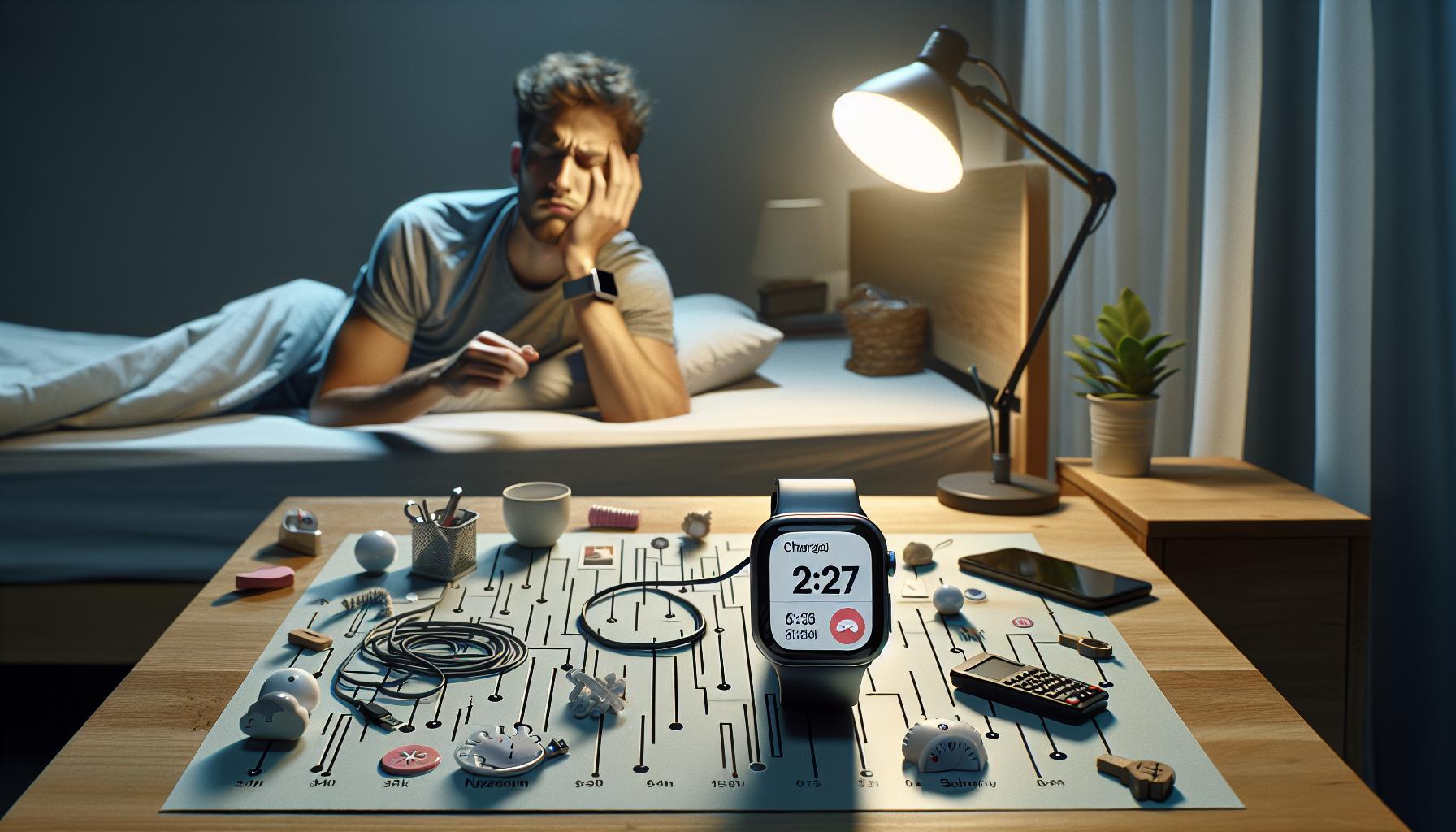
Common Reasons Your Smartwatch Misses Sleep Tracking
Understanding why your smartwatch sometimes fails to track your sleep can be frustrating, especially when you depend on this technology for insights into your health. A range of factors could cause missed sleep tracking, from simple user errors to technical glitches inherent in the device itself.
One common reason is inadequate settings on the device. Ensure that sleep tracking is enabled in your smartwatch’s settings. Many smartwatches require users to toggle sleep tracking on manually, so double-checking this can help. Additionally, the device may not recognize sleep if it is not worn consistently. If you take your watch off during the night or if it has moved around and is not snug against your wrist, it can fail to acquire the necessary data for accurate tracking.
Another factor involves external influences such as environmental noise or interruptions. If your sleep is frequently disturbed by factors like light, sounds, or movement, the smartwatch might misinterpret these disturbances and record inaccurate data. Moreover, battery life plays a crucial role; if your device is low on battery, it may limit its capability to monitor your sleep effectively, or it might shut down altogether during the night.
To address these issues, consider the following tips:
- Check device settings to ensure sleep tracking is enabled.
- Wear the smartwatch snugly and consistently every night.
- Ensure the battery is charged before sleep to avoid interruptions.
- Minimize environmental disturbances for better tracking accuracy.
Taking these steps can improve the accuracy of your sleep tracking experience, allowing you to harness your smartwatch’s full potential in monitoring your sleep health.
Understanding How Sleep Tracking Works
Understanding the mechanisms of sleep tracking can demystify why your smartwatch might sometimes miss critical data. Smartwatches primarily track sleep through a combination of motion sensors, heart rate monitors, and algorithms that analyze this data to distinguish between sleep stages. When you wear your smartwatch at night, it detects movements and changes in your heart rate that indicate various sleep phases-light, deep, and REM. This information is then processed by the smartwatch’s software to provide insights into your sleep quality and duration.
However, the accuracy of sleep tracking can be influenced by several factors. For instance, if you’re a restless sleeper, even minor movements can affect the watch’s ability to correctly identify your sleep state. Conversely, if the smartwatch is too loose on your wrist, it may not capture the necessary data accurately. Furthermore, not all smartwatches employ the same technology; some may have advanced sensors and algorithms that provide more detailed information, while others might only give a rough estimate of sleep patterns.
Many users don’t realize that these devices also rely heavily on the user’s input regarding their sleep preferences. For example, setting a fixed sleep schedule can help the smartwatch better understand your sleep habits, improving future tracking. Additionally, if your device has customizable features, ensure that they are fully optimized for your individual sleep needs.
To maximize the effectiveness of your smartwatch in tracking sleep, wear it consistently and snugly through the night. Consider the following actionable tips:
- Ensure the watch is properly fitted and not too loose.
- Regularly update your smartwatch software for improved accuracy.
- Experiment with the settings to calibrate tracking and specify sleep times.
- Avoid using your device in bright settings before sleeping to improve detection.
By understanding how your smartwatch analyzes your sleep, you can troubleshoot issues and enhance the quality of the insights it provides, bridging the gap between technological capabilities and individual sleep health needs.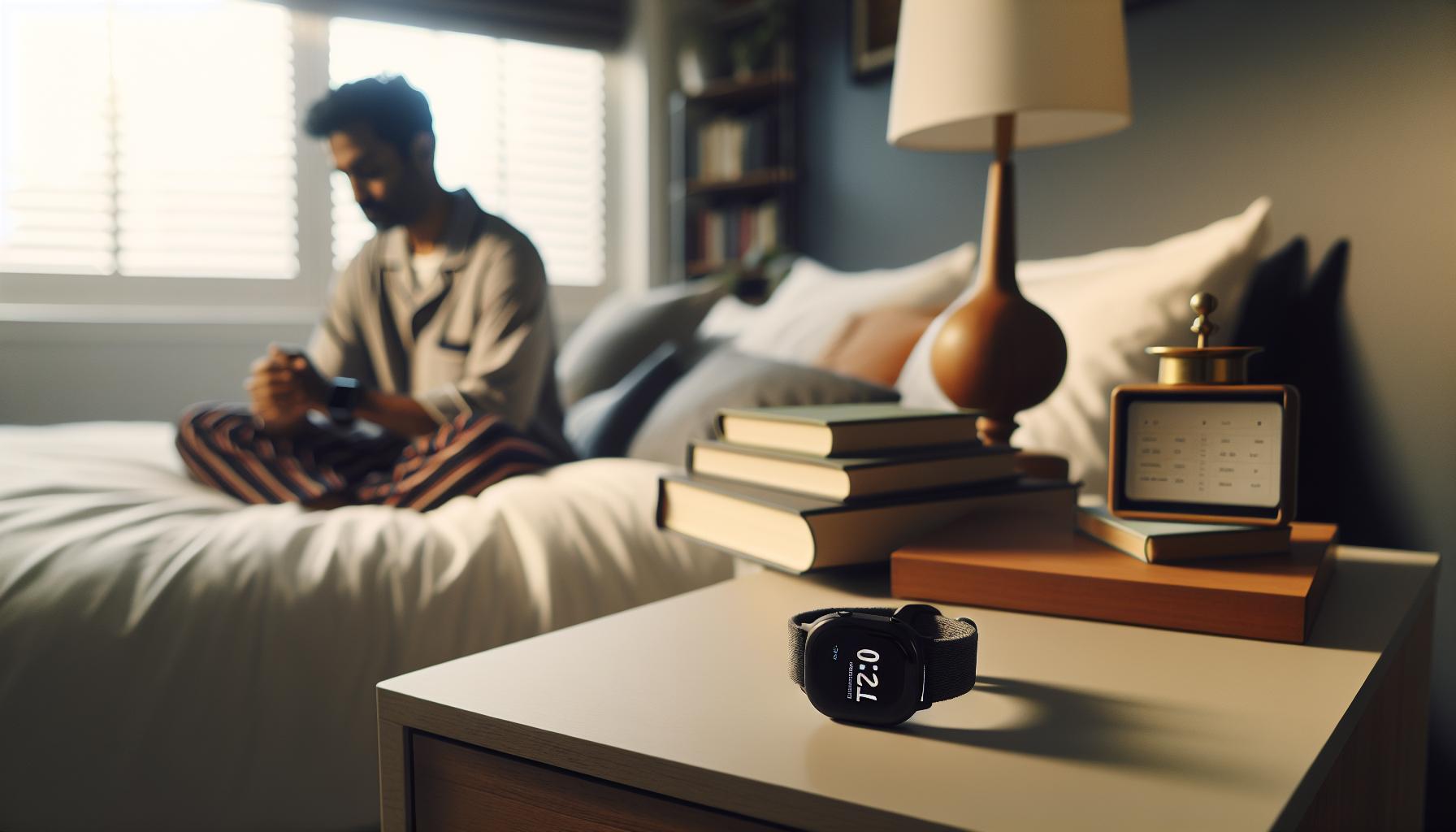
Essential Settings to Check Before Tracking
Ensuring your smartwatch effectively tracks your sleep often hinges on proper settings and configurations. Many users overlook this critical step, thinking that simply wearing the device will yield accurate sleep data. However, taking a moment to review and adjust your settings can make a significant difference in your sleep tracking experience.
Start by checking your sleep tracking feature is enabled. Many smartwatches require users to turn on sleep tracking manually or set it up in the app linked to the device. Explore options like sleep schedule settings where you can specify your usual bedtime and wake-up time; this helps the device understand your sleep patterns better and provides more accurate data.
Next, delve into the permissions that your smartwatch app has. Ensure that the app has the necessary access to health data and any sensors it needs to operate optimally. Additionally, consider whether your device is set to “Do Not Disturb” mode at night. This could prevent alerts from interrupting your sleep and give the watch a clearer signal of your rest periods.
A significant settings aspect often ignored is the heart rate monitoring configuration. Check if the heart rate monitor is turned on and, if applicable, set to record overnight. An accurate heart rate reading is critical for assessing different sleep phases, so ensuring this setting is active is vital. Finally, explore any customization features your device offers, such as adjusting sensitivity to motion or toggling sleep tracking modes. These adjustments allow your smartwatch to better adapt to your unique sleep habits, further enhancing its ability to track your sleep effectively.
By addressing these essential settings, you empower your smartwatch to provide you with the most accurate and insightful sleep data, ultimately contributing to better sleep health and awareness.
Environment Factors Affecting Sleep Data
A conducive sleep environment is key to ensuring your smartwatch accurately tracks your sleep data. Did you know that simple factors like ambient light, room temperature, and noise levels can significantly impact your overall sleep quality and, subsequently, the reliability of your smartwatch’s sleep tracking? For your device to capture precise sleep metrics, it must have the right conditions to gather data effectively.
Lighting and Noise Levels
Excessive light can confuse your smartwatch’s sensors and algorithms. Whether it’s street lights sneaking through your curtains or the bright glow of electronics, lighting plays a crucial role. You can improve your sleep tracking by creating a darker environment, using blackout curtains, or placing your devices away from your sleeping area. In addition, minimize external noises-such as traffic or loud neighbors-which can disrupt your sleep cycle. A sound machine or white noise app may also help create a more peaceful atmosphere conducive to better sleep.
Temperature Control
The temperature of your sleep environment can influence your ability to fall asleep and stay asleep, impacting your smartwatch’s data accuracy. Aim for a cool and comfortable sleeping area, typically between 60°F to 67°F (15°C to 19°C). If your room is too hot or too cold, it can lead to a restless night, causing your smartwatch to misread your sleep patterns. Consider investing in breathable bedding or adjusting your thermostat to maintain a comfortable climate.
Humidity and Air Quality
Air quality and humidity levels can also affect sleep quality and, by extension, your smartwatch’s sleep tracking. High humidity can make it uncomfortable to sleep, and poor air quality can lead to disruptions during the night. Use air purifiers or dehumidifiers if necessary to combat this. Ensuring proper ventilation in your bedroom can promote better sleep quality, aiding accurate data collection by your smartwatch.
Creating the right environmental conditions is essential for optimal sleep and effective tracking by your smartwatch. By paying attention to these factors, you’re not only enhancing your sleep quality but also ensuring that your smartwatch accurately captures and tracks your sleep data, allowing you to make informed adjustments to your sleep habits.
The Importance of Proper Wear and Fit
Wearing your smartwatch correctly is vital for accurate sleep tracking, yet many users overlook this key element. If your device isn’t snug but comfortable, it may not gather crucial data effectively while you sleep. A watch that’s too loose can shift around as you move during the night, leading to misreported metrics. On the other hand, a watch that’s too tight may affect circulation and even disrupt your slumber, giving you less reliable tracking details.
Finding the Right Fit
To achieve the best fit, adjust the watch band so that it sits flat against your wrist without being overly constrictive. When measuring your wrist size, consider using a tape measure for precision. Aim for enough space to slide a finger underneath the band. This approach ensures the sensors have optimal contact with your skin for heart rate and motion tracking, crucial elements in analyzing your sleep patterns.
Wear Position Matters
Placement on your wrist can also influence accuracy. It’s generally recommended to wear your smartwatch a bit higher up on your forearm, approximately two finger widths above your wrist bone. This position minimizes movement affecting readings and allows the device to monitor your movements better throughout the night. Be conscious of how you sleep-side-sleepers might find their watch is pushed against a pillow, interfering with sensor function.
Material Considerations
The materials of your smartwatch band can also play a role in comfort and accuracy. Opt for soft, breathable materials such as silicone or fabric, which can minimize skin irritation during sleep. Some smartwatches even have specific bands designed for better fit and comfort during the night, so consider exploring those options if you frequently experience discomfort during your sleep.
By ensuring your smartwatch is worn correctly, you significantly increase the likelihood that it will provide accurate and meaningful sleep data. With a little attention to fit and position, you can enhance your device’s performance and your overall sleep quality.
Firmware Updates: Why They Matter
Keeping your smartwatch’s firmware up to date is essential, not just for performance enhancements but also for ensuring that sleep tracking operates as intended. Firmware updates often address bugs, improve algorithms, and introduce new features that enhance the accuracy of your device. If your device is struggling to track your sleep effectively, outdated firmware could be a significant part of the problem.
Benefits of Regular Updates
Updates can lead to notable improvements in how your smartwatch collects and interprets sleep data. For instance, manufacturers frequently refine the algorithms that determine sleep stages and rest quality, helping your watch provide more precise insights into your nightly patterns. Moreover, updates may fix known issues that can interfere with tracking capabilities, such as Bluetooth connectivity problems or sensor calibration errors. Keeping your firmware current ensures that your device can take advantage of these innovations as they become available.
How to Update
Updating your smartwatch is generally a straightforward process. Most devices will send you a notification when an update is available. Here’s a quick guide to help you through it:
- Access the App: Open the companion app associated with your smartwatch.
- Check for Updates: Navigate to the settings or device information section to find the option for updates.
- Download and Install: Follow the prompts to download and install the latest firmware. Ensure your smartwatch is sufficiently charged before starting the update.
Always refer to your manufacturer’s website or user manual for specific steps related to your particular model.
When to Be Cautious
While updates are beneficial, it’s worth noting that occasionally, new firmware can introduce unexpected issues. If you notice that sleep tracking worsens after an update, it might be beneficial to check user forums or the manufacturer’s support page for guidance. There could be a widespread issue or an upcoming fix.
By prioritizing firmware updates, you’ll not only solve existing tracking problems but also enhance your smartwatch’s overall functionality, empowering it to provide a clearer picture of your sleep health.
Battery Life and Its Impact on Sleep Tracking
Battery life plays a crucial role in the accuracy and consistency of sleep tracking on your smartwatch. If your device runs low on power, it may fail to collect essential data throughout the night, leading to incomplete or inaccurate sleep records. In fact, many smartwatches have specific battery requirements to maintain core functions like heart rate monitoring and movement detection, which are vital for effective sleep analysis. A well-charged device is not just about convenience; it directly impacts the quality of insights you receive regarding your sleep patterns.
To ensure your smartwatch remains functional during your sleep hours, consider the following practical tips. First, establish a routine of charging your device during periods of inactivity, such as while you’re at work or during the day when you’re more mobile. Most smartwatches can charge quickly, allowing you to get back to the recommended battery levels in a short time. Keeping the device above 50% before bedtime is a good rule of thumb, as it helps safeguard against unexpected shutdowns that might interfere with sleep tracking.
Additionally, managing battery settings can enhance performance without compromising the tracking quality. For example, consider reducing the brightness of your display, disabling non-essential notifications, or turning off GPS when you don’t need it. These steps can extend your battery life, ensuring that your smartwatch can consistently monitor your sleep through the night. Remember that even minor adjustments can have a significant impact, allowing your device to remain a reliable partner in understanding your sleep health.
Sleep Phase Recognition: How It Affects Accuracy
Accurate sleep phase recognition is crucial for obtaining a comprehensive understanding of your sleep patterns. Many modern smartwatches utilize sophisticated algorithms to identify different stages of sleep-such as light, deep, and REM sleep-based on factors like movement and heart rate variability. However, inaccuracies in this recognition can lead to misleading insights and leave you questioning the trustworthiness of your device.
To improve the accuracy of sleep phase tracking, it’s essential to ensure that your smartwatch is calibrated correctly. This often includes inputting your personal data, such as age, weight, and regular sleep schedule, which helps the device understand your typical sleep patterns. Additionally, ensuring a proper fit during the night is key; a loose or improperly positioned watch could yield inconsistent heart rate readings and, consequently, inaccurate sleep phase data.
Environmental factors can also play a role in how your smartwatch tracks sleep stages. For instance, a room that is too bright or noisy can disrupt your natural sleep cycles, leading to less precise data collection. Conversely, a tranquil sleeping environment enhances your ability to fall seamlessly into different sleep phases, improving your smartwatch’s accuracy in recognizing these stages.
Another consideration is the software itself. Regular firmware updates can optimize algorithms used for sleep phase recognition, thus enhancing accuracy. Staying up-to-date with these updates ensures that your device benefits from the latest improvements and functionalities created by the manufacturer. Engaging with app settings may also help fine-tune the tracking experience; for example, enabling features that monitor additional biometric data may provide a fuller picture of your sleep quality. By understanding these aspects, you can empower yourself to make informed adjustments and maximize the effectiveness of your smartwatch in tracking your sleep phases.
Third-Party Apps: Could They Be the Issue?
Not all smartwatches are able to accurately track your sleep, and often, the culprit can be the third-party apps you utilize. Many users download additional applications to enhance their smartwatch experience, yet these apps might not align perfectly with your device’s native sleep tracking capabilities. If your smartwatch is showing inconsistent or missing sleep data, it could be time to evaluate the third-party apps you’ve chosen.
Compatibility Issues
Some third-party applications may not be fully compatible with your smartwatch’s operating system. This can lead to data discrepancies, where the app may fail to communicate or sync effectively. Before diving into troubleshooting steps, verify whether the app is designed to work specifically with your smartwatch model.
Settings and Permissions
It’s crucial to check the settings for any third-party app you have installed. Make sure the app has permission to access the necessary health data and settings. If the app is supposed to monitor sleep but lacks permissions to track movement or heart rate, it will likely miss vital information. Review the permissions granted to each app and adjust as needed for optimal functionality.
Background Activity
Another aspect to consider is how third-party apps operate in the background. Some apps may not run continuously due to battery-saving features or operating system restrictions, leading to inadequate data collection. To enhance performance, ensure that your device’s battery settings allow these apps to function without interruption overnight.
App Updates and Bug Fixes
Just like firmware updates for your smartwatch, third-party apps require regular updates to function efficiently. Developers often release updates to fix bugs, improve performance, and enhance compatibility with various devices. Make sure to check for updates periodically and install them to benefit from the latest enhancements, which could directly impact the accuracy of your sleep tracking.
In summary, while third-party apps can offer unique and exciting features for your smartwatch, they can also introduce challenges in terms of sleep tracking accuracy. By ensuring compatibility, adjusting settings, allowing background activity, and keeping apps updated, you can maximize the effectiveness of your smartwatch’s sleep monitoring capabilities.
When to Seek Help: Professional Sleep Studies
When you’re relying on your smartwatch to track your sleep but find the data lacking or inconsistent, it may prompt you to seek deeper insights. While wearables provide a convenient starting point for monitoring sleep patterns, they have limitations. If you suspect that your sleep issues go beyond what a smartwatch can assess, it might be time to consider a professional sleep study.
Understanding Sleep Studies
A sleep study, or polysomnography, is a comprehensive test that records various bodily functions while you sleep. This includes monitoring your brain waves, oxygen levels, heart rate, breathing, and eye movements. By gathering this data, doctors can diagnose sleep disorders such as sleep apnea, restless leg syndrome, or narcolepsy with a high degree of accuracy. While the cost can vary-ranging from $1,000 to $3,000 depending on your location and insurance coverage-the benefits of a detailed, clinical evaluation can outweigh the expense, particularly when your health is at stake.
When to Consider a Sleep Study
You may want to explore a professional sleep study if you experience symptoms like:
- Excessive daytime sleepiness despite a normal sleep schedule
- Frequent snoring or gasping episodes during sleep
- Persistent restlessness or kicking during sleep
- Significant mood changes or cognitive impairment related to sleep
- Inconsistent sleep patterns that your smartwatch fails to explain
These symptoms could indicate underlying issues that smartwatches are not equipped to detect. Exploring these evaluative options can help ensure your sleep health is aligned with your well-being.
What to Expect
A sleep study usually involves an overnight stay at a sleep clinic where healthcare professionals will monitor you in a comfortable environment. You’ll be connected to various sensors, but don’t fret-most participants find the setup comfortable and the staff supportive. After the study, specialists will analyze the collected data, guiding you on necessary lifestyle changes or treatments.
Understanding your sleep patterns and addressing potential disorders can dramatically improve both your rest and overall health. If your smartwatch isn’t cutting it, a sleep study may be the key to unlocking the deeper issues behind your sleep challenges.
Troubleshooting Alerts: What to Look For
If your smartwatch is failing to accurately track your sleep, it can be frustrating, especially when you’re relying on it for insights into your rest patterns. There are several key factors to examine that may resolve common sleep tracking issues, allowing you to finally get the most out of your wearable technology.
One of the primary issues may stem from settings within the smartwatch itself. Check to ensure that your sleep tracking feature is activated, as some devices require manual initiation. Even something as simple as not wearing your watch to bed could prevent accurate data collection. Additionally, make sure your device is connected properly to its app and that you’ve granted it the necessary permissions to function effectively.
Sensor Accuracy
The accuracy of your smartwatch’s sensors plays a significant role in sleep tracking. If your watch is loose or not positioned correctly on your wrist, it may fail to pick up essential biometric data. Ensure a snug fit while still remaining comfortable, as this can greatly enhance heart rate monitoring and other relevant metrics critical for sleep analysis.
Another crucial aspect to consider is the firmware of your device. Outdated software can lead to errors in data collection, including sleep tracking. Regularly checking for and installing updates can help your device run smoothly and improve functionality.
External Factors
Environmental factors can also interfere with your sleep tracking capabilities. Excessive noise or light in your sleeping area might affect your sleep quality, which may result in misleading data. Additionally, temperature can influence your comfort level and overall sleep, so maintaining an ideal sleeping environment is essential for both sleep quality and accurate tracking.
In some cases, third-party applications you might use in conjunction with your smartwatch can complicate things; they may have settings that unintentionally conflict with your smartwatch’s native functions. Ensuring compatibility and optimal settings across devices is vital for gathering consistent information.
If you’ve reviewed all the above aspects and your smartwatch still fails to provide accurate sleep data, consider documenting these inconsistencies and reaching out to customer support for further assistance or even exploring a professional sleep study to determine if there are underlying issues affecting your sleep patterns.
Comparing Smartwatch Sleep Tracking Features
When choosing a smartwatch for sleep tracking, consumers often encounter a bewildering array of features and functions. It’s vital to understand how these capabilities can impact the accuracy and reliability of sleep data, especially if your current device isn’t meeting expectations. Not all smartwatches offer the same level of insight, and some may have advanced functions while others may lack essential features.
Several key features differentiate smartwatches when it comes to tracking sleep:
Heart Rate Monitoring
Different devices employ various methods for heart rate monitoring, which is crucial for determining sleep stages. For instance, devices with continuous heart rate monitoring can provide deeper insights into your sleep quality. Conversely, basic models might only track heart rate during specified intervals, which could lead to inaccuracies.
Sleep Stage Analysis
Some advanced smartwatches utilize algorithms to assess and categorize sleep stages (light, deep, and REM sleep). This capability allows users to gain a more comprehensive understanding of their sleep cycle. Checking whether your device includes this functionality can reveal significant discrepancies in the quality of sleep data tracked.
Integration with Health Apps
The ability of a smartwatch to sync with health and fitness apps can enhance its tracking capabilities. Some watches seamlessly integrate with apps that provide detailed reports and analytics, which can help you identify patterns or issues over time. If a device lacks this integration, it can limit your ability to analyze your sleep data comprehensively.
Battery Life
Battery performance is another critical factor. Some devices boast extensive battery life, allowing for uninterrupted tracking over several nights, while others may require nightly charging. Inconsistent use compromised by charging schedules can lead to inaccurate tracking, emphasizing the need for a device that aligns with your lifestyle.
Considering these features can significantly impact your sleep monitoring experience. When comparing smartwatches, weigh their tracking capabilities, integration with health apps, and overall usability to find the right fit for you. This way, you can counteract potential sleep tracking issues and make informed choices that enhance your wellness journey.
Frequently asked questions
Q: Why isn’t my smartwatch tracking sleep despite being worn properly?
A: If your smartwatch is worn correctly but isn’t tracking sleep, ensure that sleep tracking is enabled in the settings. Check for firmware updates and restart the device to refresh its functionality. Also, consider environmental factors like noise or light that can disrupt the tracking process.
Q: How can I improve the accuracy of my smartwatch’s sleep tracking?
A: To improve accuracy, make sure your smartwatch fits snugly on your wrist and is worn while you sleep. Regularly update the firmware and calibrate the device if needed. Limiting third-party apps, which might interfere with functionality, can also help enhance data precision.
Q: What should I do if my smartwatch battery is low during the night?
A: Low battery levels can interfere with sleep tracking. Charge your smartwatch fully before bedtime to ensure it has enough power to track your sleep throughout the night. Monitoring your battery life regularly can prevent interruptions in tracking.
Q: Are there specific conditions that affect smartwatches’ sleep tracking capabilities?
A: Yes, factors like extreme room temperature, noise, or even certain medical conditions can impact sleep tracking accuracy. Make sure your sleep environment is conducive to rest, and consult with a professional if you suspect health issues may be affecting your sleep.
Q: How to reset my smartwatch to fix tracking issues?
A: To reset your smartwatch, navigate to the settings menu and look for ‘Reset’ or ‘Factory Reset.’ This action can fix tracking issues by restoring the device to its original settings. Remember to back up your data, if necessary, before performing a reset.
Q: When should I consider a professional sleep study?
A: If your smartwatch consistently fails to track sleep, or if you suspect a sleep disorder (such as sleep apnea), consider a professional sleep study. This evaluation can provide more detailed insights and aid in diagnosis.
Q: Can a smartwatch measure sleep quality? If not, what alternatives can I use?
A: Many smartwatches can provide insights into sleep quality through metrics like sleep stages and heart rate. If your device does not, consider using dedicated sleep tracking devices or apps that specialize in comprehensive sleep analysis.
Q: What troubleshooting steps should I take if my smartwatch isn’t syncing sleep data?
A: If sleep data isn’t syncing, ensure that Bluetooth is enabled and the app is updated. Check for software updates for your smartwatch and restart both the watch and the paired device to resolve syncing issues.
Final Thoughts
If your smartwatch still isn’t tracking your sleep after trying common fixes, you’re not alone. Many users experience tracking issues, but understanding your device’s limitations and settings is the key to achieving optimal performance. Be proactive-check your device’s calibration, update the software, and ensure it’s worn correctly during sleep.
For more insights, explore our detailed guides on selecting the best sleep monitors and understanding sleep stages. Your sleep health matters, and we’re here to empower you with the knowledge you need. Don’t hesitate to reach out with your questions or share your experiences in the comments. Consider subscribing to our newsletter for the latest tips and product reviews to enhance your sleep journey. Remember, a good night’s sleep is just a few adjustments away; let’s tackle this together!
Get our latest guides, news, and insights highlighted in your Google Search & AI Overviews.