
Are you frustrated because your Fitbit Inspire isn’t tracking your sleep? You’re not alone. Many users encounter this common issue, which can hinder your ability to monitor your sleep quality effectively. Sleep is vital for our overall health and well-being, so it’s essential to understand what might be affecting your device’s tracking capabilities. Whether you’re seeking to improve your sleep habits or simply want to ensure your device works correctly, this guide will help you troubleshoot the problem. We’ll explore potential reasons for the lack of tracking and provide practical solutions to get your Fitbit working as it should. Read on to regain control of your sleep data and boost your nightly rest!
Why Your Fitbit Inspire Might Struggle with Sleep Tracking
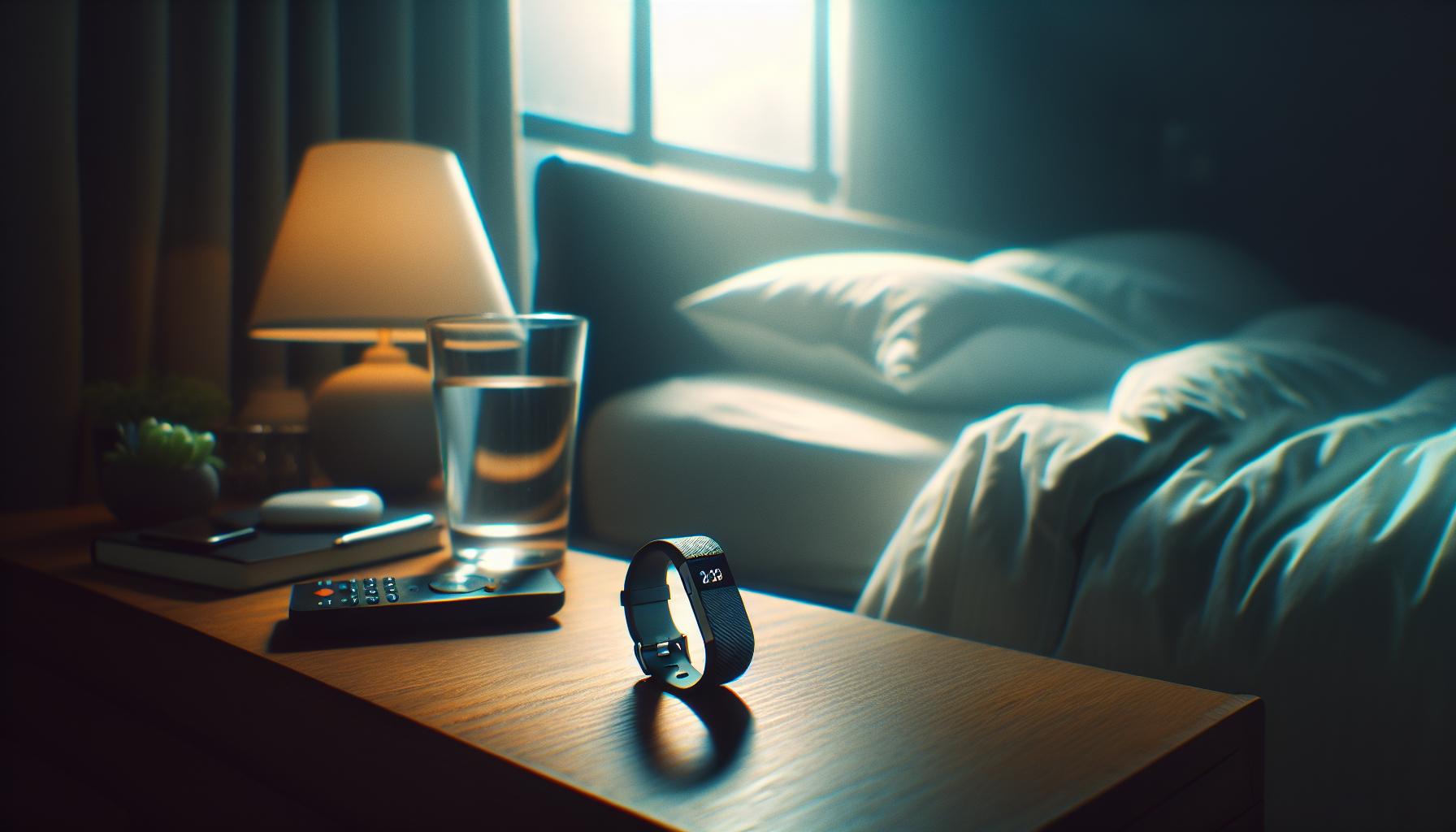
To truly understand why the Fitbit Inspire might struggle with accurately tracking sleep, it’s essential to acknowledge the device’s limitations and the factors that can impact its performance. One significant reason is the variability in wearing position; if the device isn’t snugly fastened, it may not accurately record movement and heart rate, which are crucial for assessing sleep stages. Additionally, the Fitbit Inspire relies heavily on motion sensors, which can be thrown off by factors like restless leg syndrome or frequent tossing and turning throughout the night.
Moreover, sleep environment plays a key role. Noise, light, and temperature can disrupt sleep, making it more challenging for the Fitbit to gauge the correct sleep phases accurately. For instance, if you are in a light sleep phase but are disturbed by sounds or lights, the device might misinterpret this data. Similarly, different sleep quality can affect the tracker’s ability to provide accurate readings. If you regularly have fragmented sleep, your Inspire might think you are awake when you’re not, leading to inaccurate tracking.
Another contributing factor is the need for software updates. Fitbit regularly releases updates that improve the accuracy and functionality of their devices. If your Inspire hasn’t been updated, it might not perform optimally. Connecting the device to the Fitbit app on your smartphone ensures you have the latest features and fixes.
Lastly, individual differences in body temperature, physiology, and even sleep disorders can affect how well the Fitbit can track sleep. If you suspect that an underlying health issue is affecting your sleep patterns, consult with a healthcare provider for personalized guidance and potential solutions.
By addressing these common issues, users can enhance the effectiveness of their Fitbit Inspire in tracking sleep, allowing for a better understanding of their sleep health and quality.
Common Issues Preventing Sleep Tracking Success
Many Fitbit Inspire users experience challenges with sleep tracking accuracy, which can lead to frustration and confusion. Understanding these common issues can empower you to make adjustments that enhance your device’s performance. One key factor is the wearing position of the device. If your Fitbit isn’t snugly fitted on your wrist, it can fail to accurately capture your movements and heart rate. An improper fit may occur if you wear it too loosely or if your wrist is particularly slender or thick-both scenarios can result in faulty data collection.
- Motion disturbances: The Fitbit Inspire relies heavily on motion sensors, which can become confused in cases of frequent tossing and turning, or conditions like restless leg syndrome. If your sleep is restless, the device may struggle to differentiate between light and deep sleep, leading to imprecise readings.
- Environmental factors: Your sleep environment is another crucial element. Disruptive noises, bright lights, or an uncomfortable temperature can impact your sleep quality and cause the Fitbit to misinterpret your sleep stages. For example, if you awaken frequently due to external disturbances, your device might mistakenly register that you are awake for longer periods than you actually are.
- Software updates: Fitbit periodically releases updates to improve functionality and accuracy. Not keeping your device updated can hinder its performance. Ensure you regularly sync your Fitbit with the app on your smartphone to benefit from the latest enhancements.
- Individual differences: Everyone’s physiology varies. Factors like body temperature, heart rate variability, and even the presence of sleep disorders can significantly influence tracking accuracy. If you suspect you have a sleep disorder affecting your patterns, consider consulting a healthcare provider for tailored advice.
Addressing these concerns can significantly improve your Fitbit Inspire’s ability to accurately track your sleep. By ensuring a proper fit, minimizing environmental disturbances, keeping your device updated, and understanding your unique sleep needs, you can optimize your sleep tracking experience. This proactive approach can lead to better insights into your sleep health and overall well-being.
Essential Setup Steps for Accurate Sleep Monitoring
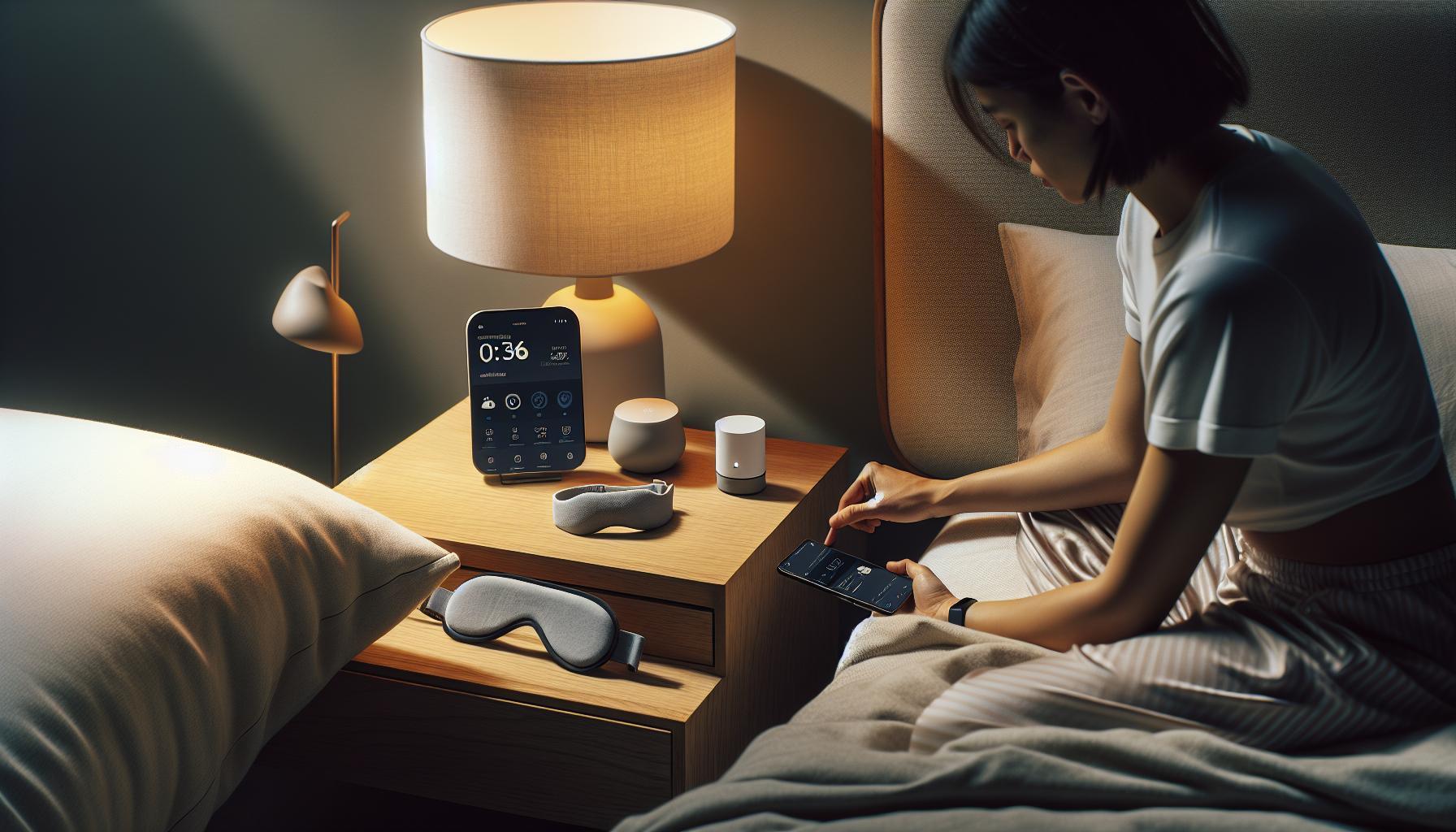
To enhance the accuracy of your Fitbit Inspire’s sleep monitoring, it’s crucial to focus on several essential setup steps that ensure optimal use of the device. The better you set up your tracker, the more precise the insights into your sleep patterns will be.
First and foremost, wear your Fitbit Inspire correctly. It should fit snugly on your wrist-not too tight to cause discomfort, but firm enough to stay in place throughout the night. If your device shifts or moves during sleep, it can lead to inaccurate readings. Consider wearing it just above your wrist bone to provide the most reliable data. Additionally, prioritizing comfort can foster a more restful sleep, as discomfort can interfere with your sleep quality itself.
Next, ensure your environment is conducive to sleep. This means creating a dark, quiet, and cool atmosphere. The Fitbit Inspire uses motion and heart rate sensors to assess your sleep stages, but external disruptions-like noise from traffic or light seeping through curtains-can skew its readings. To combat these factors, consider investing in blackout curtains, using a white noise machine, or earplugs to minimize disturbances.
Another critical step is to keep your device updated. Fitbit frequently rolls out firmware updates to enhance functionality and accuracy, particularly in tracking features like sleep. Regularly syncing your device with the Fitbit app will make sure you benefit from the latest improvements. Neglecting updates can lead to performance issues that may hinder your tracking experience.
Lastly, familiarize yourself with the device settings. Access the Fitbit app to customize your sleep schedule and goals. By inputting your intended sleep times, the tracker can better differentiate between sleep and wake times. Pairing your Fitbit Inspire with mindfulness practices, such as a consistent bedtime routine, can improve overall sleep quality and make your sleep tracking more insightful.
Taking these steps can significantly elevate your experience with the Fitbit Inspire and provide you with a clearer understanding of your sleep patterns, ultimately fostering better sleep health.
Adjusting Settings for Optimal Sleep Data
To maximize the effectiveness of your Fitbit Inspire’s sleep tracking, careful adjustments to the device settings are paramount. The right configurations can dramatically enhance the user’s overall experience, ensuring that the data collected is both accurate and insightful. One of the primary steps in this process is to customize your sleep schedule. In the Fitbit app, you can set specific sleep and wake times aligned with your personal goals and lifestyle. This customization allows the device to differentiate better between your sleep and awake periods, leading to more precise tracking outcomes.
In addition to setting a sleep schedule, enabling the “Do Not Disturb” or “Sleep Mode” features on the device can significantly improve tracking accuracy. These settings silence notifications and reduce light disturbances from the screen, creating a more sleep-friendly environment. The absence of distractions allows for a smoother transition into sleep, which in turn provides clearer data regarding the various sleep stages you experience throughout the night.
Moreover, periodically reviewing and adjusting your personal sleep goals within the app can be beneficial. If you find you’re often struggling to meet your targets, consider experimenting with your bedtime or wake-up time, and monitor any changes in sleep quality as recorded by the device. Regularly syncing your Fitbit Inspire with the app not only keeps your settings updated but also ensures that you are utilizing any new features or enhancements rolled out by Fitbit, which can refine the quality of your tracking.
Lastly, understanding your device’s capabilities and acknowledging its limitations is crucial. For instance, while Fitbit provides a general estimate of sleep stages, it does not replace more detailed sleep studies performed in clinical settings. If you frequently observe discrepancies between your actual sleep patterns and what your Fitbit records, it might be time to reassess your wearing habits or consult with a sleep specialist. By taking control of your sleep tracking setup with these adjustments, you can gain valuable insights into your sleep health, enhancing both the accuracy of the data collected and your overall well-being.
Understanding Sleep Stages with Your Fitbit
Understanding your sleep stages is crucial for making the most of your Fitbit Inspire’s sleep tracking capabilities. With the device’s ability to provide insights into different phases of sleep-Light, Deep, and REM (Rapid Eye Movement)-users can glean valuable information about their rest quality and overall sleep health. For instance, deep sleep is critical for physical restoration, while REM sleep supports cognitive functions such as memory and creativity.
The Fitbit Inspire uses a combination of motion tracking and heart rate variability to estimate these stages. When you wear your device overnight, it records data on your movement and heart rate patterns, using algorithms to classify the various sleep phases you experience. However, it’s important to remember that consumer-grade wearables, like the Fitbit, are not as precise as clinical sleep studies (polysomnography) and can sometimes misinterpret your sleep states. For example, periods of restlessness might be misclassified as light sleep, leading to skewed data.
To enhance your sleep tracking experience, consider the following steps:
- Wear your device correctly: Ensure a snug fit on your wrist-too loose and it may not accurately read your heart rate.
- Enable sleep mode: Activating this feature minimizes disturbances from notifications, allowing for more substantial sleep periods.
- Sync regularly: Keeping the Fitbit app updated helps refine your sleep stage predictions with new insights and software improvements.
Your experience with sleep tracking largely depends on consistency. If you have trouble interpreting the sleep data provided by your Fitbit, consider keeping a sleep journal alongside your device. Document when you go to bed and wake up, how you feel upon waking, and any factors that might affect your sleep quality, like stress or late meals. This practice not only helps you correlate sleep patterns and personal observations but empowers you to take actionable steps toward improving your sleep health.
Ultimately, while the Fitbit Inspire offers valuable insights into your sleep stages, it’s essential to approach the data with a balanced perspective. If you notice persistent issues with sleep quality or unexplained fatigue, consulting a healthcare professional may be beneficial, especially to rule out underlying sleep disorders. Embracing a holistic view of your sleep using your Fitbit can lead to meaningful changes, fostering better health and well-being.
Troubleshooting Fitbit Inspire Sleep Tracking Problems
Sleep tracking can be a game-changer in understanding your rest patterns and improving your overall well-being, but issues can arise that hinder your Fitbit Inspire from accurately tracking your sleep. If you find that your device isn’t capturing your sleep data as expected, there are several common troubleshooting steps you can take to get back on track.
First, check that your device is worn correctly. The Fitbit Inspire should sit snugly on your wrist-too loose, and it may struggle to read your heart rate accurately, which is critical for monitoring sleep stages. Additionally, ensure that you are using the latest version of the Fitbit app, as updates often include enhancements to the sleep tracking algorithms. Regular syncing of your device is also essential; it ensures that all collected data is processed accurately and may resolve minor glitches.
Another key factor is enabling the “sleep mode” on your device. This feature can minimize distractions from notifications and help ensure that your device is actively monitoring your sleep uninterrupted. If you still experience problems after these adjustments, consider resetting your Fitbit. This process can refresh your device’s system and potentially rectify persistent issues.
Lastly, it’s important to understand how external factors might affect tracking accuracy. Stress levels, caffeine consumption, and irregular sleep schedules can all skew your sleep data. Keeping a sleep journal alongside your Fitbit can prove invaluable, allowing you to correlate your feelings and sleep quality with the data reported from your device. By doing so, you gain insights not only into how well your Fitbit tracks your sleep but also into personal habits that may need adjusting for better rest.
When to Reset Your Fitbit for Better Performance
Your Fitbit Inspire can occasionally become less responsive or accurate in tracking sleep, leading to frustration as you strive to improve your sleep habits. Resetting your device may be the simple solution you need. Just like any technology, your Fitbit may occasionally benefit from a fresh start when it seems sluggish or unresponsive.
When should you consider resetting your Fitbit? If you notice that it has stopped syncing properly with the app or isn’t showing your sleep data accurately, it’s a good first step. Additionally, if your device begins miscalculating sleep duration or fails to detect sleep stages altogether, a reset can help recalibrate its sensors and restore its functionality.
To reset your Fitbit Inspire, follow these straightforward steps:
- Hold down the button on your tracker for about 10 seconds.
- Release the button when you see the Fitbit logo on the screen.
- Wait for the device to restart. This process often resolves software bugs that might be interfering with sleep tracking.
Resetting your device doesn’t have to be a daunting task. It’s a quick and easy way to restore performance, paving the way for more precise sleep tracking and, ultimately, better insights into your sleep health. Remember, it’s always a good idea to synchronize your data after performing a reset to ensure everything is updated and working smoothly.
Maximizing Battery Life for Accurate Sleep Tracking
Maintaining battery life isn’t just about keeping your Fitbit Inspire charged; it’s a crucial component for ensuring accurate sleep tracking. A well-charged device is more capable of monitoring your sleep patterns effectively, capturing subtle movements and changes that signal different sleep stages. If your battery dips too low, you may lose out on valuable data that can inform you about your sleep quality and duration.
To maximize battery life without compromising your Fitbit’s tracking capabilities, consider these strategies:
- Regular Charges: Aim to charge your device regularly-once it drops to about 20%. Avoid completely draining the battery, as this can degrade its overall lifespan.
- Sleep Mode: Utilize the sleep mode function, if available. This feature reduces notifications and turns off other functions, conserving power while you rest.
- Limit Notifications: Reducing the number of notifications you receive can significantly save battery life. Customize settings in your Fitbit app to allow only essential alerts.
- Screen Brightness: Adjust the brightness settings. While it may be tempting to have a bright display, lowering the brightness can help extend battery capacity.
- Syncing Frequencies: Change how often your Fitbit syncs with the app. Frequent syncing can drain the battery; setting it to sync less often may help preserve power.
By implementing these practices, you can enhance your Fitbit Inspire’s performance and accuracy in tracking your sleep. A fully functioning tracker not only provides insights into your rest patterns but can also play an integral role in improving your overall sleep hygiene. Remember, the goal is to ensure your device works optimally when you need it most-during those crucial hours of sleep that impact your health and well-being.
Alternative Sleep Tracking Methods for Better Insights
To gain deeper insights into your sleep patterns, consider exploring alternative sleep tracking methods that can complement your Fitbit Inspire. While wearables like the Fitbit offer convenience and a basic understanding of your sleep stages, they may not capture the complete picture for everyone. Below are some alternative methods that can enhance your sleep tracking experience.
Sleep Apps
Smartphone applications designed for sleep tracking can provide valuable data. These apps often utilize your phone’s sensors to analyze sleep quality through sound monitoring or movement detection. Examples include Sleep Cycle and Pillow, which offer features such as sleep phase analysis and smart alarms that wake you in light sleep. By comparing app data with your Fitbit readings, you can identify discrepancies and gain a more nuanced view of your nightly rest.
Sleep Studies
For those facing persistent sleep challenges, a professional sleep study may be warranted. Conducted in clinical settings, these studies are comprehensive and can diagnose various sleep disorders, from sleep apnea to insomnia. A sleep study usually involves polysomnography, where multiple physiological factors are monitored overnight, including brain waves, oxygen levels, and heart rate. While costly (often ranging from $1,000 to $3,000 without insurance), they provide detailed insights that consumer devices may not be able to capture.
Smart Mattresses and Sleep Trackers
Investing in advanced sleep technology, such as smart mattresses or sleep tracking pads, can also enhance your sleep tracking capabilities. These devices can monitor your sleep without needing to wear anything while you sleep. Products like the Eight Sleep mattress track your sleep stages and adjust temperature settings to optimize comfort. While the upfront cost can be significant, the detailed analytics provided can help you make targeted improvements to your sleep environment.
Environmental Adjustments
Another practical way to enhance your sleep quality is by making environmental adjustments. Factors such as room temperature, noise levels, and light exposure have a significant impact on sleep. Use blackout curtains for darkness, white noise machines for sound masking, or smart lights to mimic natural light cycles, which can help regulate your sleep-wake pattern. Keeping a sleep diary can further illuminate patterns related to lifestyle factors, allowing you to correlate your Fitbit data with your sleep environment.
By integrating these alternative methods with your Fitbit Inspire, you can gather a more comprehensive understanding of your sleep health, ultimately leading to better sleep quality and overall well-being.
Real User Experiences: Success Stories and Tips
Finding success with sleep tracking on the Fitbit Inspire can be a bit of a journey, and many users have shared insightful experiences that underscore the importance of proper usage and expectations. One common tip is to ensure that you wear your device correctly. A user on Reddit noted that adjusting the tightness of the band on their wrist improved the accuracy of their sleep data significantly. If your Fitbit isn’t snug against your wrist, it may struggle to detect sleep stages accurately, leading to misleading reports on your sleep patterns.
Moreover, personalizing your application settings can lead to better insights. For instance, many users recommend setting a consistent sleep schedule within the app, which can help the device better track sleep patterns over time. One user shared how they experienced an improvement in their sleep analysis after using the bedtime reminder feature. This simple adjustment kept them on a more regular sleep schedule and allowed the Fitbit to gather more consistent data.
Another aspect highlighted by users is the importance of syncing the device regularly. While it’s easy to forget, syncing your Fitbit with the app daily can resolve discrepancies and ensure you’re seeing the most accurate reflection of your sleep. A user reported that after establishing a habit of syncing every morning, they noticed a significant improvement in their reported sleep metrics.
Finally, in instances where sleep tracking still seems off, consider reviewing environmental factors that could be affecting your sleep quality. Users have recounted using sleep diaries to correlate their Fitbit data with real-life sleep disturbances, like noise or light exposure. By addressing these elements, they were able to enhance their overall sleep health, making their Fitbit a more reliable tool in understanding and improving their nightly rest.
Exploring Sleep Disorders Impacting Tracking Accuracy
Sleep disorders can significantly impact the accuracy of your Fitbit Inspire’s sleep tracking capabilities. Understanding how these disorders affect your sleep patterns is essential for getting reliable data from your device.
Many users are unaware that conditions such as insomnia, sleep apnea, and restless leg syndrome (RLS) can interfere with the device’s ability to monitor sleep accurately. For instance, if you suffer from insomnia, you may have difficulty falling asleep or staying asleep, resulting in fragmented sleep. This inconsistency can confuse the Fitbit’s algorithms, leading to inaccurate readings. Additionally, sleep apnea, which involves repeated interruptions in breathing during sleep, can cause your Fitbit to misidentify periods of wakefulness versus sleep, especially if the apnea events are subtle.
For those with RLS, the frequent leg movements throughout the night can disrupt the tracking of sleep stages. If your Fitbit isn’t able to detect longer periods of stillness, you may end up with data that suggests you have poor sleep quality or less total sleep time than you actually do.
If you suspect that a sleep disorder might be affecting your sleep tracking, consider maintaining a sleep diary. Document details such as your sleep latency, wake times, and any disturbances. This can give you insights into your sleep patterns and provide valuable information if you decide to seek professional help. Always keep in mind, however, that while your Fitbit can provide useful data, it is not a replacement for professional sleep studies or consultations.
In cases where tracking still seems inaccurate despite having no diagnosed conditions, reviewing environmental factors can help. Noise, light exposure, and even room temperature can contribute to poor sleep quality. Addressing these factors can improve both your sleep and the accuracy of your Fitbit data. With personalized adjustments and awareness of sleep disorders, you can enhance your fitness tracking experience and achieve better sleep health.
Comparing Fitbit Inspire with Other Sleep Trackers
When evaluating the effectiveness of the Fitbit Inspire for sleep tracking, it’s enlightening to compare it against other sleep trackers on the market. Understanding features, limitations, and overall performance can help you determine if your Fitbit is meeting your needs or if there’s a better option available.
One area where the Fitbit Inspire stands out is its affordability and accessibility. It provides essential sleep tracking features like monitoring sleep stages and tracking sleep duration at a relatively low cost compared to more advanced devices. For instance, the Oura Ring and Withings Sleep Tracking Mat offer more in-depth analysis and insights into sleep quality, such as heart rate variability and snoring detection, but they come with higher price tags. If real-time metrics and specific health data are crucial for you, investing in a more comprehensive device may be worthwhile.
Another aspect to consider is user experience and interface. Fitbit’s app is user-friendly and provides a quick overview of sleep patterns through clear visuals. This can be more appealing for users who prefer straightforward data presentation. In contrast, devices like the Garmin Vivosmart may provide more nuanced data but can often feel complicated to navigate for new users. Ease of use can significantly enhance the willingness to engage with the data, which is essential for improving sleep habits.
In terms of accuracy, while the Fitbit Inspire effectively tracks basic sleep patterns using movement and heart rate, other trackers like the Sleep Number Smart Bed or the Emfit QS offer advanced sleep analytics and can precisely capture disturbances to breathing and body movements. For users with specific sleep disorders, these features might be crucial for diagnosing and managing their conditions better.
Lastly, consider how you approach long-term sleep health. If you’re serious about monitoring your sleep and improving your overall health, it might make sense to explore more advanced devices or even conduct professional sleep studies for comprehensive analysis. Many users find that maintaining a sleep diary or utilizing a combination of devices can yield the most accurate insights tailored to their unique needs.
In summary, while the Fitbit Inspire serves as a solid entry-level tracker, exploring its pros and cons against more sophisticated options can highlight its limitations. Make your choice based on what specific features cater best to your sleep health journey.
Q&A
Q: Why isn’t my Fitbit Inspire tracking my sleep accurately?
A: Your Fitbit Inspire might not track sleep accurately due to improper placement on your wrist, being too loose or too tight. Ensure that it’s snug and worn on your non-dominant wrist. Additionally, verify your app settings are configured to monitor sleep correctly.
Q: How can I improve sleep tracking on my Fitbit Inspire?
A: To enhance sleep tracking, ensure your Fitbit is up to date, wear it consistently to bed, and maintain a regular sleep schedule. You can also adjust sensitivity settings in the app to better match your sleep patterns.
Q: What should I do if my Fitbit Inspire won’t sync sleep data?
A: If your Fitbit Inspire isn’t syncing sleep data, try restarting both your Fitbit and your smartphone. Ensure Bluetooth is enabled and the app is updated. You may also need to disconnect and reconnect your device in the app.
Q: Can factors like alcohol or caffeine affect Fitbit sleep tracking?
A: Yes, both alcohol and caffeine can disrupt your sleep patterns, leading to inaccurate tracking. Avoid consuming these substances several hours before bed to help your Fitbit monitor your sleep more effectively.
Q: Is it necessary to turn on sleep tracking manually on my Fitbit Inspire?
A: No, the Fitbit Inspire automatically detects when you fall asleep. However, you can manually start sleep tracking via the app if needed, especially if you’re taking a nap or wish to override automatic detection.
Q: How do I reset my Fitbit Inspire to improve sleep tracking?
A: To reset your Fitbit Inspire, press and hold the button on your device for about 10 seconds until you see the Fitbit logo. This can resolve minor glitches that may affect sleep tracking. Refer to the article for detailed instructions.
Q: Why does my Fitbit Inspire record sleep but shows no data?
A: This can happen if your device had trouble syncing data or if sleep monitoring was interrupted. Ensure your Fitbit is properly charged and synced with the app. If issues persist, consider a factory reset of the device.
Q: What should I check if my Fitbit Inspire is not tracking sleep at all?
A: If your Fitbit Inspire isn’t tracking sleep, first ensure it’s turned on and charged. Check the settings in the app to confirm sleep tracking is enabled. If problems continue, consult the troubleshooting section of the article for further assistance.
Key Takeaways
If your Fitbit Inspire isn’t tracking sleep as expected, remember that troubleshooting these devices can often lead to a quick resolution. Make sure you’re wearing it correctly and that it’s updated to the latest software. If sleep data still isn’t captured, consider reviewing your sleep environment or consult our guide on understanding sleep stages to enhance your experience.
Don’t let sleep tracking frustrations keep you from achieving restful nights-take action now! Explore more articles on our site about maximizing your wearable tech benefits and learn the common issues faced by users just like you. Your sleep health is important, and staying informed can empower your decisions.
Curious about other wearables or have specific questions? Join the conversation in our comments section or check out our comprehensive comparison guide to choose the right device for your needs. Together, we can help you sleep better and live well!
Get our latest guides, news, and insights highlighted in your Google Search & AI Overviews.