
If you’ve recently noticed that your Google Watch isn’t tracking your sleep like it used to, you’re not alone. Sleep tracking is essential for understanding our rest patterns and improving overall health. Without it, you might miss key insights that affect your wellbeing. This guide will walk you through the steps to enable sleep tracking features, helping you get back on track to enjoying the benefits of a restful night. By understanding how to troubleshoot and optimize your device, you can make the most of your smartwatch and take charge of your sleep health. Let’s dive into why your Google Watch might not be performing as expected and how you can resolve those issues effectively.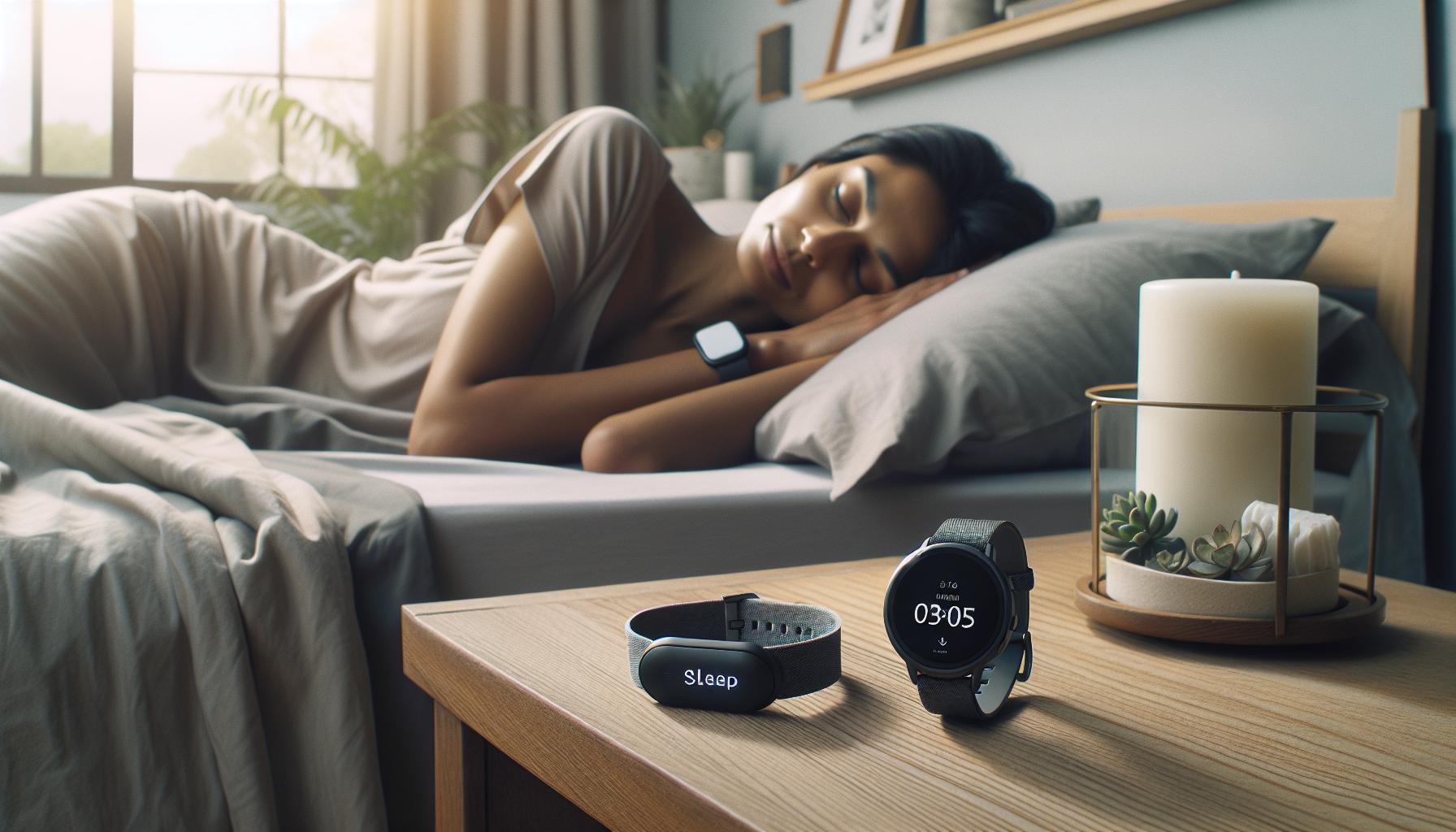
Why Is Sleep Tracking Important for Your Health?
Tracking sleep can significantly enhance your overall well-being, tapping into the profound connection between restful nights and productive days. Research has shown that sufficient quality sleep not only improves cognitive function and mood but also plays a crucial role in physical health, influencing immune function, metabolism, and heart health. For instance, individuals who consistently track their sleep patterns often report increased energy levels and better mental clarity, paving the way for healthier lifestyle choices. With wearable technology, like the Google Watch, users can access insights that help them understand their sleep quality and duration, which are crucial indicators of long-term health.
One of the most compelling reasons to utilize a sleep tracker lies in its capacity to identify patterns or disruptions in your sleep cycle. By monitoring sleep stages-light, deep, and REM-these devices provide users with valuable data on their sleep architecture. Understanding whether you’re getting enough restorative deep sleep or if your REM cycles are being disrupted can illuminate underlying health issues, such as sleep apnea or insomnia. For example, if your Google Watch indicates that you spend a minimal amount of time in deep sleep, it may be worth discussing this with a healthcare professional. Not only does sleep tracking empower individuals to take charge of their health, but it can also spark meaningful conversations about sleep hygiene and lifestyle improvements.
Moreover, sleep tracking can help you set and achieve personal goals related to rest. Many users find themselves more motivated to establish consistent sleep schedules or engage in pre-sleep rituals once they see a direct correlation between their habits and sleep quality on their watch’s dashboard. This feedback loop can lead to positive changes, such as limiting screen time before bed, optimizing bedroom environments, or incorporating relaxation techniques. Whether it’s getting the recommended seven to nine hours of sleep or enhancing sleep quality with mindful practices, the pursuit of better sleep becomes attainable with the right tools and information at your fingertips.
In essence, investing time and attention into sleep tracking can be one of the simplest yet most effective strategies for safeguarding your health. The data collected by your Google Watch is not merely numbers; it’s a gateway to understanding your body’s needs and optimizing your life for better health and vitality.
Common Reasons Google Watch Fails to Track Sleep
Many users find themselves puzzled when their Google Watch fails to track their sleep, and several common issues can disrupt this functionality. Understanding these pitfalls can help you make the most of your device and ensure accurate tracking.
- Features Not Enabled: One of the simplest reasons for sleep tracking failure is that the feature isn’t turned on. Users must ensure that sleep tracking is enabled within the Google Fit app or their watch settings. Sometimes, updates to the software can unintentionally reset settings, so checking periodically is a good practice.
- Wearability Issues: Proper wear of the watch is critical for effective sleep tracking. If the watch is too loose, it may not adequately measure heart rate or movement. Aim to wear the watch snugly on your wrist, preferably on the non-dominant arm.
- Battery Saver Mode: Activating battery saver mode or certain power-saving features can interfere with the sleep tracking function. Ensure that your watch is charged adequately before sleep tracking, and avoid power-saving settings that limit background activity.
- Compatibility Problems: Some third-party applications or settings you’ve activated may conflict with the built-in sleep tracking features. If you’ve integrated your Google Watch with external apps or services, check for any compatibility notes.
- Environmental Factors: Sleep tracking can also be affected by the sleeping environment. Loud noises, extreme temperatures, or movement from bed partners can influence the watch’s ability to accurately track your sleep stages.
- Software Glitches: Occasionally, malfunctioning software can lead to sleep tracking disruptions. Keeping your watch updated with the latest firmware can resolve bugs that might prevent it from functioning correctly.
By being aware of these common issues, you can often resolve the challenges that prevent your Google Watch from providing accurate sleep tracking data. Remember to routinely check both the device settings and wear instructions to ensure you’re getting the best performance from your wearable tech.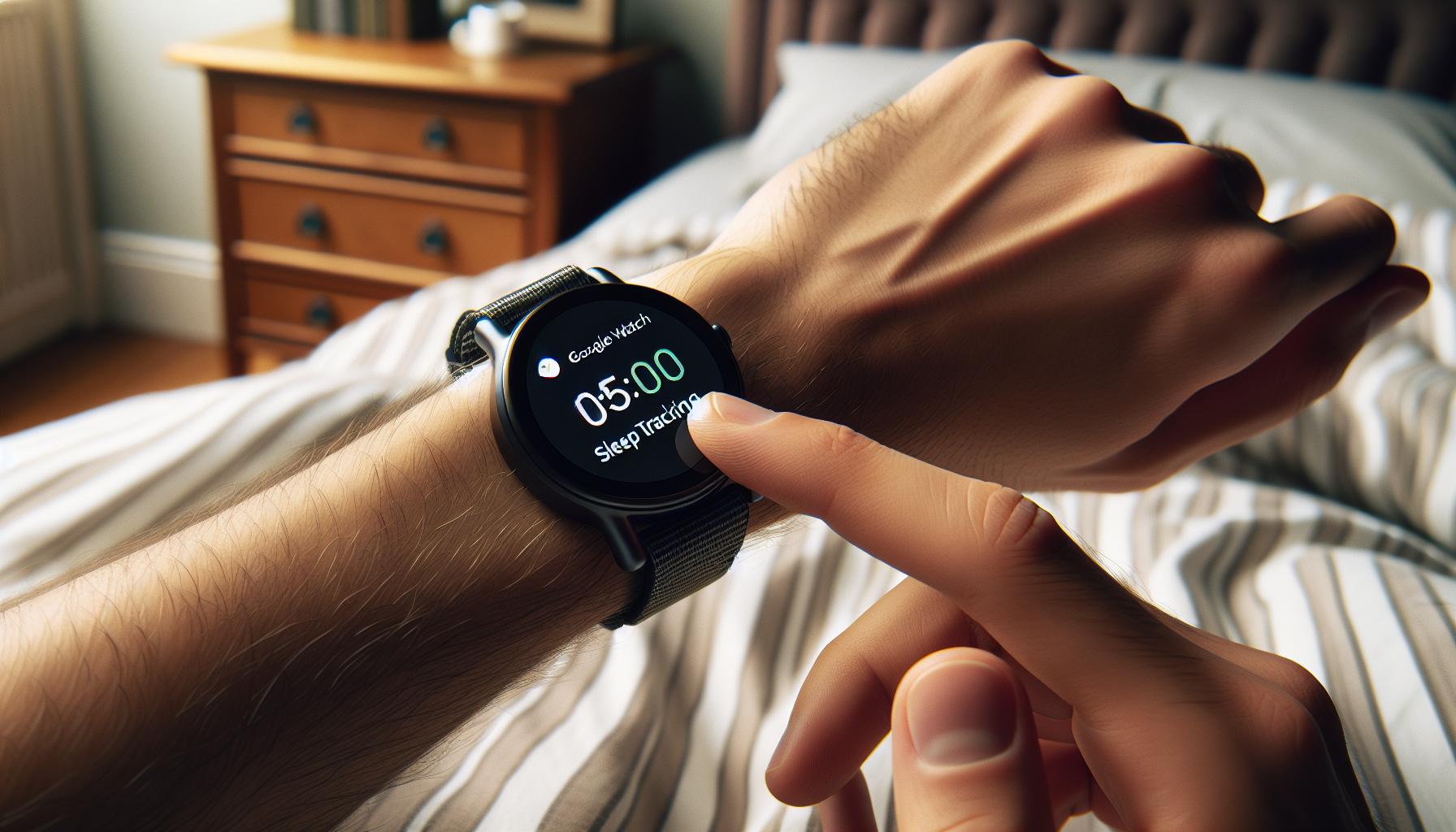
How to Enable Sleep Tracking on Your Google Watch
To get the most out of your Google Watch’s sleep tracking capabilities, enabling this feature is essential. Surprisingly, many users overlook this simple yet crucial step. When set up correctly, your watch can provide valuable insights into your sleep patterns, helping you make informed decisions about your health. Here’s how to properly enable sleep tracking on your device.
First, ensure your watch software is up to date. Go to the Settings app on your watch, scroll down to System, and select About. From there, choose System updates to check for any available updates. Once your watch is updated, sleep tracking can be activated through the Google Fit app or your watch settings. Here are the steps you’ll want to follow:
Using the Google Fit App
- Open the Google Fit app on your smartphone.
- Tap on your profile picture in the top right corner to access your settings.
- Select Manage connected apps to ensure your watch is linked.
- Find the option for Sleep and toggle it on to enable sleep tracking.
On Your Google Watch
- Swipe down from the home screen to access the quick settings menu.
- Look for the Sleep icon and tap on it to activate sleep tracking.
- Check the settings to customize features such as sleep goals and notifications.
Once enabled, remember to wear your watch comfortably throughout the night to ensure accurate readings. Reviewing your sleep data after each night can help you identify trends and make necessary adjustments to improve your sleep hygiene. Don’t forget that proper charge levels are crucial, so ensure your watch has enough battery before heading to bed.
By enabling the sleep tracking feature, you’re taking the first step toward understanding your sleep health better. With these practical steps, you can optimize your experience and gain valuable insights to improve your well-being.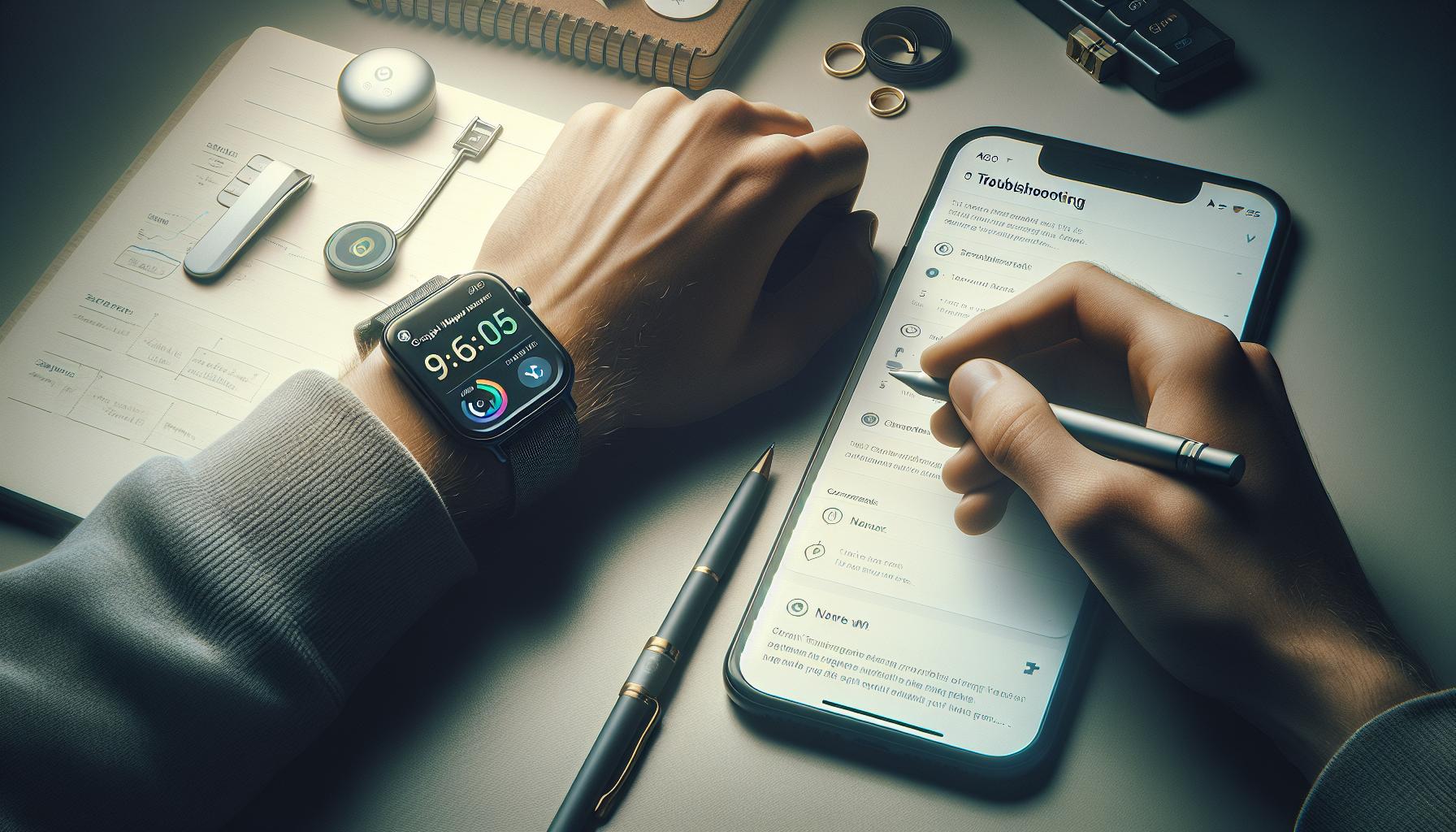
Troubleshooting Your Google Watch Sleep Tracker
While your Google Watch has the potential to offer insightful data about your sleep, various factors can lead to it not functioning as expected. Let’s dive into some common troubleshooting steps that can help you overcome these challenges and optimize your sleep tracking experience.
First, it’s essential to ensure that your watch is adequately charged. A low battery can impair the performance of sleep tracking features, leading to incomplete or inaccurate data. Make it a habit to charge your watch before bedtime to avoid any interruptions in tracking. Additionally, verify that the sleep tracking feature is indeed activated. Navigate to the settings on your watch and the Google Fit app to confirm that sleep tracking is turned on.
If you’re still facing issues, consider the fit of your watch. For accurate readings, your watch must be worn snugly on your wrist, not too loose, and positioned correctly. If the sensors are unable to make consistent contact with your skin, they may not gather accurate data. A misplaced strap can sometimes result in missed tracking, so make sure it’s comfortably but securely fastened.
Connectivity problems can also affect your watch’s performance. Ensure that your watch remains paired with your smartphone and that both devices are running the latest software updates. If the connection appears unstable, try unpairing and then re-pairing your watch with the Google Fit app, which can refresh the link and clear any persistent issues.
Lastly, external factors like room temperature, movement during the night, or even unusual sleep conditions can influence the watch’s ability to track your sleep effectively. If you consistently find that your watch isn’t tracking sleep data despite following these steps, consider reviewing the user manual or checking for any specific known issues related to your watch model online. These troubleshooting tips can guide you toward achieving more reliable sleep tracking results with your Google Watch.
Understanding Sleep Stages: What Your Watch Measures
Understanding the intricacies of sleep stages can significantly enhance your sleep tracking experience, especially when using a device like the Google Watch. Sleep is not a uniform state; rather, it comprises various stages, each playing a unique role in overall health and well-being. Your watch aims to measure these stages, providing insights into your sleep quality, but understanding what it measures can clarify its effectiveness.
Google Watch monitors several distinct stages of sleep: Awake, Light Sleep, Deep Sleep, and REM (Rapid Eye Movement) Sleep. Each of these stages serves a crucial purpose in the sleep cycle. Light sleep is essential for your body to transition between wakefulness and deeper sleep, whereas deep sleep is when restorative processes occur, like tissue growth and repair. REM sleep is critical for cognitive functions such as memory and learning, making it vital for a fulfilling night’s rest.
What Your Watch Measures
Typically, a Google Watch utilizes sensors to determine these stages by tracking heart rate, movement, and tempo of breathing. Here’s a quick breakdown of how each stage is identified:
- Awake: Periods when you are moving or have a higher heart rate indicate wakefulness.
- Light Sleep: Characterized by diminished movement and lower heart rates, this stage indicates light restorative processes.
- Deep Sleep: Marked by the lowest heart rates and minimal movement, this is when the body performs essential repair functions.
- REM Sleep: High brain activity and temporary paralysis of most muscles signify this stage, crucial for mental health.
While the Google Watch provides valuable insights, it’s important to recognize its limitations. The accuracy of sleep tracking can be influenced by various factors, such as the fit of the watch and the quality of sensors when interpreting your unique sleep patterns. For those seeking more precision, consider supplementing Google Watch data with a sleep journal or consulting with a sleep specialist if you notice consistent irregularities in your sleep patterns. Balancing technology with traditional methods offers a holistic view into your sleep health.
How Fitbit and Other Wearables Compare to Google Watch
The landscape of sleep tracking devices is vast, with options like the Google Watch and Fitbit leading the pack. Each brand has unique features tailored to various users’ needs, but how do they stack up against each other regarding effectiveness, accuracy, and user experience?
Fitbit devices are renowned for their extensive sleep tracking capabilities, which include insights into sleep stages, time awake, and overall sleep score. The simplicity of the Fitbit app allows users to analyze their sleep patterns clearly, providing helpful tips based on the collected data. While Google Watch also measures sleep stages and offers a comprehensive interface through Google Fit, it may not present data as intuitively as Fitbit’s dedicated sleep algorithms. For instance, Fitbit’s ability to track Restless Sleep and provide personalized insights is something Google Watch users might miss.
Other wearables, like the Apple Watch and Oura Ring, bring their own strengths to the table. The Apple Watch integrates seamlessly with the iOS ecosystem, offering sleep tracking alongside its rich app ecosystem, which can enhance user experience both day and night. The Oura Ring, though different in form factor, is praised for its accuracy in measuring heart rate variability and respiratory rate, leading to a holistic view of sleep health. While Google Watch provides a good balance of features, its sensor reliability can vary based on how well the watch fits on your wrist during sleep.
Ultimately, the effectiveness of these wearables in tracking sleep can depend on the individual user’s preferences and needs. For those who prioritize detailed sleep analytics and are willing to invest time in interpreting the data, Fitbit may be the better choice. However, if the goal is a multi-functional smartwatch that doubles as a sleep tracker while offering other smart features, the Google Watch can still be a solid option. Emphasizing the need for personal preference in choosing the right device is vital-what works best for one may not necessarily fit another’s lifestyle.
Tips for Improving Sleep Tracking Accuracy
To achieve accurate sleep tracking with your Google Watch, a few intentional practices can make a significant difference. Your sleep data is only as good as the environment you create for it, as well as how you configure your watch. Start with the basics: ensure that sleep tracking is enabled in your watch’s settings, which can be easily adjusted through the Google Fit app. This is often the first step many may overlook, resulting in missed insights.
The correct fit of your Google Watch is paramount. A snug but comfortable fit ensures the sensors can effectively monitor your body movement and heart rate during sleep. Ideally, wear the watch higher on your wrist, just above the wrist bone, to optimize sensor contact without causing discomfort. Also, remove any bulky wrist accessories that could interfere with the watch’s sensors.
Another key factor is creating a consistent sleep routine. Try to go to bed and wake up at the same time every day, even on weekends. This aids your internal body clock, making it easier for the watch to understand your sleep patterns. Additionally, consider reducing your exposure to screens and bright lights an hour before bedtime, as this can cause disruptions in your sleep cycle and affect the data collected.
Lastly, keep your Google Watch updated to benefit from the latest improvements and features. Check for updates regularly via the companion app to ensure your device has the latest algorithms for sleep tracking. By establishing a consistent routine, ensuring a proper fit, and staying updated, you can significantly improve the accuracy of your sleep tracking and harness the full insights your Google Watch has to offer.
Adjusting Sleep Settings: What You Need to Know
To ensure your Google Watch accurately tracks your sleep, understanding and adjusting your sleep settings can make a world of difference. Many users find that simply enabling the sleep tracking feature is not enough; proper configurations can significantly enhance the data collected. The watch relies on sensors that measure your movement and heart rate, so optimizing the settings is crucial for precision.
First, navigate to the Google Fit app on your phone. From the main dashboard, find the sleep tracking option. Ensure the feature is turned on, as some models may not have it activated by default. You can also customize your sleep schedule here-setting consistent bedtimes and wake times helps your watch recognize your sleep patterns more effectively. Working within these parameters allows the device to estimate when you’re asleep, leading to more accurate data.
Another important aspect to consider is enabling the “Sleep Mode” on your Google Watch. This can prevent interruptions from notifications and alarms that can disrupt your sleep. To turn on Sleep Mode, swipe down on your watch face, tap the settings icon, and select “Do Not Disturb” or “Sleep Mode.” Additionally, if your watch has a feature to track naps, make sure it’s activated to get a complete picture of your sleep habits.
Finally, regularly check for software updates for both your Google Watch and Google Fit app. These updates not only enhance the overall functionality but often include improvements for sleep tracking algorithms. By keeping your devices up to date, you ensure that your watch utilizes the latest technology for optimal tracking accuracy. Addressing these settings and adjustments will empower you to harness the full potential of your Google Watch, turning it into a reliable sleep companion.
Exploring Third-Party Sleep Tracking Apps
Utilizing third-party sleep tracking apps can significantly enhance your sleep monitoring experience, especially if your Google Watch isn’t meeting your expectations. Many individuals find that dedicated apps offer deeper insights and more customizable features than the standard tracking options built into their devices. With tailored algorithms, community support, and expanded functionalities, these applications can transform your understanding of your sleep patterns.
Popular Third-Party Apps
Several third-party apps are highly regarded for their effectiveness and user-friendly interfaces. Here are some of the leading options:
- Sleep Cycle: This app analyzes your sleep quality by tracking your sleep cycle through sound and motion detection. It helps you wake up during your lightest sleep phase, making mornings easier.
- Pillow: Available on iOS, Pillow provides advanced analytics using heart rate data and sound recordings to create a comprehensive sleep profile. Its smart alarm feature also helps you wake up refreshed.
- Sleep As Android: This app integrates with various devices, including smartwatches, and offers smart alarm functions, sleep score metrics, and support for sleep talking recordings.
Integration with Google Watch
Many of these apps can integrate seamlessly with your Google Watch, allowing for a more streamlined tracking experience. To set this up, you’ll typically need to grant permissions for the app to access your watch’s sensors. Once connected, you can benefit from features such as:
- Real-time tracking: Monitor your sleep patterns without having to manually start or stop the tracking every night.
- Data sharing: Combine data from multiple sources to get a holistic view of your health, including heart rate variability and activity levels.
By exploring these third-party options, you can empower yourself with additional insights into your sleep health. This is especially beneficial if you’ve encountered issues with your Google Watch’s built-in tracking capabilities. It’s essential to read user reviews and perform a bit of research to find an app that aligns with your personal needs and preferences.
While third-party apps can enhance your tracking experience, they’re not a substitute for professional help if you’re experiencing serious sleep issues. Always consider consulting with a sleep specialist for persistent concerns, ensuring your sleep health is given the attention it deserves.
When to Seek Professional Help for Sleep Issues
Sleep is a cornerstone of our overall health, yet many people overlook the importance of professional guidance until small issues escalate into larger problems. If you find that your Google Watch sleep tracker continuously underreports your sleep or fails to reflect your sleep patterns accurately, it may be time to consider if there’s more going on beneath the surface. Sleep tracking devices, while helpful, can only provide limited insights; they cannot replace professional evaluations when serious concerns arise.
A notable indicator that you should seek expert help is experiencing persistent sleep disturbances, such as insomnia or excessive daytime fatigue, despite making lifestyle changes. Have you noticed significant snoring, gasping for air during sleep, or a lack of restorative rest, even when you adhere to a healthy routine? Such symptoms could point to sleep disorders like sleep apnea, requiring a more thorough investigation. A sleep study or polysomnography-a test conducted to diagnose sleep disorders-can provide clarity and guide treatment options.
What to Expect from a Sleep Study
If you decide to pursue a sleep study, it typically involves spending a night in a sleep clinic where you’ll be monitored via sensors placed on your body. It will track various parameters such as brain waves, heartbeat, and respiratory effort. Here’s what you should know:
- Setup: You might feel a bit apprehensive about sleeping in an unfamiliar environment, but sleep technicians will be on hand to ensure comfort and address any concerns.
- Duration: Most studies last one night, though multiple nights of monitoring might be recommended based on initial results.
- Cost and insurance: Prices can vary, but many insurance plans cover sleep studies if prescribed by a doctor. Always check your policy for out-of-pocket costs.
When to Use Sleep Trackers vs. Seeking Help
Many users may rely on devices like the Google Watch to manage their sleep health, but know when these tools are not enough. Here’s a quick guide to help differentiate between when to stick with tech and when to escalate to professional help:
| Scenario | Action |
|---|---|
| Occasional sleep disruption | Continue using your Google Watch and improve sleep hygiene |
| Chronic issues like insomnia or fatigue | Schedule an appointment with a sleep specialist |
| Observable symptoms of sleep apnea | Seek immediate professional evaluation |
| Data inconsistencies from tracking devices | Consider a sleep study if discrepancies persist |
Ultimately, empowering yourself with knowledge about sleep health can create meaningful change. Never hesitate to reach out for a professional opinion if you’re unsure about your sleep patterns or if your device fails to alleviate your concerns. The journey to better sleep is an important and collaborative one that can lead to better health outcomes overall.
Real User Experiences: Success Stories and Challenges
Users of Google Watch often share a range of experiences regarding sleep tracking, highlighting both the successes and challenges associated with the technology. For many, the watch serves as a transformative tool, raising awareness of their sleep habits and encouraging healthier behaviors. For instance, a common success story involves a user who, after realizing through sleep data that they were getting less restorative sleep than assumed, adjusted their bedtime routine. By prioritizing relaxation techniques such as reading or meditating before bed, they were able to improve their overall sleep quality, reinforcing the significance of the device as a behavioral motivator.
However, not all experiences are positive. Some users report frustration when their watch fails to accurately track sleep duration or quality. Issues such as the watch not registering sleep during restless nights or discrepancies between expected and recorded sleep times can lead to confusion. For example, one user noticed that their Google Watch consistently undervalued their actual sleep time, reporting only five hours instead of the seven they felt they had. This led to unnecessary worry and even caused them to doubt their nightly routines. In instances like this, understanding the watch’s limitations, such as its reliance on movement data for sleep detection, can help users set realistic expectations.
Another challenge users face is ensuring that the sleep tracking feature is properly enabled. Some have experienced issues with the watch not activating the sleep mode automatically, particularly if they forget to put it on their wrist before bed. To combat this, regularly checking settings and enabling “Sleep Tracking” in the device’s settings prior to sleep can prevent monitoring gaps. Educating users about these settings can significantly enhance the efficacy of the tracking mechanism.
At the same time, these stories highlight the importance of combining technology with self-awareness. While the Google Watch provides valuable insights, it should be viewed as one piece of a broader wellness puzzle. Many users emphasize that supplementing data from their device with journals or indirect feedback, such as enhanced notification from family regarding their waking habits, leads to deeper understanding and improvement in sleep quality. In the end, user experiences underline the need for balance – utilizing the technology to its fullest while being mindful of its limitations and approaching sleep health comprehensively.
Future of Sleep Tracking Technology: Trends to Watch
With the continuous evolution of technology, the future of sleep tracking is poised to be more transformative than ever. As health awareness surges, wearables like the Google Watch are increasingly integrated with advanced features that promise to enhance our understanding of sleep health. These devices are not just capable of monitoring sleep patterns; they are evolving into comprehensive health management tools that provide users with actionable insights. For example, the incorporation of artificial intelligence (AI) is set to play a significant role in how these devices analyze sleep data, offering personalized sleep insights based on individual habits and health metrics.
Emerging Trends in Sleep Tracking Technology
The integration of smart home devices stands out as a major trend in sleep tracking technology. Imagine your Google Watch syncing seamlessly with smart thermostats to adjust temperature settings for optimal sleep conditions or connecting with smart lights to mimic natural sunrise, gradually waking you up in a more gentle manner. This interconnectedness aims to create an environment conducive to better sleep quality, merging technology with a holistic approach to wellness.
Moreover, as sleep science progresses, we’re likely to see improved metrics beyond just sleep duration and quality. Upcoming wearables may incorporate biometric sensors that measure heart rate variability, oxygen levels, and even stress hormones. This broader range of data could allow for a more nuanced understanding of the factors affecting sleep, empowering users to make informed lifestyle changes. For instance, if a device detects elevated stress levels through physiological data, it could suggest mindfulness practices or relaxation techniques before bedtime.
Key Considerations for the Dedicated User
As these advancements unfold, maintaining awareness of the limitations of technology remains crucial. Users should recognize that while devices like the Google Watch can provide valuable insights, they are not replacements for professional medical advice or assessments. Understanding when to seek help, especially in cases of persistent sleep issues, is essential. In scenarios where users consistently struggle with sleep quality, leveraging the sophisticated metrics gathered by these devices can facilitate more meaningful discussions with healthcare professionals.
Additionally, integrating third-party apps that specialize in sleep analytics may offer further insights and improvements. These apps often feature customizable settings, providing deeper dives into sleep cycles and offering tailored recommendations for enhancing sleep hygiene. As consumers, staying informed about these evolving trends will empower you to harness the full potential of sleep tracking technology, allowing for a healthier, more rested life.
By embracing this tech-forward future and blending it with self-awareness, we can not only enrich our understanding of sleep but also actively participate in our overall health journey.
Frequently Asked Questions
Q: How can I tell if my Google Watch is tracking sleep properly?
A: To verify if your Google Watch is tracking sleep accurately, check the sleep data in the companion app. Confirm that sleep tracking is enabled in the settings. Look for patterns in your sleep stages and duration, which should be consistent with your actual sleep habits.
Q: Why isn’t my Google Watch showing sleep data after a night of sleep?
A: If your Google Watch isn’t displaying sleep data, ensure that the device is worn correctly on your wrist overnight. Additionally, check that the sleep tracking feature is enabled and that your watch has enough battery life to function throughout the night.
Q: What settings need to be adjusted on my Google Watch for sleep tracking?
A: For optimal sleep tracking, go to Settings > Sleep, and ensure sleep tracking is turned on. You can also customize your sleep schedule and enable “Do Not Disturb” mode to avoid interruptions during the night.
Q: Can third-party apps interfere with sleep tracking on my Google Watch?
A: Yes, certain third-party apps might affect the native sleep tracking functionality. Ensure that your primary sleep tracking app is prioritized and check for any permissions that may restrict its capabilities.
Q: What should I do if my Google Watch still doesn’t track sleep after enabling the feature?
A: If enabling the feature doesn’t resolve the issue, try rebooting your watch and checking for software updates. You may also want to reset the watch to factory settings if problems persist, ensuring it’s paired properly with your phone again.
Q: Is my Google Watch getting updates for sleep tracking features?
A: Google often updates the Watch software to enhance features, including sleep tracking. Regularly check for updates in the Settings under “About” to ensure your device is up to date and has access to the latest functionalities.
Q: How does sleep tracking accuracy on Google Watch compare with other devices?
A: Google Watch sleep tracking is generally reliable but can vary compared to specific sleep-focused devices. It often provides a good estimate of sleep stages but consider devices like Fitbit for more detailed analytics. Refer to our section on “How Fitbit and Other Wearables Compare to Google Watch” for more insights.
Q: When should I seek help if my sleep tracking features aren’t working?
A: If sleep tracking issues persist despite troubleshooting, consider consulting with customer support or exploring professional help for sleep concerns. Refer to the “When to Seek Professional Help for Sleep Issues” section for guidance on evaluating your sleep health.
Key Takeaways
If your Google Watch isn’t tracking sleep as expected, enabling the feature is just the first step towards better sleep insights. Don’t let this minor setback deter your sleep health journey! Take action now by checking your device settings, ensuring all updates are installed, and exploring our detailed guides on optimizing wearable tech for sleep tracking. For more tips on troubleshooting and enhancing your sleep patterns, visit our sections on sleep studies and device comparisons.
Ready to elevate your sleep health? Discover more valuable resources on improving your sleep quality and utilizing technology effectively by checking out our articles on related wearables and health tips. Your better nights await! Share your experiences or ask questions in the comments below-we’d love to hear from you. Remember, every small step counts towards understanding your sleep better, so don’t hesitate to explore further!
Get our latest guides, news, and insights highlighted in your Google Search & AI Overviews.