
If you’ve been wondering, “Why isn’t my Fitbit Charge 3 tracking my sleep?” you’re not alone. Many users rely on their fitness trackers to provide insights into their sleep patterns, but occasional hiccups can leave you puzzled and frustrated. Accurately monitoring your sleep is essential for making informed lifestyle changes and improving your overall well-being. In this guide, we’ll explore common reasons your device might not be capturing your sleep data and offer practical troubleshooting steps. By understanding how to optimize your Fitbit’s sleep tracking capabilities, you’ll be better equipped to take charge of your sleep health and enhance your nightly rest. Let’s dive in and uncover the solutions to get your tracker back on track!
Why Your Fitbit Charge 3 Might Struggle with Sleep Tracking
Fitbit devices are renowned for their ability to track sleep, but there are several reasons why your Charge 3 might not be performing optimally in this regard. One of the primary challenges is how the device interprets movement and physiological signals to detect sleep stages. If the tracker is worn too loosely or not at all, it may not adequately monitor your heart rate and movement, leading to inaccurate sleep data. This is particularly common among users who frequently adjust or remove their devices during the night.
Another factor could be the presence of disturbances in your sleep environment. Noisy surroundings, sudden temperature changes, or uncomfortable bedding can disrupt both your sleep quality and the device’s ability to accurately gauge your sleep patterns. Moreover, a device that is not updated with the latest firmware can struggle with sleep tracking, as updates often include enhancements to tracking algorithms and settings that refine performance.
Understanding the limitations of your Charge 3 is also essential. While it does an excellent job of tracking general sleep duration, its accuracy in differentiating between sleep stages-such as deep sleep, light sleep, and REM sleep-may vary. Inconsistent wear, environmental disruptions, and outdated software can contribute to this struggle, making it crucial to ensure your device is fitted correctly, worn consistently, and updated regularly for the best tracking results.
Common Causes for Sleep Tracking Failures
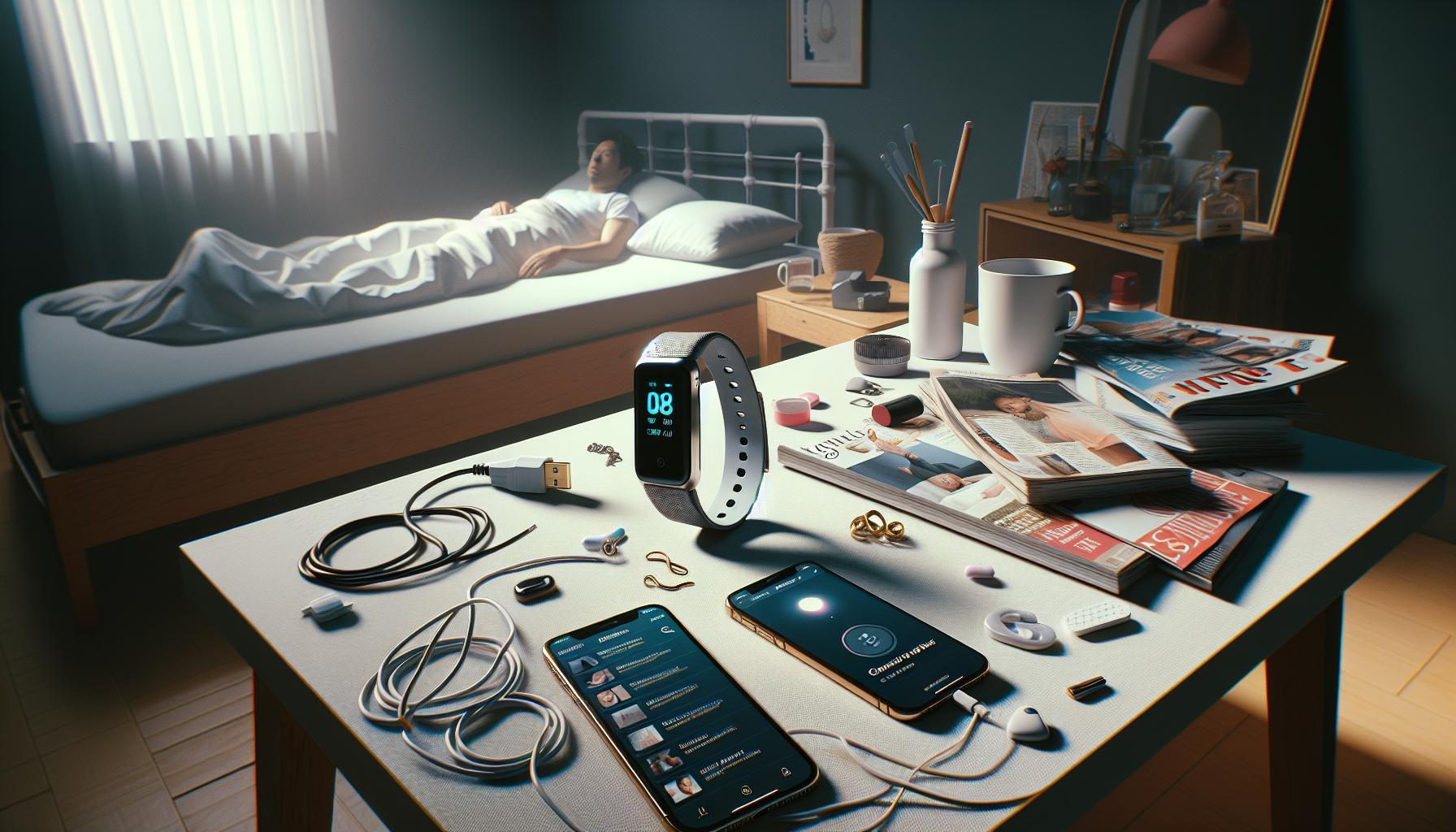
Sleep tracking failures with your Fitbit Charge 3 can stem from various common issues, which can often be addressed with simple adjustments or considerations. One of the most prevalent issues is how the device is worn. For optimal accuracy, your Fitbit must maintain a snug fit around your wrist. If worn too loosely, it may struggle to register heart rate data and movement accurately, both vital for effective sleep tracking. This can be especially problematic for individuals who repeatedly adjust or take off their devices throughout the night.
Environmental Factors
Another significant factor impacting the accuracy of your sleep data is the environment where you sleep. A disruptive sleep environment plagued by noise, fluctuating temperatures, or uncomfortable bedding can affect your ability to rest soundly and, consequently, the accuracy of the data collected by your Charge 3. Consider evaluating your bedroom setup to identify and mitigate any disturbances. Creating a tranquil sleeping atmosphere can not only enhance your sleep quality but also improve the functionality of your sleep tracker.
Software and Firmware Updates
Keeping your device updated with the latest software is crucial for optimal performance. Fitbit frequently releases updates that may enhance sleep tracking algorithms or fix known issues. An outdated device might not only struggle with sleep detection but may also miss out on improved features. Regularly check the Fitbit app for any updates and install them to ensure your device operates at its best.
To summarize, ensuring a proper fit, creating a conducive sleep environment, and keeping your device updated are all essential steps to enhance your Fitbit Charge 3’s sleep tracking capabilities. By addressing these common issues, you can expect to see more accurate sleep data, empowering you to make informed decisions about your sleep health.
How to Properly Setup Your Fitbit Charge 3 for Sleep
Setting up your Fitbit Charge 3 properly for sleep tracking is essential to ensure you receive accurate data regarding your sleep patterns. A well-configured device can provide insights that help improve your overall sleep quality. Here’s how to optimize your Fitbit Charge 3 for the best results during sleep monitoring.
Begin by ensuring that your Fitbit Charge 3 is correctly sized and fitted on your wrist. For sleep tracking, the device should sit snugly just above your wrist bone and not too loose, as this can hinder its ability to collect heart rate and motion data effectively. Taking time to adjust the band for comfort will go a long way in maintaining consistent readings throughout the night.
Next, make sure that you enable the sleep tracking feature. Open the Fitbit app on your smartphone, navigate to your device settings, and confirm that sleep tracking is switched on. The Charge 3 has a feature called Sleep Mode, which reduces interruptions by silencing notifications while you’re sleeping. To activate Sleep Mode, swipe down on the home screen and tap the icon that resembles a moon. This not only helps you have an undisturbed sleep but also enables the device to focus on tracking your sleep stages more effectively.
Additionally, consider synchronizing your Fitbit with the app before bedtime to ensure that all settings are correctly updated. Tracking your sleep’s first stages begins as soon as you fall asleep, so ensure you’re wearing your device before you drift off. It can also be pertinent to set a consistent bedtime and wake time, as routine plays a huge role in effective sleep tracking. Use the Fitbit app to designate regular sleep schedules which can aid in recognizing sleep trends over time.
Moreover, keep your device firmware updated. Regular software updates can introduce enhancements to the sleep tracking algorithms. This means that not only could your tracker become more accurate, but it might also receive new features that improve your experience. Check for updates in the app periodically to ensure you’re benefiting from the latest improvements.
With these steps, you’re well on your way to making your Fitbit Charge 3 a more capable sleep tracker. By focusing on the fit, settings, and updates, you position yourself to gain valuable insights into your sleep health that can help you make informed decisions moving forward.
Best Practices for Wearing Your Fitbit During Sleep
To maximize the effectiveness of your Fitbit Charge 3 during sleep tracking, how you wear it is crucial. A well-positioned device not only enhances comfort but also ensures accurate readings of your sleep patterns.
Start by adjusting your Fitbit so it fits snugly above your wrist bone. A too-loose fit can lead to inaccurate heart rate and motion readings, which are vital for sleep data analysis. If your device feels uncomfortable or inhibits blood flow, try a different band or adjust the existing one. Remember, comfort is key; an uncomfortable device can disrupt your sleep and skew your tracking results.
Utilizing Sleep Mode
Activate the Sleep Mode feature each night. This not only silences notifications but also allows your Fitbit to concentrate on tracking your sleep stages without external distractions. You can easily enable this mode by swiping down on the home screen and tapping the moon icon. By minimizing interruptions, you help your device gather clearer data on your sleep cycles, enhancing its accuracy and providing you with insights that can improve your sleeping habits.
Pre-Sleep Routine
Before bedtime, synchronize your Fitbit with the app to ensure all settings are up to date. This simple action ensures that your device is ready to monitor the moment you drift off. Consistently wearing your charge 3 every night helps establish a routine, and using the app to set specific sleep and wake times can assist in tracking trends over time.
Taking these steps to ensure proper use of your Fitbit Charge 3 can greatly improve its ability to track your sleep accurately. By focusing on fit, enabling key features, and establishing a routine, you position yourself to gain valuable insights into your sleep health.
Adjusting Fitbit Settings to Enhance Sleep Tracking
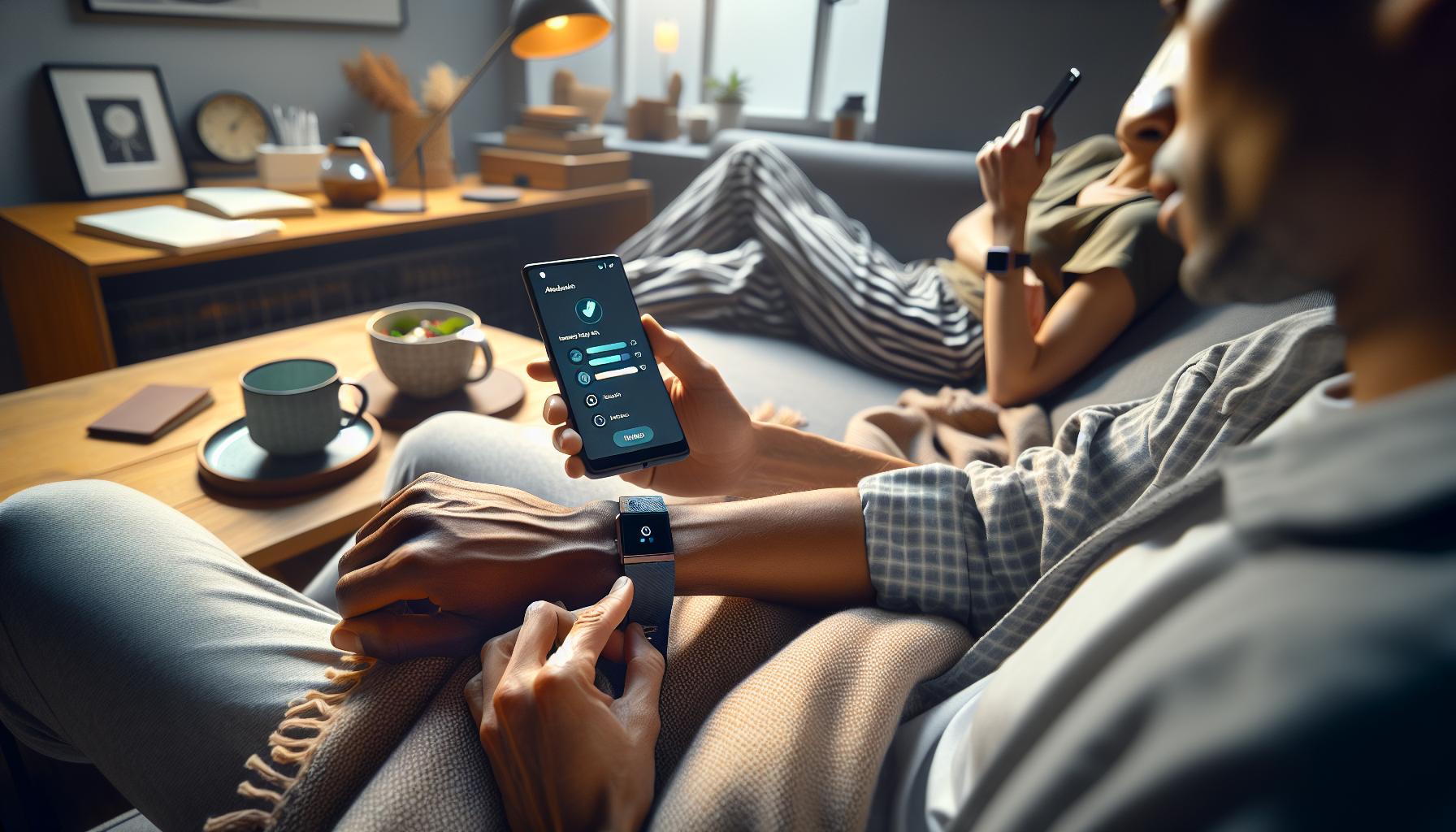
To optimize the sleep tracking capabilities of your Fitbit Charge 3, fine-tuning the device’s settings is essential. A well-adjusted device not only captures accurate data but also enhances your overall sleep experience. Start by ensuring your Charge 3 is updated with the latest software. Fitbit frequently rolls out updates that can improve functionality, particularly regarding sleep tracking features. You can check for updates in the Fitbit app under Account > Charge 3 > Software Version.
Another critical setting to focus on is the sleep schedule feature. By setting a consistent sleep schedule within the Fitbit app, you allow the device to better understand your sleep patterns. Adjust your sleep and wake times in the app to reflect your ideal routine-this can help the Fitbit recognize when to monitor your sleep more effectively. Additionally, remember to turn on Sleep Mode each night to minimize distractions. This feature silences notifications and allows the device to focus solely on tracking your sleep stages.
Customizing Heart Rate Settings
Since heart rate monitoring is integral to sleep tracking, confirming that your heart rate settings are configured correctly is crucial. Navigate to the app and ensure that heart rate tracking is activated and set to continuous monitoring. This setting allows the Charge 3 to collect detailed data on your heart rate fluctuations throughout the night, giving you a more thorough understanding of your sleep quality.
Using the Fitbit App to Analyze Data
Leverage the Fitbit app to analyze your sleep data post-tracking. The app provides insights into your sleep stages-light, deep, and REM sleep-along with total sleep duration. Pay attention to these metrics as they can highlight patterns that may require lifestyle adjustments. For example, if you notice that you’re consistently spending less time in deep sleep, consider altering your pre-sleep routine, such as reducing screen time or caffeine intake in the evening.
By making these adjustments and regularly engaging with the data your Fitbit Charge 3 provides, you can significantly enhance its ability to track your sleep accurately and improve your overall sleep health.
Understanding Sleep Stages and Fitbit Tracking Accuracy
Understanding your sleep stages is crucial for maximizing the effectiveness of your Fitbit Charge 3 and improving your sleep quality. The device uses a combination of heart rate monitoring and movement tracking to categorize your sleep into three main stages: light sleep, deep sleep, and REM (Rapid Eye Movement) sleep. Each stage serves a unique purpose in your overall sleep cycle, impacting how rejuvenated you feel upon waking.
Fitbit’s accuracy in tracking these stages can sometimes vary based on several factors, including how you wear the device and its settings. For instance, if your Charge 3 is too loose or positioned incorrectly on your wrist, it might not effectively read your heart rate, leading to less reliable sleep data. Moreover, external factors such as room temperature, noise, and even stress levels can influence your sleep quality, inadvertently affecting what Fitbit records. Therefore, wearing the device snugly and adjusting the settings for optimal heart rate monitoring will provide more reliable insights.
To better understand your sleep data, regularly review the sleep reports in the Fitbit app. These reports break down the total time spent in each sleep stage and provide a visual representation of your nightly sleep patterns. If you notice you’re falling short on deep sleep-essential for recovery-consider implementing changes to your bedtime routine. Simple adjustments, such as winding down with relaxation techniques or limiting screen time, can yield substantial improvements.
Finally, keep in mind that while Fitbit offers a helpful overview of sleep stages, it is not a replacement for professional sleep studies. If you experience persistent sleep issues, such as insomnia or extreme fatigue, consulting a healthcare provider may be necessary. This ensures you receive a comprehensive evaluation tailored to your needs, beyond what any wearable device can provide.
Software Updates That Improve Sleep Functionality
Software updates can significantly enhance the sleep tracking capabilities of your Fitbit Charge 3, addressing common issues that users may encounter. Keeping your device’s software up to date not only adds new features but also fixes bugs that could interfere with how sleep is monitored. For instance, previous updates have improved heart rate accuracy during sleep, allowing for a more accurate representation of your sleep stages.
To ensure you are benefiting from these improvements, regularly check for updates in the Fitbit app. It’s simple: just go to the device settings within the app and tap on “Sync.” This process connects your Fitbit to the app and allows it to receive any available updates. Being proactive about updates can make a noticeable difference, particularly in tracking sleep metrics, such as total sleep time and the various stages of sleep-light, deep, and REM.
If you notice persistent discrepancies in your sleep data after updating, consider revisiting your Fitbit settings. Sometimes, the device may need a nudge to recalibrate its tracking methods. For example, ensure that heart rate monitoring is enabled during sleep and that you’ve accurately set your sleep schedule within the app. This helps the Charge 3 understand your nightly routine better and aligns its tracking capabilities accordingly.
Moreover, it’s also beneficial to explore user feedback in the Fitbit community forums after an update. Many users share their experiences and tips regarding recent software changes, shedding light on any persistent issues and how they tackled them. Collectively, these insights can help you navigate any new challenges effectively, enhancing the accuracy of your Fitbit’s sleep tracking in the process.
User Experiences: Fixes from the Fitbit Community
Many users of the Fitbit Charge 3 have encountered issues with sleep tracking, sparking vibrant discussions within the Fitbit community. These forums often serve as a treasure trove of personal experiences and practical fixes that can help others facing similar challenges. One common tip that frequently arises is ensuring that the device is fitted snugly but comfortably on the wrist. A loose fit can lead to inaccurate readings, as the sensors may not make proper contact with the skin.
Another frequently suggested fix involves checking the settings in the Fitbit app. Users often recommend disabling and re-enabling specific features such as heart rate monitoring and sleep tracking. This simple refresh can recalibrate the device’s tracking capabilities and have a substantial impact on the accuracy of the sleep data collected. Many community members have shared their success stories after performing this quick adjustment.
Additionally, some users found it beneficial to keep a consistent sleep schedule. Regular sleep patterns help the Charge 3 better understand your nightly routine, leading to more accurate tracking. Members of the community emphasize the importance of logging your sleep in the app before bedtime, as this can further assist the device in recognizing when you typically settle down for the night.
A recurrent theme in these discussions is the importance of keeping the device’s software updated. Many users have noted significant improvements in sleep tracking accuracy after installing the latest updates. Engaging with fellow users on forums to stay informed about updates can provide valuable insights into how others have optimized their devices for better performance.
By sharing these experiences, Fitbit community members empower each other to troubleshoot effectively and enhance sleep tracking accuracy, turning a frustrating situation into a shared journey towards better sleep health.
Advanced Troubleshooting Tips for Sleep Issues
Your Fitbit Charge 3 is a powerful tool for monitoring sleep, but it can sometimes falter in tracking your nightly rest accurately. Many users have reported frustrations, but there are several advanced troubleshooting steps that can significantly improve sleep tracking performance. By following these tips, you can potentially turn your device into a more reliable sleep monitor.
Ensure Proper Fit and Placement
A common issue with sleep tracking is the fit of the device. The Charge 3 should be worn snugly but comfortably on your wrist. A loose fit can prevent the sensors from getting accurate readings. Try adjusting the strap to see if a more secure fit helps improve tracking. Additionally, consider wearing your watch higher on your wrist, just above your wrist bone, for optimal sensor contact during sleep.
Adjust Your App and Device Settings
Sometimes, sleep tracking discrepancies can stem from settings in the Fitbit app. Navigate to your app settings and consider disabling the sleep tracking feature and re-enabling it. This has proven effective for many users, as it resets the functions and can recalibrate the device. Similarly, check to ensure that heart rate monitoring is active, as this data is crucial for accurate sleep stage tracking.
Regularly Update Software
Keeping your Charge 3’s software updated is crucial for ensuring it functions optimally. Fitbit releases updates to enhance features and fix bugs, so periodically check for software updates through the Fitbit app. Users have shared that after applying updates, they noticed a marked improvement in the accuracy of sleep data captured.
Maintain Consistent Sleep Habits
Establishing a routine can aid in more accurate sleep tracking. Go to bed and wake up at the same time every day, including weekends. By maintaining a consistent schedule, your Charge 3 can better learn your sleep patterns, leading to improved tracking. Logging your sleep manually in the app can also signal to the device when to start tracking, making it more effective in recognizing your sleep cycles.
By implementing these advanced troubleshooting tips, you can maximize the effectiveness of your Fitbit Charge 3’s sleep tracking capabilities. These minor adjustments can make a substantial difference in the quality and accuracy of the data you receive, paving the way for better sleep insights and health improvements.
When to Seek Professional Help for Sleep Problems
If you’ve been relying on your Fitbit Charge 3 to track your sleep but continually find inaccuracies or lack of data, it might be time to consider professional help. While wearables are great for monitoring general health metrics, they aren’t a substitute for comprehensive medical evaluation. It’s important to recognize when device limitations might indicate deeper issues.
Understanding your sleep patterns and quality is crucial. If your Fitbit suggests you’re getting insufficient sleep, or if it shows erratic sleep data, it might not just be a technical glitch. Consistently feeling excessively tired, experiencing frequent awakenings during the night, or difficulties in falling asleep could point to underlying sleep disorders such as insomnia or sleep apnea. If these symptoms persist for several weeks despite attempting to adjust your routine or utilizing tracking features effectively, professional guidance could provide insights that your device cannot.
When to Consider Professional Help:
- Persistent Symptoms: If you frequently feel fatigued during the day despite what your Fitbit reports, or if friends or family notice that your sleep seems restless, it may be time to consult a sleep specialist.
- Obstructive Sleep Apnea: If you snore loudly, experience gasping or choking sounds during sleep, or awaken with a dry mouth, these could be signs of a serious condition that requires a sleep study, also known as polysomnography.
- Chronic Conditions: Individuals with conditions like anxiety, depression, or chronic pain should also evaluate their sleep quality with a professional. These disorders often disrupt sleep and may need more than a tracking device to manage.
- Family History: If sleep disorders run in your family, it might be prudent to seek an evaluation, as hereditary factors can play a significant role in sleep health.
What to Expect from Professional Evaluations:
When approaching a healthcare provider, be prepared to discuss your sleep habits in detail. They might ask you to keep a sleep diary to track your patterns, or they may recommend a sleep study. A sleep study typically involves spending a night at a sleep center where your sleep patterns can be monitored comprehensively, providing valuable data that surpasses what wearable technology can offer.
Navigating sleep problems doesn’t have to be a daunting journey. Professional insights can lead to personalized treatment plans that not only help you achieve better sleep but also improve your overall quality of life. By taking these steps, you can empower yourself to make informed decisions about your health, leveraging both technology and medical expertise effectively.
Alternative Sleep Tracking Options to Consider
If you’re finding your Fitbit Charge 3 is not accurately tracking your sleep, you’re not alone. Many users encounter this issue and often seek alternative sleep tracking options to ensure they get a clearer picture of their sleep patterns. While wearables like the Fitbit provide convenience and a wealth of data, they may not suit everyone’s needs. Here are some alternatives that can supplement or replace your device.
Wearable Alternatives
Wrist-worn alternatives, such as the Garmin Vivoactive or Apple Watch, also provide sleep tracking capabilities. These devices often include advanced features such as more precise heart rate monitoring and sleep stage detection, which can lead to more accurate sleep data. The Oura Ring is another innovative option; it’s a sleek ring that tracks sleep, recovery, and overall wellness comfortably without being intrusive. Before purchasing, compare the features, battery life, and prices of these alternatives to your specific requirements.
Sleep Apps for Phones
If wearing a device overnight isn’t appealing, consider smartphone apps designed for sleep tracking. Apps like Sleep Cycle or Pillow use your phone’s sensors to analyze your sleep patterns. They track movements and sounds to determine when you’re asleep and can provide insights based on data trends. These apps often allow for customization, such as setting alarms during light sleep phases, which can help you wake up feeling more refreshed.
Smart Home Devices
For a more passive approach, smart home devices like the Withings Sleep Tracking Mat offer a non-intrusive method of tracking sleep. Placed under your mattress, it monitors your sleep cycles and provides an overview through a connected app without needing to wear anything on your body. This can be particularly beneficial for those who find wearables uncomfortable during sleep.
Professional Sleep Studies
If you suspect underlying sleep disorders, such as sleep apnea or chronic insomnia, it may be time to seek professional help. Sleep studies conducted in a sleep lab can deliver comprehensive insights that wearables simply can’t match. These studies monitor various physiological parameters, providing an accurate diagnosis and tailored recommendations. Expect costs to vary widely based on location and insurance coverage, but the peace of mind gained is often well worth the investment.
By exploring these alternatives, you can take charge of your sleep health more effectively. Whether you opt for another device, an app, or professional evaluation, understanding how you sleep is crucial for improving your overall health.
Maintaining a Healthy Sleep Routine with Technology
To optimize your sleep routine with technology, leveraging the capabilities of devices like the Fitbit Charge 3 can significantly enhance your sleep quality. However, understanding how to effectively integrate technology into your nightly habits is key to reaping the benefits. Many users find that simple adjustments in their usage can lead to better data accuracy and improved sleep health.
Establishing a Consistent Sleep Schedule
One of the most impactful ways to maintain a healthy sleep routine is by setting a consistent sleep schedule. Utilize your Fitbit’s reminder features to establish a bedtime that aligns with your natural sleep cycle. Aim to go to bed and wake up at the same time every day, even on weekends. This can help regulate your body’s internal clock, making it easier to fall asleep and wake up refreshed.
Creating a Sleep-Conducive Environment
Your sleep environment plays a critical role in the quality of your rest. Use your Fitbit’s insights to analyze your sleep patterns and make necessary adjustments. For instance, if you notice disturbances at certain times, evaluate your bedroom setup. Make your sleep space dark, cool, and quiet. Consider adding blackout curtains, white noise machines, or comfortable bedding to enhance the sleep experience.
Minimizing Screen Time Before Bed
The blue light emitted by screens can interfere with melatonin production, which is essential for sleep. Aim to turn off devices, including your Fitbit itself, at least 30 minutes before bedtime. Instead, engage in relaxing activities such as reading a book or practicing meditation. This not only prepares your mind for restful sleep but also allows you to disconnect from the digital world, reducing potential distractions.
Regularly Reviewing Sleep Data
Take advantage of the data your Fitbit collects by reviewing it regularly. Look for trends in your sleep patterns-like how long it takes you to fall asleep or how often you wake up. This information can guide you in making informed decisions about any changes you need to implement in your sleep routine. The Fitbit app allows for easy tracking and analysis of this data, helping you understand what works best for your body.
By consciously integrating technology into your sleep routine and paying attention to the feedback it provides, you can make targeted improvements to your overall sleep health. Tracking your sleep not only empowers you with knowledge but also enables you to identify potential sleep issues before they become serious.
FAQ
Q: Why isn’t my Fitbit Charge 3 tracking sleep even though I wear it at night?
A: If your Fitbit Charge 3 isn’t tracking your sleep, check that it is worn snugly on your wrist and that the heart rate monitor is functioning correctly. Loose fitting can interfere with tracking accuracy, and low battery levels may also affect performance.
Q: How do I reset my Fitbit Charge 3 to improve sleep tracking?
A: To reset your Fitbit Charge 3, press and hold the button for about 10 seconds until you see the Fitbit logo. This can resolve minor software glitches that may affect sleep tracking. Afterwards, ensure your device is updated with the latest firmware.
Q: What should I do if my Fitbit Charge 3 suddenly stops tracking sleep?
A: If your Fitbit Charge 3 suddenly stops tracking sleep, first check if it’s correctly synced with the app. Then, ensure that sleep tracking is enabled in the settings. Consider restarting the device and checking for software updates.
Q: Why is my Fitbit Charge 3 showing inaccurate sleep data?
A: Inaccurate sleep data could be due to poor wearing habits, such as wearing it too loosely, or not wearing it at all during sleep. Make sure you enable sleep mode before sleeping and review your sleep schedule settings in the app.
Q: How can I ensure that my Fitbit Charge 3 tracks sleep stages accurately?
A: For accurate sleep stage tracking with your Fitbit Charge 3, wear the device snugly during sleep, keep it charged overnight, and maintain a consistent sleep routine. This enhances data reliability and effectiveness.
Q: Are there specific times when my Fitbit Charge 3 is less likely to track sleep?
A: Yes, your Fitbit Charge 3 may struggle to track sleep during restless nights when you frequently wake up, or if you have late-night activities. It’s essential to allow consistent hours of sleep for better tracking accuracy.
Q: Can multiple users affect sleep tracking on a single Fitbit Charge 3?
A: Yes, if multiple users share the same Fitbit Charge 3 without changing the settings, it can skew the sleep data. Each user should have their own Fitbit account to maintain personalized tracking.
Q: What alternative methods can I use to track my sleep if Fitbit Charge 3 fails?
A: If Fitbit Charge 3 fails to track sleep, consider using alternate devices like smartphone apps designed for sleep tracking, or explore dedicated sleep monitors. These options can supplement your sleep insights effectively.
In Summary
If you’ve followed our guide on troubleshooting your Fitbit Charge 3 sleep tracking issues, you’re already on your way to restoring your sleep insights. Remember, addressing factors like fit, app updates, and sleep settings can make a world of difference. Don’t hesitate to check our related articles on optimizing Fitbit use for better sleep tracking and understanding how sleep stages work.
Now is the perfect time to reassess your sleep health. Dive deeper with resources on sleep disorders and wearable technology to empower your journey towards better sleep. We encourage you to engage with us by leaving your thoughts in the comments or sharing this guide with fellow Fitbit users. For more tips and updates, consider subscribing to our newsletter. Your sleep health matters, and we’re here to help you every step of the way!
Get our latest guides, news, and insights highlighted in your Google Search & AI Overviews.