
Sleep is essential for overall well-being, yet many struggle to achieve quality rest. Did you know that tracking your sleep can provide valuable insights into your sleep patterns and help you identify issues that might be impacting your health? The Haylou LS02 smartwatch offers an accessible way to monitor your sleep, making it easier than ever to understand your nighttime habits. In this guide, we’ll walk you through the setup instructions for your Haylou LS02, ensuring you’re equipped to utilize its sleep tracking features effectively. By understanding how to set up and operate your smartwatch, you’ll be taking a proactive step towards improving your sleep quality and, ultimately, your health. So, let’s dive in and discover how to unlock the full potential of your Haylou LS02 for better sleep tracking!
Understanding Haylou LS02 Sleep Tracking Features
The Haylou LS02 smartwatch stands out in the realm of sleep tracking, providing users with valuable insights into their sleeping patterns. By utilizing advanced sensors and algorithms, the device can automatically detect your sleep phases-deep sleep, light sleep, and even periods of wakefulness. This capability helps users better understand their overall sleep quality and identify trends that might indicate issues with their rest.
One of the key features of the LS02 is its automatic sleep monitoring. When you wear the watch while sleeping, it begins tracking your movements, allowing it to assess when you are asleep and when you are awake. This intelligence provides a comprehensive overview of your nightly rest, detailing not only how long you sleep but also how well you sleep. With the data gathered, the watch enables users to quantify their sleep quality, empowering them to make informed decisions on how to improve their sleep hygiene.
Understanding the intricacies of your sleep stages can be enlightening. You can use this information to correlate lifestyle choices, such as caffeine consumption or bedtime habits, with sleep quality. Additionally, the LS02’s accompanying app provides a user-friendly interface where you can easily review your sleep statistics, uncover patterns, and track improvements over time. This holistic view facilitates a deeper conversation about sleep health and encourages habits that contribute to more restorative sleep.
Ultimately, the Haylou LS02 serves as more than just a smartwatch; it’s a tool for self-discovery in your sleep journey. Its features not only help inform you about your current sleep patterns but also motivate you to cultivate better sleeping habits, creating a pathway to enhanced overall well-being.
Setting Up Your Haylou LS02: Step-by-Step Guide
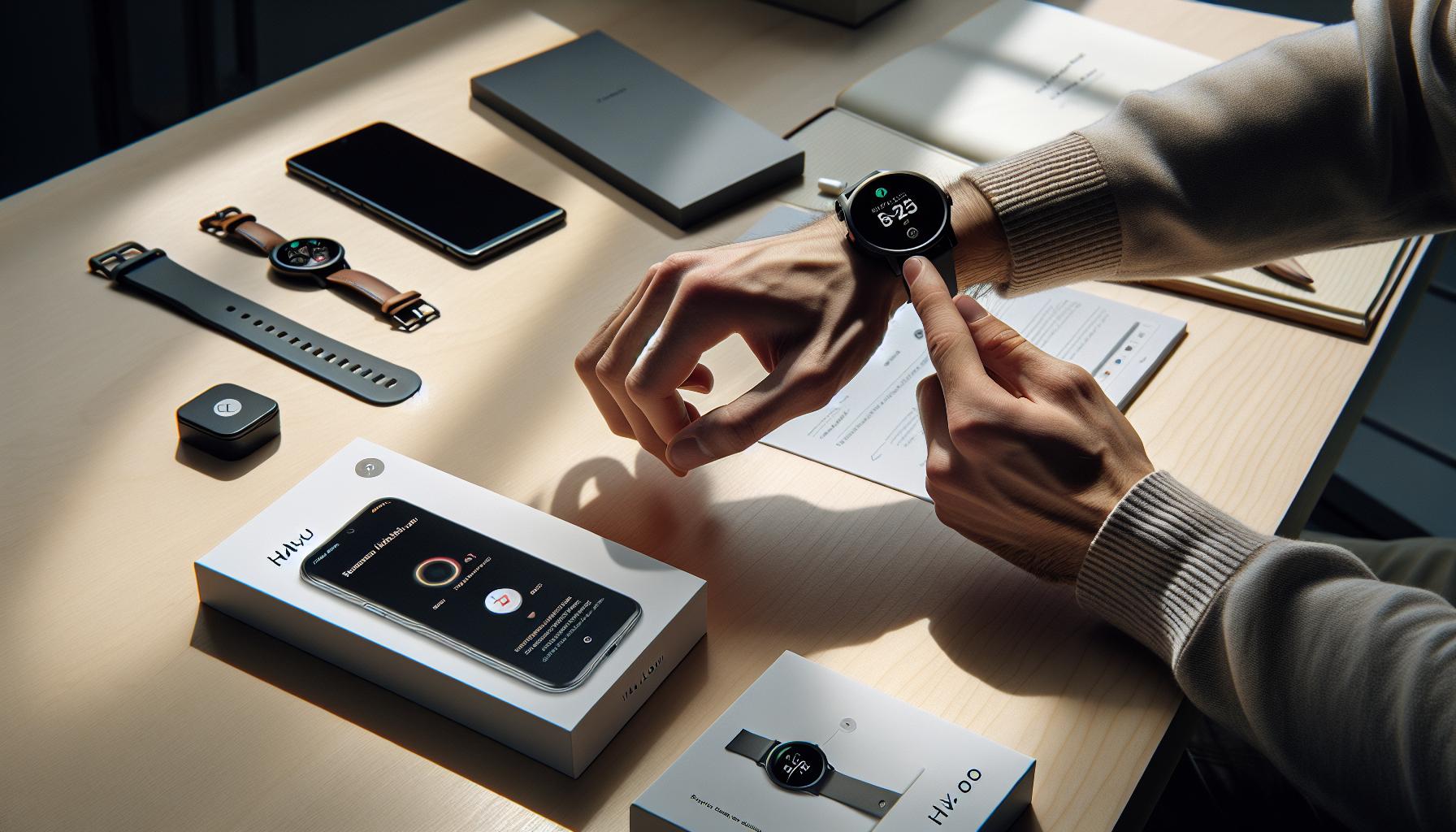
Getting your Haylou LS02 smartwatch ready for sleep tracking is an essential first step to unlocking its potential as a health companion. This affordable yet feature-rich device can provide invaluable insights into your sleep patterns, all starting from a simple setup process that anyone can follow.
To begin, you need to download the Haylou app from the Google Play Store or Apple App Store. This app is crucial as it connects your smartwatch to your smartphone, allowing you to view and analyze your sleep data. Once installed, create an account or log in if you already have one. Make sure your smartphone’s Bluetooth is enabled, as this is how the app communicates with the LS02.
Next, pair your smartwatch with your phone. With the device charged and turned on, open the Haylou app and navigate to the device section. Select “Add Device” and choose the Haylou LS02 from the list. Follow the on-screen instructions to complete the pairing process. You’ll see confirmation when the connection is successful, which means the watch is now ready to monitor your sleep.
With the watch set up, you can customize your sleep settings. Open the app, go to the settings section, and look for options related to sleep tracking. Here, you can enable automatic monitoring, which will allow the LS02 to track your sleep automatically when worn at night. Adjust any preferences regarding notifications or reminders that will help boost your sleep hygiene.
Finally, it’s wise to wear the watch comfortably but securely. Make sure it’s snug on your wrist, as this ensures the sensors work accurately when tracking your movements throughout the night. Once everything is set, you can look forward to receiving insightful sleep reports each morning, helping you make informed decisions about improving your sleep quality.
Navigating the Haylou LS02 App for Sleep Tracking
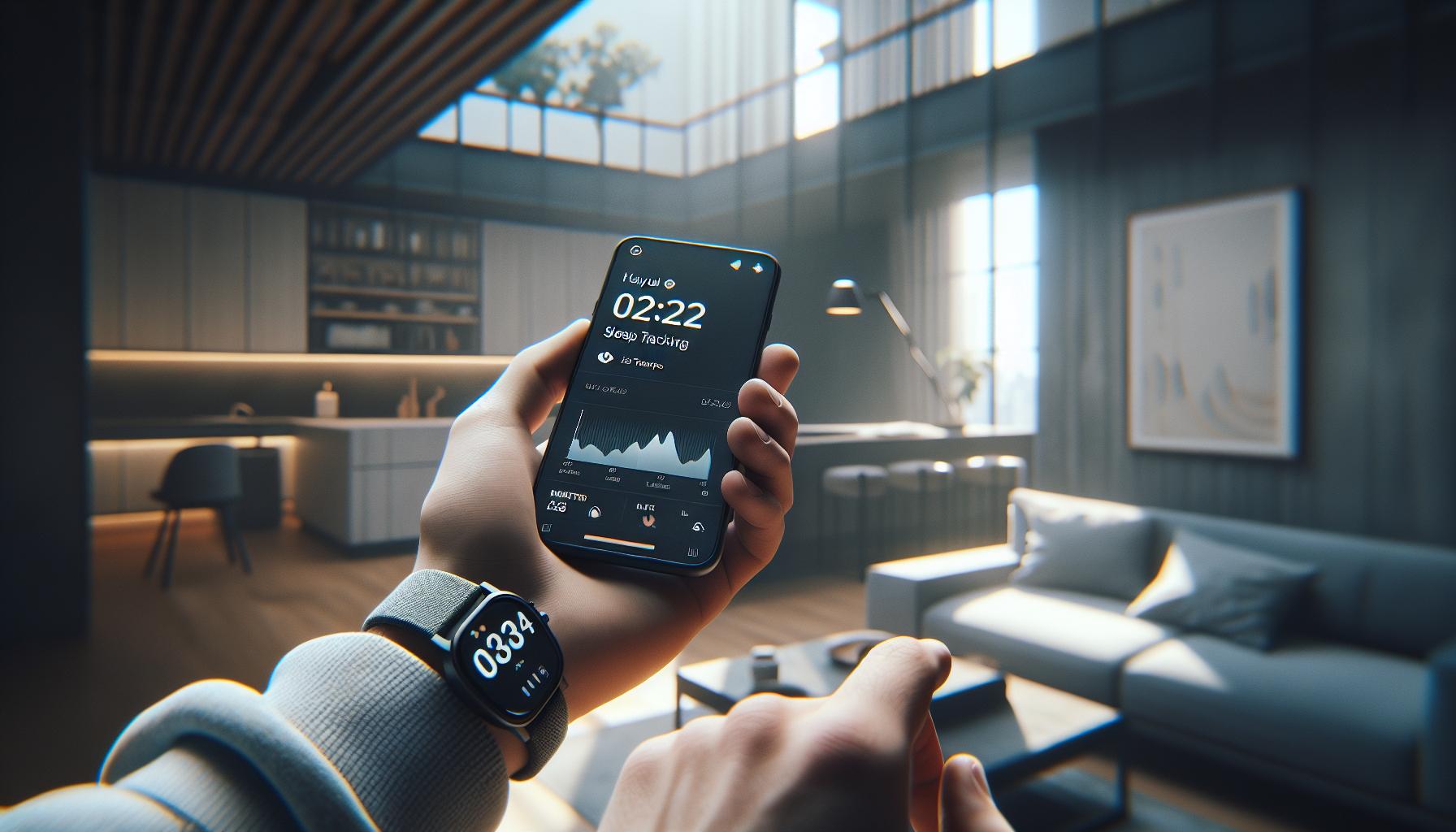
Navigating the Haylou app is essential for maximizing the benefits of your LS02 smartwatch, particularly when it comes to sleep tracking. This user-friendly application not only connects your device but also serves as the hub for managing your health data. After setting up your watch, you’ll find that exploring the app’s features is straightforward and intuitive.
Upon launching the Haylou app, you will be greeted with a clean layout. Start by selecting the “Sleep” tab, where you can access a wealth of information regarding your sleep patterns. The main screen displays a summary of your sleep quality, including total sleep duration, deep sleep, light sleep, and time spent awake. This visual representation helps you quickly gauge how well you rested the previous night.
The app allows for detailed analysis as well. By tapping on individual sleep sessions, you can dive deeper into your sleep stages. This functionality is crucial, as understanding the cycles of light and deep sleep can provide insights necessary for improving overall sleep quality. If you want to compare sleep data over time, the app lets you view trends through daily, weekly, or monthly reports.
Customizing your experience is also a breeze. You can input personal variables, such as your preferred sleep times and wake-up schedules, which can assist the app in providing tailored suggestions. In the settings menu, you can toggle additional features like smart alarms that wake you when you are in a lighter sleep stage, making mornings more refreshing. By utilizing these features, you can transform the Haylou LS02 from a simple watch into a powerful health ally that tracks and enhances your sleep journey.
Interpreting Your Sleep Data from the Haylou LS02
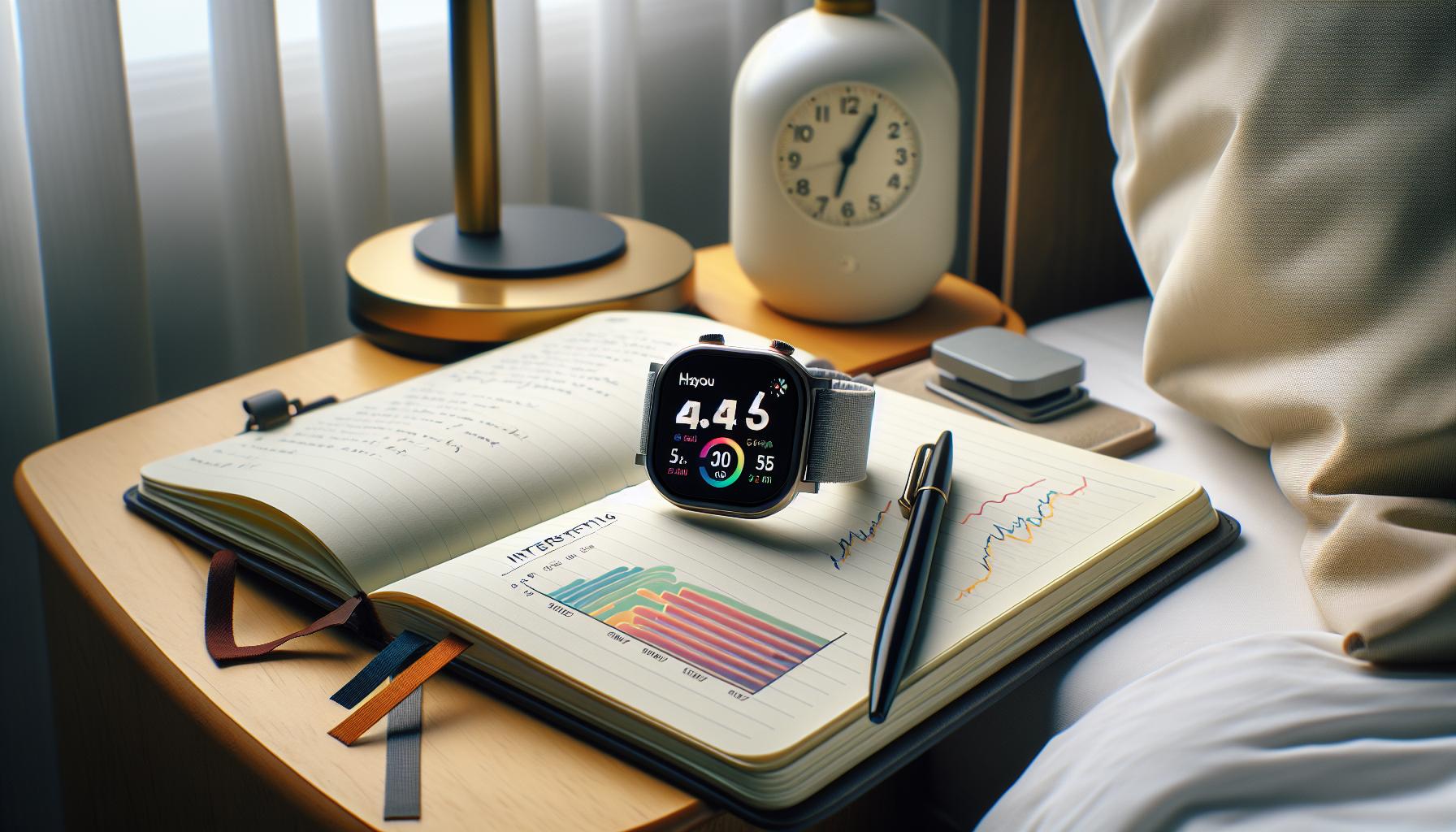
To get the most out of your Haylou LS02 smart watch, interpreting the sleep data it provides is crucial for understanding and enhancing your sleep habits. The LS02 tracks various sleep metrics, giving you insight into your sleep cycles, which can include deep sleep, light sleep, and periods of wakefulness. By analyzing this data, you can identify patterns and make informed adjustments to improve your overall sleep quality.
When you access the sleep data through the Haylou app, several key metrics will be displayed. Your total sleep duration shows how long you slept each night, while the breakdown between deep and light sleep helps you understand the quality of your rest. Deep sleep is essential for cognitive recovery, while light sleep is important for transitioning between cycles. If you notice high amounts of light sleep without much deep sleep, it might indicate that you’re not fully restoring your body overnight.
Making sense of these metrics involves comparing them over time. The app allows you to view daily, weekly, and monthly summaries, enabling you to see trends and assess the impact of lifestyle changes on your sleep patterns. For instance, if you’ve adjusted your bedtime or cut down on caffeine, you can check if these alterations have led to longer periods of deep sleep.
Moreover, delving deeper into your sleep sessions is possible by tapping on specific nights in the app. Here, you’ll find a detailed account of your sleep stages, which can help you understand how different factors, such as stress, exercise, or diet, affect your sleep. This granular view not only empowers you to make better wellness choices but also enables you to set specific goals for improvement. For example, if you find that you regularly wake up during the night, you might choose to implement a calming bedtime routine or limit screen time before bed to foster a more restful environment.
is not just about knowing the numbers; it’s about using that information as a powerful tool for personal growth and health improvement. By staying engaged with your sleep patterns and making adjustments based on your observations, you can pave the way for better sleep and, consequently, a healthier life.
Customizing Sleep Tracking Settings on the Haylou LS02
Customizing your sleep tracking settings on the Haylou LS02 smartwatch can significantly enhance the accuracy and relevance of the data it provides, allowing you to tailor your sleep monitoring to your unique habits and needs. With a few straightforward adjustments, you can optimize how the device tracks your sleep, ensuring that you’re getting insightful feedback tailored to your lifestyle.
To start customizing, first, you will need to access the Haylou app on your smartphone. Once connected to your smartwatch, navigate to the “Settings” section. Here, you can toggle various options related to sleep tracking. For instance, adjust the Sleep Mode, which tells the LS02 when to start and stop monitoring your sleep. Setting this up accurately is essential; typically, users will align these times with their regular sleeping schedule to capture a true representation of their sleep pattern.
Another important aspect to customize is the sensitivity of sleep detection. Depending on how heavily you sleep or your movement during the night, you may want to set the sensitivity level to ensure that the watch accurately records all your rest periods. A higher sensitivity may help in capturing more detailed data, especially for light sleepers who are prone to waking frequently during the night.
In addition, reviewing notifications related to sleep can also enhance your experience. For example, enabling a bedtime reminder to alert you when it’s time to wind down can help encourage better sleep hygiene. You can also track how your daily activities impact your sleep quality by syncing health data, which provides deeper insights into the correlations between exercise, diet, and your overall sleep patterns.
By taking advantage of these customization options, you not only enhance the Haylou LS02’s functionality but also empower yourself with knowledge to foster healthier sleep habits. Staying proactive about your sleep health can lead to more restful nights and improve your overall well-being.
Tips for Improving Sleep Quality with Haylou LS02
Improving your sleep quality isn’t just about clocking hours; it’s about enhancing the overall experience of rest, which the Haylou LS02 can facilitate effectively. With its advanced sleep tracking features, this smartwatch not only monitors your sleep stages but also helps you identify patterns and habits that may be influencing how well you sleep. To make the most of your Haylou LS02, consider integrating these practical strategies into your nightly routine.
Start by establishing a consistent sleep schedule. Try to go to bed and wake up at the same time each day, even on weekends. This consistency helps regulate your body’s internal clock, which can lead to more restful sleep. Use the Haylou LS02’s “Sleep Mode” to remind you when it’s time to wind down, thereby preparing your mind and body for a good night’s rest.
Another great feature of the Haylou LS02 is its ability to provide insights into your sleep cycles-deep, light, and restless phases. Utilize this data to identify factors that may disrupt your sleep. For example, if you notice frequent awakenings during certain nights, consider assessing your bedroom environment (e.g., temperature, noise levels) or your daytime habits (e.g., caffeine consumption and stress levels). Keeping a sleep diary in conjunction with the smartwatch can help pinpoint triggers.
To enhance sleep hygiene, consider incorporating relaxation techniques into your bedtime routine. Practices such as reading, meditating, or doing gentle stretches can signal your body that it’s time to relax. Additionally, be mindful of screen time; the blue light emitted by phones and tablets can interfere with your ability to fall asleep. Aim to disconnect at least an hour before bed, allowing your brain to unwind naturally.
Lastly, leverage the health data collected by your Haylou LS02 to create a holistic approach to health and wellness. Regular exercise can improve sleep quality significantly, as it helps reduce anxiety and stress. However, try to avoid vigorous activity right before bedtime. Instead, consider moderate exercises earlier in the day to boost your overall sleep quality. By employing these strategies alongside the capabilities of your Haylou LS02, you can foster a more nourishing sleep environment that encourages deeper, more restorative rest.
Common Issues and Troubleshooting Tips for Haylou LS02
One of the notable aspects of the Haylou LS02 is its user-friendly design, but like any tech gadget, users may encounter some common issues. Being proactive about troubleshooting can enhance your experience and ensure optimal functioning of your smartwatch, particularly with its sleep tracking capabilities.
Connectivity Issues
Many users report challenges with Bluetooth connectivity, which is crucial for syncing your sleep data. If you find that your watch isn’t connecting to the app, try the following steps:
- Ensure Bluetooth is enabled on your smartphone and that the Haylou LS02 is charged.
- Restart both your smartphone and the watch.
- Forget the device in your Bluetooth settings, then re-pair the Haylou LS02 by following the app’s connection process.
- Ensure that the Haylou app is updated to the latest version, as updates often fix bugs.
Inaccurate Sleep Data
While the Haylou LS02 excels at providing sleep insights, inaccuracies can occur. It’s vital to wear the watch snugly on your wrist, as loose fittings may affect the heart rate sensor and therefore the accuracy of sleep tracking. Additionally, consistently placing the watch in “Sleep Mode” before bedtime can help ensure that the device accurately records your sleep cycles. Review your personalized sleep settings in the app for adjustments that might improve tracking accuracy.
Battery Life Concerns
Users might find the battery life diminishes quicker than expected, especially with active sleep tracking. To maximize usable time, limit features like heart rate monitoring during non-sleep hours and use power-saving modes when appropriate. Regularly monitor the battery life through the app, and consider charging your watch earlier in the day if planning to use it overnight for tracking.
Software Glitches
Occasionally, the Haylou LS02 may freeze or experience software glitches. If this happens, performing a soft reset can resolve many issues. To do so, press and hold the side button until it restarts. Regularly check for firmware updates, as device manufacturers often release patches and improvements that can resolve these software problems.
With these troubleshooting tips, you don’t have to let minor issues derail your sleep tracking journey with the Haylou LS02. Embracing the smartwatch’s capabilities while being aware of these common hurdles empowers you to utilize the device more effectively, ensuring you get the most out of your experience and the insights it provides about your sleep.
Comparing Haylou LS02 with Other Sleep Trackers
The Haylou LS02 positions itself favorably among a crowded marketplace of sleep trackers, designed for those seeking insights into their slumber without breaking the bank. While many users admire its affordability and features, comparing it to other popular sleep tracking devices can illuminate its strengths and weaknesses. This analysis not only aids in gauging whether the Haylou LS02 meets your needs but also helps clarify what you might expect from similar products.
One of the key competitors to the Haylou LS02 is the Fitbit Inspire 2. This device offers comprehensive sleep stage tracking-distinguishing between light, deep, and REM sleep-and integrates seamlessly with the Fitbit app for a more vigorous health tracking ecosystem. Although the Inspire 2 commands a higher price point, users often rave about its accuracy and enriched insights, which might justify the investment for serious sleepers. In contrast, while the Haylou LS02 provides fundamental sleep data, including duration and general quality assessments, it lacks the granularity and advanced metrics seen in more premium rivals.
Another noteworthy contender is the Amazfit Bip U Pro. Much like the Haylou LS02, it focuses on fitness tracking but adds features like built-in GPS and an oxygen saturation monitor-capabilities that may enhance its appeal beyond sleep tracking. Users appreciate its long battery life, which rivals that of the LS02, and comprehensive app support. However, if sleep is your primary concern, you’ll find that the LS02 offers exceptional value, particularly considering its features for basic sleep monitoring and a user-friendly design, making it an excellent entry-point device.
Ultimately, when comparing these devices, it’s crucial to evaluate your specific needs. If you seek a straightforward, budget-friendly option that covers the essentials of sleep tracking, the Haylou LS02 is a strong candidate. Conversely, if you require detailed analysis and additional health metrics, investing in a higher-end product may be worth considering. As you assess your options, remember that no device can replace professional sleep studies when deeper sleep-related issues arise. Make your decision based on how much you value accuracy, additional features, and how they align with your budget-your sleep health is worth it.
Maximizing Battery Life for the Haylou LS02
The Haylou LS02 smartwatch is known for its impressive battery life, lasting up to 20 days on a single charge under optimal conditions. To ensure you get the most out of this long-lasting feature, there are several strategies you can implement that not only prolong battery life but also enhance your overall user experience.
Adjust Display Settings
One of the primary draws on your watch’s battery is the display. By managing the brightness and screen timeout settings, you can significantly extend battery life. Consider lowering the brightness to a comfortable level during the day and even more during the night. Additionally, reducing the screen timeout duration ensures that the display turns off quickly when not in use, conserving energy.
Optimize Health Monitoring Features
The Haylou LS02 comes equipped with multiple health monitoring features, including heart rate and sleep tracking. While these functionalities can help you keep tabs on your well-being, constantly running them can deplete battery life. You might choose to turn off continuous heart rate monitoring and enable it only when needed. Moreover, utilizing the sleep tracking feature during actual sleep hours and pausing it during the day can help maintain your device’s power.
Limit Notification Alerts
While notifications are a great way to stay connected, receiving constant alerts can drain your battery. Review your app permissions and adjust which notifications you really need to receive on your watch. Consider turning off non-essential app notifications, which can also reduce distractions, allowing you to focus on your activities more effectively.
Update Firmware Regularly
Keeping your device’s firmware up to date is crucial for maintaining battery efficiency. Manufacturers often release updates that include optimizations and bug fixes. Regular updates can enhance overall performance and help you achieve the claimed battery duration. Set reminders to check for software updates periodically via the companion app to ensure your Haylou LS02 operates at its best.
By following these practical tips, you can enjoy a longer-lasting battery life while making the most of the Haylou LS02’s features, ensuring that your sleep tracking experience is both efficient and effective.
Real User Experiences: Success Stories with Haylou LS02
Many users have discovered the transformational benefits of the Haylou LS02 smartwatch, especially in enhancing their sleep quality through its meticulous sleep tracking features. One user, Sarah, shared her experience of struggling with sleep irregularities. After setting up her Haylou LS02, she was able to track her sleep duration, deep, and light sleep stages effectively. With the detailed reports provided by the smartwatch, she identified patterns that correlated with her caffeine intake and screen time before bed. Implementing these insights helped her adjust her evening routine, leading to a noticeable improvement in her sleep quality.
Another user, James, was initially skeptical about using a smartwatch for sleep tracking, but he decided to give the Haylou LS02 a chance after hearing positive feedback from friends. Upon setting it up, he found the app remarkably user-friendly, allowing him to easily analyze his sleeping patterns over the weeks. What stood out for James was the ability to customize his sleep goals within the app, pushing him to prioritize rest. He reported feeling more energized and productive during the day, with the smartwatch playing a crucial role in maintaining this newfound routine.
For those navigating similar sleep challenges, the LS02’s practical features, such as heart rate monitoring during sleep and sleep stage analysis, can be game-changers. Users have mentioned how setting reminders for bedtime using the app has encouraged them to establish a consistent sleep schedule. Detailed analyses and feedback prompt users to reassess and modify their lifestyle choices, making the Haylou LS02 not just a sleep tracker, but a motivational companion on their journey to better sleep.
In conclusion, the real-world success stories of users like Sarah and James underscore the Haylou LS02’s capacity to empower individuals to reclaim their sleep health through thoughtful data-driven adjustments. The blend of intuitive setup and insightful analytics positions the Haylou LS02 as a valuable tool for anyone looking to improve their sleep quality.
Understanding Sleep Stages with Haylou LS02 Insights
Understanding sleep stages is crucial for anyone aiming to improve their sleep quality, and the Haylou LS02 offers valuable insights to help you achieve that goal. This smartwatch effectively categorizes your sleep into three main stages: light sleep, deep sleep, and awake time. Recognizing how much time you spend in each stage can empower you to make informed adjustments to your daily habits, ultimately leading to better sleep health.
When using the Haylou LS02, you can access detailed sleep data through its user-friendly app. After a night’s rest, the device automatically tracks your sleep patterns and provides information on your sleep durations for each stage. For instance, a report may reveal that you spent six hours in light sleep, two hours in deep sleep, and were awake for a total of one hour during the night. This breakdown not only helps you gauge your overall sleep quality but also enables you to connect variables such as lifestyle choices with your sleep performance.
To make the most of this data, consider setting specific goals based on your sleep stage analysis. If you find that your deep sleep is consistently low, for instance, you might benefit from reducing screen time before bed or incorporating relaxation techniques, such as meditation or deep breathing exercises. The LS02 encourages you to reflect on your evening routine and adjust accordingly; many users report positive changes once they start prioritizing the factors that influence their sleep stages.
Lastly, it’s essential to remember that while the Haylou LS02 provides valuable insights into your sleep patterns, it is not a substitute for professional sleep studies. If you consistently struggle with attaining quality sleep despite making improvements, consulting with a healthcare professional is advisable. By leveraging the insights gained through the LS02, you are better equipped to advocate for your sleep health.
When to Consider Professional Sleep Studies vs. Tracking
When looking to improve sleep quality, many people turn first to wearable devices like the Haylou LS02, which provides insights into sleep patterns through an easy-to-use app. However, there are instances when a smartwatch might not suffice, and a professional sleep study becomes necessary. Understanding the differences between these two options is vital for making informed decisions about sleep health.
- Persistent Sleep Issues: If you frequently experience problems like insomnia, sleep apnea, or excessive daytime sleepiness, it may be time to consult a healthcare professional. The Haylou LS02 can track sleep duration and stages, but it cannot diagnose sleep disorders. In such cases, a sleep study, known as polysomnography, will provide a comprehensive analysis of your sleep cycles and identify potential abnormalities.
- Unresponsive Changes: When lifestyle adjustments-such as reducing caffeine intake, establishing a sleep routine, or using relaxation techniques-fail to improve your sleep quality, a deeper investigation may be warranted. Wearables can effectively track changes and improvements over time, but they lack the diagnostic tools necessary to uncover underlying health issues.
- Detailed Assessment Requirements: Devices like the Haylou LS02 give you a general overview of your sleep stages-light, deep, and awake-but don’t measure other critical aspects, such as oxygen levels or heart rate variability during sleep. Sleep studies capture a wider range of data, providing physicians with insights needed to diagnose conditions like sleep apnea or restless leg syndrome.
For many users, the Haylou LS02 offers valuable insights and encourages positive changes. However, when devices fall short in identifying or resolving significant sleep issues, don’t hesitate to seek professional assessment. Knowing when to rely on tracking technology and when to turn to clinical expertise can empower you to take control of your sleep health effectively.
Faq
Q: How do I enable sleep tracking on my Haylou LS02?
A: To enable sleep tracking on your Haylou LS02, open the Haylou app on your smartphone after pairing your watch. Go to the settings, navigate to the sleep tracking section, and toggle the feature to activate it. Ensure your watch is worn during sleep for accurate data.
Q: What should I do if my Haylou LS02 isn’t tracking sleep correctly?
A: If your Haylou LS02 isn’t tracking sleep correctly, first ensure it’s worn snugly on your wrist overnight. Restart the watch and check for app updates. Review the sleep tracking settings in the Haylou app to confirm they are properly configured. For more troubleshooting tips, see the Common Issues section.
Q: How accurate is the Haylou LS02 sleep tracker?
A: The Haylou LS02 offers a fair level of accuracy in tracking sleep stages, such as light and deep sleep. However, individual factors like body movement and nighttime disturbances can affect results. For better accuracy, consistently wear the watch and refer to your sleep patterns over time.
Q: Can I customize my sleep tracking settings on the Haylou LS02?
A: Yes, you can customize sleep tracking settings on the Haylou LS02. Access the settings in the Haylou app and adjust your preferences such as sleep duration alerts and specific tracking metrics. For detailed guidance, check the Customizing Sleep Tracking Settings section.
Q: How does the Haylou LS02 distinguish between sleep stages?
A: The Haylou LS02 distinguishes between sleep stages using heart rate variability and wrist movement data. This combination helps it categorize sleep into light, deep, and REM stages to provide an overall assessment of your sleep quality. For understanding your data, refer to the Interpreting Your Sleep Data section.
Q: What features enhance the sleep tracking capability of the Haylou LS02?
A: The Haylou LS02 enhances sleep tracking capability with features such as heart rate monitoring, sleep guidance, and integration with the Haylou app allowing historical data comparison. Additionally, it can notify you if you’ve had insufficient sleep. For more features, check out the Understanding Haylou LS02 Sleep Tracking Features section.
Q: How can I access my sleep data from the Haylou LS02?
A: You can access your sleep data from the Haylou LS02 via the Haylou app on your smartphone. Open the app, navigate to the sleep section, and view detailed insights on your sleep patterns and quality. This data is also updated daily, so check regularly for the latest information.
Q: What tips can I follow to improve sleep quality while using Haylou LS02?
A: To improve sleep quality while using your Haylou LS02, establish a consistent bedtime routine, limit screen time before bed, and create a comfortable sleep environment. The Tips for Improving Sleep Quality with Haylou LS02 section offers additional strategies for enhancing sleep health.
Final Thoughts
Now that you’ve set up your Haylou LS02 for optimal sleep tracking, it’s time to take charge of your sleep health! Remember, consistent tracking can help you unlock insights about your sleep patterns, leading to better rest and overall wellness. If you have any lingering questions or need assistance with troubleshooting, don’t hesitate to explore our detailed guides on sleep disorders and wearables.
Ready to dive deeper? Check out our article on the benefits of sleep studies versus trackers or learn how to select the best sleep tech for your needs. There’s always more to discover, so we encourage you to subscribe to our newsletter for the latest tips and resources for better sleep. Join the conversation below-share your experiences, ask questions, or let us know how the Haylou LS02 has transformed your sleep routine! Your journey to better sleep starts now.
Get our latest guides, news, and insights highlighted in your Google Search & AI Overviews.