
Have you ever woken up wondering why your Fitbit Inspire 2 didn’t track your sleep? You’re not alone. Many users face this frustrating issue, especially when they rely on their device to provide insights into their sleep patterns and overall health. Understanding the reasons behind sleep tracking failures is crucial, as good sleep is integral to your well-being. This guide will explore common troubleshooting steps to help you get your Fitbit back on track, so you can sleep soundly knowing your device is working as it should. Whether it’s a simple setting adjustment or a deeper technical fix, we’ll empower you with the information you need to resolve the problem effectively. So, let’s dive in and uncover the solutions that can restore your sleep tracking experience!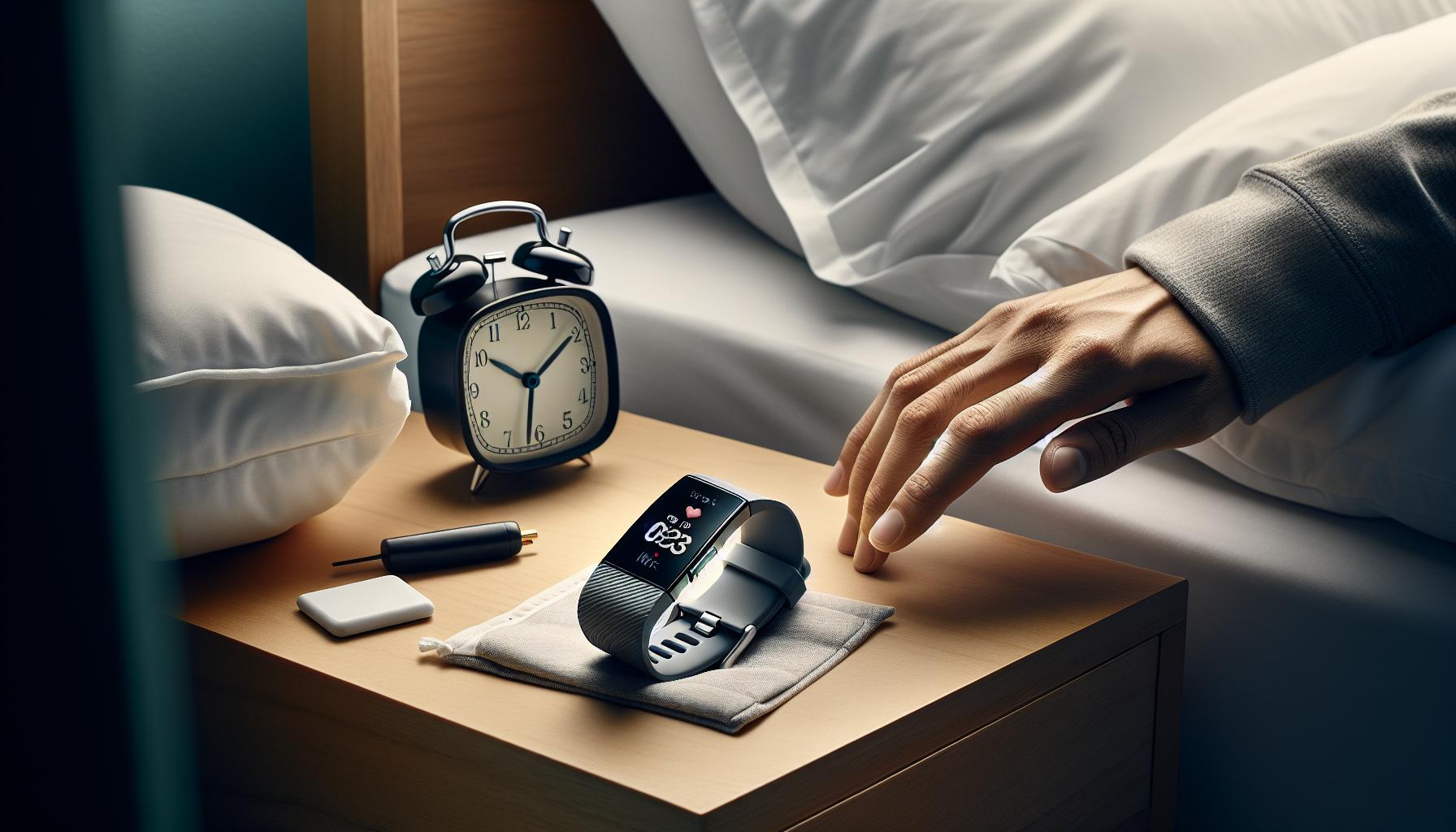
Common Reasons Fitbit Inspire 2 Fails to Track Sleep
The Fitbit Inspire 2 is a popular wearable device known for its ability to monitor various health metrics, but like any technology, it can encounter issues, particularly with sleep tracking. One common reason for the device’s failure to track sleep accurately is improper positioning. If the device is not snugly fitted on your wrist, it may not effectively monitor your heart rate or movements, both of which are critical for accurate sleep analysis. For optimal performance, ensure that the band is comfortably tight but not too tight-around your wrist bone can be an ideal position.
Another factor contributing to inaccurate sleep tracking can be related to the user’s movement patterns. Fitbit uses a combination of heart rate data and movement to detect different sleep stages. If you are restless or frequently change positions during the night, it may confuse the device, leading to misreported sleep times. Additionally, Bluetooth connectivity issues might affect data synchronization with the app, which can hinder accurate reporting of your sleep patterns. Ensure your device is connected to the app regularly and that all data is up to date.
Environmental factors can also play a significant role. For example, ambient light, noise levels, and temperature may affect your ability to fall asleep and stay asleep, which in turn could lead to the Fitbit erroneously recording your sleep data. Lastly, the Inspire 2 operates best when charged adequately; a low battery can impact its ability to monitor your sleep effectively. Keeping these considerations in mind can help maximize the capability of your Fitbit Inspire 2 and improve your overall sleep tracking experience.
Essential Setup Steps for Accurate Sleep Tracking
To unlock the full potential of your Fitbit Inspire 2 for sleep tracking, it’s essential to set it up correctly from the get-go. Many users underestimate the importance of a precise setup, but even small adjustments can dramatically improve the accuracy of the data collected during sleep. Here are some fundamental steps to ensure you are using your device effectively.
Device Configuration
Start by ensuring your device is updated with the latest firmware. This ensures access to the most current features and fixes. To check for updates, open the Fitbit app on your phone and navigate to your account settings. From there, you can verify whether your Inspire 2 needs any new software. An outdated firmware can lead to various performance issues, including inaccuracies in sleep tracking.
Wear It Right
The way you wear your Fitbit can have a profound impact on its ability to track sleep accurately. The device should sit snugly on your wrist-not too tight or too loose. Aim for a position just above your wrist bone; this is typically the most effective placement for continuous heart rate monitoring. If it shifts or flops around while you sleep, the device may struggle to collect reliable data.
Sync Your Device Regularly
Keeping your Fitbit in sync with the app is critical to ensure that all your data is collected and processed. Make it a habit to check the app periodically and sync your device, especially after you wake up. This will help prevent any lag in data and ensure you are seeing the most up-to-date sleep statistics.
Adjust Your Settings
Dive into the app settings and adjust the sleep tracking options according to your preferences. Enabling features like “Sleep Mode” can help prevent unexpected notifications from disrupting your sleep, which not only impacts your experience but may also skew the data collected.
By attending to these setup steps, you’re laying a solid foundation for accurate sleep tracking with your Fitbit Inspire 2. Remember, good data leads to better insights, ultimately helping you make informed decisions about your sleep health.
Troubleshooting Device Settings for Optimal Performance
Ensuring your Fitbit Inspire 2 efficiently tracks your sleep can be quite the challenge if the device settings are not properly configured. Many users find their devices underperforming, sometimes failing to register sleep patterns altogether. This often comes down to just a few key settings that, when adjusted, can significantly boost the accuracy of your sleep data.
Check Sleep Tracking Settings
Begin with verifying that sleep tracking is enabled. Sometimes, settings may inadvertently change during updates or device resets. Open the Fitbit app and navigate to your profile settings. Here, ensure that the sleep tracking feature is turned on. Additionally, check if “Sleep Mode” is activated. This not only helps the device to focus on collecting sleep data but also limits interruptions from notifications which can skew your sleep metrics.
Adjust Your Wearable’s Timeout Settings
Another common oversight is the timeout settings for the display. If your Fitbit’s display turns off too soon, it may not record sleep if it detects minimal movement. Adjust the screen timeout duration in the device settings. A slightly longer timeout means your device remains active and can accurately monitor movements or changes throughout your sleep period.
Reset Your Fitbit Inspire 2
If issues persist, perform a soft reset. This simple yet effective process often resolves many technical glitches that might affect performance. To reset, press and hold the button on your Inspire 2 for about 10 seconds until you see the Fitbit logo. This refresh can help restore functionality, including sleep tracking.
Device Placement Matters
Placement of the device on your wrist also plays an essential role in performance. Ensure the Fitbit is worn snugly-not too loose nor too tight. A proper fit enables more accurate heart rate monitoring, which is critical for sleep stage tracking. For the best results, position your device just above your wrist bone, where it can maintain contact without being uncomfortable.
By carefully adjusting these settings and enhancing how you wear your device, you can significantly improve the tracking of your sleep data. Taking these tactical steps empowers you to utilize your Fitbit Inspire 2 to its fullest potential, helping you gather the sleep insights necessary for better health decisions.
How to Ensure Your Device is Properly Worn
To effectively track your sleep with the Fitbit Inspire 2, proper wearing of the device is essential. If the device isn’t worn correctly, it may fail to capture necessary data, leading to inaccurate sleep tracking or, at worst, completely unrecorded sleep details. One common guideline is to wear the Fitbit snugly, but not so tight that it’s uncomfortable. If it’s too loose, it might slip during the night, disrupting its ability to accurately monitor heart rate and movements, which are crucial for assessing sleep stages.
Additionally, it’s important to position the Fitbit just above your wrist bone. This placement allows the device to maintain constant contact with your skin, which is vital for heart rate measurement. The band should feel secure but should still allow some movement; you should be able to slide a fingertip under it without much resistance. This balance ensures the Fitbit can effectively gauge the subtlest of movements during your slumber, contributing to more precise sleep data.
Another factor to consider is avoiding wearing the device too high on your arm, as that can impede its ability to monitor the necessary biometrics. Check your settings to ensure that the device is set in a way that recognizes it’s meant to track sleep – activating sleep mode can help reduce notifications that may interfere with your sleep and the device’s ability to focus.
Lastly, ensure that the band itself is clean and free from obstructive dust or dirt, as this can affect the skin contact and sensors’ effectiveness. Following these practical guidelines can significantly enhance your experience and the reliability of the Fitbit Inspire 2 as a sleep tracker, providing you with insightful data that can lead to better sleep and health outcomes.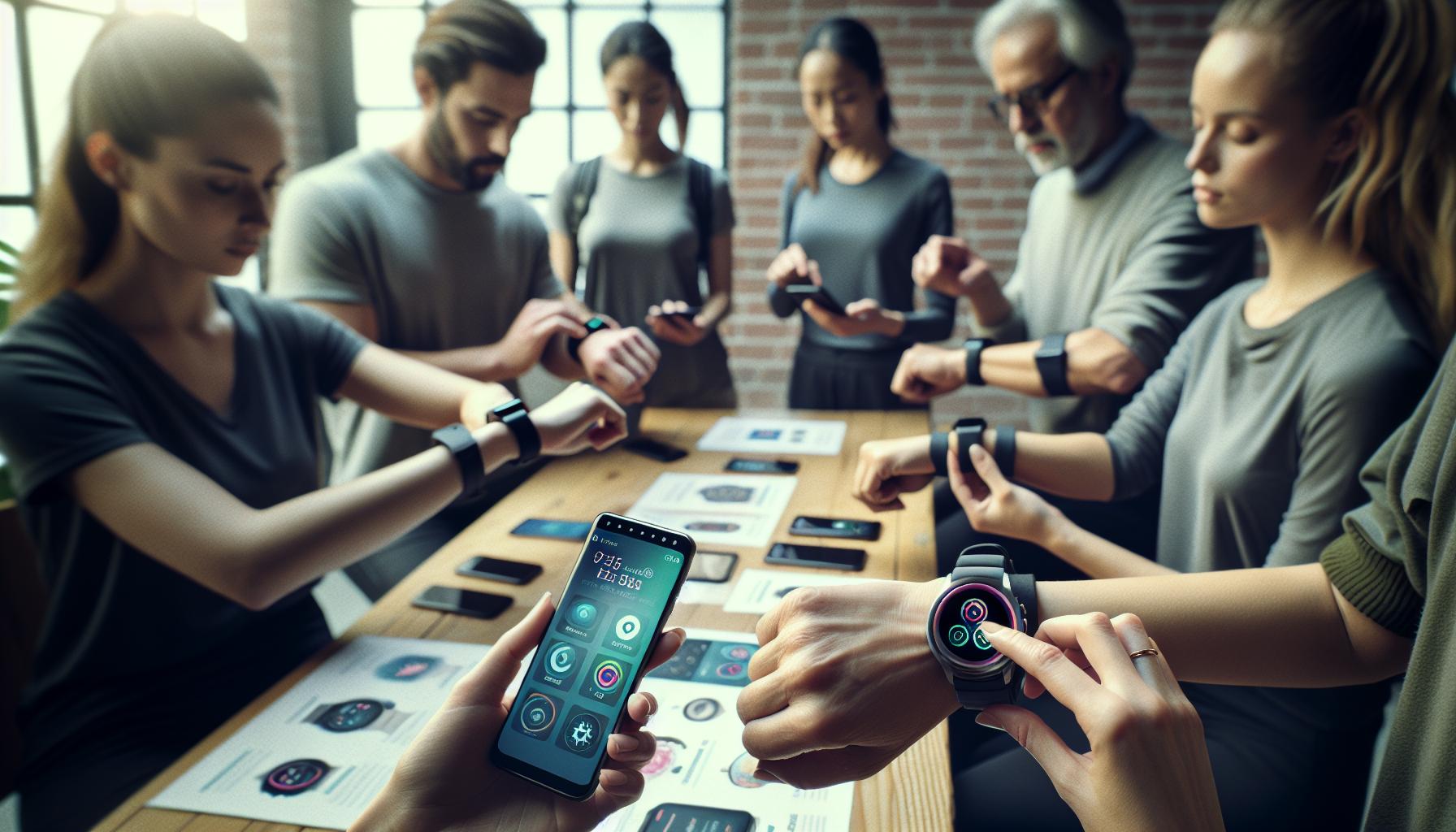
Updates and Firmware: Keeping Fitbit in Sync
To keep your Fitbit Inspire 2 functioning optimally, especially in tracking sleep accurately, it’s crucial to stay on top of software updates and firmware changes. Many users may not realize that regular updates can enhance the device’s accuracy, performance, and overall functionality. Neglecting these updates can lead to glitches that might hinder the sleep tracking capabilities, making it seem as if the device is not doing its job effectively.
To ensure your device is operating at its best, periodically check for updates through the Fitbit app on your smartphone. Follow these steps for a seamless process:
How to Update Your Fitbit Inspire 2
- Open the Fitbit app.
- Ensure your Inspire 2 is charged and nearby.
- Tap on your profile icon in the top left corner.
- Select your device from the list.
- Look for an option to update and follow the prompts.
After completing the update, restart your device to ensure the changes take effect. This simple process can often resolve sleep tracking issues by ensuring the device uses the latest software enhancements.
Frequent updates not only rectify bugs but can introduce new features and improve existing functionalities, such as sleep assessment algorithms. However, it’s essential to note that Wi-Fi connections and battery levels can affect the update process, so ensure you’re in a well-connected environment when performing updates.
Being proactive about updates also involves understanding how firmware changes can impact sleep tracking metrics. If you notice discrepancies in your sleep data post-update, consider resetting your device to factory settings to recalibrate its performance. This step can help clear any residual data or conflicts from previous software versions that might interfere with accurate tracking.
In summary, keeping your Fitbit Inspire 2 in sync with the latest updates is a vital step toward ensuring it tracks your sleep efficiently. By adhering to regular maintenance and updates, you can maximize your device’s capabilities, leading to richer and more reliable insights into your sleep health.
Interference Issues: Overcoming Environmental Factors
Despite the advanced technology of the Fitbit Inspire 2, various environmental factors can interfere with its ability to track sleep accurately. These can be surprisingly subtle but have a significant impact on the device’s performance. For instance, things like ambient light, noise, and even the fabric of your bedding can interrupt your sleep quality, which in turn affects how well your device can detect and record your sleep stages.
To enhance your Fitbit’s tracking capabilities, start by optimizing your sleep environment. Here are some key adjustments you can make:
- Control Ambient Light: Ensure your bedroom is dark. Use blackout curtains or an eye mask to limit light exposure, as light can interfere with your body’s natural sleep-wake cycle.
- Reduce Noise Levels: Minimize disturbances from outside, such as traffic or neighbors. If noise is unavoidable, consider using a white noise machine or fan to create a consistent, soothing sound.
- Adjust Room Temperature: Keep the temperature comfortable. Studies suggest that a cooler environment can lead to improved sleep quality, so aim for a range of 60-67°F (15-19°C).
- Mind Your Bedding: Choose comfortable, breathable materials for your sheets and pajamas. Fabrics like cotton or linen can help regulate body temperature and promote better sleep.
In addition to optimizing your surroundings, your device’s positioning plays a crucial role in effective sleep tracking. Always wear your Fitbit snugly on your wrist, just above the bone, as improper fit can lead to inaccurate readings. If you are using it in conjunction with other devices or under blankets, ensure that any additional movement is minimized to prevent false sleep records.
Sometimes, environmental factors can extend beyond your bedroom. For example, if you’re frequently traveling or switching between different sleeping arrangements, these changes can alter your sleep patterns. In such cases, it can be beneficial to establish a consistent pre-sleep routine that remains unchanged regardless of your location.
By addressing these interference issues, you can improve the accuracy of the sleep tracking metrics your Fitbit Inspire 2 provides, ensuring you gain valuable insights into your sleep health.
Understanding Sleep Tracking Metrics on Fitbit
Sleep tracking with the Fitbit Inspire 2 can provide valuable insights into your sleep patterns and overall health. The device primarily relies on movement data and heart rate variability to distinguish between different sleep stages: light sleep, deep sleep, and REM (rapid eye movement) sleep. Understanding these metrics is crucial for making informed decisions about your sleep habits and overall wellness.
Fitbit categorizes sleep into various stages based on specific criteria. During light sleep, your body is relaxed but can be easily awakened; in deep sleep, your body becomes less responsive to outside stimuli, which is essential for physical recovery; and REM sleep, where dreaming occurs, is vital for cognitive functions like memory and learning. These insights, displayed in your app, can help you identify trends and patterns, enabling you to make necessary adjustments to improve sleep quality.
- Sleep Duration: Indicates the total time you spent asleep. Aim for a duration that meets your personal health needs, typically 7-9 hours.
- Sleep Efficiency: This metric refers to the percentage of time spent asleep while in bed, helping you understand how restful your sleep actually is.
- Sleep Patterns: Regularly reviewing your sleep data can reveal patterns, such as how late bedtimes affect sleep quality. This can assist you in developing a consistent routine.
- Sleep Score: Fitbit provides a sleep score that aggregates various metrics, giving you a quick overview of your sleep health on a scale from 0 to 100.
Understanding these metrics in combination can empower you to make data-driven changes to your lifestyle. For example, if you notice a tendency to achieve less deep sleep after late-night screen time, consider implementing a digital curfew. Remember, while the Fitbit Inspire 2 does a commendable job tracking sleep, it does have limitations. Factors like device alignment or environmental disturbances can affect accuracy, especially if you experience deviations from your usual sleep patterns. By keeping these metrics in mind and addressing potential interferences in your sleep environment, you can enhance the accuracy of your Fitbit data and, ultimately, your overall sleep health.
When to Consider Device Limitations in Sleep Tracking
Sleep trackers like the Fitbit Inspire 2 have become popular tools for monitoring our nightly rest, yet they come with inherent limitations that may sometimes lead to misleading data. It’s crucial to remember that while these devices offer valuable insights into sleep patterns, they are not infallible, and understanding their constraints can deepen your knowledge and improve your sleep health.
Several factors can impact the accuracy of sleep tracking. First, the device’s methodology relies primarily on movement and heart rate, which can lead to inaccuracies during certain sleep stages, especially if you have restless nights or atypical sleep patterns. For example, if you’re active in your sleep, the Inspire 2 may mistakenly classify parts of your rest as wakefulness. Moreover, the position in which you wear the device can play a significant role; a loose fit can result in inaccurate heart rate readings and importuned sleep data.
Environmental aspects can also interfere with an effective sleep assessment. Noise disturbances, light exposure, and temperature can affect your ability to fall and stay asleep, thus skewing the data collected by your Fitbit. Additionally, if you deviate from your regular sleep schedule, the device may struggle to adapt, impacting its ability to track your sleep accurately.
For users seeking a more comprehensive understanding of their sleep health, it’s essential to acknowledge these limitations. If the Fitbit consistently fails to provide accurate tracking, it may be wise to consult a healthcare professional to explore underlying sleep disorders or consider a full sleep study. Remember that a sleep tracker can complement but not replace traditional diagnostic methods for understanding complex sleep issues.
In summary, while the Fitbit Inspire 2 is a helpful tool, being aware of its limitations empowers you to interpret results more realistically and take proactive steps toward better sleep habits. Always consider complementing your device use with professional advice when sleep concerns persist.
Real User Experiences: Troubleshooting Tips
Real user experiences often uncover practical insights that can help address the common issue of the Fitbit Inspire 2 not tracking sleep effectively. One consistent theme among users is the importance of wearing the device properly. Many have found that the Inspire 2 needs to be snug but comfortable on the wrist to ensure accurate heart rate monitoring, which is crucial for sleep tracking. If your device feels loose, consider adjusting the fit or even exploring alternate watch bands designed for a better fit during nighttime wear.
Another common challenge is with the device’s automatic sleep detection feature. Users frequently report that the Inspire 2 fails to register sleep or misclassifies sleep stages. A proactive approach is to manually log your sleep sessions via the Fitbit app, which can improve the quality of data over time. Make it a habit to review your sleep logs weekly and note any discrepancies, which can also help inform discussions with healthcare providers if needed.
Environmental factors also play a significant role in sleep accuracy. Users have shared that disruptions like light, noise, or even room temperature can skew the information the device collects. For a more accurate reading, ensure your sleeping environment is conducive to rest-dark, quiet, and at a comfortable temperature. Many users suggest using blackout curtains or white noise machines as simple yet effective solutions to enhance sleep quality.
Lastly, keep in mind the importance of firmware updates. Regularly updating your Fitbit ensures that the latest enhancements and bug fixes are applied, which could directly affect the functionality of sleep tracking. Users have noticed improved performance and accuracy after performing these updates. If you’re experiencing ongoing issues, don’t hesitate to reach out to Fitbit support, as they can provide tailored advice based on your experiences and device usage.
Comparing Fitbit Inspire 2 with Other Sleep Trackers
When it comes to sleep tracking, the Fitbit Inspire 2 offers a solid foundational experience, but it can face challenges that lead some users to compare it with other sleep trackers in the market. Understanding these differences can help you make informed decisions about your sleep monitoring needs.
The Fitbit Inspire 2 primarily excels in its user-friendly interface and the integration with the Fitbit app, which provides a comprehensive view of your sleep patterns. It tracks various sleep stages-light, deep, and REM-allowing users to gain insights into their sleep quality. However, users frequently report issues with the device’s automatic sleep detection, where it may fail to accurately log their sleep. In contrast, wearables like the Oura Ring or Whoop Strap often utilize more advanced sensors and algorithms, which may result in more accurate sleep tracking and a higher reliability rate for detecting sleep and wake times.
Features play a significant role in these comparisons. The Oura Ring, for example, not only covers sleep but also offers extensive insights into recovery and readiness scores based on your sleep quality and activity levels. In comparison, while the Fitbit does provide a sleep score, its analysis may not be as nuanced as that of competitors. For those looking specifically for smart home integration, devices like the Eight Sleep Pod offer temperature control features for a customized sleeping environment, which is something the Inspire 2 lacks.
Cost can be a decisive factor for many consumers. The Inspire 2 is generally more affordable than higher-end trackers like the Oura Ring or Fitbit Luxe, making it a great entry point for those new to sleep tracking. However, if you’re willing to invest more for the sake of advanced features and precision, you may find that these premium options deliver better overall performance and insights.
As you weigh your options, consider what specific features matter most to you. Whether it’s the ease of use of the Inspire 2, the intricate data of the Oura Ring, or the specialized recovery metrics of the Whoop Strap, each device offers a unique perspective on your sleep health. If sleep tracking is your priority, exploring these alternatives might help you find a more effective solution tailored to your needs.
Seeking Professional Help: When to Get a Sleep Study
If you’ve been struggling with sleep problems despite using the Fitbit Inspire 2, it may be time to consider seeking professional help through a sleep study. Many people experience sleep disturbances or disorders that are not adequately tracked by consumer-grade devices. While the Fitbit can give you a general idea of your sleep patterns, it lacks the specificity and accuracy needed to diagnose serious sleep issues. A sleep study, also known as polysomnography, provides a comprehensive overview of your sleep cycles and any potential interruptions.
Understanding when to pursue a sleep study often begins with identifying persistent symptoms. If you frequently experience excessive daytime sleepiness, loud snoring, or interruptions in breathing during sleep, consulting with a sleep specialist could be essential. Depending on your insurance plan, costs can vary, but many sleep studies are covered when medically necessary. Typically, an overnight visit to a sleep clinic can cost between $1,000 to $2,500. However, some insurance providers may cover a portion if you have a referral from a healthcare provider.
During a sleep study, technicians will monitor various aspects of your sleep, including brain activity, eye movement, heart rate, and oxygen levels. This level of analysis helps professionals diagnose conditions like sleep apnea, restless legs syndrome, or insomnia more accurately than a tracker. If your Fitbit Inspire 2 frequently fails to record sleep stages, and you suspect an underlying issue, a sleep study is a reliable way to gather data essential for effective treatment.
In the context of using devices like the Inspire 2, it’s important to remember that these wearables provide general insights and are best used as a first step in sleep monitoring. If you find that your device reports consistent anomalies, such as failing to recognize sleep patterns, it may be time to investigate further through professional channels. Balancing the insights gained from your Fitbit with professional evaluations allows you to make informed decisions regarding your sleep health.
Exploring Alternatives to Sleep Tracking Devices
Consumer-grade sleep trackers like the Fitbit Inspire 2 offer a convenient way to monitor your sleep, but they can sometimes fall short. If you’re finding that your device isn’t accurately tracking your sleep, exploring alternative options may provide the insights you need for better sleep health.
For those seeking more accurate assessments, professional sleep studies are the gold standard. Known as polysomnography, these studies provide thorough evaluations of your sleep stages and any potential disturbances. A typical sleep study lasts one night and involves spending the night in a sleep clinic where specialists monitor brain activity, heart rates, and oxygen levels. This level of detail can lead to accurate diagnoses of sleep disorders, such as sleep apnea or insomnia. If your Fitbit repeatedly fails to capture accurate data, a sleep study-often covered by insurance when deemed medically necessary-can yield critical information to inform your treatment and improve your sleep quality.
In addition to sleep studies, there are various sleep technology alternatives that can complement or even replace your Fitbit. Devices such as the Oura Ring or the Whoop Band provide advanced metrics and analytics, focusing on not just sleep but overall recovery and readiness. These devices use sophisticated algorithms to analyze your sleep cycles and offer tailored insights that can help fine-tune your sleep habits. Products like the Eight Sleep Pod integrate smart technology into your mattress, regulating temperature for optimal sleep conditions, which can also address factors contributing to poor sleep quality.
Another practical option is to consider lifestyle changes. Implementing a relaxing bedtime routine, optimizing your sleep environment by managing light and noise, and adhering to a consistent sleep schedule can make a significant difference. Engaging in mindfulness practices or journaling can also reduce anxiety and improve sleep quality when technology just isn’t enough.
Ultimately, while wearables provide a starting point for understanding your sleep patterns, combining technology with medical evaluations or lifestyle changes can pave the way for healthier sleep habits and deeper rest.
Faq
Q: Why is my Fitbit Inspire 2 not tracking my sleep accurately?
A: The Fitbit Inspire 2 may not track sleep accurately due to improper wear, low battery, or uncalibrated settings. Ensure your device is snug but comfortable on your wrist and that it’s updated to the latest firmware for optimal performance.
Q: How can I improve the sleep tracking accuracy of my Fitbit Inspire 2?
A: To enhance sleep tracking accuracy, make sure your device is worn properly at night, update your Fitbit app regularly, and complete any necessary sleep assessments in the app settings. You can also log your sleep habits to help the device calibrate better over time.
Q: What should I do if my Fitbit Inspire 2 completely stops tracking sleep?
A: If your Fitbit Inspire 2 stops tracking sleep entirely, try restarting the device and checking your app for pending updates. If issues persist, reset the device to factory settings and re-pair it with your smartphone.
Q: Why is my Fitbit Inspire 2 not entering sleep mode automatically?
A: The automatic sleep mode may fail if your device’s sleep settings are turned off. Check your app settings under Sleep Modes and ensure the automatic feature is enabled for accurate tracking.
Q: How can environmental factors affect my Fitbit Inspire 2’s sleep tracking?
A: Environmental factors such as excess noise, temperature, and even sleeping position can impact how well your Fitbit tracks sleep. Try to create a conducive sleep environment and position the device properly for accurate readings.
Q: Will other devices interfere with the sleep tracking on my Fitbit Inspire 2?
A: Yes, other electronic devices, particularly those that emit signals, can interfere with your Fitbit Inspire 2’s performance. Keep your Fitbit away from high interference areas such as near a computer or wireless router while you sleep.
Q: How can I troubleshoot sync issues that affect sleep tracking on my Fitbit Inspire 2?
A: If your sleep data isn’t syncing, verify that Bluetooth is enabled on your phone and that the Fitbit app is updated. Try closing the app and restarting your phone. If issues persist, unpair and then re-pair your device with the app.
Q: When should I consider seeking professional help for sleep issues despite using Fitbit Inspire 2?
A: If you consistently notice poor sleep quality and your Fitbit data reflects sleep disturbances, it may be wise to consult a sleep specialist. The device can highlight patterns, but a professional assessment can provide deeper insights into your sleep health.
In Retrospect
If your Fitbit Inspire 2 isn’t tracking sleep as it should, don’t worry-you’re not alone, and solutions are at your fingertips. Having a clear understanding of troubleshooting steps can transform your sleep tracking experience, promoting improved health and wellness. Make sure to adjust your app settings and fine-tune the sleep sensitivity that best suits your routine, as many users have successfully tackled this issue with simple adjustments. Don’t hesitate; dive deeper into our related articles on enhancing your sleep health and maximizing your Fitbit use for compelling insights.
Ready to unlock the full potential of your Fitbit? Check out our comprehensive guide on wearables and sleep studies to see how they compare, or explore our expert advice on navigating sleep disorders for even more valuable information. Share your experiences or questions in the comments below, and we invite you to subscribe to our newsletter for the latest updates and tips. Your journey to better sleep starts now-let’s make it happen together!
Get our latest guides, news, and insights highlighted in your Google Search & AI Overviews.