
Are you finding that your Fitbit Charge 6 isn’t tracking your sleep as accurately as you expected? You’re not alone. Many users experience this frustrating issue, which can hinder your ability to monitor your health and improve your sleep quality effectively. Sleep tracking is essential for understanding your sleep patterns, but device limitations and setup errors can lead to inaccurate readings. In this article, we’ll explore the common reasons why your Fitbit may be falling short in sleep tracking and provide practical solutions to get your device back on track. Understanding these issues not only empowers you to make the most of your wearable technology but also supports your journey towards better sleep health. Continue reading to uncover how to troubleshoot and optimize your Fitbit Charge 6 for a more accurate sleep experience.
Why Is My Fitbit Charge 6 Not Tracking Sleep Properly?

Many users experience frustration when their Fitbit Charge 6 fails to accurately track sleep. Understanding why this happens can empower you to address the issue effectively. Common culprits for disrupted sleep tracking include improper device placement, insufficient battery life, and even the quality of your sleep environment. For optimal results, it’s essential to wear your Fitbit snugly on your wrist, just above your wrist bone, so that the sensors can effectively monitor your heart rate and movements during sleep.
Common Reasons for Inaccurate Sleep Tracking
One significant reason your device might not be recording sleep correctly is if it is not calibrated adequately. The Charge 6 utilizes a combination of heart rate variability and movement data to determine your sleep stages. If you’re tossing and turning frequently, or if the device is looser than it should be, it may misinterpret your movements as wakefulness. Additionally, if the Fitbit is out of battery, it won’t be able to record any sleep data at all, which can lead to gaps in your sleep tracking.
Another factor is the settings within the Fitbit app. Ensure that you have enabled sleep tracking within the app settings and that your bedtime schedule is correctly set. This helps the device recognize when you typically fall asleep, leading to more accurate data collection. In some cases, environmental factors, such as excessive noise or light, might also disrupt your sleep patterns and affect how well the device tracks sleep.
It’s worth noting that the Fitbit Charge 6 is a tool to help you monitor sleep, but it isn’t a substitute for professional sleep studies. If you consistently experience discrepancies between your perceived sleep and what’s recorded, consider journaling your sleep patterns or consulting a healthcare professional to rule out any underlying sleep disorders.
Common Sleep Tracking Issues with Fitbit
Many users find themselves puzzled when their Fitbit Charge 6 doesn’t seem to capture their sleep accurately. This is a common issue that can stem from several factors. One of the primary reasons is improper positioning of the device. For optimal tracking, it’s crucial to wear the Fitbit snugly on your wrist, just above the bone. If the device is too loose, it may misinterpret movements, thinking you’re awake when you’re actually sleeping.
Additionally, battery life can play a significant role in sleep tracking accuracy. A low battery may lead to incomplete data capture, hindering the device’s ability to monitor your sleep patterns effectively. Users should regularly check their battery levels and ensure the device is charged before bedtime. Another often-overlooked factor is the settings within the Fitbit app. It’s important to verify that sleep tracking is enabled and that your sleep schedule reflects your actual sleeping habits. This helps the device learn your patterns and improves its accuracy over time.
Environmental factors are also critical. Excessive noise, light, or even an uncomfortable sleep surface can disrupt your sleep, impacting how well your device tracks those restless nights. If you’re consistently waking up feeling unrested, it might be a good idea to keep a sleep journal to identify trends correlated with your Fitbit data. Understanding these common issues empowers users to optimize their sleep tracking experience and get the most out of their Fitbit Charge 6. If discrepancies persist, consulting with a healthcare provider to rule out possible sleep disorders might be advisable.
Understanding Fitbit Sleep Tracking Features
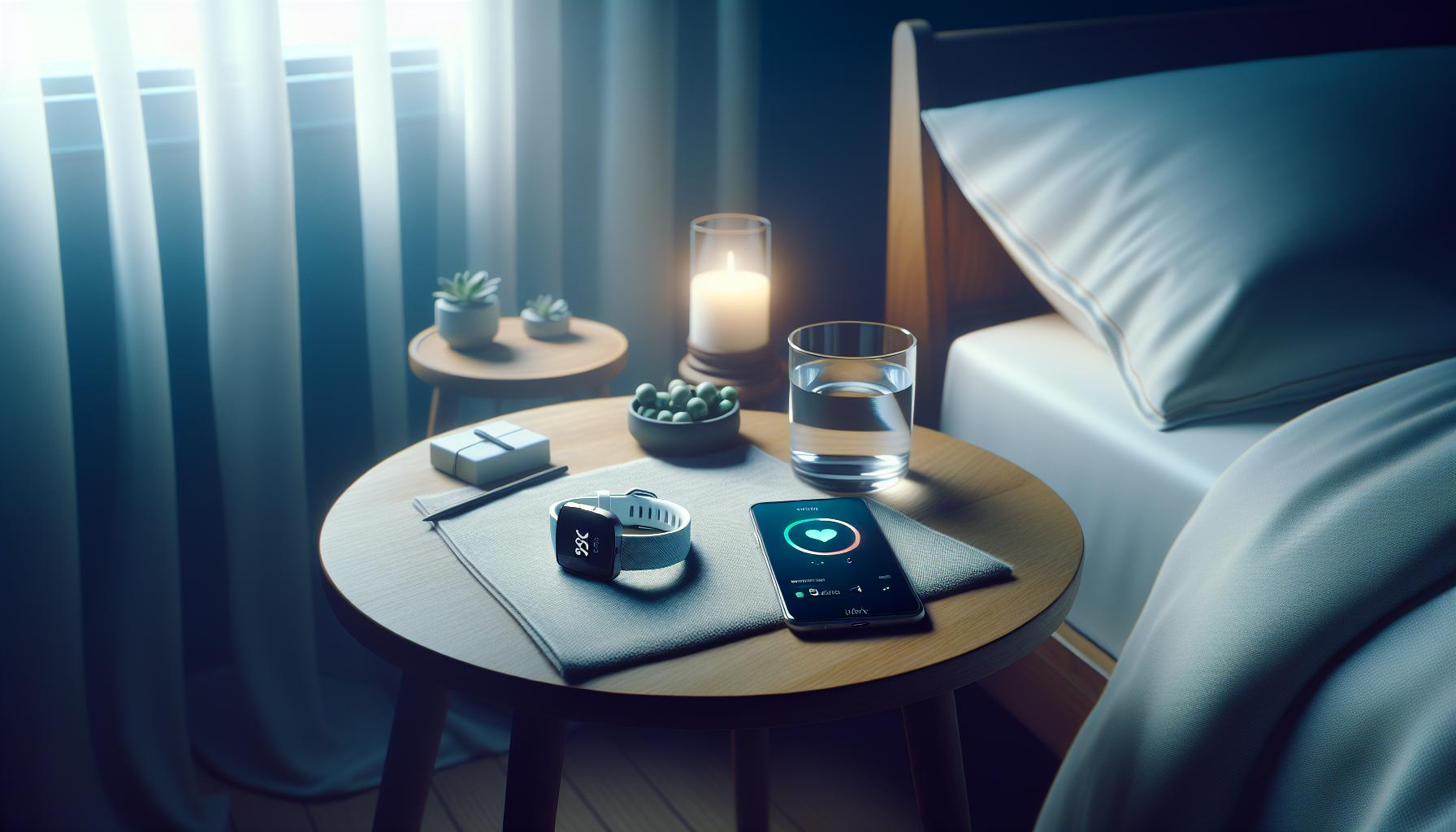
Wearing a Fitbit can significantly enhance your understanding of your sleep patterns, providing valuable insights that can lead to improved sleep quality. At the heart of its functionality is Sleep Tracking, a feature designed to monitor your movements throughout the night and evaluate the different stages of your sleep cycle. This includes light, deep, and REM sleep stages, offering a comprehensive overview of how well you are resting.
A key part of this tracking technology involves automatic sleep detection. With the Charge 6, the device is designed to recognize when you fall asleep and when you wake up, even if you forget to activate the sleep mode manually. This seamless integration means you can focus on getting your rest while still receiving accurate data. Upon waking, you can check the Fitbit app to review your sleep duration, quality, and patterns. The app takes this data and breaks it into easy-to-understand metrics that help you identify trends over time.
Moreover, the silent alarm feature enables you to wake up gently using vibrations, which can be a less jarring experience than traditional alarms. This functionality is particularly beneficial for light sleepers or those who share their bed with a partner. The app also provides insights into sleep trends, helping you understand how factors like exercise, stress, and diet may be impacting your sleep quality.
In addition to tracking your sleep stages, the Charge 6 offers personalized recommendations based on your sleep data. Whether it suggests changes in bedtime or highlights nights where you may have gotten less sleep, these insights can empower you to make informed decisions that enhance your overall sleep health. By familiarizing yourself with these features, you can optimize your Fitbit experience, ultimately working towards more restful nights and refreshing mornings.
Device Setup: Ensuring Accurate Sleep Monitoring
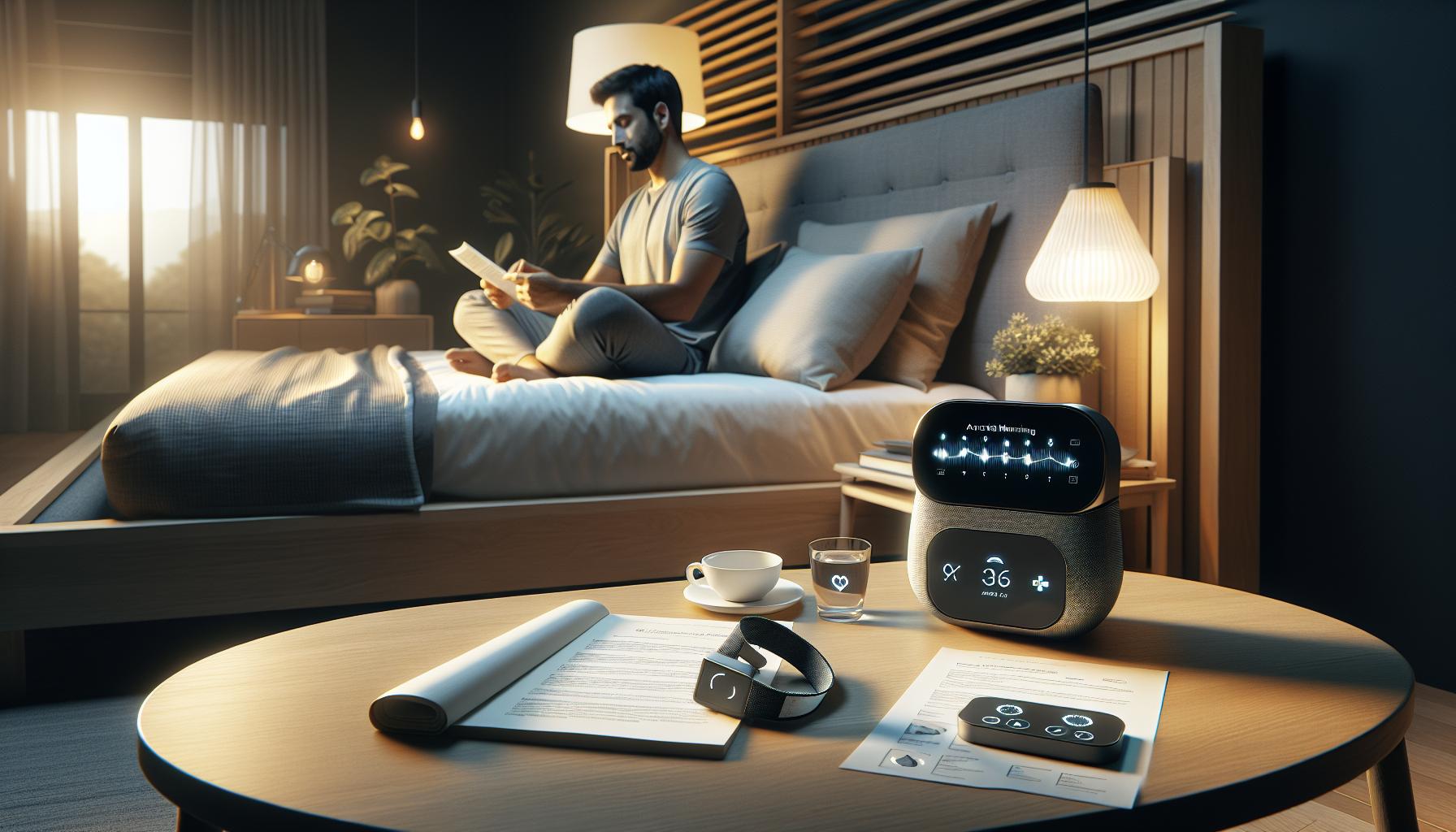
Getting your Fitbit Charge 6 set up correctly is essential for ensuring that it accurately tracks your sleep data. A common pitfall that many users fall into is not fully familiarizing themselves with the various settings and capabilities of the device. To achieve optimal performance, it’s vital to follow a few straightforward steps that can help prevent sleep tracking inaccuracies.
Firstly, it’s essential to wear your Fitbit snugly on your wrist, preferably just above the wrist bone, where it can best sense movement and heart rate. This placement is crucial, particularly at night, as a loose or improperly positioned device may not accurately monitor your sleep stages. Additionally, ensure that the device is charged, as a low battery can lead to missed data or malfunctioning features.
Next, double-check that the sleep tracking feature is enabled in the Fitbit app. Navigate to the sleep settings and review the automatic sleep detection option to make certain it is turned on. This feature allows your Fitbit to recognize when you fall asleep without requiring manual input, streamlining data collection and enhancing accuracy. If manually activating sleep mode is more to your preference, remember to do this each night before bed.
Lastly, keep your Fitbit’s software updated. Regular updates not only introduce new features but also fix bugs that may affect performance. The app will typically notify you when an update is ready, but you can also check manually if you suspect your device isn’t functioning properly. By ensuring that your device is well-positioned, properly configured, and up-to-date, you can empower your Fitbit Charge 6 to deliver the most accurate sleep tracking insights possible.
Using Your Fitbit: Best Practices for Sleep Data
To maximize the accuracy and insights of your sleep data on the Fitbit Charge 6, consistent practices in using the device can make a significant difference. Many users overlook certain habits that can enhance the reliability and richness of the data collected. By implementing a few best practices, you can ensure that your Fitbit becomes an effective tool for monitoring your sleep patterns and overall health.
Wear It Right
It may seem elementary, but how you wear your Fitbit can impact its functionality. The device should be worn snugly above the wrist bone, which allows it to more effectively monitor your heart rate and movements. If the device is too loose, it may not capture critical data during the night. Additionally, be mindful of any interference from clothing or bedding that might cause discomfort or misposition the device during sleep.
Engage with Your Data
Take the time to familiarize yourself with the Fitbit app and its features. Ensure that your sleep tracking settings are correctly configured. Automatic sleep detection should be activated to help save you from logging hours manually, allowing the Fitbit to recognize when you sleep more naturally. You can also set bedtime reminders and use the app to review trends over time, affording you a bigger picture view of your sleep health.
Maintain Consistency
Having a consistent sleep schedule can enhance the accuracy of your sleep data. Try to go to bed and wake up at the same time every day, even on weekends. This regularity can help your Fitbit better recognize your sleep cycles and patterns. Moreover, establish a relaxing bedtime routine that limits screen time and stimulates sleepiness, such as reading or practicing mindfulness.
Keep Up with Software Updates
Regular software updates are essential for your Fitbit Charge 6, not only for enhancing existing features but also for fixing bugs that might disrupt sleep tracking functions. Make it a habit to check for updates in the app, ensuring that your device is equipped with the latest capabilities. These updates often include improvements to battery performance and sleep tracking accuracy.
By practicing these best habits consistently, you can cultivate an environment that enhances your Fitbit’s ability to track sleep accurately, ultimately providing you valuable insights into your health and wellness.
Environmental Factors Affecting Sleep Tracking
Sleep quality is often influenced by various environmental factors that can inadvertently affect the performance of your Fitbit Charge 6 in tracking your sleep patterns. Understanding and optimizing these elements can enhance the accuracy of your sleep data, helping you gain better insights into your rest.
Light exposure is a primary contender affecting your sleep quality and, consequently, your Fitbit’s ability to track it accurately. If your sleeping environment is too bright, whether from external sources like streetlights or internal sources such as electronic devices, it can disrupt the natural sleep cycle and make it harder for your Fitbit to recognize sleep stages. Consider using blackout curtains to minimize external light, and turn off or cover any bright displays in your bedroom to create a more conducive sleeping environment.
Another significant factor is noise. Loud or sudden disturbances in your environment can interfere with your sleep and confuse the Fitbit’s tracking algorithms. To address this, consider using white noise machines, earplugs, or even soothing sounds to create a consistent background ambiance. This can help you fall asleep more readily and maintain a deeper sleep state that your device can more accurately record.
Temperature plays a crucial role as well. An overly hot or cold room can lead to restless sleep, which may negatively impact your Fitbit’s tracking accuracy. Aim for a comfortable room temperature, typically between 60 to 67 degrees Fahrenheit (15 to 19 degrees Celsius), as studies suggest this range supports better sleep quality.
Finally, the type and comfort of your mattress and pillow can also significantly affect your sleep. If you’re uncomfortable, it’s likely your Fitbit will record more restless nights than if you have the right support. Investing in a quality mattress and pillow tailored to your sleeping style can lead to better sleep, thus allowing your Fitbit to track it more effectively.
By addressing these environmental factors-light, noise, temperature, and comfort-you can not only improve your sleep quality but also enhance the reliability of your Fitbit Charge 6 in capturing your nightly rest. These small adjustments might just be the key to unlocking the full potential of your sleep tracking capabilities.
Troubleshooting: Fix It Yourself
When your Fitbit Charge 6 is not tracking sleep accurately, it can be frustrating, especially when you’re relying on it for insights into your health. Often, simple adjustments can resolve common problems and restore your device’s ability to monitor your sleep patterns effectively.
One of the first steps is ensuring your Fitbit is worn correctly. For optimal tracking, wear your Charge 6 snugly on your wrist, ideally just above your wrist bone. If it’s too loose, the sensors may not get a proper reading. Additionally, check that your device’s settings are properly configured. Make sure that Sleep Tracking is enabled in the app and that you’re wearing the device during sleeping hours.
If you notice inconsistent sleep data, a quick restart of your Fitbit can often resolve minor glitches. Simply hold down the button on the side of your device until you see the Fitbit logo, and then release it. This can help refresh the internal sensors and fix tracking issues. If the problem persists, ensure that your device’s software is up to date; an outdated application may have bugs affecting its performance.
Environmental factors can also lead to inaccurate sleep tracking. Ensure your sleeping environment is conducive to rest-minimize noise, adjust the temperature, and limit light exposure as discussed previously. Small changes can significantly enhance your sleep quality and, consequently, improve your device’s accuracy.
Should all these troubleshooting tips fail, consider resetting your Charge 6 to factory settings as a last resort. This option will erase all your data, so make sure to back up anything important first. If you continue to experience problems despite trying these solutions, it may be worth reaching out to Fitbit support for guidance. They can provide tailored advice and help you diagnose any underlying issues, whether device-related or linked to your sleep habits. Taking proactive steps can help you regain reliable insights into your nightly rest and overall health.
When to Reset Your Fitbit Charge 6
If your Fitbit Charge 6 is consistently providing inaccurate sleep data, a reset may be a necessary step to restore its functionality. Just like restarting a computer can solve many software issues, resetting your device can clear glitches that might interfere with its ability to monitor your sleep effectively. This process can often recalibrate the sensors and resolve persistent problems that other troubleshooting methods haven’t addressed.
Before you reset your device, ensure you’ve tried other solutions. Check that the device is snug on your wrist, that sleep tracking is enabled, and that you’ve updated the software. If you’ve rebooted the watch without success and inaccurate data continues, it’s time to consider a factory reset. Keep in mind that this action will erase all data and settings, so backing up your important information is crucial.
To reset your Fitbit Charge 6, you’ll need to perform the following steps:
- Press and Hold: Press and hold the button on the side of your device.
- Wait for the Logo: Release the button when you see the Fitbit logo on the screen.
- Completion: The device will restart; wait for it to fully boot up before you begin the reconfiguration process.
After resetting, you will need to set up your Fitbit again, which includes reconnecting it with the app on your smartphone. This process allows for a fresh start, often leading to better tracking results. Should problems persist post-reset, contacting Fitbit support for further guidance and deeper diagnostics might be advisable. They can assist you in identifying any underlying issues that might still be impacting your sleep monitoring experience.
Software Updates: Importance for Sleep Tracking
Keeping your Fitbit Charge 6 updated is crucial for accurate sleep tracking, as each software update often brings improvements that can enhance device performance and user experience. Think of software updates as a tune-up for your device: just like how regular maintenance keeps your vehicle running smoothly, updates ensure that your Fitbit functions optimally, particularly in its ability to monitor sleep effectively.
When your device is not tracking sleep properly, it may stem from outdated software that lacks enhancements in sleep tracking algorithms or bug fixes that can affect performance. These updates can optimize sensor accuracy and improve how your Fitbit recognizes different sleep stages. Regular updates also introduce new features you may not be aware of, further empowering you to make sense of your sleep data and use it to improve your sleep habits.
To check for software updates, simply open the Fitbit app on your smartphone, navigate to your profile, and select your device. From there, look for an option to update the software if one is available. Keeping your app up-to-date is equally important, as it not only allows your device to sync data but also supports any new features related to sleep tracking enhancements. By ensuring both your device and app are running the latest versions, you’re giving your Fitbit the best possible chance to provide accurate and insightful sleep data.
Ultimately, staying current with software updates is a straightforward yet powerful way to optimize your Fitbit Charge 6 for better sleep monitoring. This small step can enhance your experience, making it easier to identify patterns and make informed decisions about your sleep health.
Comparing Fitbit with Other Sleep Trackers
Analysts have pointed out that inaccurate sleep tracking can lead to a misunderstanding of your sleep health and potential underlying issues. When comparing the Fitbit Charge 6 with other sleep trackers, it’s essential to examine how each device processes and reports sleep data. Different brands operate on various algorithms, which can affect accuracy significantly. For instance, while Fitbit offers comprehensive data on sleep stages, some users find that devices like the WHOOP band focus more on recovery metrics and overall readiness rather than specific sleep tracking.
Key Features to Consider
When choosing a sleep tracker, consider these aspects:
- Data Accuracy: Fitbit has a reputation for reliable heart rate monitoring, which is integral to its sleep analysis. Many users appreciate how it distinguishes between light, deep, and REM sleep. However, it’s worth comparing this accuracy with brands like Oura Ring, which uses different metrics to track readiness and sleep quality.
- Battery Life: Some devices can last longer on a single charge. For example, the Oura Ring can operate for up to seven days, which can be more practical than daily charging, common with Fitbit devices.
- App Experience: The Fitbit app offers a user-friendly interface with detailed sleep insights and trends. Comparatively, the Sleep Cycle app provides a different approach by using sound analysis to track your sleep patterns.
Real-World Scenarios
For people just seeking to monitor sleep patterns, a Fitbit may suffice; however, someone who deals with sleep disorders might benefit from a more specialized tool. For those requiring actionable insights and recommendations based on sleep data, devices like the Eight Sleep mattress offer advanced cooling and heating features, automatically adjusting based on the detected sleep stage.
Making an informed decision means understanding your unique sleep needs. Each tracker has its strengths and weaknesses, and what works best for one person might not be ideal for another. Always consider factors like your lifestyle, the specific features you desire, and how you process the data provided to determine which device will best assist you in achieving optimal sleep health.
Understanding Sleep Stages: What Your Data Means
Understanding your sleep stages is crucial for interpreting the data provided by your Fitbit Charge 6 and making sense of your sleep health. Fitbit devices use a combination of heart rate monitoring and movement tracking to differentiate between various sleep stages: light sleep, deep sleep, and REM (rapid eye movement) sleep. Each stage plays a unique role in your overall sleep quality and restorative processes. For effective sleep health management, it’s essential to grasp what these stages mean and how they impact your well-being.
- Light Sleep: This is the initial stage of sleep that makes up a large portion of your total sleep time. It’s relatively easy to wake up during this stage. Light sleep is vital because it represents a transition into deeper sleep and can contribute to overall feelings of restfulness upon waking.
- Deep Sleep: Also known as slow-wave sleep, this stage is crucial for physical recovery and growth. During deep sleep, your body performs repair functions, like muscle growth and tissue repair. A lack of deep sleep can lead to feelings of fatigue and reduced cognitive function.
- REM Sleep: This stage is where most dreaming occurs and is integral for emotional regulation and memory consolidation. REM sleep typically occurs later in the night, and disruptions during this stage can affect mood and focus during the day.
To maximize your Fitbit’s potential in tracking these stages accurately, ensure your device is worn correctly and tightly enough during the night. Body movement and position can affect tracking, potentially leading to inaccuracies in data reflecting your true sleep stages. If you notice discrepancies in your sleep reports, consider your sleeping environment as well-things like noise, temperature, and light can influence your stage transitions.
Realizing how these stages contribute to your overall sleep architecture can empower you to make informed lifestyle changes. For example, if you’re consistently missing deep or REM sleep, incorporating relaxation techniques or improving your sleep environment can make a significant difference. Monitoring trends over time rather than focusing on a single night’s data provides a clearer picture of your sleep health, allowing for more tailored adjustments to enhance your nightly rest.
Considerations for Seeking Professional Sleep Help
Seeking professional help for sleep issues can often feel daunting, but understanding the right time to consult a specialist is crucial for your well-being. If you’re noticing inconsistencies in your sleep data from your Fitbit Charge 6 and experiencing fatigue, irritability, or cognitive difficulties, it may be time to look beyond the tracker. Professional sleep assessments can provide deeper insights into your sleep patterns and potential disorders that a consumer device might not capture.
Getting started with a sleep study typically involves a simple process. Most sleep clinics will require a referral from your primary care doctor, who can help identify any specific concerns related to your sleep. During a sleep study, or polysomnography, you will be monitored overnight in a comfortable setting, with a range of physiological data collected, from brain waves to heart rate and limb movement. This comprehensive approach allows specialists to diagnose conditions like sleep apnea, restless leg syndrome, or narcolepsy-conditions that wearable devices might miss.
Cost and Accessibility
While cost can be a concern, many insurance plans cover sleep studies, so it’s wise to check with your provider about coverage options. Once your study is complete, you can expect a follow-up consultation where results are discussed and treatment options are available, which could range from lifestyle changes to medication or medical devices.
Remember, while wearables like the Fitbit Charge 6 are great for tracking trends and daily habits, they should not replace professional advice. If you find that sleep issues persist despite making adjustments based on your device’s data-such as improving your sleep environment or following better sleep hygiene practices-it’s essential to trust your instincts and seek guidance. Your health and well-being should always come first, and a professional can help guide you to solutions that wearable technology simply cannot provide.
FAQ
Q: Why is my Fitbit Charge 6 not tracking sleep sometimes?
A: Your Fitbit Charge 6 may not track sleep due to improper wear, lack of sleep mode activation, or movement during sleep. Ensure the device is snug on your wrist and that sleep mode is turned on in the settings. For more troubleshooting tips, refer to the Troubleshooting: Fix It Yourself section in the main article.
Q: How can I improve sleep tracking accuracy on my Fitbit Charge 6?
A: To improve sleep tracking accuracy, wear your Fitbit securely above your wrist bone and ensure that your sleep settings are configured correctly. Follow best practices outlined in the Using Your Fitbit: Best Practices for Sleep Data section to enhance data collection.
Q: Does the environment affect my Fitbit Charge 6 sleep tracking?
A: Yes, environmental factors like light, noise, and temperature can influence sleep quality and disrupt tracking. To minimize interference, create a conducive sleep environment, as discussed in the Environmental Factors Affecting Sleep Tracking section of the main article.
Q: When should I reset my Fitbit Charge 6 for sleep tracking issues?
A: You should consider resetting your Fitbit Charge 6 if it consistently fails to track sleep after troubleshooting. A reset can resolve software glitches. Refer to the When to Reset Your Fitbit Charge 6 section for specific steps on how to perform a reset.
Q: How often should I update my Fitbit Charge 6 software?
A: Regular software updates, preferably every few weeks, ensure that your Fitbit Charge 6 functions optimally, including sleep tracking. This is discussed in the Software Updates: Importance for Sleep Tracking section of the main article. Check the app for updates to stay current.
Q: What should I do if my Fitbit is not detecting sleep stages?
A: If your Fitbit isn’t detecting sleep stages, verify that you are using the device according to guidelines and it is calibrated correctly. You may also want to review Understanding Sleep Stages: What Your Data Means in the main article for insights on how data is processed.
Q: Can I rely solely on my Fitbit Charge 6 for sleep tracking?
A: While the Fitbit Charge 6 provides valuable sleep insights, it’s advisable to consult a healthcare professional for severe sleep issues. For more context, look into the Considerations for Seeking Professional Sleep Help section of the main article for additional guidance.
Q: What steps can I take if my Fitbit Charge 6 shows inconsistent sleep data?
A: If your Fitbit shows inconsistent sleep data, confirm that you’re wearing it correctly and check your activity and sleep settings. Explore the Common Sleep Tracking Issues with Fitbit section for more detailed troubleshooting advice.
In Retrospect
If your Fitbit Charge 6 isn’t tracking your sleep, taking the steps outlined can help you get back on track for better rest and health. Remember that accurate sleep tracking is vital for understanding your sleep patterns and improving your overall wellness. Don’t hesitate to check out our detailed guides on enhancing your sleep quality or explore troubleshooting tips for your Fitbit device. Each small adjustment can have a significant impact, so act swiftly to optimize your sleep experience.
Want to stay updated on the latest tips for your wearable? Join our newsletter for exclusive insights, and don’t miss our comparison articles on the best fitness trackers available. If you have any lingering questions or need more personalized guidance, feel free to reach out in the comments below. Your journey to better sleep management starts now-take control and dive deeper into the resources we have available!
Get our latest guides, news, and insights highlighted in your Google Search & AI Overviews.