
Have you ever woken up curious about how well you slept, only to find that your Fitbit didn’t track your slumber? You’re not alone-many users face similar frustrations. Sleep is crucial for our overall health and well-being, and accurately tracking it can provide valuable insights into your nightly rest. A Fitbit is designed to help you monitor your sleep patterns by analyzing heart rate and sleep stages, but occasional hiccups can lead to missing data. In this article, we’ll explore seven quick fixes to get your Fitbit back on track, empowering you to take control of your sleep health and uncover important data that can enhance your daily vitality. Let’s dive into solutions so you can rely on your device as a trusted sleep ally!
Why Your Fitbit May Miss Sleep Tracking
Many users find themselves puzzled when their Fitbit fails to track sleep accurately. This can lead to frustration, especially if you rely on this data to improve your sleep quality. Various factors can contribute to this issue, and understanding them can empower you to take corrective action.
One major reason is improper fit or placement of the device. If your Fitbit is too loose on your wrist, it may not accurately detect heart rate and movement, both of which are crucial for sleep tracking. Additionally, wearing a device on a wrist that is not your dominant hand can enhance comfort and provide more accurate readings.
Environmental factors also play a role; disturbances such as bright lights or noise can disrupt your natural sleep cycle and lead to misinterpretation of sleep stages by the device. It’s essential to ensure that you’re in a conducive sleeping environment. Another common cause is sleeping with the device turned off, either due to low battery or manual disconnection, which would prevent any data from being collected.
Lastly, sleep disorders can also interfere with your Fitbit’s ability to track sleep effectively. If you regularly experience disrupted sleep patterns or insomnia, you may need to consider seeking professional advice to address potential underlying issues. Addressing these factors can significantly enhance the reliability of your sleep tracking experience.
Common Causes of Sleep Tracking Issues
Many users experience sleep tracking discrepancies with their Fitbit devices, leaving them frustrated when they can’t rely on their sleep data. Understanding the common causes behind these issues is essential for improving tracking accuracy and ultimately enhancing your sleep experience.
One of the primary culprits of inaccurate sleep tracking is the fit of the device. If your Fitbit is too loose, its ability to monitor heart rate and movement diminishes, both of which are crucial for determining sleep stages. A snug fit on your non-dominant wrist can improve both comfort and tracking effectiveness. Environmental conditions also significantly affect monitoring accuracy. Disturbances such as bright lights or noise can disrupt your sleep cycle, leading to misinterpretations of your sleep stages by the device. Creating a dark and quiet sleeping environment can enhance your Fitbit’s ability to track sleep accurately.
Another frequent issue arises when the device is turned off due to a depleted battery or manual disconnection, which results in the loss of data collection during the night. Regularly charging your Fitbit and ensuring it remains powered on is critical. Furthermore, if you suffer from sleep disorders, these can interfere with your Fitbit’s tracking capabilities. Frequent awakenings or irregular sleep patterns might lead to misleading or incomplete data. If you suspect a sleep disorder, consulting a healthcare professional can provide valuable insights and solutions.
By understanding these common issues, you can take proactive steps to ensure your Fitbit logs your sleep accurately. Adjusting how you wear your device and modifying your sleep environment are simple yet effective strategies. Regular maintenance of the device, such as keeping it charged, will help ensure that your tracking experience meets your expectations.
Understanding Fitbit Sleep Tracking Technology
Understanding the technology behind your Fitbit’s sleep tracking capabilities is crucial for maximizing its effectiveness. At its core, Fitbit uses a combination of heart rate monitoring, motion detection, and algorithms to analyze your sleep patterns. By tracking your heart rate variability throughout the night, the device can estimate when you’re in light, deep, or REM sleep. This information is then processed to give you a comprehensive overview of your sleep quality, duration, and even efficiency.
One fascinating aspect of Fitbit’s approach is its use of motion sensors. These sensors detect subtle movements during the night, which can indicate when you’ve changed sleep stages or even when you wake up briefly. However, the accuracy of this data can be compromised if the device isn’t worn correctly. A loose fit can prevent the sensors from sensing your heart rate and movement effectively; therefore, wearing the tracker snugly on your non-dominant wrist is recommended for the best results.
Fitbit devices also feature a Sleep Score, which helps you quickly gauge your sleep quality each night. This score is calculated based on several factors, including your sleep duration, efficiency, and the amount of time spent in different sleep stages. Understanding this score can empower you to make changes to your sleep routine-be it adjusting your bedtime or optimizing your sleep environment. The app provides insights and trends over time, enabling you to evaluate whether changes you implement are positively impacting your sleep.
If you’re experiencing issues with your sleep tracking, it’s essential to recognize that Fitbit’s technology, while advanced, isn’t infallible. Factors such as external noise, room temperature, and your personal health can all influence tracking accuracy. By becoming familiar with how your device works, you can better troubleshoot problems and adjust your habits to enhance both your sleep quality and the accuracy of your Fitbit’s data.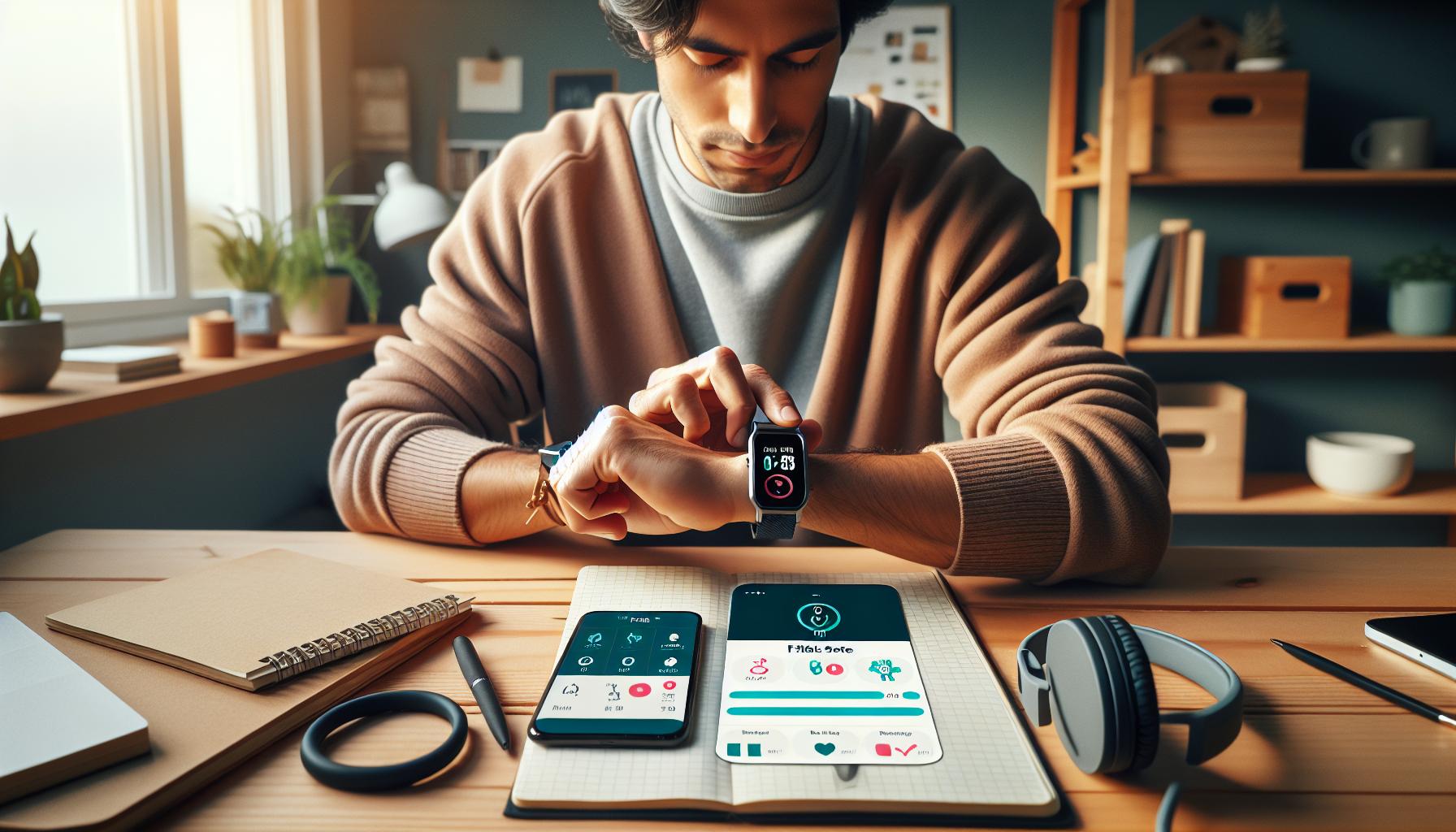
How to Ensure Proper Fitbit Setup
To effectively leverage your Fitbit’s sleep tracking features, starting with the right setup is essential. A well-configured device can significantly enhance the accuracy of your sleep data, ensuring you get the insights you need for better rest. Ensure you’re wearing your device correctly; it should be snug but comfortable on your non-dominant wrist to allow the sensors to function optimally. A loose fit will hinder the tracking of your movements and heart rate, resulting in inaccurate sleep data.
Additionally, it’s crucial to enable sleep tracking in your settings. Open the Fitbit app, navigate to your device settings, and confirm that sleep tracking is turned on. You might also want to set a sleep schedule for reminders. This can help establish a consistent bedtime routine, which is beneficial for sleep quality and can aid your Fitbit in accurately detecting your sleep patterns.
Another important step involves syncing your device regularly. Establish a routine where you sync your Fitbit to the app at least once a day, ideally before bed. This allows any updates or settings changes to be communicated promptly, improving functionality. Moreover, if your device is not synced frequently, it may not capture all the relevant data or properly reflect your sleep history.
In essence, a proper setup is a blend of physical placement on your wrist, correct settings in the app, and regular syncing. Paying attention to these details can help you maximize your Fitbit’s capabilities and will contribute to a better understanding of your sleep health.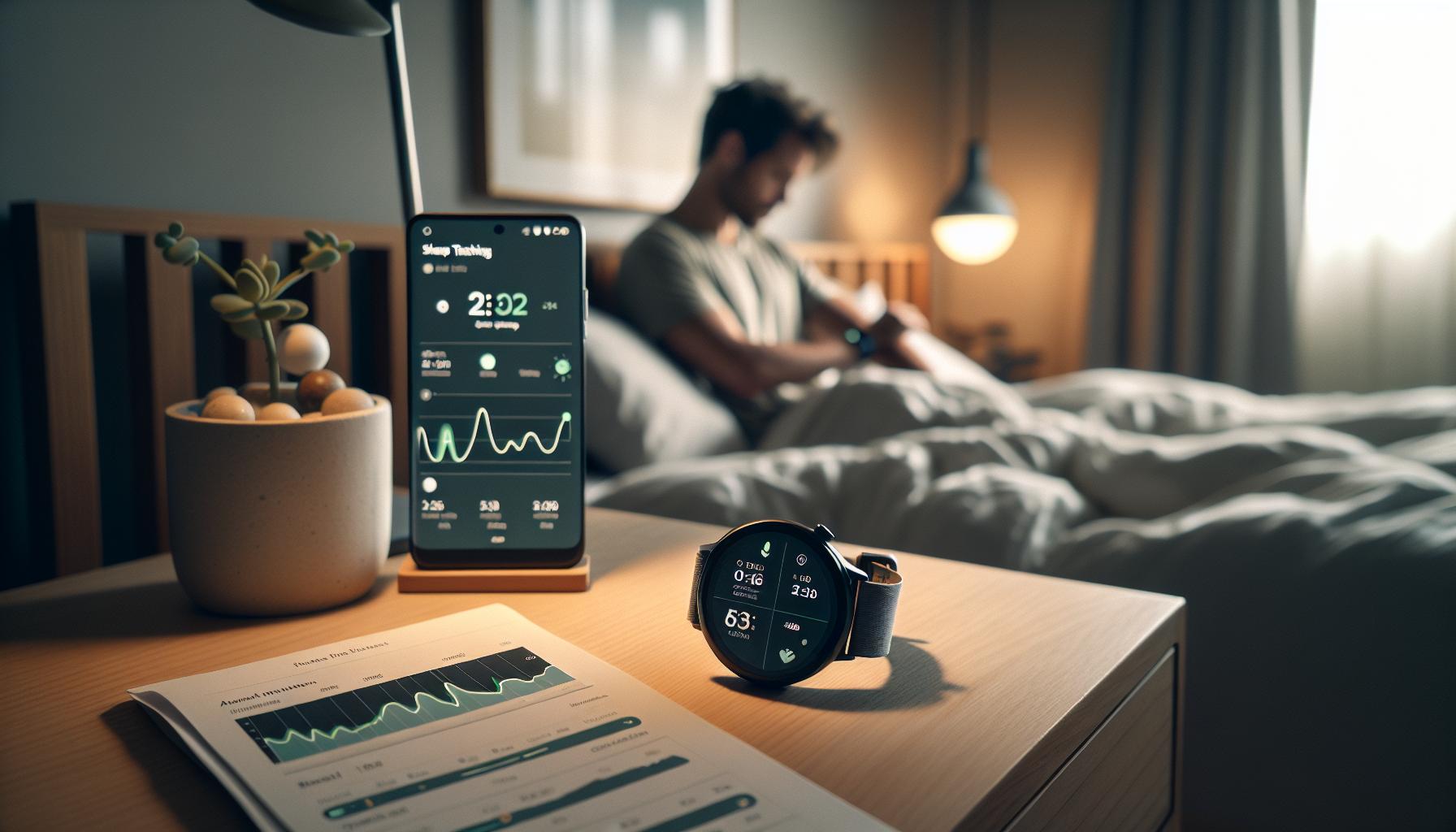
Adjusting Sleep Settings for Accurate Tracking
To get the most out of your Fitbit’s sleep tracking capabilities, fine-tuning your sleep settings is crucial. Many users may overlook the importance of these configurations, but a well-optimized setup can dramatically improve the accuracy of your sleep data. One fundamental aspect is ensuring that sleep tracking is enabled. Open the Fitbit app, navigate to your settings, and confirm that it’s activated. If it’s off, your device won’t monitor your sleep at all.
Setting a Sleep Schedule
Establishing a consistent sleep schedule is another powerful way to enhance tracking accuracy. You can set reminders within the app to prompt you when it’s time to wind down for bed. This not only helps you maintain a regular sleep routine-which is beneficial for sleep quality-but also signals your Fitbit to expect sleep during that timeframe. Regularity can help your device better detect your sleep patterns and make more reliable estimations on your sleep duration and stages.
Adjusting Sensitivity Settings
Depending on your device model, explore any sensitivity settings related to sleep tracking. Some devices allow you to adjust how sensitive the sleep detection is, which can be particularly helpful if you experience issues with your device picking up on lighter sleep or frequent awakenings. Higher sensitivity may lead to a more accurate reflection of your sleep stages, though it might also record brief awakenings that might not be significant.
Syncing Your Device
Frequent syncing of your Fitbit with the app cannot be overstated. Aim to sync your device before bedtime, ensuring any recent changes to settings or updates are applied. This connection keeps your health metrics current and accurate and helps the app interpret your sleep data effectively.
By focusing on these settings and practices, you can enhance the accuracy of your sleep tracking, providing you with deeper insights into your rest habits and overall sleep health. This attention to detail may ultimately help you identify areas for improvement in your sleep routine, leading to better rest and improved daily functioning.
Regularly Update Your Fitbit Firmware
Keeping your Fitbit firmware up to date is crucial for maintaining accurate sleep tracking capabilities. Many users may not realize that outdated software can lead to performance issues, including missed sleep data. Regular updates fix bugs, improve features, and enhance accuracy, which are essential for a device designed to monitor your health and sleep patterns.
To ensure your Fitbit is always operating optimally, make updating a routine part of your device management. You can do this by syncing your Fitbit with the companion app on your smartphone or via your computer. Most updates are seamless; the app will notify you when a new version is available. It’s typically a quick process-just a few minutes-and can significantly improve not only your sleep tracking but overall device functionality.
It’s also wise to check the settings and support pages for your specific Fitbit model to verify that you’re on the latest version. For instance, features related to sleep tracking may be added or improved through firmware updates, allowing your Fitbit to better distinguish between sleep stages and periods of wakefulness. Keeping your device updated means you can rely on having the best tools at your disposal for optimizing your sleep health.
Finally, if you find that your sleep tracking remains inconsistent even after updates, it may be time to explore further solutions, such as recalibrating your device settings or considering a factory reset. Regular firmware updates are a straightforward yet impactful step you can take to ensure your Fitbit continues to provide the most accurate data possible.
Tips for Maintaining Battery Life and Functionality
To maximize the functionality of your Fitbit and ensure it tracks your sleep accurately, maintaining the battery life is crucial. When battery levels are low, your device may not operate effectively, which can lead to missed sleep tracking altogether. Here’s how you can keep your Fitbit in prime condition while ensuring it captures your nightly rest.
One primary step for battery conservation is to adjust your device settings. Features like heart rate monitoring or constant notifications can drain your battery faster. Consider disabling heart rate tracking during sleep if it’s not essential for your goals, or use features like Do Not Disturb mode to minimize notifications during your sleep hours. These changes not only improve battery life but can also contribute to a more undisturbed sleep environment, allowing you to recharge more effectively.
Another essential tip is to charge your device regularly, ideally during times you’re not wearing it. Aim to charge your Fitbit to at least 80% before bedtime to ensure it lasts through the night. Remember to clean the charging ports as well; a build-up of dirt can inhibit charging efficiency. For instance, using a soft, dry cloth to wipe the connectors can make a significant difference in maintaining the longevity and reliability of your device.
Additionally, consider your Fitbit’s syncing frequency. If your device is set to sync too frequently with your app, it may consume more power. Adjusting this setting to perform fewer syncs can help sustain battery life throughout the day. If you’re utilizing your Fitbit primarily for sleep tracking, less frequent updates during active hours may help.
Lastly, keep the software updated to benefit from improvements in power management that manufacturers regularly implement. Regular updates not only enhance overall functionality, which includes sleep tracking, but also sometimes optimize battery life. Typically, these updates are easy to perform through the Fitbit app, ensuring that your device remains equipped with the latest technology to monitor your sleep accurately.
By taking these steps, you can enhance both the battery performance and the overall functionality of your Fitbit, ensuring that it remains a reliable tool in tracking your sleep health.
When to Consider a Factory Reset
If your Fitbit consistently misses tracking your sleep, it might be time to consider performing a factory reset. This process can resolve underlying software glitches that interfere with the device’s ability to monitor your sleep. A factory reset restores your device to its original settings, eliminating any personal configurations that may be causing issues. However, it’s important to understand that a factory reset will erase all your data stored on the device, so make sure to sync it with the Fitbit app and back up any important information first.
Before you jump into a factory reset, observe your device for signs that suggest it’s not functioning as it should. If you’re experiencing persistent syncing issues, inaccurate readings, or the Fitbit itself frequently crashes, a reset could help restore order. A factory reset can be particularly beneficial if you’ve tried other troubleshooting methods, such as updating the firmware, adjusting sleep settings, or even changing the way you wear your device.
Here’s a simple guide to performing a factory reset on your Fitbit:
- Open the Fitbit App: Make sure your Fitbit is synced with the app.
- Navigate to Settings: On the app, tap on your profile icon, then select your device.
- Choose Factory Reset: Look for a button or option labeled “Factory Reset” or “Clear User Data.”
- Confirm the Action: Follow the prompts to confirm the reset.
After completing the reset, you’ll need to set up your device again, which may be a hassle, but it could be a necessary step to restore proper functionality. Remember to carefully go through your sleep settings to ensure everything is configured correctly once your Fitbit is back to its baseline. It might also be helpful to readjust how you wear the device, as positioning can sometimes impact its ability to detect sleep accurately.
In essence, a factory reset should be your last resort. If issues persist even after resetting, it may indicate a deeper hardware problem. In such cases, consider reaching out to Fitbit support for a more durable solution or potentially looking into device upgrades.
Alternative Sleep Tracking Methods and Devices
To achieve a comprehensive understanding of your sleep patterns beyond what your Fitbit offers, various can provide valuable insights. These approaches can be especially beneficial if you find your Fitbit is not accurately monitoring your sleep or if you’re simply curious about different aspects of your sleep health.
Smartphone Apps
Many smartphone apps can track your sleep without the need for additional devices. Apps like Sleep Cycle and AutoSleep utilize your phone’s sensors to analyze your sleep patterns. Sleep Cycle, for instance, tracks your sleep cycle through sound and motion analysis, providing a detailed report after you wake up. Setting it up is typically straightforward: just place your phone on your mattress or nightstand and let it do the rest. These apps often have features such as sleep sounds and alarms that wake you during light sleep for a more refreshing start to your day.
Dedicated Sleep Trackers
For a more specialized approach, consider dedicated sleep trackers like the Oura Ring or the resmed S+ sleep monitor. The Oura Ring is a sleek, wearable device that not only tracks sleep stages but also provides insights into heart rate variability and readiness metrics for your day. Meanwhile, the S+ monitor sits on your bedside table and uses non-contact sensors to analyze your sleep patterns without any wearables. Setting up these devices generally involves syncing them with an app, allowing for seamless data collection and analysis.
Polysomnography
If you suspect serious sleep issues such as sleep apnea or insomnia, you may need to explore more advanced sleep studies, known as polysomnography. This method is conducted in a sleep lab and offers the most comprehensive analysis by monitoring multiple physiological parameters, including brain activity, eye movements, heart rate, and breathing. While it may come with higher costs and the need for a referral from a healthcare professional, it provides insights that cannot be gleaned from wearables or apps.
Combining Methods for Better Insights
Utilizing a combination of these methods can help you gain a holistic view of your sleep health. For example, using a smartphone app alongside your Fitbit can provide a narrative to your data, making it easier to identify patterns over time. Pairing that data with a consult from a sleep specialist could guide you toward improving your sleep hygiene, potentially improving the functionality of your Fitbit in tracking your sleep more accurately.
By exploring these alternative methods, you can find the right mix that addresses your unique needs and enhances your understanding of your sleep health.
Signs It’s Time for a Device Upgrade
It’s not unusual for technology to lose its edge over time, and your Fitbit is no exception. If you find that your device is consistently missing sleep tracking or providing inaccurate data, it might be an indication that it’s time for an upgrade. Several signs can prompt you to consider investing in a newer model to ensure you receive the most accurate insights into your sleep patterns.
One key sign is a significant decline in functionality. If your Fitbit fails to track sleep consistently or struggles to connect with the app, these could signal outdated hardware or software capabilities. Newer models often come equipped with enhanced sensors and improved algorithms that can yield more precise metrics. Additionally, if your Fitbit’s battery life has taken a hit-becoming an inconvenience that demands frequent recharging-this might affect its overall performance and reliability, suggesting a need for a replacement.
Another aspect to consider is the app experience. Fitbit regularly updates its app to support newer features and improvements in sleep tracking technology. If your device is not compatible with the latest app updates, you may miss out on beneficial features designed to enhance your sleep tracking experience. Upgrading to a newer device not only allows for better integration with these updates but also often introduces advanced functionalities like sleep stage tracking and personalized recommendations based on your sleep patterns.
Lastly, an evaluation of your lifestyle needs is crucial. If you’ve changed your fitness goals or sleep habits-perhaps transitioning into a more health-conscious routine or adding new wellness practices-your old Fitbit might not serve your evolving requirements. Devices today offer a broader range of health metrics and smart functionalities that align with holistic wellness trends, making them invaluable companions on your journey to better sleep and overall health.
In summary, recognizing these signs can empower you to make informed decisions about your sleep tracking tools, ensuring that you stay on track with your health goals while enjoying the technological advancements that fit your lifestyle.
Seeking Professional Help for Sleep Issues
If you’ve been struggling with sleep issues despite your efforts to track them using your Fitbit, it may be time to consider professional help. Many individuals initially rely on wearables for basic tracking, but they can often miss underlying sleep disorders that require expert attention. For instance, conditions like sleep apnea, restless leg syndrome, or insomnia may not be recognized by your device yet can significantly impact your health and well-being.
When to Seek Professional Assistance
If you consistently wake up feeling fatigued, find it difficult to stay awake during the day, or notice unusual sleep patterns that your Fitbit can’t explain, these are signs that professional help is warranted. Additionally, if friends or family have remarked about your snoring or if you experience frequent awakenings during the night, these signals should not be ignored. A sleep study, or polysomnography, is a comprehensive test conducted in a specialized clinic that can provide a detailed analysis of your sleep patterns, breathing, and overall sleep quality.
What to Expect During a Sleep Study
Going for a sleep study can be daunting, but knowing what to anticipate can alleviate some anxiety. Here’s a brief overview:
- Setup: You will be asked to arrive at a sleep center in the evening where you’ll be connected to a variety of sensors and monitors. This helps the technicians track your brain waves, oxygen levels, heart rate, and respiratory patterns.
- Duration: The study usually lasts overnight, allowing for a full night’s sleep in a controlled environment.
- Results: After the test, a sleep specialist will analyze the data and provide you with insights and potential treatment options.
If a sleep study is not feasible, consider discussing your symptoms with a healthcare provider who can recommend alternative assessments or even cognitive behavioral therapy (CBT) for sleep-related issues.
Insurance and Cost Considerations
Before committing to a sleep study, it’s wise to check with your insurance provider to understand coverage options. Many insurers cover sleep studies, especially if there’s a strong suspicion of a sleep disorder. Know your benefits and any potential out-of-pocket costs for peace of mind.
Using a Fitbit for sleep tracking can provide useful insights, but it has limitations. If your device is consistently missing important data or if your sleep experiences don’t match your Fitbit readings, exploring professional guidance can enhance your understanding of your sleep health and lead to better outcomes. Empower yourself in your sleep journey by knowing when to expand beyond wearable technology.
Q&A
Q: Why isn’t my Fitbit detecting my sleep at all?
A: If your Fitbit isn’t detecting sleep, it could be due to improper settings or a loose fit on your wrist. Ensure your device is snug but comfortable, and check the sleep settings in the app. For detailed troubleshooting, refer to the “How to Ensure Proper Fitbit Setup” section in your main article.
Q: How can I tell if my Fitbit needs a firmware update for sleep tracking?
A: You can tell if your Fitbit needs a firmware update by checking the app for notifications or visiting the settings section. Regular updates improve functionality, including sleep tracking accuracy. See the section on “Regularly Update Your Fitbit Firmware” for specific steps.
Q: What physiological factors might affect my Fitbit’s sleep tracking?
A: Factors like sleep disorders, physical movement, or even wearing your Fitbit too loosely can impact tracking accuracy. Assess your lifestyle and consult the “Common Causes of Sleep Tracking Issues” section for further insights into potential physiological impacts.
Q: Why does my Fitbit report different sleep stages than I feel I experienced?
A: Discrepancies between reported sleep stages and your actual experience may arise from the technology limitations or inadequate wear positioning. Consider adjusting how you wear the device and refer to “Understanding Fitbit Sleep Tracking Technology” for clarification on sleep stage definitions.
Q: How do I improve battery life to enhance sleep tracking accuracy on my Fitbit?
A: Managing battery life can significantly affect performance. To enhance sleep tracking accuracy, turn off features like constant heart rate monitoring during the day and make sure your device is charged before bedtime. Consult “Tips for Maintaining Battery Life and Functionality” for more suggestions.
Q: Can external factors, like noise or light, affect sleep tracking on my Fitbit?
A: Yes, external factors such as noise, light, or room temperature can disrupt your sleep and affect how your Fitbit tracks it. Creating a restful environment can improve accuracy. Look into enhancing your sleep environment as explained in your main article, particularly in the “Adjusting Sleep Settings for Accurate Tracking” section.
Q: What should I do if my Fitbit tracking suddenly stops working?
A: If your tracking suddenly stops, try restarting the device or checking if the app needs an update. If these don’t help, consider a factory reset. More troubleshooting tips can be found in the “When to Consider a Factory Reset” section of your article.
Q: When should I consider using alternative sleep tracking methods?
A: If your Fitbit consistently struggles with sleep tracking, explore alternative devices or methods, such as professional sleep studies or smartphone apps tailored for sleep analysis. The “Alternative Sleep Tracking Methods and Devices” section in your article covers various options.
Wrapping Up
If your Fitbit isn’t tracking your sleep as it should, don’t fret-there are practical steps you can take right now to get back on track! Remember, optimizing your sleep tracking can significantly enhance your well-being, allowing you to enjoy the benefits of quality rest and recovery. For further guidance, consider exploring our detailed articles on improving sleep hygiene and understanding sleep stages, or delve into how sleep tracking works with your Fitbit here and here.
Act now to refine your Fitbit settings and ensure your device is ready to deliver accurate sleep metrics. If you have lingering questions or need personalized advice, don’t hesitate to reach out or comment below. Your restful nights are important to us-sign up for our newsletter to stay informed on sleep health tips and tech innovations. Together, let’s empower your journey to better sleep!
Get our latest guides, news, and insights highlighted in your Google Search & AI Overviews.