
Have you ever woken up wondering why your Fitbit Sense didn’t track your sleep? You’re not alone-many users encounter this frustrating situation, which can leave you questioning the reliability of your device. Accurate sleep tracking is crucial for understanding your rest quality and making necessary lifestyle adjustments. This guide will not only help you troubleshoot the common issues that may prevent your Fitbit from effectively monitoring your sleep but also empower you to optimize your sleep health. Discover practical solutions to enhance your sleep tracking experience and ensure you get the insights you need for better rest and rejuvenation. Let’s dive in!
Common Reasons Your Fitbit Sense Fails to Track Sleep
Many users experience frustration when their Fitbit Sense fails to track sleep accurately. This can stem from a variety of common issues that can interfere with the device’s ability to gather data effectively. Understanding these reasons can help you adjust your approach and improve your sleep tracking experience.
One primary concern is improper wear of the device. The Fitbit Sense needs to be worn snugly on your wrist, as a loose fit can hinder its sensors from accurately detecting movements associated with sleep stages. Additionally, ensure that the device is positioned correctly on your wrist; wearing it too low or high can affect its performance.
Another factor to consider is battery life. If your Fitbit Sense is running low on power, it may not function optimally, leading to missed sleep tracking. Regularly charging your device can mitigate this issue. Sync problems can also play a role; if the device is not syncing properly with the app on your phone, the recorded sleep data might not be updated, leaving gaps in what you can view.
Environmental elements could additionally disrupt performance. For instance, sleeping in overly bright conditions or with loud noises can affect how well the Fitbit Sense monitors your sleep. Ensure your sleep environment is conducive to rest, as this can also enhance the accuracy of your sleep data.
By addressing these issues-properly wearing your device, maintaining battery life, troubleshooting syncing problems, and optimizing your sleep environment-you can significantly improve the effectiveness of your Fitbit Sense in tracking your sleep patterns.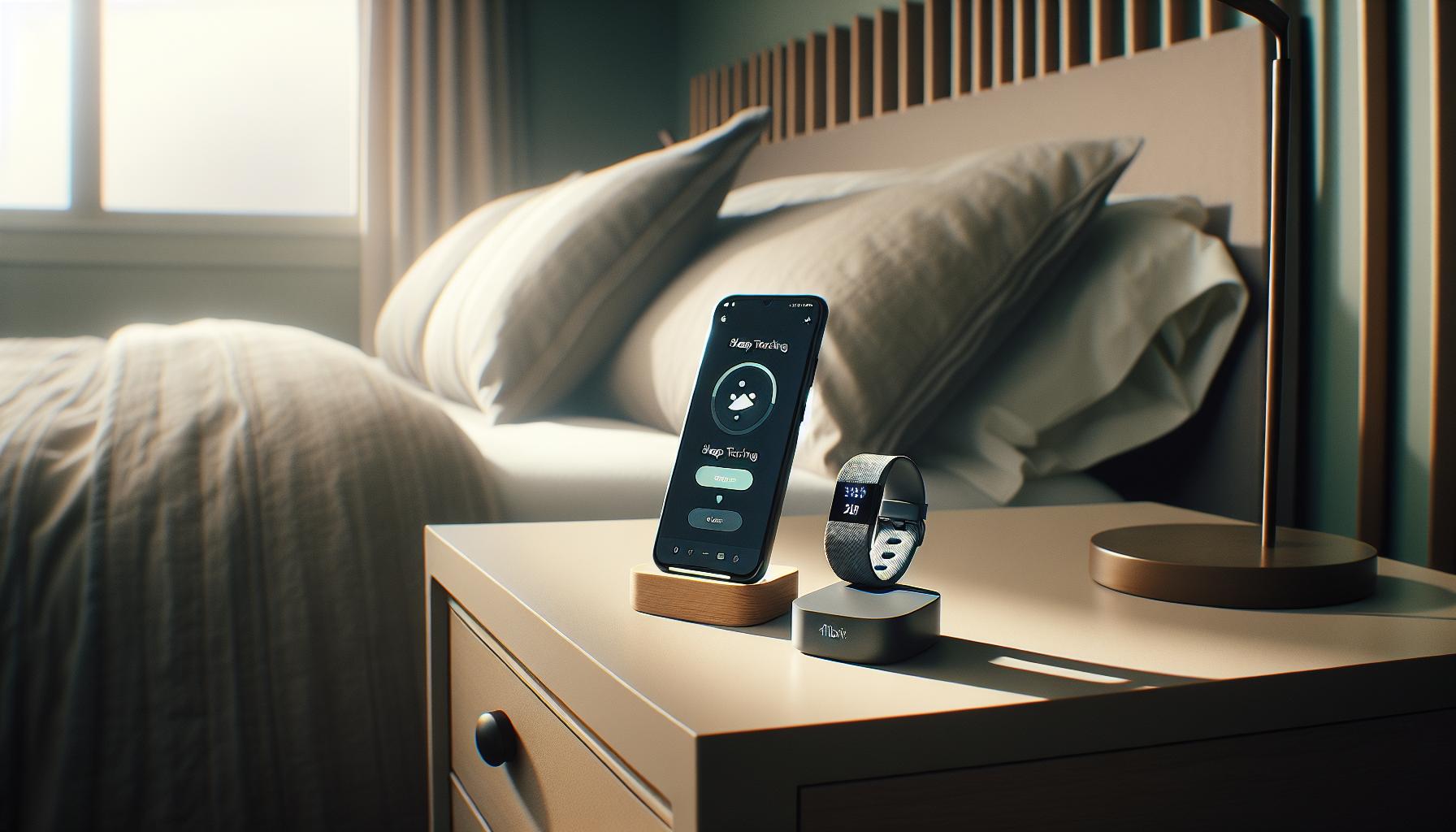
How to Properly Set Up Your Fitbit Sense for Sleep Tracking
Setting up your Fitbit Sense correctly is crucial for accurate sleep tracking. The right configuration ensures that the device captures all relevant data, helping you understand your sleep patterns better. A common oversight is how the device is worn; it should fit snugly but comfortably on your wrist. If it’s too loose, the sensors may not detect movements accurately, leading to incomplete or inaccurate sleep records. Position it centrally on your wrist, as this will provide the best engagement with your skin for heart rate monitoring and movement detection.
Another vital setup step is ensuring that all relevant settings in the Fitbit app are enabled. Within the app, make sure that Sleep Tracking is turned on; this typically involves navigating to the sleep section of the app and enabling any options for auto sleep tracking. Review other personal settings as well, such as your sleep schedule, which informs the device when you typically go to bed and wake up. This helps the Fitbit Sense anticipate sleep patterns and improves accuracy.
Battery life plays a significant role in device performance; therefore, ensure that your Fitbit Sense is charged regularly. Low battery can disrupt the device’s ability to track sleep correctly. It’s best practice to charge your device daily, especially if you plan to wear it at night. Check the sync status between your device and the app as well; a missed sync could result in inaccurate or absent sleep data. Ensure the Fitbit app is updated to the latest version for optimal functionality.
Lastly, your sleep environment matters immensely. Maintain a sleep-friendly atmosphere by minimizing light and sound disturbances. Consider using additional sleep aids, such as blackout curtains and white noise machines, to encourage deeper sleep, which the Fitbit Sense can then record accurately. By addressing these setup elements, you can significantly enhance the effectiveness of your Fitbit Sense as a sleep tracking tool.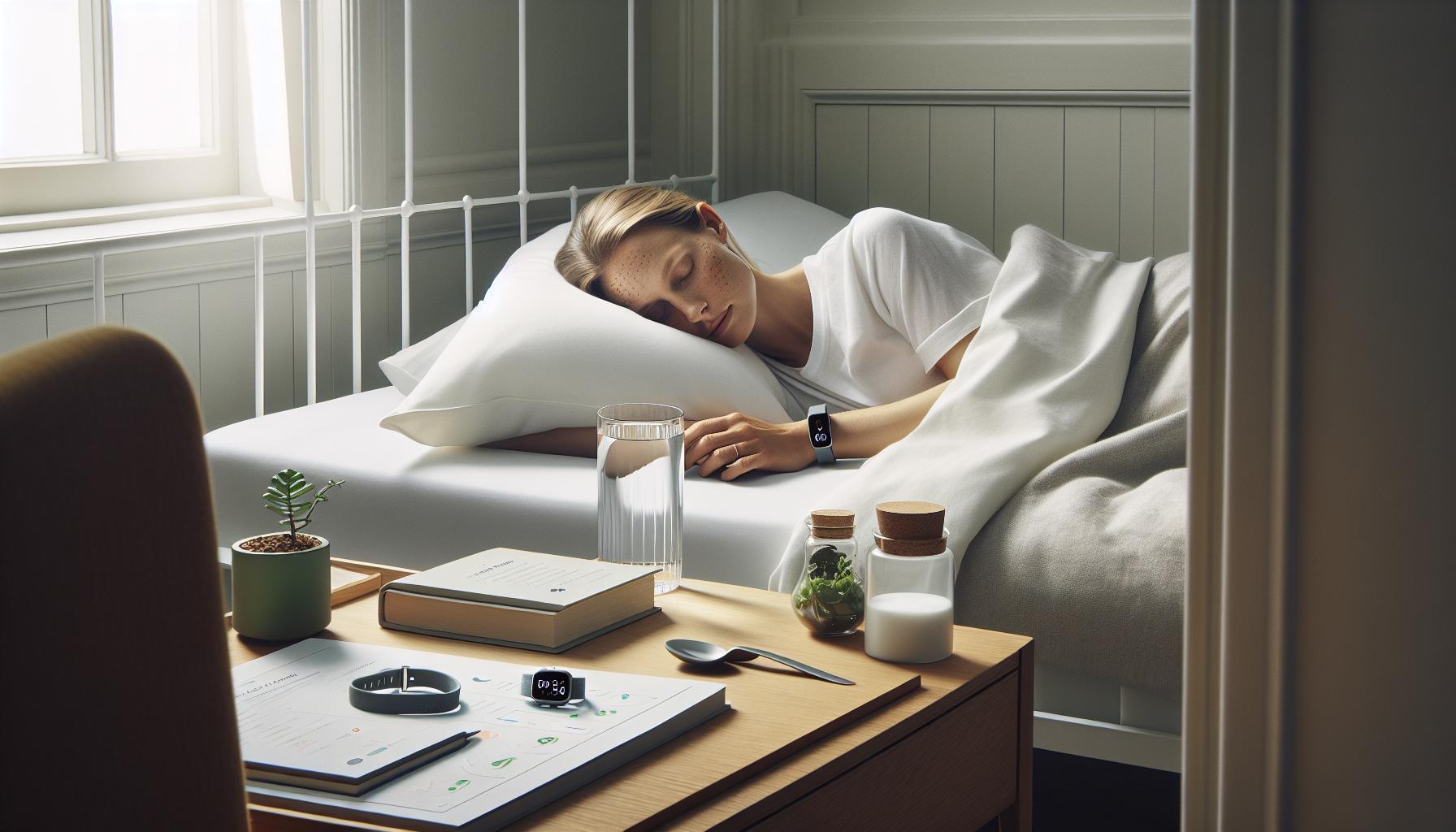
Essential Features of the Fitbit Sense for Sleep Monitoring
The Fitbit Sense is more than just a stylish wearables; it’s a sophisticated tool designed to monitor your sleep patterns and improve your overall rest quality. By leveraging advanced technology, this device provides users with critical insights that empower them to make informed decisions about their sleep health. One of the key features of the Fitbit Sense is its ability to automatically detect sleep. Using a combination of heart rate monitoring and movement detection, the device identifies when you fall asleep and track your sleep stages throughout the night.
Advanced Sleep Tracking Features
Fitbit Sense not only records total sleep duration but also breaks it down into key sleep stages: light, deep, and REM sleep. Understanding these stages can be pivotal since each plays a unique role in restorative sleep. The Fitbit app generates a “Sleep Score,” which quantifies your sleep quality based on duration and sleep cycle data. This feature helps users identify patterns and make adjustments to their routines for better rest.
Heart Rate Monitoring
Another essential aspect of the Fitbit Sense is its continuous heart rate monitoring. This feature is particularly valuable as it provides deeper insight into how your heart rate changes during various sleep stages. Elevated heart rates during sleep may indicate stress or sleep interruptions, allowing users to take proactive steps to improve their sleep environment or routine.
Guided Breathing and Relaxation Tools
Moreover, the Fitbit Sense comes equipped with guided breathing exercises and mindfulness tools, which are designed to reduce stress and prepare your mind for sleep. These practices can help establish a calming pre-sleep routine, improving both sleep onset latency and overall sleep quality. Integrating these features into your nightly regimen might just be the key to unlocking a more restful night.
By utilizing these advanced features, Fitbit Sense aims to transform how you approach sleep, offering personalized recommendations and insights that can lead to healthier sleep habits. Understanding and leveraging these tools can significantly enhance the effectiveness of your Fitzbit Sense for achieving optimal sleep monitoring, making it an integral part of your journey toward better sleep health.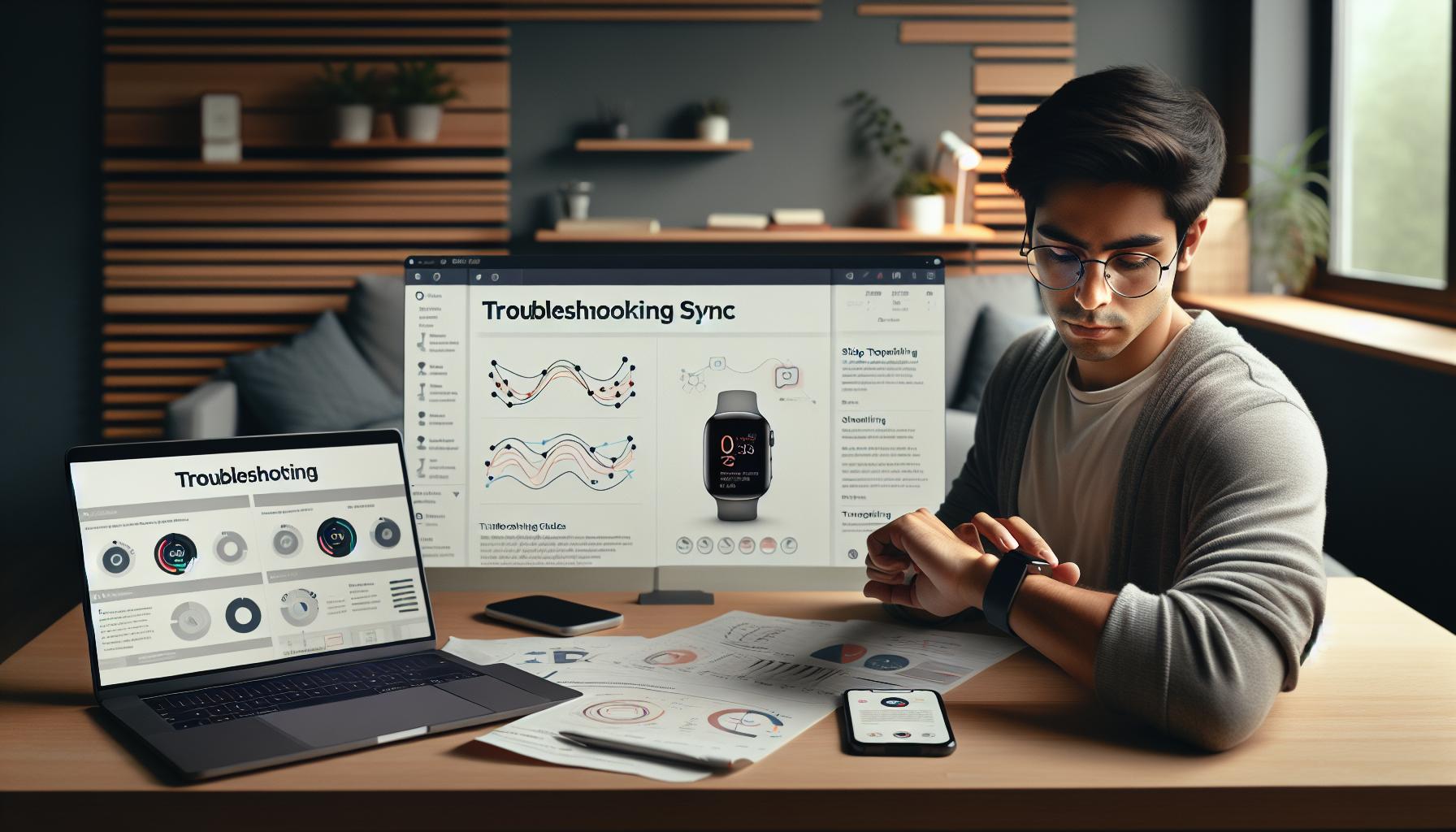
Troubleshooting Sync Issues That Affect Sleep Tracking
Getting the most out of your Fitbit Sense for sleep tracking can sometimes be complicated by sync issues that prevent accurate data collection. If you find your device isn’t tracking your sleep as expected, there are a number of steps you can take to troubleshoot the problem effectively.
First, check your device’s Bluetooth connection. If the Fitbit Sense isn’t properly synced with your smartphone or tablet, it can lead to missing sleep data. Make sure Bluetooth is enabled on your mobile device and that it’s within range of your Fitbit. Often, a simple restart of both the Fitbit and your phone can resolve syncing issues and restore tracking functionality.
Next, verify that the Fitbit app is up to date. Check for any available updates in your app store, as newer versions often fix bugs or improve performance. In some cases, uninstalling and reinstalling the app may help to reset its connection with your device and eliminate persistent syncing problems.
Consider also the battery level of your Fitbit. Insufficient power can affect its ability to track sleep accurately. Keeping your device charged ensures that all features, including sleep tracking, can function effectively. Additionally, look through the app’s settings to ensure sleep tracking is enabled. If the feature has been inadvertently turned off, it won’t collect any sleep data, causing confusion about its functionality.
If troubleshooting the sync does not resolve the issue, a factory reset of your Fitbit Sense may be in order. This step erases all data and settings but can often fix deeper software issues. Be sure to back up your data if possible before proceeding with a reset.
Taking these steps can significantly enhance your experience and help restore your Fitbit Sense’s ability to track sleep accurately, allowing you to enjoy the full benefits of this innovative device.
Understanding Sleep Stages and Fitbit Sense Accuracy
Understanding sleep stages can significantly enhance your experience with the Fitbit Sense, allowing you to unlock its full potential for tracking your sleep. The device categorizes your sleep into various stages-light sleep, deep sleep, and REM sleep-each of which plays a crucial role in your overall health and well-being. Accurate tracking of these sleep stages enables users to not only assess the quantity of their sleep but also the quality, offering valuable insights that can help you make adjustments for better rest.
The Fitbit Sense employs advanced sensors to monitor your heart rate and movement, using this data to estimate the duration and quality of each sleep stage. However, it’s essential to remember that while Fitbit devices are quite effective, they do have limitations. They may not always perfectly align with clinical sleep studies, which measure brain activity through polysomnography. This is why some users might find inconsistencies between their Fitbit’s sleep data and what a sleep study reveals. Understanding this distinction can help set realistic expectations about what the Fitbit Sense can tell you about your sleep.
To ensure the most accurate tracking, wear your device snugly on your wrist, preferably above the wrist bone. If the device is too loose, it might struggle to collect reliable heart rate data, which can directly impact its ability to determine sleep stages. Furthermore, consider maintaining a consistent sleep schedule and environment for optimal results. Keeping your sleep space cool, dark, and quiet can lead to better quality rest, which in turn makes the device’s readings more meaningful.
If you suspect your Fitbit Sense is not adequately capturing your sleep stages, addressing potential factors such as device fit, battery levels, and app settings is crucial. Regular updates to both the device firmware and the accompanying app can enhance functionality and accuracy. If inconsistencies persist, exploring additional integrations with sleep tracking apps might offer richer insights and a clearer picture of your sleep habits.
Preventing Sleep Disruption from Notifications and Alerts
Repeated notifications and alerts can disturb your sleep and prevent your Fitbit Sense from effectively tracking your slumber. Did you know that even the mildest buzz or beep can pull you out of deep sleep? This disruption not only affects the quality of your rest but can also lead to inaccuracies in your sleep data. To ensure that your device accurately captures your sleep patterns, it’s crucial to manage these interruptions thoughtfully.
First, consider enabling Do Not Disturb mode on your Fitbit Sense during sleep hours. This feature will silence notifications and alerts, allowing you to enjoy undisturbed rest. You can set a specific timeframe for this mode in the app, tailoring it to your typical sleep schedule. If you rely on alarms for waking up, rest assured that they will still sound even when Do Not Disturb is active.
Another helpful strategy is to customize your notification settings. You might want to limit notifications to essential apps only, reducing the overall noise from your device. For example, you can filter out less important app notifications that could wait until morning. This selective approach will help maintain your connection while ensuring that only crucial alerts come through at night.
Finally, if your sleep is frequently interrupted by non-critical notifications, consider adjusting your bedtime routine. Creating a tech-free wind-down period, where you disconnect from devices at least 30 minutes before bed, can help you transition slightly better into sleep mode. This practice not only minimizes distractions but can also enhance the overall quality of your sleep, leading to more accurate tracking by your Fitbit Sense.
When to Reset Your Fitbit Sense for Better Sleep Tracking
Sometimes, your Fitbit Sense might fail to track your sleep accurately, leaving you questioning its reliability. Resetting your device can often clear up many of the common issues that lie behind this problem. A fresh start can help recalibrate your device, ensuring it works as intended for tracking your sleep patterns.
There are several scenarios in which a reset might be particularly beneficial. For instance, if you’re experiencing persistent sync issues with the Fitbit app, or if the device is unresponsive, a reset can often resolve these glitches and help in restoring its functionality. Additionally, if you’ve noticed discrepancies in sleep tracking-such as inaccurately recorded sleep durations or stages-a reset can help recalibrate the sensors and improve accuracy.
To reset your Fitbit Sense, follow these steps:
- Press and hold the button on the side of your device for about 10 seconds.
- Release the button when you see the Fitbit logo on the screen.
- Wait for the device to restart, which usually takes a minute.
Once the device restarts, you might also want to check that all your settings are correct and that your Fitbit is appropriately synced with the app. This ensures that any new settings you configure after the reset are effectively updated and stored.
In addition, consider setting aside a moment to revisit your sleep tracking goals and preferences. Sometimes, a simple reset combined with a reassessment of your settings can provide clarity on how to maximize your sleep tracking experience with the Fitbit Sense. By taking these proactive steps, you’re not only ensuring better functionality of your device but also paving the way for improved sleep health.
Enhancing Sleep Tracking with Additional Apps and Integrations
Integrating additional apps and features can significantly enhance your sleep tracking experience with the Fitbit Sense, allowing for a more comprehensive understanding of your sleep patterns. Many users are not aware that syncing their Fitbit with compatible third-party apps can extend its capabilities, offering deeper insights and improved monitoring. For instance, apps like Sleep Cycle can analyze your sleep patterns and wake you up at the optimal time based on your sleep cycles, which can complement the data your Fitbit Sense provides.
Utilizing apps that focus on sleep hygiene and relaxation can make a substantial difference as well. Apps such as Calm or Headspace offer guided meditations and relaxation techniques that can help you wind down before bed, potentially improving your sleep quality. Coupled with the Fitbit Sense’s sleep tracking features-like oxygen saturation monitoring and stress management tools-you can gain a fuller picture of how lifestyle choices impact your sleep.
### Syncing Your Fitbit with Other Health Apps
When syncing your Fitbit with health or lifestyle apps, it is essential to ensure they are properly connected. Most applications offer user-friendly options within their settings to allow for this integration. Some common health apps to consider include:
- Google Fit: Tracks various health metrics alongside your Fitbit data for comprehensive health management.
- MyFitnessPal: Helps monitor your diet, which can impact sleep; integrating this can offer insights into how nutrition affects your rest.
- Apple Health: For iPhone users, syncing with Apple Health can consolidate your health data into one app, including sleep and activity metrics.
### Understanding Insights from Data
After integrating additional apps, you’ll start receiving not just raw data, but actionable insights. Pay attention to trends over time-are you sleeping better on weekends than weekdays? Does consuming caffeine in the afternoon correlate with restlessness at night? These insights can empower you to tweak your daily routines, leading to improve sleep results.
In summary, leveraging additional apps and integrations can transform your Fitbit Sense from merely a tracking device into a comprehensive sleep health tool. By combining your Fitbit’s sophisticated features with quality health applications, you can navigate your sleep journey with a richer, more informed perspective.
Comparing Fitbit Sense with Other Sleep Tracking Devices
The Fitbit Sense stands out in the crowded wearable market for its comprehensive sleep tracking features, but it’s essential to consider how it matches up against other sleep tracking devices. As sleep technology advances, many options provide unique functionalities that might be better suited to your personal preferences and needs.
For instance, many users compare the Fitbit Sense with devices like the Oura Ring and the Apple Watch. The Oura Ring offers in-depth insights into sleep stages, recovery time, and overall readiness, along with a sleek design that doesn’t interfere with comfort during sleep. On the other hand, the Apple Watch boasts a strong ecosystem of health apps and a robust user interface, allowing you to access a wide variety of metrics, although its battery life may need a nightly charge which can hinder continuous sleep tracking.
When assessing the Fitbit Sense, an essential element is its specific features, like skin temperature monitoring and SpO2 (blood oxygen) tracking, which are critical for many users focused on health metrics. The accompanying app also provides a detailed breakdown of sleep quality, offering a score based on various factors such as heart rate and restlessness. However, it’s crucial to note that the Fitbit Sense may occasionally struggle with tracking accuracy if the device is not worn correctly or if settings are misconfigured.
Understanding the differences in costs and features can guide you to make an informed decision. Here’s a quick comparison:
| Device | Price Range | Key Features | Battery Life |
|---|---|---|---|
| Fitbit Sense | $299 | Heart rate variability, SpO2, skin temperature, stress management tools | 6+ days |
| Oura Ring | $299 | Sleep stages, heart rate, activity tracking, readiness score | 7 days |
| Apple Watch Series 7 | $399 | Heart rate, ECG, sleep tracking, extensive app ecosystem | 18 hours |
In summary, while the Fitbit Sense offers a wealth of features for sleep monitoring, evaluating its abilities against top competitors can help determine if it aligns with your lifestyle and sleep health goals. Whether you’re leaning toward the extensive metrics of the Oura Ring or the integrated capabilities of the Apple Watch, understanding each device’s strengths can empower you to make the best choice for enhancing your sleep quality.
Real User Experiences: Sleep Tracking Success Stories
For many users, the Fitbit Sense has been a game-changer in understanding sleep patterns and improving overall sleep quality. Take Sara, for instance, a busy professional who struggled with inconsistent sleep for years. After integrating her Fitbit Sense into her nightly routine, she gained valuable insights that she previously lacked. The device illuminated how her late evening caffeine habits affected her sleep duration and quality. With the help of sleep stage tracking, she learned to alter her bedtime routine, leading to longer deep sleep periods and a noticeable boost in her daytime alertness.
Similarly, John, a fitness enthusiast, found that wearing his Fitbit Sense enabled him to identify sleep disruptions caused by his nighttime workouts. By reviewing his sleep data, he recognized that exercising too close to bedtime left him restless. Upon adjusting his fitness schedule, he not only improved his sleep score but also noticed better recovery times during the day, helping him stay energized and focused.
These success stories are not just isolated experiences; they reflect a broader trend where users leverage Fitbit’s sleep tracking capabilities to make meaningful lifestyle changes. Some users have even noted that the device’s notification features helped them manage their screen time before bed, allowing for a more peaceful transition to sleep. Many have also shared their excitement about the companion app, which offers deep insights into sleep quality and suggests personalized adjustments based on their unique patterns.
By following in the footsteps of users like Sara and John, you too can harness the full potential of your Fitbit Sense. Whether it’s adjusting your routine based on tracked metrics or exploring additional features like sleep reminders, many users have reported that proactive steps can lead to significant improvements in sleep health. Your journey towards better sleep could start with a closer examination of how the Fitbit Sense works for you.
Expert Tips for Maximizing Sleep Quality with Fitbit Sense
Understanding how to maximize the sleep tracking capabilities of your Fitbit Sense can significantly improve your overall sleep quality. Many users are unaware of the steps they can take to enhance accuracy and thus the insights gained from their device. If you’re keen to unlock your Fitbit’s full potential, consider these expert tips that can lead to more restful nights.
Optimize Your Sleep Environment
Creating a conducive sleep environment is pivotal. Ensure your bedroom is dark, cool, and quiet, as these factors can greatly contribute to sleep quality. Consider using blackout curtains to eliminate light, and a white noise machine or earplugs to minimize noise disturbances. By enhancing your sleep environment, you’ll likely reap benefits reflected in your Fitbit’s sleep tracking data.
Adjust Your Scheduling and Consistency
Consistency is key when it comes to sleep patterns. Aim to go to bed and wake up at the same time every day, even on weekends. This regularity aids your body’s natural circadian rhythms, making it easier for your Fitbit to accurately track your sleep cycles. Setting a bedtime reminder in the Fitbit app can be an excellent way to help you stick to this schedule.
Monitor Your Pre-Bedtime Activities
Your activities leading up to bedtime can affect your sleep quality. Avoid heavy meals, caffeine, and vigorous exercise before sleep. The Fitbit Sense can track how these factors impact your sleep score, so experiment with different routines to find out what works best for you. For instance, some users find that reading or taking a warm bath helps them wind down effectively.
Utilize Device Features and Settings
Ensure your Fitbit Sense is set up correctly for sleep tracking. Wear it snugly on your wrist, and make sure it is updated with the latest firmware. Take advantage of the Sleep Profile feature in the app to gain deeper insights. Additionally, disabling notifications while sleeping can prevent disruptions and allow for more uninterrupted sleep.
By implementing these strategies, you can harness your Fitbit Sense to not only track your sleep more accurately but also improve the quality of your rest. This holistic approach transforms your device from a simple tracker into a comprehensive tool for better sleep health, guiding you towards more restorative nights.
Exploring Alternatives if Fitbit Sense Cannot Track Sleep
If you’re finding that your Fitbit Sense isn’t tracking your sleep as it should, it’s worth exploring reliable alternatives to enhance your sleep monitoring experience. While Fitbits are popular for tracking various health metrics, they’re not infallible. Here are some options that can complement or serve as alternatives to your Fitbit for better sleep tracking.
Dedicated Sleep Trackers
Many devices are specifically designed for sleep tracking, offering features tailored to analyze your sleep patterns more accurately than general fitness trackers. Devices like the Withings Sleep Tracking Pad or the Sleep Number Bed can monitor heart rate, breathing patterns, and sleep cycles with exceptional precision. These systems can even analyze your sleep environment, providing insights into factors affecting your sleep quality.
Smartphone Apps
If you’re not keen on purchasing additional hardware, numerous smartphone apps like Sleep Cycle or Pillow utilize the sensors in your phone to track your sleep. These apps can track your movements and sounds during sleep, providing a comprehensive view of your sleep quality and cycles. Plus, they often include features such as gentle wake-up alarms and motivational insights.
Sleep Studies and Diagnostic Tools
In some cases, if sleep issues persist, it may be beneficial to undergo a professional sleep study. A polysomnography test conducted by a sleep specialist offers an in-depth analysis of your sleep patterns and can help identify disorders such as sleep apnea or insomnia. While more invasive and costly than devices or apps, this option provides the most comprehensive insight into your sleep health.
Evaluating Your Environment
Sometimes the problem may not lie in your tracking device but rather in your sleep environment. Consider exploring smart home technology that can help optimize your sleeping conditions, such as smart thermostats, blackout curtains, and white noise machines. These tools can create a sleep-friendly environment, leading to improved rest that even a Fitbit would likely reflect positively if tracking were functioning correctly.
By examining these alternatives, you can find a solution that suits your needs and potentially enhances your sleep quality, whether through dedicated devices, apps, or professional evaluation.
Faq
Q: Why isn’t my Fitbit Sense tracking my sleep?
A: Your Fitbit Sense may not track sleep due to factors like improper fit, low battery, or sleep mode not being activated. Check that your device is snug against your wrist, ensure it’s charged, and manually set your sleep schedule in the app to enhance tracking accuracy.
Q: How can I ensure my Fitbit Sense tracks sleep correctly?
A: To ensure accurate sleep tracking, wear your Fitbit Sense snugly at night, activate sleep mode via the app, and make sure your device’s firmware is up-to-date. Additionally, maintain a consistent sleep schedule to aid the device in tracking patterns effectively.
Q: What should I do if my Fitbit Sense stops tracking sleep altogether?
A: If your Fitbit Sense stops tracking sleep, try restarting the device, checking for updates, and ensuring that sleep mode is activated. Refer to the Troubleshooting Sync Issues section in your user guide for detailed steps on resolving the issue.
Q: Can notifications affect my Fitbit Sense’s sleep tracking?
A: Yes, notifications can disrupt your sleep tracking if they cause interruptions. To prevent this, use the Do Not Disturb or Sleep Mode features during your sleeping hours. This will reduce distractions and help your device collect more accurate data on your sleep patterns.
Q: How can I troubleshoot syncing issues with my Fitbit Sense?
A: To troubleshoot syncing issues, ensure Bluetooth is enabled on your smartphone, restart both devices, and check for app updates. You can also re-pair your Fitbit Sense to your phone via the app, following the steps in the Troubleshooting Sync Issues section of your user guide.
Q: Why is my sleep score inaccurate on my Fitbit Sense?
A: An inaccurate sleep score may stem from improper wearing of the device, insufficient sleep duration, or external disturbances. Ensure your Fitbit is worn directly on your wrist without tightness, maintain good sleep hygiene, and reconsider factors affecting your rest to improve accuracy.
Q: How do factors like stress or caffeine intake affect my Fitbit Sense sleep tracking?
A: Stress and caffeine can significantly impact your sleep quality, resulting in issues that may confuse your Fitbit’s tracking capabilities. To increase accuracy, manage stress through relaxation techniques and limit caffeine intake, especially in the hours before bed, optimizing your sleep for better tracking results.
Q: Should I reset my Fitbit Sense if it’s not tracking sleep?
A: Yes, resetting your Fitbit Sense can help restore functionality if sleep tracking fails. Perform a factory reset via the settings menu; however, back up important data beforehand. After resetting, set up your device again according to the guide provided in the setup instructions.
In Retrospect
Now that you’ve tackled the issue of your Fitbit Sense not tracking your sleep, don’t stop there! Explore our sleep tracking tips to unlock the full potential of your device and improve your sleep quality. Remember, achieving the best sleep experience isn’t just about tracking; it’s about understanding your patterns and habits. If you’re looking for deeper insights, check out our guide on understanding sleep stages to see how different phases impact your rest.
Don’t let sleep troubles persist! Take charge today-consider joining our newsletter for more personalized advice, updates on the latest wearable technology, and exclusive content tailored to enhance your sleep health journey. Your better sleep awaits, and it starts with the next step-click through to discover more!
Get our latest guides, news, and insights highlighted in your Google Search & AI Overviews.