
Did you know that poor sleep can impact not just your mood, but also your overall health? With the Samsung Galaxy Watch, tracking your sleep can be a straightforward way to understand your sleep patterns and improve your rest quality. In this guide, we’ll walk you through easy steps to set up sleep tracking on your Galaxy Watch, enabling you to take control of your sleep health. Whether you’re looking to establish a consistent sleep routine or uncover underlying sleep issues, this guide will empower you with the knowledge to make informed decisions about your nightly rest. Let’s dive into the process and unlock the potential of your Galaxy Watch to enhance your sleep experience.
How Sleep Tracking Works on Galaxy Watch
To truly understand how sleep tracking functions on the Galaxy Watch, one must appreciate the sophisticated technology embedded in these devices. Galaxy Watches utilize a combination of heart rate monitoring, motion detection, and advanced algorithms to analyze your sleep patterns. Throughout the night, the watch collects data on your movements, heart rate, and other physiological signals, generating insights into your sleep stages, including light sleep, deep sleep, and REM.
The process begins as soon as you wear the watch to bed. Utilizing the Samsung Health application on your device, the watch automatically detects when you fall asleep based on reduced activity and heart rate stabilization. This seamless operation eliminates the need for manual input, allowing for a more accurate reflection of your nightly rest. Once the tracking is complete, the watch compiles the data into user-friendly metrics, which inform you not only how long you slept but also the quality of that sleep.
Data interpretation is made simple – the comprehensive sleep reports categorize your sleeping duration, disturbances, and overall sleep quality. This allows you to view patterns over time, aiding in establishing consistent routines that can help improve sleep hygiene. Additionally, the watch provides insights and recommendations based on your sleep data, helping you understand potential factors affecting your rest quality, such as irregular sleeping patterns or environmental influences.
Integrating sleep tracking technology into your nightly routine can empower you with the knowledge to make informed decisions about your health and wellness. When embraced fully, the Galaxy Watch sleep tracking feature not only highlights areas for improvement but also encourages healthier lifestyle choices, reinforcing the critical connection between rest and overall well-being.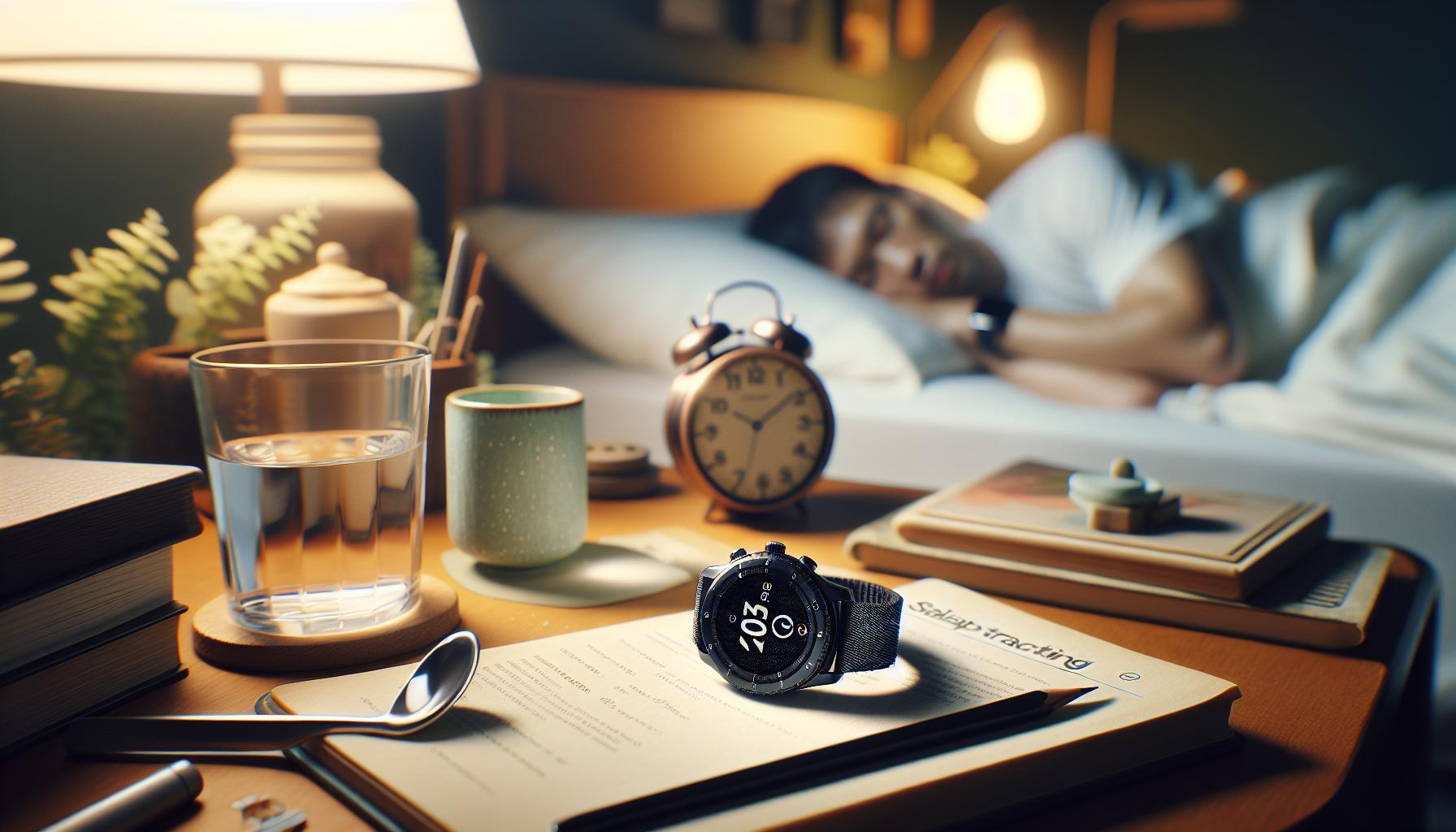
Essential Features of Galaxy Watch Sleep Tracking
The sleep tracking features of the Galaxy Watch are designed to provide users with a comprehensive understanding of their sleep habits, helping you optimize your nightly rest. With a sophisticated combination of heart rate monitoring, movement detection, and advanced algorithms, the smartwatch can accurately analyze various aspects of your sleep. This technology works seamlessly, as soon as you put the watch on before bedtime, allowing it to monitor your sleep patterns without the need for manual adjustments.
One of the standout features of the Galaxy Watch is its ability to categorize sleep stages into light sleep, deep sleep, and REM sleep. This detailed analysis can provide insights that help users identify patterns in their sleep cycles. After each night, the watch compiles this information into easy-to-understand reports, detailing not just the total hours slept, but also the quality of that sleep. Users can receive insights into disturbances that may have occurred throughout the night, such as changes in heart rate or restlessness, allowing for better-informed adjustments to sleep hygiene.
Additionally, the Galaxy Watch offers a range of customization options for sleep tracking. You can adjust settings based on preferences or specific health goals, and even engage with sleep coaching features, which provide helpful tips and relaxation exercises. This personalized experience enhances user engagement, empowering individuals to take control of their sleep health actively. The integration of reminders for wind-down time and sleep goals further supports healthy bedtime routines.
In essence, the not only promote awareness of sleep patterns but also encourage healthier lifestyle changes, ensuring that you are fully equipped to maximize the benefits of good sleep. By leveraging the information provided by your device, you can make meaningful adjustments to your sleep habits and contribute to overall well-being.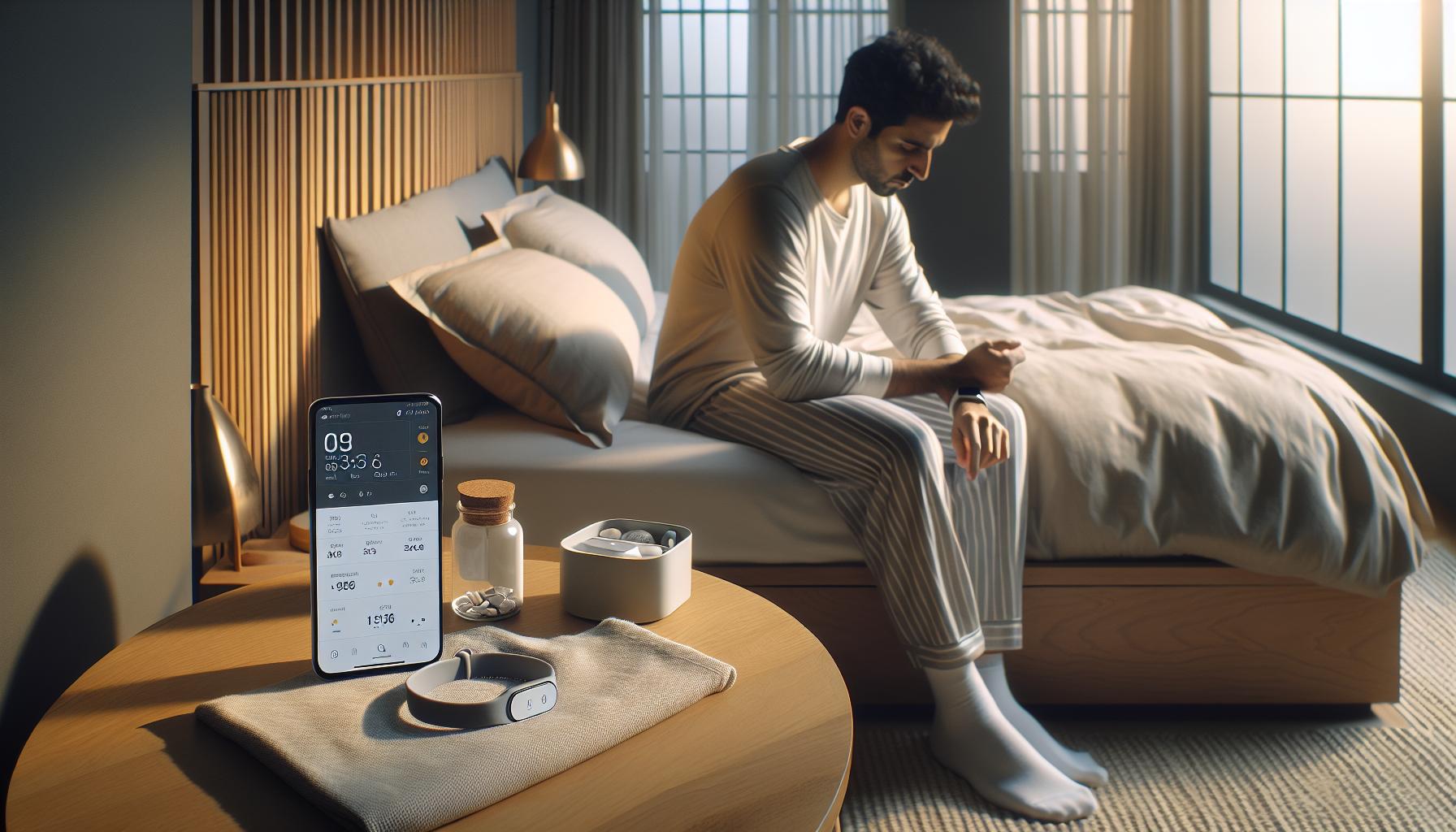
Step-by-Step Setup for Sleep Tracking
To harness the full capabilities of sleep tracking with your Galaxy Watch, setting it up properly is essential. The process is straightforward and can transform the way you understand your sleep patterns. Here’s how you can get started in just a few easy steps.
First, ensure that your Galaxy Watch is fully charged and up to date. Open the Samsung Health app on your watch. If you haven’t installed this app, you can download it from the Galaxy Store. Once the app is open, navigate to the Sleep section. Here, you will find options to activate sleep tracking.
Next, configure the settings to optimize your sleep tracking experience. Tap on Settings within the Samsung Health app and make sure that Sleep Tracking is turned on. It can also be beneficial to enable the Auto Sleep Tracking feature, which allows the watch to automatically detect when you fall asleep without needing any manual input. Additionally, consider adjusting Sleep Goals to help you stay motivated toward achieving your desired amounts of rest.
Once you have set up the initial configurations, set your watch to vibrate gently before your designated bedtime. This will serve as a reminder for you to wind down. You can also utilize the Wind Down Mode, which reduces blue light from the screen and can help signal to your body that it’s time to sleep.
It’s also important to wear your watch snugly but comfortably to ensure accurate data collection. Keep in mind that the Galaxy Watch measures sleep based on heart rate and activity, so moving around more during sleep can affect the accuracy. After your first night of tracking, you can check your sleep report in the Samsung Health app, where you’ll find insights on your sleep stages and quality. This information can be invaluable for improving your sleep hygiene and overall health.
By following these straightforward steps, you’ll be well on your way to utilizing your Galaxy Watch for effective sleep tracking, empowering you to make informed decisions about your sleep health.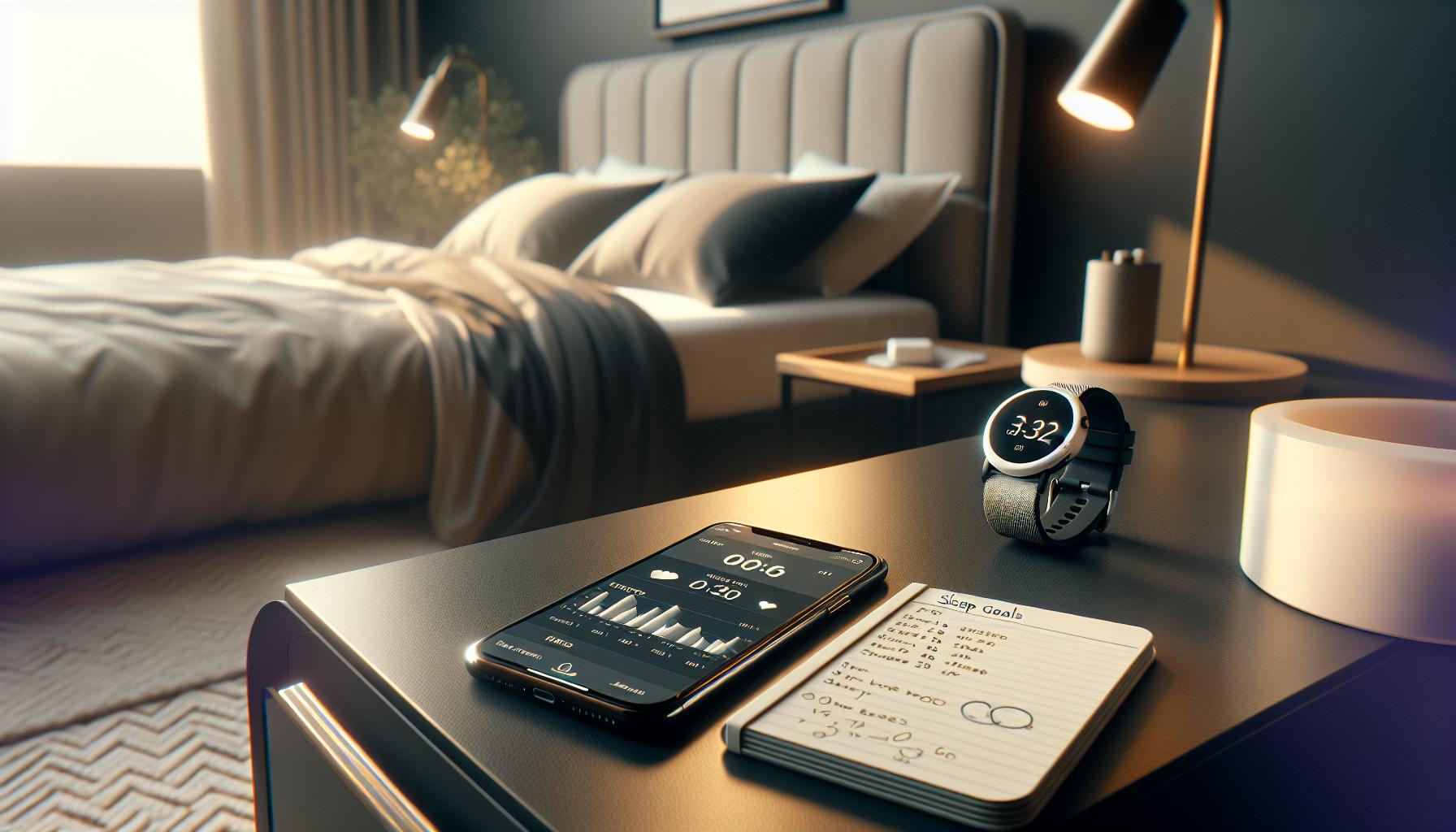
Customizing Sleep Tracking Settings
Customizing your sleep tracking settings on the Galaxy Watch can significantly enhance the quality of data you receive, ensuring that you gain meaningful insights into your sleep patterns. By delving into the settings, not only can you tailor how the watch tracks your sleep, but you can also align the tracking with your personal wellness goals.
To start, open the Samsung Health app and navigate to the Sleep section. Here, you will find several options to personalize your experience. Consider enabling Auto Sleep Tracking so that the watch automatically detects when you fall asleep. This feature eliminates the need for manual input, ensuring that your sleep data is captured accurately from the moment you drift off.
Next, you might want to set Sleep Goals that motivate you to achieve better rest. By specifying your ideal amount of sleep, the watch can track your progress and remind you when it’s time to wind down. Also, don’t forget to activate the Wind Down Mode, which reduces the blue light emitted by the watch screen. This feature can help signal to your brain that it’s time to start preparing for sleep.
Make sure your watch is snug yet comfortable, as this promotes better heart rate and movement detection during sleep. If you frequently toss and turn, it may affect your sleep tracking accuracy, so consider experimenting with different band sizes for the best fit. Once you’ve made these adjustments, review the insights after your first night. The detailed sleep report will provide you with an overview of your sleep stages and overall sleep quality, learning from which can empower you to make informed decisions about your sleep health.
Overall, customizing these settings not only enhances the accuracy of your sleep tracking but also helps you understand your sleep habits better, paving the way for improved rest and wellness.
Understanding Sleep Data & Metrics
Understanding your sleep data and metrics is crucial for improving sleep quality and overall health. The Galaxy Watch provides comprehensive insights into your sleep patterns, allowing you to make informed decisions about your nighttime habits. By interpreting the data collected during your sleep, you can better understand your sleep stages, duration, and overall quality.
The Galaxy Watch tracks various sleep stages, including light sleep, deep sleep, and REM (rapid eye movement) sleep. Each stage plays a vital role in restorative sleep. For example, deep sleep helps with physical recovery, while REM sleep is essential for memory consolidation and emotional well-being. The watch categorizes your sleep into these stages, providing you with a detailed breakdown of how much time you spend in each phase. Access this information via the Samsung Health app, where graphs and charts visualize your nightly performance.
Additionally, you’ll receive metrics such as total sleep time, sleep efficiency, and the number of times you wake up during the night. Here are some key metrics to pay attention to:
- Total Sleep Time: The total amount of time spent asleep, which should ideally align with the recommended 7-9 hours for adults.
- Sleep Efficiency: A percentage indicating the ratio of time spent asleep versus the time spent in bed.
- Number of Awakenings: Tracking how often you wake up can signal disruptions that may need addressing.
Understanding these metrics can motivate you to implement changes for better sleep. For instance, if you notice a pattern of waking frequently, it might be worth evaluating your bedtime routines or environmental factors such as noise or light. Moreover, these insights are not just numbers; they can serve as a conversation starter with health professionals if sleep issues persist.
Overall, taking the time to understand the data your Galaxy Watch provides can empower you to improve your sleep hygiene and health. Embrace these metrics as tools for developing beneficial sleep habits and enhancing your nighttime routine, contributing to your long-term well-being.
Troubleshooting Common Sleep Tracking Issues
Ensuring accurate sleep tracking can sometimes feel like a challenge, especially if you’re new to using wearable technology like the Galaxy Watch. Various factors can interfere with reliable sleep data, but understanding common issues and their solutions can help you make the most of your device.
One frequent problem is the watch not recording sleep at all. This can happen if the watch isn’t worn correctly or if the sleep tracking feature is not enabled in the settings. Ensure the watch fits snugly on your wrist, without being too loose, as this can impact sensor functionality. Additionally, double-check that sleep tracking is turned on in the Samsung Health app. You can find this option under “Settings,” where you should enable sleep tracking before bedtime.
If you notice discrepancies in your sleep data-like unusually short sleep durations or incorrect sleep stages-your watch may need a bit of recalibrating. It’s beneficial to update your Galaxy Watch regularly to ensure it runs the latest software version. You can do this via the Galaxy Wearable app on your smartphone. If sleep data still appears inaccurate, consider restarting both your watch and the app to refresh the connection and reset the tracking parameters.
Another issue users face is the battery life of the watch affecting sleep tracking. To maximize battery performance during sleep tracking, make sure to charge your watch fully before going to bed. If you’re using other features that consume battery life, such as continuous heart rate monitoring, disable them for the night to conserve power. Optimizing battery settings can prevent interruptions that may result in incomplete sleep data.
In cases where sleep metrics seem alarming or out of sync with your experiences (e.g., frequently waking up or not resting well), it might be useful to track potential environmental factors. Noise levels, room temperature, and light can all disrupt sleep, which the watch might not capture directly. Incorporate consistent bedtime routines and consider adjustments to your sleep environment for better results.
Finally, if your Galaxy Watch consistently fails to meet expectations despite troubleshooting, consulting with Samsung support or considering other sleep tracking options might be necessary. Remember, while wearables provide valuable insights, they are not a replacement for professional sleep assessments, especially if you suspect underlying sleep disorders. Being proactive about your sleep can empower you to make informed decisions for better health and well-being.
Comparing Galaxy Watch with Other Sleep Trackers
When exploring the landscape of sleep trackers, it’s essential to understand how the Galaxy Watch stacks up against other devices on the market. The Galaxy Watch offers a comprehensive suite of features suited for both casual users and serious sleep enthusiasts, combining advanced technology with user-friendly interfaces. This versatility can make it an appealing choice for those looking to monitor and improve their sleep patterns. However, comparing its capabilities to other popular sleep-tracking devices can help you decide which one best fits your needs.
Features at a Glance
The Galaxy Watch includes features like sleep stage analysis, snoring detection, and personalized sleep coaching through the Samsung Health app. These functions cater to a wide range of users, whether you’re simply interested in tracking sleep duration or delving into deeper data about your sleep quality. In contrast, devices like the Oura Ring focus on overall health metrics, providing not just sleep data but also insights into readiness scores and daily activity levels. Meanwhile, dedicated sleep trackers like the Withings Sleep Analyzer utilize a non-wearable pad placed under the mattress, capturing comprehensive sleep analysis without any physical device on your body.
Cost and Accessibility
In terms of pricing, Galaxy Watches are typically more affordable than some specialized sleep trackers. The entry-level Galaxy Watch can often be found for around $250, while advanced models may reach upwards of $400. On the other hand, the Oura Ring’s premium versions can cost around $300, while sleep-specific devices like the Withings Sleep Analyzer may retail for about $100. This variance makes the Galaxy Watch a solid option for those who seek a multi-functional device without committing to the higher price tag of specialized trackers.
Integration and User Experience
User experience also plays a crucial role in selecting a device. The Galaxy Watch seamlessly integrates with the Samsung ecosystem, allowing users to access their sleep data alongside fitness and health metrics in one place. This integration can enhance motivation and provide valuable insights into lifestyle improvements. While isolates like the Eight Sleep Pod offer unique features, such as temperature regulation for bedding, they may require additional subscriptions for full functionality and do not provide the same level of daily health integration.
Ultimately, the choice between the Galaxy Watch and other sleep tracking devices depends on your personal preferences and goals. If you’re looking for an all-in-one smartwatch that tracks your sleep while offering countless other features, the Galaxy Watch is a strong contender. However, if your primary focus is solely on comprehensive sleep analysis, investing in a specialized sleep tracker could yield more precise insights tailored to your sleep needs.
Maximizing Sleep Quality Using Your Galaxy Watch
Utilizing the Galaxy Watch for improved sleep quality can significantly transform your nightly routine. This powerful wearable does more than simply track the minutes you spend asleep; it offers insights and actionable tips to help you maximize your rest. One of the key steps in leveraging your Galaxy Watch effectively is ensuring that all necessary tracking features are set up correctly.
To begin maximizing sleep quality, ensure you have activated sleep tracking through the Samsung Health app. With sleep stage analysis, the watch monitors not only your total sleeping time but also your deep and REM sleep periods. Understanding these stages can help you fine-tune your sleeping habits. For example, if you notice that you are frequently missing deep sleep stages, consider adjusting your bedtime or eliminating distractions before sleep, such as screens and caffeine.
Another practical feature is the snoring detection option. If you or your partner snores, the Galaxy Watch logs this information, offering insights that can lead to better sleeping arrangements or lifestyle changes. Incorporating sleep coaching is also essential; the Samsung Health app provides personalized tips based on your sleep data, encouraging you to establish a more consistent sleep routine. This means going to bed and waking up at the same time daily to regulate your body’s internal clock effectively.
It’s important to keep in mind that while the Galaxy Watch is a fantastic tool for tracking sleep, it has its limitations. If you continue to experience sleep issues despite following the recommendations provided by your watch, it may be worthwhile to consult a healthcare provider or consider a sleep study. Such studies can offer a more comprehensive analysis of potential sleep disorders and provide tailored solutions to improve your sleep hygiene.
Ultimately, making the most of your Galaxy Watch for sleep tracking involves an active approach-analyzing sleep patterns, adjusting behaviors, and embracing the technology’s insights. By setting clear objectives for your sleep journey and utilizing the features of your Galaxy Watch, you can create an environment that fosters better rest and overall well-being.
Sleep Tracking and Overall Health Connection
A significant connection exists between sleep tracking and overall health that goes beyond merely logging hours in bed. Quality sleep plays a crucial role in physical well-being, mental clarity, and emotional stability. By utilizing the Galaxy Watch’s sleep tracking features, you can gain valuable insights into your sleep patterns that can influence various aspects of your health.
Understanding Sleep’s Impact on Health
Sleep is vital for numerous bodily functions. It helps regulate hormones, supports immune function, and enhances cognitive performance. When we fail to get enough restorative sleep, it can lead to issues such as weight gain, impaired memory, increased stress levels, and chronic health conditions like diabetes or heart disease. The Galaxy Watch monitors your sleep stages, providing insights into deep and REM sleep, which are critical for processing information and rejuvenating the body. If you’re consistently missing these essential sleep phases, it could be time to reassess your nightly routine.
How Sleep Tracking Enhances Well-Being
Using the Galaxy Watch for sleep tracking can empower you to make informed choices about your health. Here’s how you can leverage this technology:
- Personalized Insights: Analyzing sleep data helps identify patterns and triggers affecting sleep quality, enabling you to make lifestyle adjustments.
- Alertness and Productivity: Tracking sleep can enhance your waking energy levels, cognitive function, and mood, which are essential for daily tasks.
- Preventative Care: Regular monitoring might reveal significant changes in sleep behavior, prompting necessary discussions with healthcare professionals about potential underlying issues.
Complementing Sleep Tracking with Healthy Practices
While your Galaxy Watch serves as a helpful assistant in tracking sleep, it’s essential to integrate healthy practices into your routine. Combine the insights from your watch with good sleep hygiene habits such as establishing a consistent sleep schedule, creating a calming bedtime environment, and minimizing screen time before bed. This holistic approach supports optimal health and improves the quality of your sleep.
In conclusion, utilizing the sleep tracking features on your Galaxy Watch is more than just collecting data; it’s about enhancing your overall health by understanding and improving your sleep patterns. As technology continues to evolve, embracing these tools thoughtfully can lead to greater awareness and better health outcomes.
Tips for Better Sleep Hygiene with Wearables
To enhance your sleep quality with wearables like the Galaxy Watch, it’s vital to adopt effective sleep hygiene practices. Implementing these strategies can help you maximize the valuable insights your device provides, creating a more restful sleep environment and a healthier lifestyle overall.
Start by establishing a consistent sleep schedule. Going to bed and waking up at the same time each day helps regulate your body’s internal clock, making it easier to fall asleep and wake up feeling refreshed. Your Galaxy Watch can remind you when it’s time to wind down, allowing you to prepare your mind and body for sleep.
Another essential tip is to create a calming bedtime routine. Engaging in relaxing activities before sleep-such as reading, meditation, or gentle stretches-can signal your brain that it’s time to unwind. Limiting screen time at least an hour before bed is crucial; the blue light from devices can interfere with your body’s melatonin production, making it harder to fall asleep.
Consider your sleep environment as well. A dark, quiet, and cool room can significantly enhance sleep quality. Using blackout curtains, white noise machines, or adjustable thermostats can help create the perfect conditions. As you monitor your sleep through the Galaxy Watch, you might find correlations between your sleep quality and room conditions, providing actionable data to fine-tune your environment.
Finally, stay mindful of your daytime habits. Regular exercise, while avoiding vigorous activity close to bedtime, and limiting caffeine or heavy meals in the evening can make a notable difference in your sleep quality. Throughout this journey, the Galaxy Watch’s sleep tracking features will help you analyze patterns and adjust accordingly, empowering you to take charge of your health effectively.
When to Consider a Sleep Study vs. Tracking
When you’re struggling with sleep issues, deciding between a sleep study and using a wearable like the Galaxy Watch can feel overwhelming. The good news is that your Galaxy Watch can provide valuable insights into your sleep patterns, making it a great first step for many. However, there are situations where a sleep study might be necessary to dig deeper into potential disorders.
Using a Galaxy Watch for tracking sleep often involves monitoring metrics such as total sleep time, sleep efficiency, and the various stages of sleep. This data can be incredibly useful for identifying unhealthy sleep habits, such as going to bed too late or excessive wakefulness during the night. If you find that improving these aspects doesn’t lead to better sleep, it may be time to consider a sleep study. Sleep studies, or polysomnography, typically involve spending a night in a sleep lab where professionals monitor your brain activity, heart rate, and breathing patterns, offering a comprehensive look at any underlying sleep disorders like sleep apnea or restless leg syndrome.
A sleep study might also be warranted if you notice persistent symptoms such as:
- Excessive daytime sleepiness
- Loud snoring or periods of halted breathing while sleeping
- Insomnia that doesn’t improve with lifestyle changes
In terms of cost and what to expect, sleep studies can be more expensive, with some insurance plans covering the costs depending on your situation. Typically, a healthcare provider would refer you to a sleep specialist who can determine if a study makes sense based on your symptoms and existing medical history.
Using your Galaxy Watch doesn’t prevent you from seeking medical advice. If your tracking reveals significant disturbances and you’re struggling to maintain good sleep hygiene, don’t hesitate to consult a healthcare professional. They can help interpret your sleep data and might recommend further testing. Balancing the insights from your Galaxy Watch with professional advice can lead to a more effective approach to improving your sleep health. By staying informed and proactive, you can take charge of your well-being and make the best choices for your sleep needs.
Expert Insights on Sleep Technology and Trends
Understanding the evolving landscape of sleep technology can empower you to make informed decisions about your sleep health. With many consumers turning to smart wearables like the Galaxy Watch, it’s crucial to recognize both the potential and limitations of these devices. Recent advancements have made sleep tracking more sophisticated than ever, providing actionable insights into not just how long you sleep, but also the quality of your sleep. Utilizing metrics such as sleep stages, movement patterns, and heart rate variability, wearables can give a more nuanced understanding of your sleep environment and habits.
However, it’s important to approach this technology with a critical eye. While the Galaxy Watch and similar devices can offer valuable feedback on sleep trends, they do not replace professional medical evaluations. For individuals experiencing significant sleep issues-like chronic insomnia, severe snoring, or excessive daytime fatigue-consulting a sleep specialist is advisable. A sleep study, or polysomnography, remains the gold standard for diagnosing serious sleep disorders. These studies provide comprehensive data and insights that wrist-worn devices simply can’t capture.
As you navigate your sleep health journey, consider integrating wearables with traditional methods. For example, keeping a sleep diary alongside using your Galaxy Watch can help track patterns and anomalies that a device alone might overlook. Observing when you feel most alert or tired, along with wearables data, can lead to more personalized sleep strategies. Finally, always keep an eye on the latest trends in sleep technology-research is continuously unveiling new metrics and methods, which could enhance how you optimize your rest.
Ultimately, your Galaxy Watch isn’t just a sleep tracker; it’s a starting point for deeper insights into your health. By using it in conjunction with professional guidance and traditional methods, you can develop a holistic approach to better sleep.
Frequently asked questions
Q: How do I enable sleep tracking on my Galaxy Watch?
A: To enable sleep tracking on your Galaxy Watch, open the Samsung Health app, tap “Sleep,” and toggle on the sleep tracking feature. Make sure to wear the watch while you sleep for accurate monitoring. For detailed setup instructions, refer to the section on Step-by-Step Setup for Sleep Tracking in our article.
Q: Can I customize sleep tracking settings on my Galaxy Watch?
A: Yes, you can customize sleep tracking settings on your Galaxy Watch. Access the Samsung Health app, tap on “Sleep,” and select “Settings” to adjust options like sleep targets and reminders. This is covered in our article’s Customizing Sleep Tracking Settings section for more details.
Q: What should I do if my Galaxy Watch isn’t tracking sleep?
A: If your Galaxy Watch isn’t tracking sleep, ensure it is snugly fitted on your wrist and that the sleep tracking feature is enabled. Restart your watch and check for software updates. Refer to our Troubleshooting Common Sleep Tracking Issues section for more in-depth solutions.
Q: How accurate is sleep tracking on the Galaxy Watch compared to other devices?
A: Sleep tracking on the Galaxy Watch is generally accurate, often comparable to popular sleep trackers. However, individual comfort and sleep patterns can affect accuracy. For a comprehensive comparison, see our Comparing Galaxy Watch with Other Sleep Trackers section.
Q: Are there any restrictions on using sleep tracking features on Galaxy Watch?
A: There are minimal restrictions; however, the Galaxy Watch requires a charge and a good fit to track sleep accurately. Avoid using sleep tracking if you have certain skin conditions that could affect sensor readings. Check our Understanding Sleep Data & Metrics section for more insights.
Q: How does sleep tracking data benefit my sleep quality?
A: Sleep tracking data helps you identify patterns and disturbances in your sleep, allowing you to make informed changes to improve sleep quality. It can highlight trends in sleep consistency and duration, which we discuss in our Maximizing Sleep Quality Using Your Galaxy Watch section.
Q: What is the difference between sleep tracking and a clinical sleep study?
A: Sleep tracking provides basic insights into sleep patterns, while a clinical sleep study offers detailed analysis and diagnosis of sleep disorders. If you suspect a sleep disorder, consult our When to Consider a Sleep Study vs. Tracking section for guidance.
Q: Can I use my Galaxy Watch for sleep tracking without a smartphone?
A: Yes, you can use your Galaxy Watch for sleep tracking independently, as it stores data locally. However, syncing with the Samsung Health app on a smartphone enhances the analysis and provides a more comprehensive view of your sleep patterns. For more information, see our Essential Features of Galaxy Watch Sleep Tracking section.
Concluding Remarks
Now that you’ve mastered how to set up sleep tracking on your Galaxy Watch, you’re one step closer to enhancing your sleep quality and overall health. Remember, consistent tracking can provide valuable insights that empower you to make informed changes to your sleep habits. If you have any questions or need further assistance, don’t hesitate to explore additional resources like our guide on optimizing your sleep environment or tips for managing sleep disorders.
Don’t miss out on the benefits of real-time tracking-start your journey to better sleep tonight! For a deeper dive, check out our articles on wearable technology and sleep science. Make sure to leave your thoughts or experiences in the comments below; we love hearing from you. Together, let’s unlock the secrets to better sleep and a healthier lifestyle!
Get our latest guides, news, and insights highlighted in your Google Search & AI Overviews.