
Have you ever woken up wondering why your Nanit baby monitor isn’t tracking sleep as it should? You’re not alone-many parents depend on this crucial tool to ensure their little ones are getting the rest they need. If you’ve been frustrated trying to understand discrepancies in sleep data or tracking failures, you’re in the right place. In this troubleshooting guide, we’ll dive into common reasons behind these issues and provide practical solutions to get your Nanit back on track. By the end, you’ll feel empowered to optimize your sleep tracking experience, ensuring both you and your baby can enjoy restful nights. Let’s explore how to reclaim those precious sleep insights!
Common Reasons Your Nanit May Not Track Sleep
When your Nanit monitor fails to track sleep, it can leave you feeling confused and frustrated, especially when you rely on it for insights into your little one’s nightly patterns. There are several common culprits that could be hindering its performance. Addressing these issues can be simple, yet crucial for ensuring that you maximize the benefits of this innovative technology.
Connectivity Problems
One of the first issues to check is your Wi-Fi connection. Without a strong and stable internet connection, your Nanit will struggle to communicate with its mobile app effectively, thus failing to capture and report sleep data correctly. Make sure that your monitor is within the range of your Wi-Fi router. If there are obstructions or if it’s too far, consider repositioning it or upgrading your router for better coverage.
Placement and Angle
The placement of your Nanit is also vital. For optimal monitoring, the camera should be mounted above the crib at an angle that allows it to capture both the baby and the mattress. If the camera is incorrectly positioned, you might miss crucial moments of sleep activity or, worse, the monitor might not recognize sleep cycles appropriately. Adjusting the camera’s angle or height can lead to a more accurate reading.
Camera Obstructions
Additionally, ensure that there are no objects obstructing the camera’s view. Items like blankets, pillows, or even the baby’s positioning can interfere with tracking. Make a habit of checking that the crib area is clear of clutter, allowing your Nanit to get a comprehensive view of your baby’s sleeping environment.
Lighting Conditions
Lastly, lighting conditions can heavily influence sleep tracking accuracy. Nanit works best in low-light environments. If your nursery is too bright, either from natural light or external sources, the camera may struggle to recognize when your child is asleep. Use blackout curtains to eliminate excess light during nighttime hours.
In summary, understanding these common issues can empower you to make adjustments that enhance your Nanit’s sleep tracking capabilities. By checking the connectivity, ensuring proper placement, removing obstructions, and managing lighting, you can significantly improve the reliability of your sleep data, leading to more informed parenting decisions in facilitating your child’s sleep health.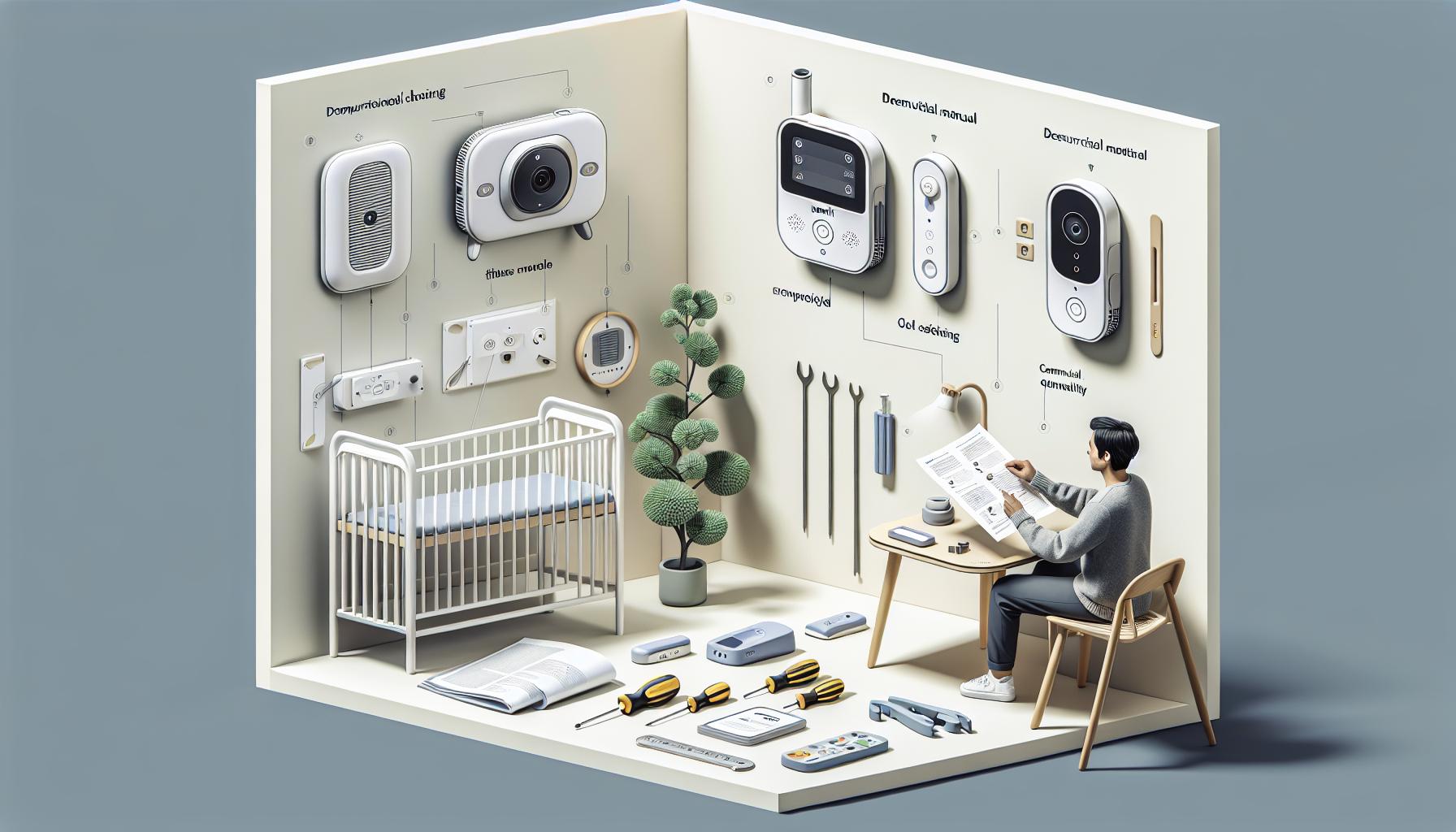
Essential Setup Steps for Your Nanit Monitor
Getting your Nanit monitor set up correctly is crucial for effective sleep tracking, as even small missteps can significantly impact its ability to monitor your child’s sleep patterns accurately. With a few straightforward steps, you can ensure that your device is optimally positioned and configured to provide the best insights into your little one’s sleep routines.
Choosing the Right Location
The first step in setting up your Nanit monitor is selecting an ideal location. Aim to mount the camera directly above the crib for a clear view of your child. It should be positioned at a height and angle that captures the entire sleeping area while minimizing the risk of obstruction. If possible, use the Nanit’s recommended mounting hardware for stability. Remember, a well-placed camera is less likely to be obstructed by toys, blankets, or even your baby moving around.
Connecting to Wi-Fi
Next, proper connectivity is vital for your Nanit to transition smoothly from monitoring to delivering sleep insights via its app. During the initial setup, carefully input your Wi-Fi network credentials. Ensure you’re connecting through a 2.4 GHz network if your router supports dual-band connectivity since this frequency offers a broader range. Test the signal strength in the chosen location, and consider moving the router closer if the connection is weak-your device should have a strong connection to ensure seamless operation.
Powering Up the Device
Once your monitor is properly positioned and connected to Wi-Fi, it’s time to power it up. Plug the device into a nearby outlet and switch it on. Pay close attention to any indicator lights; a blinking or solid light can indicate various statuses concerning connectivity and power. Follow the prompts on the app to link your device. Make sure to grant necessary permissions for optimal functionality, such as access to your camera and notifications for sleep updates.
Calibrating for Accuracy
After everything is connected, calibration is the final step before consistent use. Allow the monitor to adjust to its environment; this typically takes a few minutes. During this time, ensure the lens is clean and unobstructed. You can also run a quick test by observing how the monitor captures your baby’s movements. Check the app for accurate sleep data over the first few nights to ensure everything operates smoothly.
By following these essential setup steps, you create a solid foundation for your Nanit monitor. Addressing these aspects early not only enhances the tracking accuracy but also leads to a better understanding of your child’s sleep habits, allowing you to make informed, proactive choices regarding their sleep health.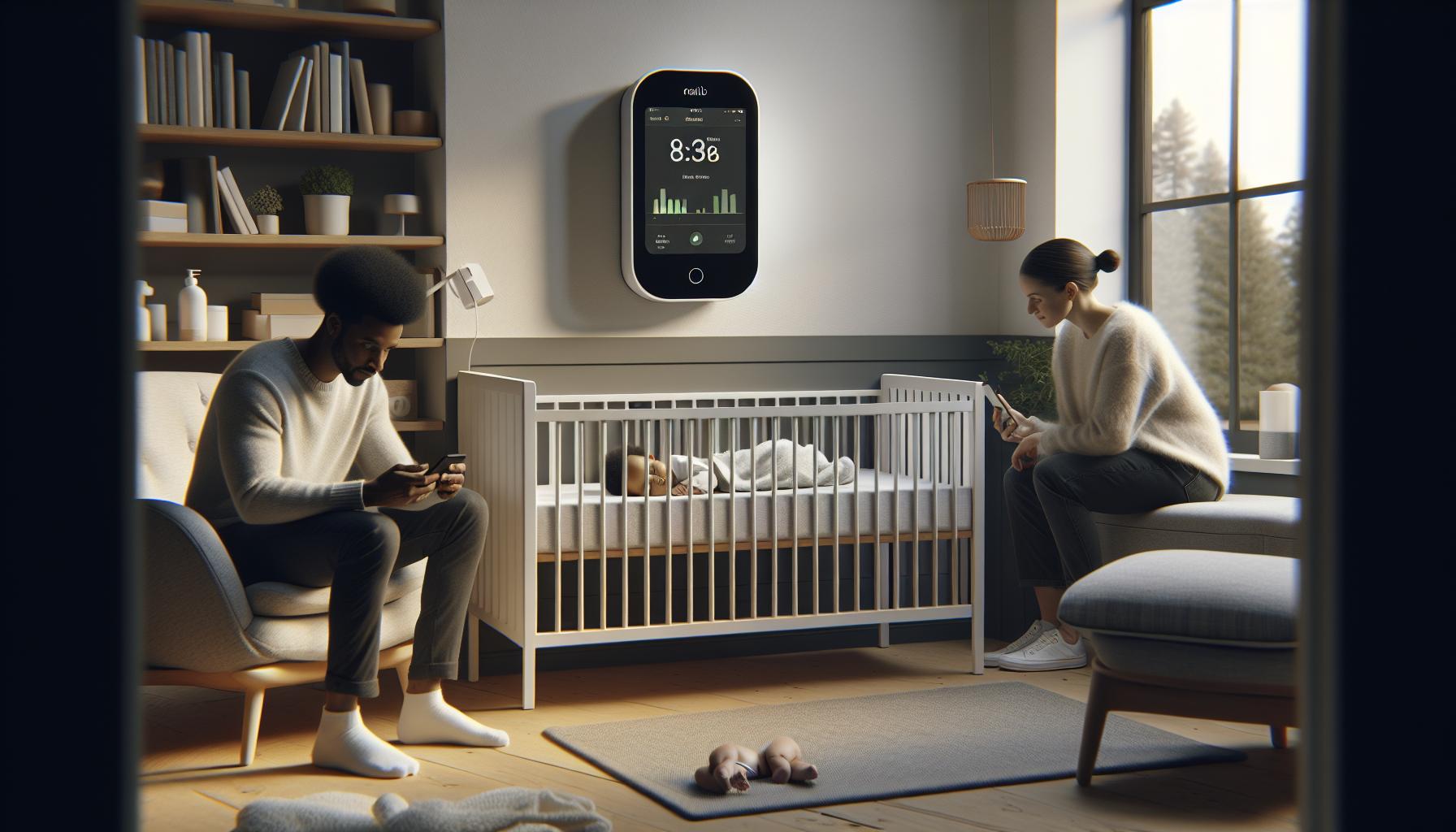
Understanding Your Nanit’s Sleep Tracking Features
Understanding your Nanit monitor’s sleep tracking features can empower you to optimize its functionality and enhance your child’s sleep quality. The Nanit monitor isn’t just a camera; it’s a sophisticated tool designed to provide insights into your little one’s sleep patterns, helping you to understand their needs better and make informed decisions about their sleep health.
One of the key features of the Nanit monitor is its ability to track not only sleep duration but also sleep quality. By analyzing your child’s movements and breathing patterns, the device offers detailed data, such as the time spent in different sleep stages-light sleep, deep sleep, and awake periods. Over time, this information can reveal trends in your child’s sleep habits, allowing you to adjust routines based on their specific needs. For instance, you might discover your child sleeps better with an earlier bedtime or a specific nightlight angle.
Another significant aspect is the sleep insights provided via the companion app. The Nanit’s app offers a clear, user-friendly interface where you can view real-time statistics, detailed sleep reports, and personalized sleep coaching tips. These insights can be pivotal in identifying factors that might interfere with sleep, whether it’s environmental factors like room temperature or internal factors like nap durations during the day. Moreover, by gaining access to the daily ‘sleep score’-a simple grading system-you can quickly gauge how well your child rested as compared to previous nights.
To support its tracking capabilities, the Nanit offers an optional sleep wear accessory that can enhance data accuracy. This breathable smart fabric can be wrapped around your child’s crib sheet, helping the device detect movements and breathing patterns more precisely. However, remember that while the Nanit provides extensive sleep tracking features, it’s important to note that individual results can vary based on multiple factors, including setup and environmental influences.
Setting up your Nanit to maximize its sleep tracking capabilities goes beyond the installation process itself. Ensuring it is properly calibrated and positioned, as mentioned earlier, is crucial for accurate readings. If you feel that your sleep data seems off, consider checking again for obstructions near the camera, ensuring the lens is clean, or verifying that the app is updated and synced correctly with your monitor. Having a firm grasp of these features and functionalities will not only alleviate worries about your child’s sleep patterns but will also empower you to create a peaceful sleep environment tailored to their needs.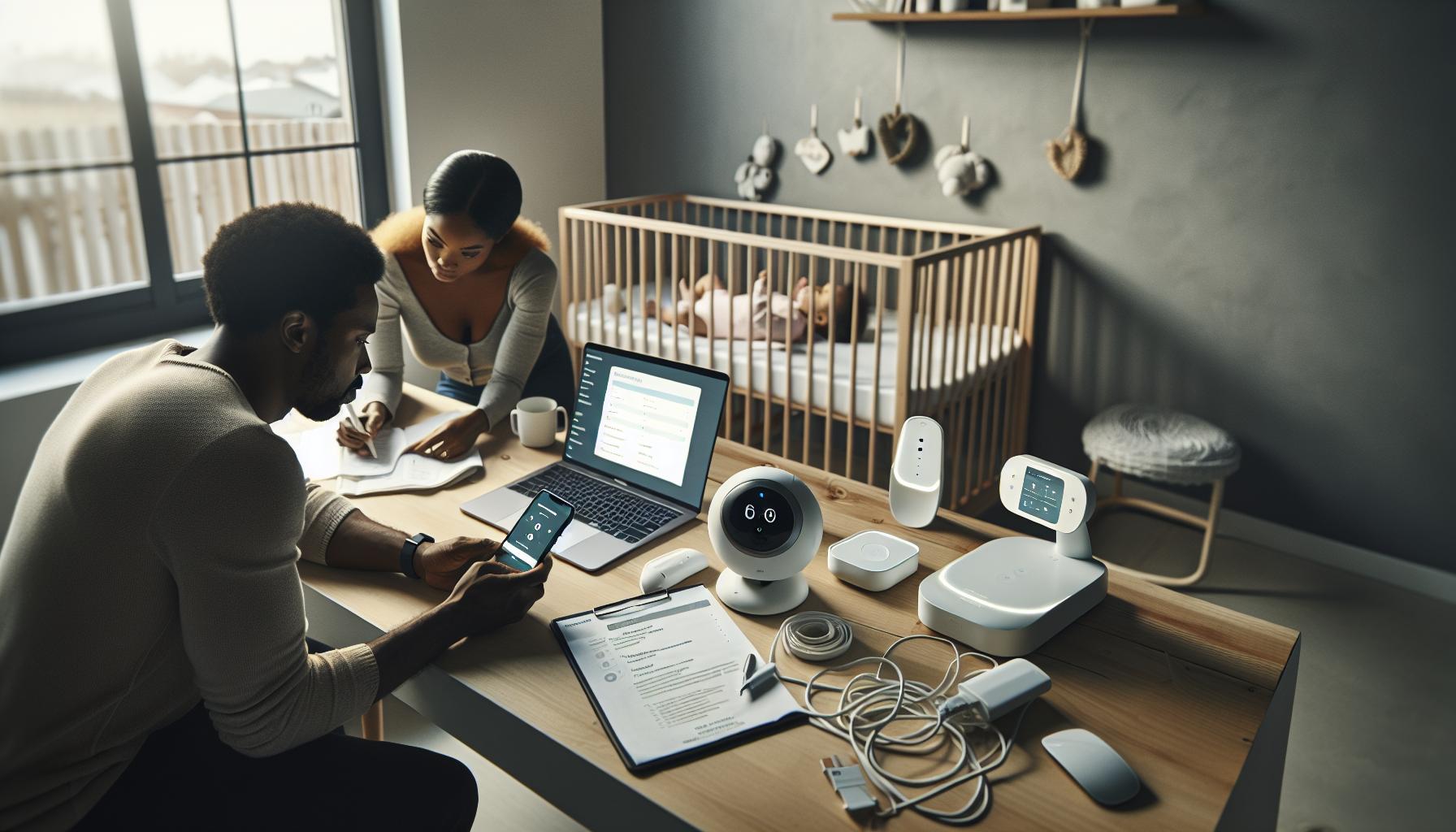
Troubleshooting Connection Issues with Your Nanit
Experiencing connection issues with your Nanit monitor can be frustrating, especially when you’re counting on it to track your child’s sleep. A stable connection is vital for your Nanit to relay accurate sleep data, but various factors can interfere with this. Whether you find yourself unable to access the live feed or facing intermittent dropouts, troubleshooting connection problems can often be resolved with a few practical steps.
Check Your Wi-Fi Connection
The first step is to ensure that your Wi-Fi is functioning properly. The Nanit monitor operates over a wireless connection, and a weak signal can lead to disruptions. Here are some checks you can perform:
- Signal Strength: Verify that your device is within range of your router. If possible, move the router closer or consider upgrading to a Wi-Fi extender.
- Router Settings: Ensure your router is not limiting device connections or has any settings that could interfere with the Nanit, such as firewalls.
- Network Band: If your router is dual-band (2.4GHz and 5GHz), connect the Nanit to the 2.4GHz band, as it generally offers better range.
Reboot Your Devices
Sometimes, a simple restart can do wonders. Here’s how:
- Restart Your Router: Unplug your router for about 30 seconds and then plug it back in. This can refresh your connection.
- Reboot the Nanit: Disconnect the power supply of your Nanit monitor, wait for 10 seconds, and plug it back in. Allow it to fully reboot.
- Phone App Restart: Close the Nanit app on your smartphone or tablet and reopen it to ensure a fresh connection.
Update Your App and Monitor Firmware
Keeping your software up-to-date is essential for optimal performance. Outdated firmware can lead to glitches or connectivity issues. To check for updates:
- Nanit App: Go to the app store on your device and ensure you’re running the latest version of the Nanit app.
- Monitor Firmware: Within the Nanit app, navigate to the settings to check for any firmware updates available for your monitor and install them.
Check Account Connectivity
If your Nanit is still not connecting, ensure that it’s properly linked to your account. Sometimes, a mismatch or disassociation can occur.
- Account Login: Ensure you’re logged into the Nanit app with the correct credentials. Logging out and back in can refresh the connection.
- Device Registration: Verify that your Nanit monitor is correctly registered in your account settings. Check for any visual indicators or settings that may denote connection status.
If you’ve tried these troubleshooting steps and the Nanit monitor is still not connecting or functioning properly, consider reaching out to Nanit’s customer support. They can provide further diagnostics and support tailored to your specific situation, ensuring your peace of mind when it comes to your child’s sleep health.
How to Calibrate Your Nanit for Accurate Readings
To ensure your Nanit monitor delivers the most accurate sleep tracking data, calibration is key. Proper calibration allows the device to understand its environment and tailor its readings accordingly, which directly impacts the quality of the sleep insights you receive about your child. Here’s how you can calibrate your Nanit for optimal performance.
Positioning the Camera
The placement of your Nanit camera is crucial. Position it correctly to capture a clear and unobstructed view of your child’s crib. Consider the following:
- Height: Install the camera at a height that allows it to view your child from above rather than at an angle. This typically means mounting it at least six feet above the crib.
- Distance: Maintain a distance of about 7-10 feet between the camera and the crib. This helps achieve a comprehensive view while enabling accurate monitoring of movements.
- Lighting: Ensure the area is adequately lit. While the Nanit does have night vision capabilities, better lighting during the day can help the device calibrate more effectively.
Using the Calibration Feature
Nanit monitors come equipped with a calibration function designed to enhance accuracy. After setting up the camera, access the calibration feature through the Nanit app:
- Open the App: Launch the Nanit app on your smartphone.
- Navigate to Settings: Go to the settings menu and look for the calibration option.
- Start Calibration: Follow the on-screen prompts to start the calibration process. This might involve adjusting the camera angle or ensuring a clear view of the crib.
Testing and Adjusting
After calibration, spend some time observing how the Nanit tracks sleep. If sleep data seems off:
- Check Movement Sensitivity: If your little one is restless, adjust the detection sensitivity settings within the app. Higher sensitivity may improve tracking if your child moves a lot.
- Monitor Position: Reassess the camera’s position after a few nights of use. Sometimes, slight adjustments to the angle make all the difference.
Calibrating your Nanit monitor doesn’t just improve data accuracy; it enhances your peace of mind, knowing that you are receiving reliable information about your child’s sleep patterns. By following these tailored steps, you can optimize your Nanit experience, helping ensure that your little one gets the restful sleep they need.
Evaluating Sleep Environment Factors for Better Tracking
Creating an optimal sleep environment can significantly enhance your Nanit monitor’s ability to track sleep accurately. Factors like room temperature, noise levels, and even the choice of crib bedding can influence how well your child sleeps and how effectively the device monitors their slumber. Understanding these elements could ultimately lead to better data insights from your Nanit.
Room Temperature
Maintaining a comfortable room temperature is crucial for sleep quality. Studies suggest that a cooler environment, typically between 68°F and 72°F (20°C to 22°C), promotes better sleep. If the room is too warm or too cold, your child may wake frequently, making it difficult for the Nanit to capture accurate sleep patterns. To ensure an ideal temperature:
- Use a thermometer: Monitor the room’s temperature regularly to keep it within the optimal range.
- Dressing appropriately: Choose suitable sleepwear that allows your child to stay comfortable without overheating.
Minimizing Noise
Sound disturbances can significantly disrupt a child’s sleep cycle. Background noise, whether it’s the hum of an appliance or traffic sounds outside, can prevent restful sleep and result in inaccurate readings from your Nanit. Here are some strategies to create a quieter space:
- White noise machines: Consider using a white noise machine or fan to drown out sudden noises that may wake your child.
- Soft furnishings: Adding rugs, curtains, and cushions can help absorb sound, creating a calmer environment.
Light Control
Light exposure can also negatively affect your child’s sleep. Bright lights in the evening can disrupt the body’s natural circadian rhythm, making it harder for your little one to fall asleep. To reduce light interference:
- Dark curtains: Install blackout curtains to block out both streetlights and early morning sunshine.
- Night lights: If a night light is necessary, opt for one with a warm glow and keep it dim to avoid overstimulation.
Crib Setup and Bedding
The right crib setup can also play a role in improving sleep quality. Ensure that the crib adheres to safety standards and that bedding is appropriate to prevent discomfort. For example:
- Firm mattress: Use a firm, well-fitted mattress to provide proper support.
- Avoid soft bedding: Keep pillows, blankets, and stuffed animals out of the crib to reduce the risk of suffocation and promote safer sleeping.
By ensuring your child’s sleep environment is as conducive to rest as possible, you not only promote healthier sleep but also empower your Nanit to track that sleep more accurately. This awareness of environmental factors can guide you in making adjustments that lead to consistent, quality insights about your child’s sleeping patterns.
Resetting Your Nanit: Step-by-Step Instructions
If your Nanit isn’t capturing sleep data as expected, resetting the device can often resolve the issue. This can refresh its settings and connectivity, allowing it to function properly again. Here’s a straightforward guide to help you reset your Nanit monitor step-by-step.
Gather Your Tools
Before you begin, make sure you have the following readily available:
- Your Nanit monitor
- The accompanying mobile app installed on your smartphone
- Stable Wi-Fi connection in your home
- Charging cable (if required, for certain models)
Resetting Your Nanit
To reset your Nanit monitor, follow these steps closely:
- Step 1: Disconnect Power – Unplug the Nanit monitor from the wall. If it’s mounted, gently detach it from the base, ensuring you handle it carefully to avoid damage.
- Step 2: Wait a Moment – Leave the device unplugged for about 30 seconds. This brief pause helps clear any temporary settings affecting its performance.
- Step 3: Reconnect Power – Plug the Nanit back into the outlet. Make sure it is securely connected.
- Step 4: Open the App – Launch the Nanit app on your smartphone. Ensure that your phone is connected to the same Wi-Fi network you want the monitor to use.
- Step 5: Follow App Prompts – The app should automatically recognize the reset and may prompt you to reconnect. Follow any additional instructions on the screen to complete the setup process.
Post-Reset Checks
Once you have reset your Nanit, keep an eye on the following to ensure it’s tracking sleep effectively:
- Connectivity: Check that the monitor is connected to your Wi-Fi and appears online in the app.
- Calibration: You may need to recalibrate the device for optimal performance; refer to the app for guidance.
- Sleep Tracking: Monitor the app for updates on sleep patterns over the next few nights. If there are still inconsistencies, further troubleshooting may be needed.
Resetting your Nanit is often a simple yet effective way to rectify sleep tracking issues. By following these carefully outlined steps, you enhance the chances of restoring its functionality and ensuring a peaceful night’s sleep for your little one, and accurate data for you.
App Updates: Ensuring Your Nanit Software is Current
Keeping your Nanit monitor’s software up-to-date is crucial for ensuring it functions at its best. Just like any smart device, your monitor relies on the latest updates to fix bugs, improve performance, and sometimes introduce new features that enhance sleep tracking. Regular app updates not only optimize existing functionalities but can also resolve issues that might be causing sleep data inaccuracies. If you’ve been experiencing problems with sleep tracking, it might be worth checking if your app is current.
Why Regular Updates Matter
Outdated software can lead to a variety of problems, such as connectivity issues and inaccurate tracking. For instance, if the app isn’t syncing properly with your monitor due to an outdated version, you could find yourself missing out on critical sleep data or features. Moreover, updates often come with improvements that enhance the device’s ability to differentiate between sleep stages, thereby delivering a more comprehensive overview of your child’s sleep patterns.
How to Update Your Nanit App
Performing an update is straightforward. Here are the key steps to follow:
- Check for Updates: Open the app on your smartphone and navigate to the settings or help section, where you can typically find an option to check for updates.
- App Store Updates: Alternatively, visit your device’s app store (Google Play for Android users and the App Store for iOS users) to see if there’s a new version of the Nanit app available.
- Install Updates: If an update is available, click on the ‘Update’ button and wait for the installation process to complete.
- Restart the App: After installation, fully close the app and then reopen it to ensure that it is running the latest version.
Ensuring Device Compatibility
Before initiating an update, it’s beneficial to verify that your smartphone’s operating system is compatible with the latest version of the Nanit app. Sometimes an app may require a more recent OS version to run optimally. If you’re facing issues updating, consider checking for any pending updates for your phone itself.
Maintaining up-to-date software isn’t just a technical necessity; it’s key to ensuring that your Nanit delivers reliable data. By keeping your app current, you’re empowering yourself with the best tools available to monitor your child’s sleep effectively. In turn, this attention to detail can aid in fostering a healthier sleep environment, promoting better rest for both your child and you.
Exploring Alternatives to Nanit for Sleep Tracking
When it comes to tracking your child’s sleep, the Nanit monitor is a leading choice. However, it may not be the best fit for everyone. If you find that your Nanit is not meeting your needs or if you’re experiencing ongoing issues, exploring alternative devices might be a wise decision. With a variety of options available, it’s essential to evaluate what aligns best with your family’s unique requirements.
One popular alternative is wearable devices like the Oura Ring or Fitbit. These discreet gadgets track sleep patterns through movement and heart rate monitoring. Users enjoy the convenience of wearing them throughout the day, which means you also get data on activity levels and overall health metrics. The Oura Ring, in particular, is renowned for its accuracy and user-friendly app, which breaks down sleep quality into various stages. Although they don’t visually monitor your child, these wearables provide comprehensive insights into sleep health at reasonable price points (typically ranging from $150 to $300).
For parents who prefer video monitoring while still needing robust sleep tracking capabilities, options like the Owlet Dream Sock could be attractive. This smart sock tracks heart rate and oxygen levels, giving you peace of mind while your child sleeps. Its dedicated app delivers sleep quality reports, which can be valuable when assessing your child’s sleeping habits. The cost is approximately $299, and it pairs seamlessly with an accompanying monitor for more visual reassurance.
Comparing Features
| Feature | Nanit | Oura Ring | Fitbit | Owlet Dream Sock |
|---|---|---|---|---|
| Video Monitoring | Yes | No | No | No |
| Heart Rate Tracking | No | Yes | Yes | Yes |
| Oxygen Level Monitoring | No | No | No | Yes |
| Sleep Stages Analysis | Yes | Yes | Yes | No (but provides sleep insights) |
| Price Range | $299 | $299 | $99-$329 | $299 |
Making the decision to switch from your Nanit monitor or supplement it with another device can significantly enhance your ability to understand and support your child’s sleep health. When considering alternatives, think about your primary goals: Are you looking for more comprehensive monitoring, or do you want something that integrates with your daily life? By taking a moment to assess various trackers, you can find the solution that offers the best combination of features, usability, and comfort for your family.
What to Do When Sleep Data Seems Inaccurate
Inaccurate sleep data can be a frustrating experience for parents relying on the Nanit monitor. Understanding why these discrepancies might occur and how to address them is crucial for gaining the most accurate insights into your child’s sleep patterns. Here are practical steps you can take to troubleshoot and improve the reliability of your sleep data.
First, ensure your Nanit monitor is appropriately set up and located. The optimal position for the camera is high above the crib or sleep area, angled downward at approximately 45 degrees. This positioning allows for a clear line of sight without obstruction. Also, make sure there are no visual obstructions such as toys or bedding that could interfere with the camera’s view. If the camera is too far away, the device may struggle to capture movements clearly, leading to inaccurate readings.
Check Environmental Factors
Environmental conditions can greatly affect sleep quality and tracking accuracy. Assess the following factors:
- Lighting: Ensure the room is dark during sleep hours, as excess light can impact sleep cycles. Consider blackout curtains to minimize outside light.
- Temperature: Maintain a comfortable sleep environment, typically between 68-72°F (20-22°C). Uncomfortable temperatures can disrupt sleep and thus affect the data.
- Sound: Reduce ambient noise that may disturb your child’s sleep. White noise machines can be beneficial in masking disruptive sounds.
Next, software updates play a pivotal role in the functionality of your Nanit. Make sure the Nanit app is updated to the latest version to benefit from improvements and bug fixes. Additionally, if you notice inconsistencies, performing a reset of the monitor can work wonders. It’s a simple process: disconnect the power adapter for about 30 seconds before plugging it back in. This can resolve temporary glitches and enhance performance.
Evaluate Your Expectations
Another aspect to consider is your expectations of the device. While the Nanit monitor provides helpful insights into sleep patterns and trends, it may not capture every small sleep movement or disturbance. It is essential to understand its limitations: it excels in visual monitoring and basic sleep analysis, but it doesn’t measure physiological metrics such as heart rate or breathing like some wearables do.
If you continue to experience data inaccuracies and feel that sleep tracking is a significant concern, it may be time to assess your child’s overall sleep health. Consulting with a pediatric sleep specialist can provide a thorough evaluation and tailored guidance, ensuring you’re addressing any underlying sleep issues effectively. Balancing technology with professional advice can pave the way for better sleep solutions for your family.
User Experiences: Real-Life Troubleshooting Stories
Experiencing discrepancies with your Nanit monitor can be frustrating, especially when you rely on it to track your child’s sleep patterns. Many parents have encountered similar challenges, sharing their stories and solutions as they navigated the sometimes murky waters of sleep tracking technology. Understanding their experiences can offer valuable insight into troubleshooting your own device.
One mom, Sarah, noticed that her Nanit monitor seemed unable to capture her baby’s sleep accurately. After several nights of conflicting data, she decided to reposition the camera. She realized that even slight obstructions, like a mobile hanging above the crib, were interfering with the view. Reinstalling it higher on the wall and angling it down at 45 degrees resulted in a dramatic improvement. Her advice? “Always look for even the smallest obstacles that could block the camera’s view.”
Another parent, Mike, encountered a different issue: intermittent connectivity with the Nanit app, leading to periods of missing sleep data. After going through the typical troubleshooting steps, he learned that the Wi-Fi signal in his son’s room was weak due to distance from the router. Investing in a Wi-Fi extender resolved his connectivity issues, allowing the device to communicate consistently with the app. He emphasizes, “Don’t underestimate the power of a good Wi-Fi signal for reliable monitoring.”
Additionally, Lisa’s experience brings to light the importance of app updates. She found that her monitor had stopped tracking sleep effectively after a recent update, which caused her concern. However, after reaching out to customer support, she learned that her app had not been updated in a while. Once she downloaded the latest version, sleep tracking returned to normal. “Stay on top of updates!” she advises. “Sometimes a quick update is all it takes to fix lingering issues.”
Understanding that real-life challenges can offer practical solutions is key to navigating sleep tracking devices like the Nanit. By sharing these experiences, parents can foster a community of support, helping each other troubleshoot common issues while ensuring their little ones get the best sleep possible.
When to Seek Professional Help for Sleep Issues
It can be disheartening if your Nanit monitor seems to be struggling with accurate sleep tracking. However, understanding when to seek professional help regarding sleep issues is crucial, especially if you suspect that the challenges are beyond technical troubleshooting. Sleep is as vital for babies and young children as it is for adults, and noticing consistent irregularities can signal underlying problems that might require an expert’s insight.
While technology like Nanit offers valuable insights, it can only provide part of the picture. If you find that your child consistently shows signs of sleep distress, such as frequent awakenings, excessive fussiness during the day, or difficulties in falling asleep despite a seemingly optimal sleep environment, it may be time to consult a pediatric healthcare professional.
Signs That Suggest Professional Consultation
- Persistent Sleep Issues: If your child has trouble sleeping for several weeks, regardless of adjustments made to the environment or sleep routines, consider reaching out for help.
- Extreme Sleep Deprivation: Noticeable signs of sleep deprivation, like irritability, hyperactivity, or difficulty focusing, can indicate a need for expert evaluation.
- Sleep Apnea Symptoms: If you observe breathing irregularities during sleep, such as snoring or pauses in breath, it’s critical to seek immediate professional guidance.
- Behavioral Concerns: Frequent tantrums or behavioral issues could sometimes link back to poor sleep quality and warrant a professional assessment.
Understanding the Next Steps
If you suspect that professional intervention is necessary, the process may start with a visit to your pediatrician. They can evaluate your child’s overall health and provide a referral to a sleep specialist if needed. This specialist may conduct a polysomnography sleep study to monitor how your child sleeps and assess any disorders related to sleep stages or disruptions.
Costs for sleep studies can vary widely based on location and the complexity of the testing. Generally, they can range from a few hundred to a few thousand dollars, depending on insurance coverage. Providing thorough documentation of sleep patterns from your Nanit monitor could prove useful, as it helps support your claims and assists the professional in understanding the situation better.
In summary, while your Nanit monitor is an excellent tool for managing and tracking sleep, it is important to know when professional help is necessary. By being proactive, you can ensure that your child receives the best possible support for their sleep needs.
FAQ
Q: Why isn’t my Nanit tracking sleep accurately?
A: If your Nanit is not tracking sleep accurately, ensure the camera is positioned correctly above the crib. Keep the nursery dark and calm, as bright lights and noise can interfere with data collection. Refer to the section on Understanding Your Nanit’s Sleep Tracking Features for tips on improving accuracy.
Q: How can I improve the sleep tracking functionality of my Nanit?
A: To enhance sleep tracking functionality, regularly calibrate your Nanit and maintain an optimal sleep environment. Ensure the camera has a clear view of your baby and check that no objects are obstructing its line of sight. Explore our section on Evaluating Sleep Environment Factors for Better Tracking for further insights.
Q: When should I contact Nanit support for tracking issues?
A: If you’ve exhausted all troubleshooting options and your Nanit still isn’t tracking sleep, it’s time to reach out to Nanit support. They can assist with advanced troubleshooting steps or determine if a hardware issue is present. Visit our section on When to Seek Professional Help for Sleep Issues for more guidance.
Q: What are the common reasons for sleep tracking errors on Nanit?
A: Common reasons for sleep tracking errors include poor camera positioning, inadequate lighting, and incorrect app settings. Double-check these elements before assuming a malfunction. Find more details in our section on Common Reasons Your Nanit May Not Track Sleep.
Q: Can external noise affect my Nanit’s sleep tracking?
A: Yes, external noise can significantly affect your Nanit’s sleep tracking performance. Loud sounds may disturb your baby’s sleep, leading to inaccurate data. Ensure your baby’s sleep environment is quiet and soothing, as outlined in the Evaluating Sleep Environment Factors for Better Tracking section.
Q: How do I reset my Nanit if it’s not tracking sleep?
A: To reset your Nanit, locate the reset button on the device and press it until you see the LED indicator change. This can help resolve persistent tracking issues. For a detailed reset guide, check our section on Resetting Your Nanit: Step-by-Step Instructions.
Q: What if my Nanit is up to date but still not tracking sleep?
A: If your Nanit is up to date yet still not tracking, verify your internet connection and ensure the app permissions are enabled. Sometimes, reinstalling the app can also resolve underlying issues. Review our section on Troubleshooting Connection Issues with Your Nanit for additional information.
Q: What alternative options are available if my Nanit fails to track sleep?
A: If your Nanit isn’t working, you might consider alternative baby monitors with sleep tracking features, such as Owlet or Miku. These devices offer similar capabilities and may provide additional benefits. Explore our section on Exploring Alternatives to Nanit for Sleep Tracking for comparisons and recommendations.
Key Takeaways
Now that you’ve explored our troubleshooting guide on why your Nanit might not be tracking sleep, you’re better equipped to diagnose and resolve common issues. Remember, understanding your child’s sleep patterns is essential for their health, and addressing any tracking problems promptly can ensure you get the insights you need. If you’re still encountering challenges, consider revisiting our articles on “Understanding Sleep Stages” and “Best Sleep Trackers for Kids” for additional tips and tools that can enhance your monitoring experience.
Don’t wait to optimize your sleep monitoring setup-take action today! Join our newsletter for expert insights that can help you navigate sleep health issues with confidence or browse our product reviews page to find the best device tailored for your needs. Your child’s restful nights are just a few troubleshooting steps away! If you have any lingering questions, drop a comment below or connect with us on social media. Your feedback and experiences are invaluable, and together, we can create a nurturing sleep environment for our little ones.
Get our latest guides, news, and insights highlighted in your Google Search & AI Overviews.