
Did you know that getting quality sleep is crucial for overall health and wellbeing? With the Samsung Gear S3, tracking your sleep effortlessly becomes a part of your routine. This comprehensive guide will walk you through the process of setting up and using sleep tracking on your device, ensuring you gain valuable insights into your sleep patterns. Understanding how well you sleep can help you make informed lifestyle changes, improve your energy levels, and enhance your productivity during the day. Whether you’re struggling with restless nights or simply curious about your sleep quality, using the sleep tracking feature on your Gear S3 will empower you to take control of your sleep health. Continue reading to unlock the full potential of this innovative tool and transform your nights into restful experiences.
How Sleep Tracking Works on Samsung Gear S3
Using the Samsung Gear S3 for sleep tracking offers a unique insight into your nightly rest patterns, leveraging advanced sensors and algorithms to evaluate sleep quality. The device automatically detects when you fall asleep and monitors various stages of sleep, including light and deep sleep, giving you a comprehensive overview of your nightly experience. This data helps in understanding not just how long you sleep, but also the quality of that sleep, which is crucial for overall health and well-being.
The Gear S3 employs a mix of movement tracking and heart rate monitoring to analyze your sleep cycles accurately. When you wear the watch during sleep, it records data based on your movements-less movement typically indicates deeper sleep stages-combined with heart rate fluctuations, which can indicate transitions between different sleep stages. This sleep data is then compiled into informative charts available in the accompanying Samsung Health app, allowing users to visualize their sleep patterns over time.
To ensure effective tracking, it’s important to wear the Gear S3 snugly on your wrist throughout the night. Although it’s designed for comfort, the device’s sensors need proper contact with your skin to gather accurate data. The Samsung Health app interprets this information and provides insights, such as the average hours of sleep, time spent in various sleep stages, and recommendations for improving sleep quality over time. Understanding this data can be a powerful tool in making lifestyle adjustments that enhance your sleep, ultimately leading to better overall health.
For optimal results, remember that the Gear S3’s sleep tracking feature requires setting up and syncing with the Samsung Health app. This may involve configuring settings for notifications and sleep schedules to get personalized insights. As you explore the features, you’ll find that integrating these data points into your daily routine can significantly elevate your awareness of sleep health and motivate you to make positive changes, leveraging technology to foster better sleep habits.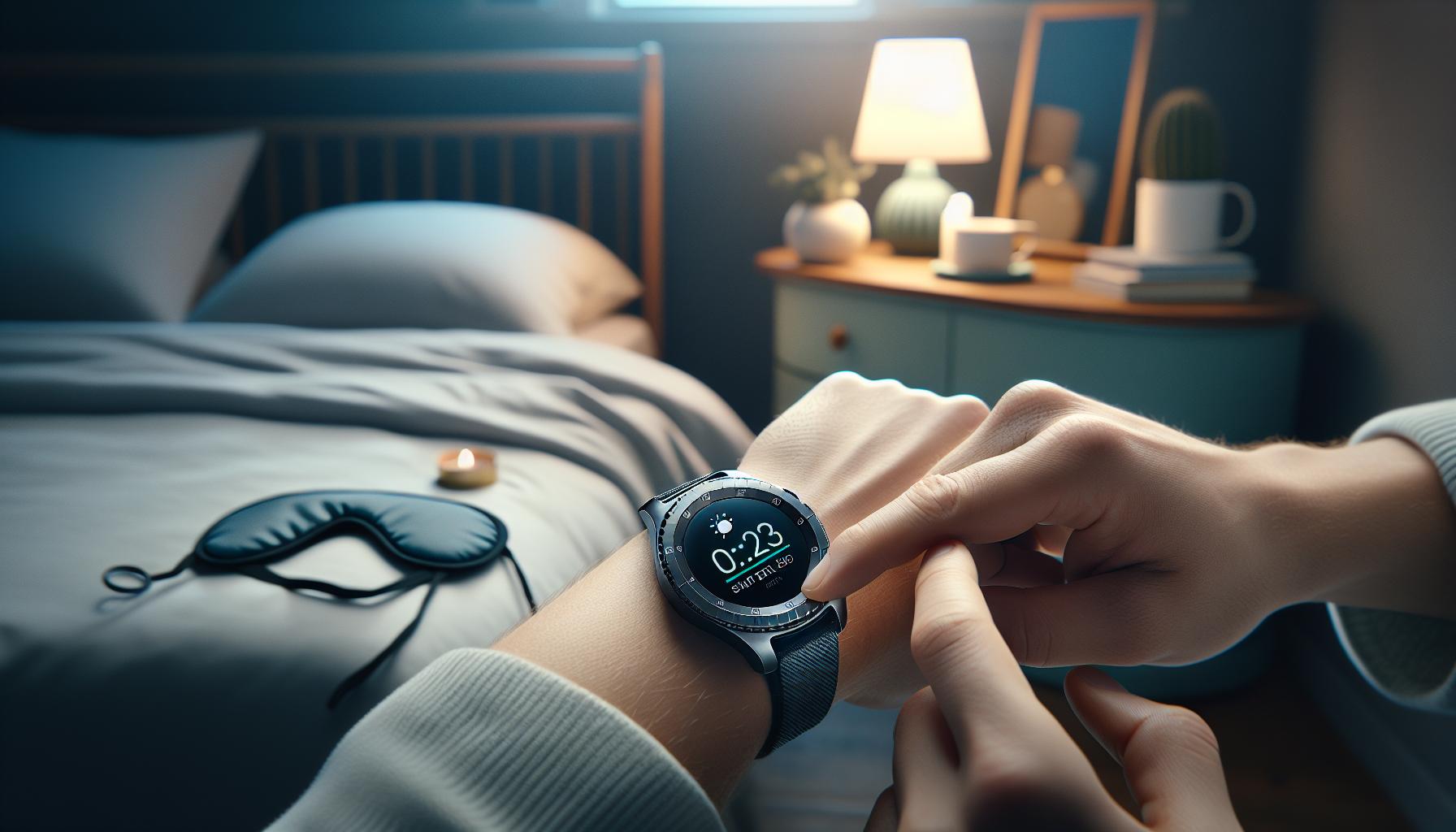
Setting Up Your Samsung Gear S3 for Sleep Tracking
To begin utilizing the sleep tracking feature of your Samsung Gear S3, it’s essential to understand how to set it up correctly. The process is straightforward, but attention to detail can significantly enhance your sleep data accuracy and overall experience. First and foremost, ensure your watch is charged well before bedtime; running out of battery overnight can disrupt your tracking. Ideally, aim for at least 50% battery charge before you sleep to maximize your tracking capabilities.
Once your device is charged, make sure to wear the Gear S3 snugly on your wrist. The sensors need direct contact with your skin to accurately monitor your movements and heart rate. For ease of setup, download and install the Samsung Health app on your smartphone. This app is crucial, as it collects your sleep data from the watch and presents it in a user-friendly format. After syncing your watch with the app, navigate to the settings within Samsung Health to configure the sleep tracking options. Here, you can set your usual sleep schedule, which helps the device better understand your routine and adjust its tracking metrics accordingly.
It’s helpful to customize notifications and reminders in the app as well. For example, enabling a bedtime reminder can prompt you to wind down, fostering a more consistent sleep routine. If you struggle with sleep onset, consider setting a Wind Down time, which could help signal your brain that it’s time to relax. In addition, ensure that sleep tracking is switched on in the Gear S3 settings to allow the device to automatically detect when you fall asleep.
Maintaining these settings prepares your Samsung Gear S3 to collect comprehensive sleep data, from the duration of your sleep to its various stages. The insightful analysis provided by the device and the companion app can guide you toward achieving better sleep health, creating awareness of your habits, and motivating you to make positive changes for improved rest quality.
Understanding Sleep Stages with Your Device
Understanding sleep is key to improving overall health, and your Samsung Gear S3 can help you track those elusive sleep stages effectively. The device utilizes advanced sensors to monitor your sleep patterns, breaking down your sleep into different stages: light sleep, deep sleep, and REM (rapid eye movement) sleep. Each stage plays a unique role in physical and mental recovery, and gaining insights into these stages can empower you to make informed adjustments to your sleep routine.
To effectively interpret your sleep data, start by familiarizing yourself with the specific sleep stages:
Sleep Stages Breakdown
- Light Sleep: This stage is where you drift in and out of sleep. It’s essential for transition and relaxation, often making up around 50% of your total sleep time.
- Deep Sleep: Often referred to as slow-wave sleep, this is the most restorative stage, crucial for physical recovery, immune function, and cognitive processing. It typically comprises about 20-25% of your total sleep.
- REM Sleep: This stage is critical for dreaming and plays a role in emotional regulation and memory consolidation. REM sleep cycles become longer throughout the night, making up around 20-25% of your total sleep time.
By understanding these stages, you can better assess whether you’re achieving a balanced sleep cycle. After tracking your sleep with the Gear S3, the Samsung Health app will provide you with a detailed breakdown of the time spent in each stage. This can help identify patterns or disruptions in your sleep, such as frequent awakenings or insufficient deep sleep, allowing you to make targeted adjustments.
For example, if your data shows you’re spending too little time in deep sleep, you may consider implementing changes such as establishing a calming bedtime routine or reducing caffeine intake in the hours leading up to bedtime. The device can also guide you in identifying your optimal sleep duration, enhancing both your physical and psychological well-being.
Lastly, while the Gear S3 provides insightful data, remember that it’s a tool meant to complement-not replace-professional advice. If you have ongoing sleep issues, a sleep study may be necessary for a comprehensive understanding of your sleep health. Your Gear S3 offers a convenient and informative way to kick-start your journey to better sleep.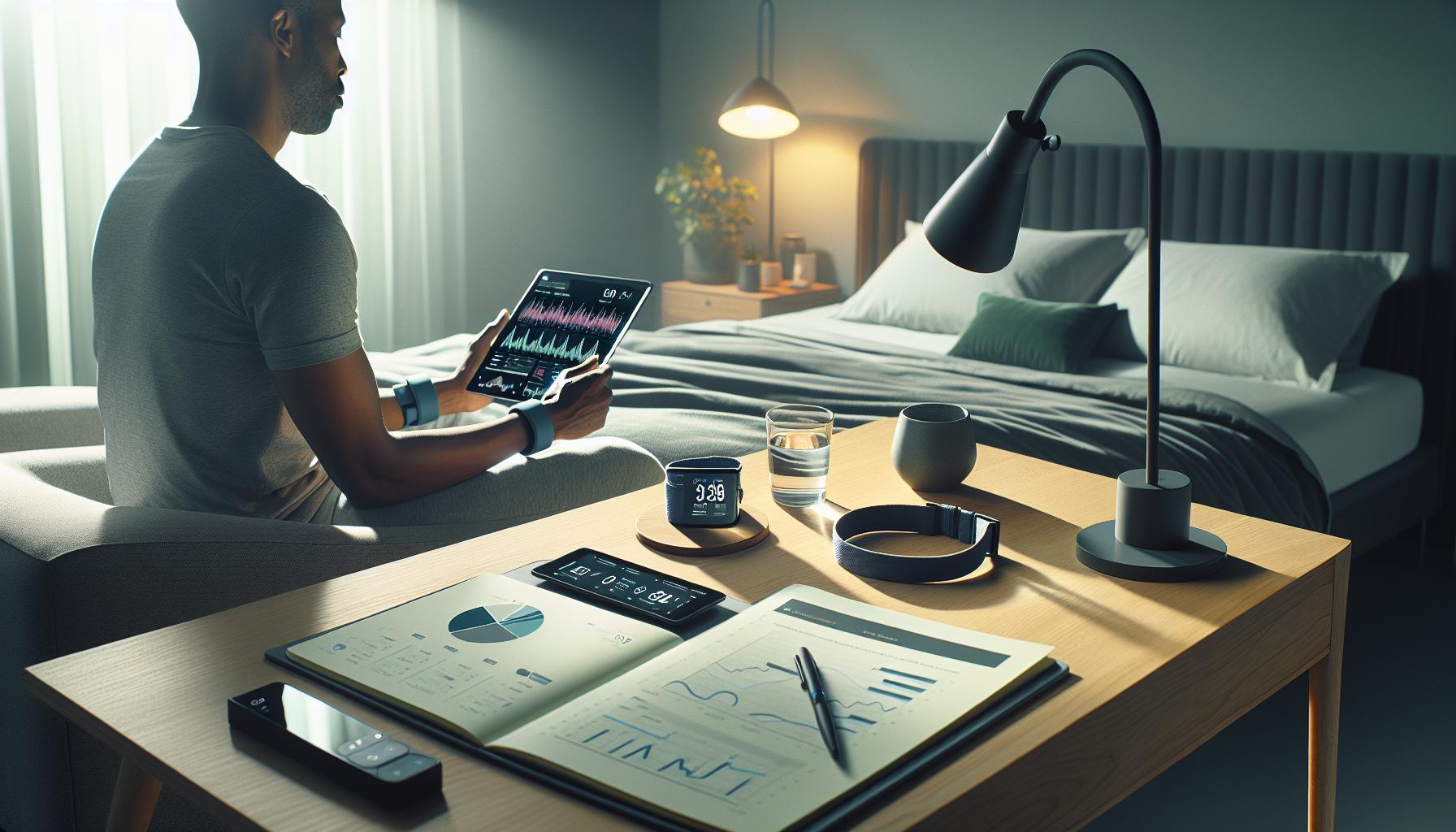
How to Analyze Your Sleep Data Effectively
Analyzing your sleep data effectively using the Samsung Gear S3 is critical for making informed decisions about your sleep health. Once you’ve laid your head on the pillow and your Gear S3 has recorded your nighttime patterns, the next step is to interpret the statistics provided in the Samsung Health app. This app not only presents the total hours of sleep but also breaks it down into the different stages: light sleep, deep sleep, and REM sleep. Understanding how much time you spend in each phase helps you grasp the quality of your rest.
To dive deep into your sleep metrics, look for trends over multiple nights. Are you getting enough deep sleep, or do you frequently wake up during the night? For instance, if your sleep data reveals a consistent lack of deep sleep, it might indicate potential issues like stress or environmental disturbances. Make a note of any patterns and changes-like a new bedtime routine or the introduction of sleep aids-that accompany shifts in your sleep stages. Over time, you may want to establish a journal to correlate your sleep quality with daily habits, such as physical activity and dietary choices.
Another effective strategy is to utilize the reminders and insights provided by the Samsung Health app. Notifications about your sleep schedule can help you maintain consistency, which is crucial for promoting better sleep hygiene. For example, if the app shows you’re frequently getting less than your recommended sleep duration, it may prompt you to adjust your evening schedule and prioritize winding down. Take advantage of these insights; they can guide you in making lifestyle changes that could enhance your sleep quality.
Remember that while the Gear S3 offers valuable data and insights, it should be viewed as a starting point rather than an ultimate answer. If you notice severe or consistent abnormalities in your sleep data, it might be worthwhile to consult a healthcare professional for a more in-depth sleep study. Such studies can provide a comprehensive overview of your sleep patterns and any underlying health conditions that may affect your sleep. By combining your device insights with professional advice, you can take significant steps towards improving your overall sleep health.
Maximizing Sleep Quality with Gear S3 Insights
To transform the insights gained from your Samsung Gear S3 sleep tracking into actionable improvements, start by making small, consistent changes to your nightly routine. The data collected is invaluable; however, understanding how to use it effectively can significantly enhance your sleep quality. For instance, take note of how your body’s sleep patterns correlate with changes in your daily life. Did you notice a particular day when sleep quality was better? What were the contributing factors-less screen time, reduced caffeine intake, or a calming bedtime ritual? Identifying these variables helps you tailor your routine for optimal rest.
Utilizing Samsung Health Insights
The Samsung Health app is a central tool for maximizing sleep quality. When you analyze your sleep data, focus on key metrics such as total sleep time, the breakdown of sleep stages (light, deep, REM), and the consistency of your sleep schedule. Here are practical ways to utilize this information:
- Regular Bedtimes: Consistency is key to achieving quality sleep. Use the app’s reminders to help establish a regular sleep schedule that aligns with your body’s natural circadian rhythms.
- Sleep Cycle Awareness: Pay attention to the recommended sleep duration based on your age and lifestyle. The app can alert you if you’re falling short of the ideal sleep times.
- Behavioral Patterns: Keep a journal alongside your app data to track activities like exercise or stress levels that may interfere with sleep. This correlation can provide insights into external factors affecting your nightly rest.
Implementing Lifestyle Changes
With insights in hand, consumer habits can adjust to improve sleep. For example, if the watch indicates a lack of deep sleep, consider incorporating relaxation techniques before bedtime, such as meditation or light reading. Environmental adjustments, like reducing room temperature, dimming lights, or even using white noise machines, can enhance sleep quality as well. A well-optimized sleep environment can directly reflect in the metrics reported by your Gear S3.
Another aspect to consider is the use of the Gear S3’s power-saving options while tracking your sleep. Ensure your watch has enough battery reserve before sleep tracking begins, so you don’t wake up only to find your watch dead, compromising the quality of data collected.
In summary, leveraging the Samsung Gear S3’s sleep insights not only paints a clearer picture of your sleep health but also empowers you to make informed decisions for improvement. By establishing connected habits and making small adjustments, achieving a restful night can become a consistent reality rather than a fleeting goal.
Troubleshooting Common Sleep Tracking Issues
While using the Samsung Gear S3 for sleep tracking can provide valuable insights, users may encounter some common issues that can affect the accuracy of their sleep data. Understanding these potential pitfalls and how to troubleshoot them can significantly enhance your experience.
One frequent concern is the accuracy of sleep detection. If your watch does not accurately register your sleep periods, ensure that you are wearing it snugly on your wrist during sleep. A loose fit may cause the sensors to misread your movements. Additionally, make sure that sleep tracking is enabled in the settings before going to bed, as turning it off accidentally could result in missed data.
Battery life can also impact your sleep tracking. The Gear S3 should have enough charge before you sleep to last through the night. If your watch dies during the night, it will not be able to capture any sleep data. Regularly charging your device, preferably during the day when you’re not using it, can help ensure it’s always ready for sleep tracking.
If you find the data inconsistent-for example, showing excessive wake times or odd sleep stage breakdowns-it may be beneficial to reset the watch or update its software. Outdated software can lead to glitches that affect performance. Check for updates regularly and consider restarting the device to clear any temporary issues.
Finally, consider your sleeping environment. If you experience disruptions like loud noises or uncomfortable temperatures, your sleep tracking data will reflect this. To collect the most accurate data, create a calming sleep environment free from distractions. Keep the room dark, cool, and quiet, and consider using white noise machines if needed.
By addressing these common issues, you can optimize your use of the Samsung Gear S3 for sleep tracking, ensuring that you gain the best possible insights into your sleep patterns.
Comparing Samsung Gear S3 with Other Sleep Trackers
When it comes to tracking sleep, the Samsung Gear S3 offers an appealing blend of functionality, design, and price. However, it’s essential to compare it with other popular sleep trackers to determine which device might best meet your needs. Many users look for comprehensive data about their sleep patterns, and while the Gear S3 delivers basic metrics like total sleep time and sleep stages, it is helpful to see how it stacks up against competitors.
Key Features Comparison
The Gear S3 primarily tracks sleep using motion detection and heart rate monitoring, providing insights through the Samsung Health app. In contrast, devices like the Fitbit Charge 5 and the Apple Watch Series 7 offer more advanced sleep tracking capabilities, such as respiratory rate monitoring and automated sleep stage detection based on heart rhythm data. Additionally, the Fitbit ecosystem allows for deeper insights with detailed reports on sleep quality and trends over time.
| Feature | Samsung Gear S3 | Fitbit Charge 5 | Apple Watch Series 7 |
|—————————–|———————–|————————|————————–|
| Sleep Stages | Yes | Yes | Yes |
| Heart Rate Monitoring | Yes | Yes | Yes |
| Respiratory Rate Monitoring | No | Yes | Yes |
| Sleep Insights via App | Samsung Health | Fitbit App | Health App |
| Battery Life | 2-3 days | Up to 7 days | 18 hours |
| Price Range | Mid-range | Affordable | Premium |
Practical Considerations
For casual users looking to evaluate their sleep without investing heavily, the Gear S3 is a solid option. However, if you require detailed feedback and features that promote overall health, you might lean towards specialized sleep trackers. The price point can be a significant factor; while the S3 offers an all-in-one smartwatch experience, dedicated trackers like the Fitbit provide functionality at a lower price but without smart features like notifications or apps.
In essence, the choice between the Gear S3 and other sleep trackers ultimately hinges on your lifestyle and what you prioritize in a fitness device. If you favor a multi-functional smartwatch that includes basic sleep tracking, the Gear S3 suffices. However, for those with a keen interest in sleep optimization, exploring options like the Fitbit or Apple Watch could offer deeper insights into your sleep health, helping you make informed adjustments to enhance your overall well-being.
Tips for Optimizing Your Sleep Environment
Creating a sleep-friendly environment can significantly enhance the quality of your rest, making it easier for your Samsung Gear S3 to accurately track your sleep patterns. Did you know that your surroundings can play a crucial role in how quickly you fall asleep and how restful your sleep is? By making a few adjustments, you can foster a space that promotes relaxation and comfort.
One essential element of a good sleep environment is darkness. Exposure to light can disrupt your circadian rhythm, so consider using blackout curtains or a sleep mask to minimize light pollution. Additionally, try to lower the room temperature. Experts recommend keeping your bedroom cool-ideally between 60°F and 67°F (15°C to 19°C)-which can help lower your body temperature and facilitate better sleep.
Another key factor is noise control. A quiet room is vital for undisturbed rest. If external sounds are an issue, consider using white noise machines or apps to mask disruptive noises. Alternatively, earplugs can provide simple, effective sound barriers. Adding elements like calming scents-using essential oils such as lavender or chamomile-can also promote relaxation and signal your body that it’s time to wind down.
Finally, ensure that your mattress and pillows are comfortable and supportive. Test out different types to find what feels best for you, as this can directly affect your sleep quality. Incorporating these small, yet powerful changes will not only improve your sleep experience but can also complement the data collected by your Gear S3, providing you with clearer insights into your sleep health.
By optimizing your sleep environment, you create the perfect backdrop for your Samsung Gear S3 to help you meet your sleep goals, leading to better overall health and well-being.
When to Consider a Sleep Study vs. Using a Tracker
Understanding whether to use your Samsung Gear S3 or pursue a formal sleep study can be a crucial decision for many seeking to address sleep issues. For most individuals, the initial step is often to try wearable technology like the Gear S3, which provides valuable insights into sleep patterns and general sleep quality. This device can track basic sleep metrics, such as sleep duration and efficiency, giving users a good starting point for understanding their rest.
However, if you find yourself consistently struggling with sleep despite following insights from your Gear S3, or if you experience symptoms such as loud snoring, excessive daytime sleepiness, or periods of breathing cessation at night, it might be time to consider a sleep study. This comprehensive evaluation involves overnight monitoring in a clinical setting, where polysomnography assesses brain waves, oxygen levels, heart rate, and respiratory effort, providing a detailed picture of your sleep stages and any potential sleep disorders.
The costs associated with a sleep study can range significantly, often from $1,000 to $3,000, depending on your insurance coverage and the complexity of the study. In contrast, the Samsung Gear S3 is a more affordable initial investment that allows you to track sleep over time without any additional costs. If your data reveals concerning patterns-such as frequent awakenings or insufficient deep sleep-it may warrant further investigation through a sleep study, which offers a much deeper analysis of your sleep issues.
Remember, while wearables like the Gear S3 can help map your sleep trends and promote healthier habits, they have limitations. They typically do not diagnose conditions or capture the same breadth of detail as a sleep study can. Utilize your smartwatch first, logging your observations and functionalities through the device, and if you suspect a deeper problem, consult with a healthcare provider. The combination of personal tracking and professional assessment can lead to informed decisions about your sleep health.
Real-Life Scenarios: Gear S3 Impact on Sleep Health
Wearing a Samsung Gear S3 to bed can provide compelling insights into your sleep health, often leading to significant improvements in how well you rest. For instance, a user named Chris reported that tracking his sleep helped him identify patterns of restless nights that he hadn’t been aware of. After reviewing his sleep data, he realized that excessive screen time before bed was affecting his sleep quality. By limiting his device usage and implementing a wind-down routine, he was able to achieve deeper sleep phases, as reflected by the Gear S3’s data.
Another user, Jessica, had been experiencing frequent waking during the night but wasn’t sure why. After using her Gear S3 for a couple of weeks, she noted that her sleep disturbances coincided with higher stress levels during workdays. This realization prompted her to integrate relaxation techniques into her nightly routine, such as meditation and soothing music, which proved effective in reducing her nighttime awakenings. By actively adjusting her habits based on the insights from her smartwatch, Jessica not only improved her sleep but also felt more rested and energetic during the day.
It’s essential to understand that the Samsung Gear S3 provides a useful starting point for gauging sleep patterns and overall quality. However, for those like Mark, who noticed persistent symptoms such as extreme fatigue and difficulty staying awake during the day, the watch’s data highlighted a need for further investigation. This led him to consult a healthcare professional, who recommended a sleep study. By combining the smartwatch’s insights with professional guidance, Mark was on a path toward addressing potential underlying sleep disorders.
Using the Gear S3 can empower you to make informed decisions about your sleep health by identifying trends in your behavior and environment. Sometimes, simple changes in lifestyle based on data from the watch can dramatically enhance your sleep quality without requiring more invasive measures, like a sleep study. However, awareness of its limitations is also crucial; while the Gear S3 is informative, it doesn’t replace medical evaluations when necessary. Balancing technology with professional advice is the best strategy for improving your sleep health.
Sleep Health Resources and Further Reading
Understanding your sleep health is more important now than ever, and with the availability of devices like the Samsung Gear S3, achieving a well-rounded perspective on your sleep patterns has never been easier. Below, we highlight key resources and reading materials that can enhance your knowledge and guide you on this journey.
Books and Articles
- The Sleep Revolution by Arianna Huffington – This book dives deep into the science of sleep and its impact on our health. It offers practical advice and solutions for getting better rest.
- Why We Sleep by Matthew Walker – A comprehensive resource that explains the significance of sleep and includes actionable steps for improving your sleep quality based on sleep science.
- Peer-reviewed articles from journals such as Sleep Health and Journal of Clinical Sleep Medicine provide the latest research findings on sleep disorders and sleep tracking methods. These can be accessed via university databases or medical libraries.
Online Resources
The internet is teeming with helpful content regarding sleep health. Consider these platforms:
- National Sleep Foundation – Offers guidance on sleep hygiene, sleep disorders, and tips for better sleep.
- Sleep.org – A resourceful site with articles and infographics designed to improve sleep habits.
- Centers for Disease Control and Prevention (CDC) – Provides statistics and information about sleep health and its relationship with physical and mental health.
Sleep Study Information
If you’re considering a sleep study, here’s what to expect:
- Consultation with a sleep specialist-a good first step if sleep problems persist.
- Polysomnography-this overnight test records brain waves, oxygen levels, heart rate, and breathing, along with eye and leg movements. This helps diagnose sleep disorders.
- Costs can vary widely based on location and insurance coverage, so check with your provider to understand how much you might pay out-of-pocket.
When to Seek Professional Help
Your Gear S3 may provide valuable insights, but it cannot replace professional medical advice. Pay attention to signs such as:
- Consistency in poor sleep quality despite tracking improvements
- Daytime sleepiness that affects your daily activities
- Severe snoring or gasping during sleep, indicating potential sleep apnea
By utilizing these resources and staying informed, you can take control of your sleep health with confidence, ensuring that your experience with the Samsung Gear S3 becomes a stepping stone to better rest and overall well-being.
Q&A
Q: How does the Samsung Gear S3 track sleep?
A: The Samsung Gear S3 tracks sleep by using advanced sensors to monitor your movements and heart rate throughout the night. It distinguishes between light and deep sleep stages, providing insights into your sleep quality. For detailed information, refer to the section on Understanding Sleep Stages with Your Device.
Q: Can I customize sleep tracking settings on the Samsung Gear S3?
A: Yes, you can customize sleep tracking settings on the Samsung Gear S3 through the Samsung Health app. You can adjust reminders for bedtime or analyze your sleep data preferences. For setup guidance, see the Setting Up Your Samsung Gear S3 for Sleep Tracking section.
Q: What should I do if my Samsung Gear S3 isn’t tracking sleep properly?
A: If your Gear S3 isn’t tracking sleep properly, ensure the watch fits snugly on your wrist and check if the battery is charged. Restarting the device may also help. For more troubleshooting tips, refer to Troubleshooting Common Sleep Tracking Issues.
Q: How accurate is the sleep tracking on Samsung Gear S3?
A: The sleep tracking on Samsung Gear S3 is generally accurate, providing insights based on movement and heart rate. However, it may not be as precise as a clinical sleep study. For a comparative analysis, see the Comparing Samsung Gear S3 with Other Sleep Trackers section.
Q: What features does the Samsung Gear S3 offer for better sleep quality?
A: The Samsung Gear S3 offers features like analysis of sleep stages, reminders for bedtime, and personalized insights to maximize sleep quality. For detailed techniques, refer to the Maximizing Sleep Quality with Gear S3 Insights section.
Q: Is it possible to sync sleep data from Samsung Gear S3 with other devices?
A: Yes, you can sync sleep data from the Samsung Gear S3 with compatible devices using the Samsung Health app. This helps in accessing your sleep trends across platforms. For more details, look at Analyzing Your Sleep Data Effectively.
Q: How can I interpret my sleep data from the Samsung Gear S3?
A: You can interpret sleep data by reviewing the Samsung Health app, which provides a breakdown of sleep stages and overall sleep quality. For in-depth analysis, check the section on Analyzing Your Sleep Data Effectively.
In Retrospect
Now that you have the full guide on using sleep tracking with your Samsung Gear S3, it’s time to take control of your sleep health. Remember, tracking your sleep can lead to improvements in your overall well-being, but understanding the data is key. If you have questions or want even deeper insights, check out our articles on optimizing your sleep with wearables and tips for better sleep hygiene.
Don’t wait to transform your sleep experience-explore our resources today and consider signing up for our newsletter for the latest tips and tools to enhance your sleep health. Engage with us in the comments below or share your experiences; your insights can inspire others on their sleep journey. Let’s continue discovering the best approach to well-rested nights together!
Get our latest guides, news, and insights highlighted in your Google Search & AI Overviews.